
Introduction
About Your Pomya Mini Body Camera
The Pomya Mini Body Camera is a compact, high-definition recording device designed for various applications including daily recording, service delivery, and outdoor activities. It features 1080p HD video capture, night vision capabilities, and a wide-angle lens for comprehensive coverage.
Key Features:
- HD Recording: Captures 1080p HD videos with night vision, suitable for daily recording, service delivery, and outdoor activities.
- Night Vision: Equipped with manual and automatic night vision, featuring 6 infrared LEDs for clear footage up to 33 feet in darkness, for day and night use.
- Versatile Mounting: Can be clipped onto clothing, mounted on a motorcycle, or used as a dash cam.
- Loop Recording & Wide Angle Lens: Automatically overwrites oldest footage when storage is full. Features a 130-degree wide-angle lens for extensive coverage.
- Integrated Display: A 2.0-inch HD display allows for direct video playback and photo viewing without a computer.

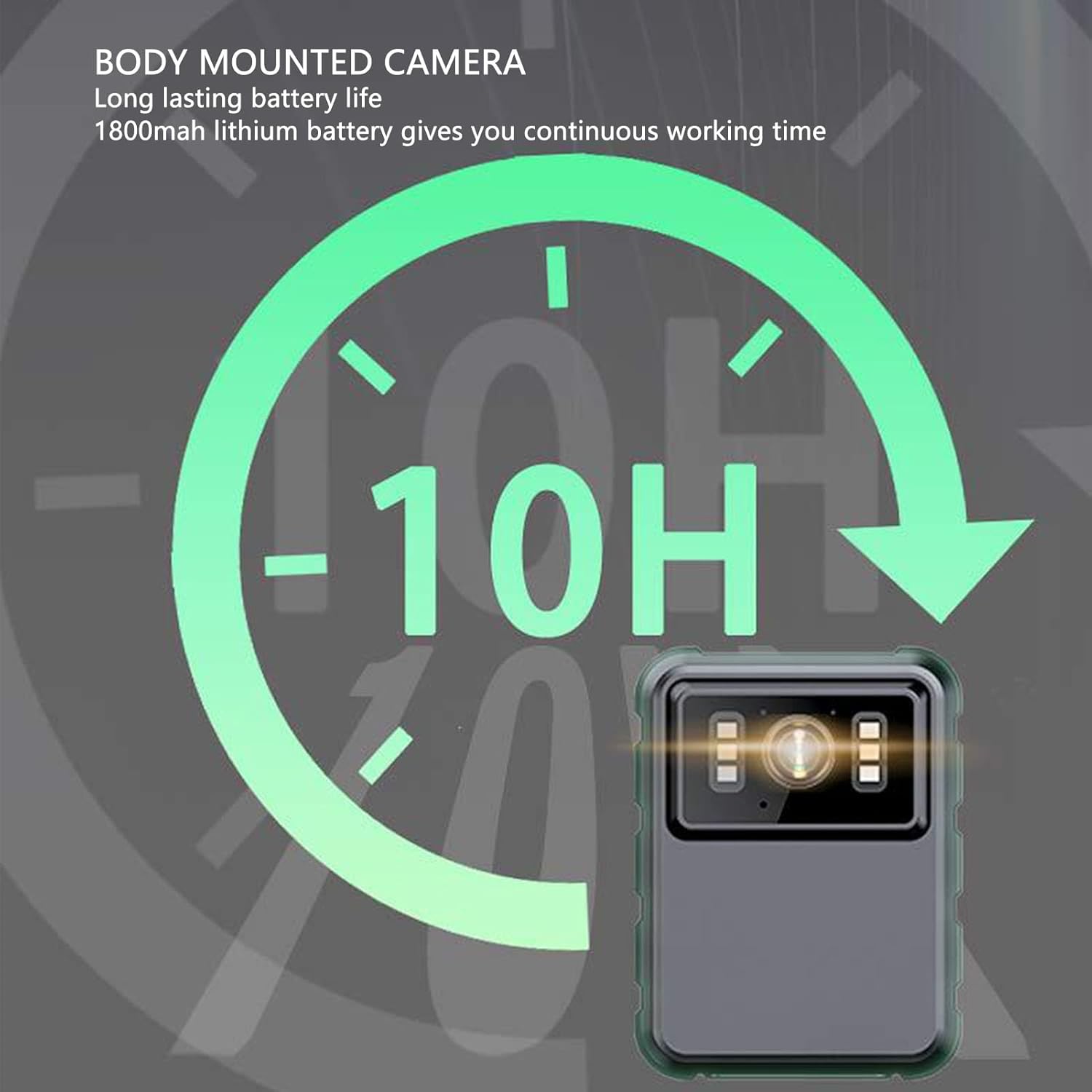
This graphic highlights the camera's long-lasting 1800mAh lithium battery, providing approximately 10 hours of continuous operation.
Product Overview
Package Contents
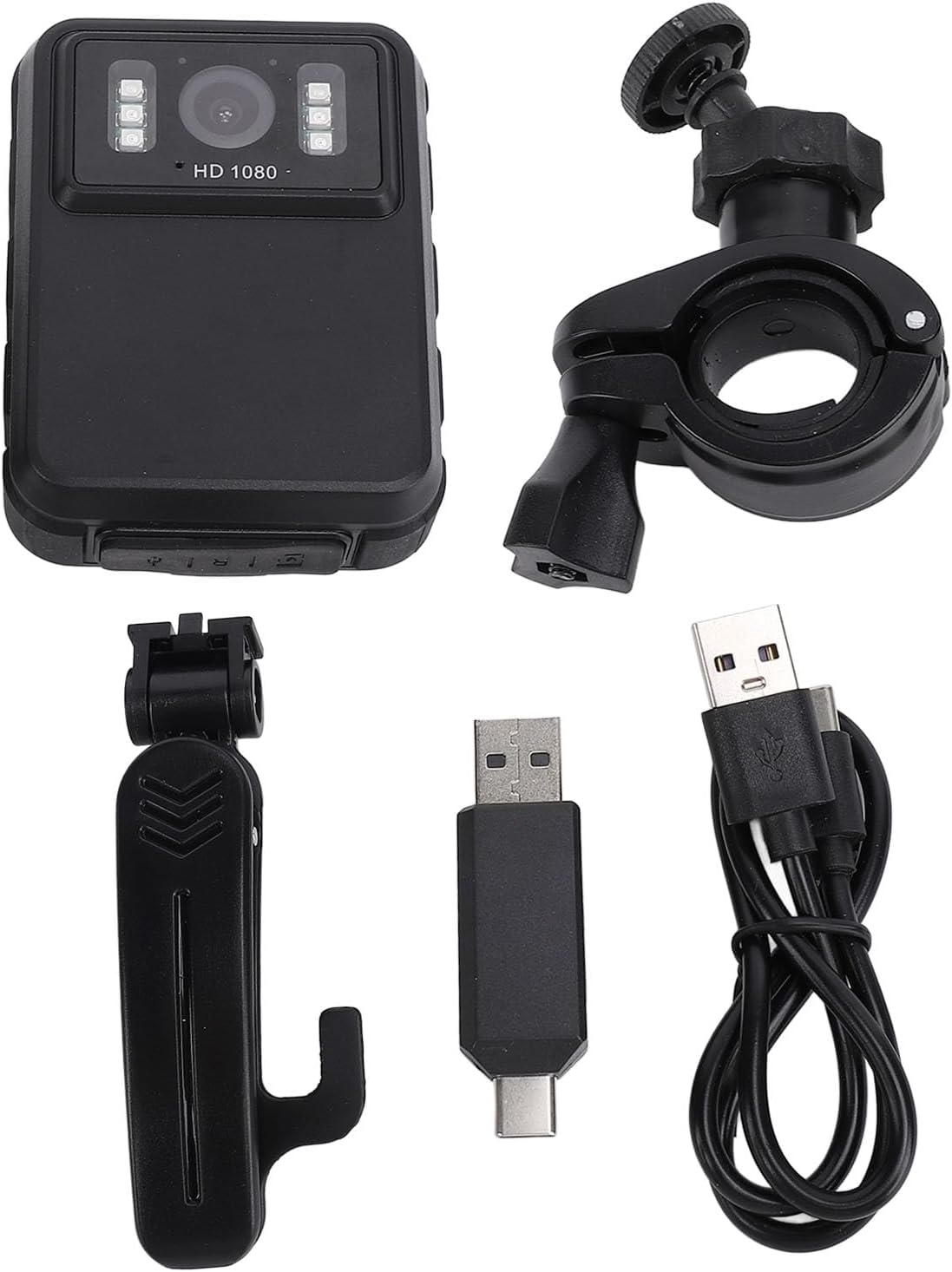
The standard package includes the Pomya Mini Body Camera, two types of brackets, one adapter, one charging cable, and a user manual.
This image displays the Pomya Mini Body Camera along with its accessories: a clip-on bracket, a handlebar mount bracket, a USB-C to USB-A adapter, and a USB charging cable.
Camera Components
Familiarize yourself with the camera's buttons and ports for optimal use.

A side view of the camera highlighting the control buttons for navigation, mode selection, and power, along with the 2.0-inch IPS display.
Setup
1. Charging the Device
Before first use, fully charge the camera. Connect the charging cable to the camera's USB port and to a power source. The charging indicator will show the charging status.
2. Inserting a Memory Card
The camera supports a memory card (up to 128GB, not included). Locate the memory card slot and insert the card gently until it clicks into place. Ensure the camera is powered off before inserting or removing the card.
3. Attaching Brackets
Select the appropriate bracket for your intended use. The clip-on bracket allows attachment to clothing, while the handlebar mount is suitable for motorcycles or bicycles. Securely attach the camera to the chosen bracket.

The camera is shown mounted on a motorcycle handlebar, demonstrating its use as a dash cam or for recording outdoor activities.
A person wearing the Pomya Mini Body Camera clipped to their shirt, illustrating its wearable design for hands-free recording.
Operating Instructions
Power On/Off
Press and hold the Power button (usually marked with a power symbol) for a few seconds to turn the camera on or off.
Recording Video
Once powered on, the camera typically enters standby mode. Press the Record button (often marked with a red dot or camera icon) to start video recording. Press it again to stop recording.
Taking Photos
In standby mode, press the Mode button to switch to photo mode. Press the Shutter button (often the same as the Record button or a separate button) to capture a photo.
Night Vision Activation
The camera features manual and automatic night vision. Refer to the on-screen menu or specific buttons for activating/deactivating night vision. The 6 infrared LEDs will illuminate for clear recording in low-light conditions.

This image illustrates the camera's night vision capability, showing how its 6 infrared lights enable clear video capture in dark environments up to 33 feet.
Loop Recording
The camera supports loop recording, which automatically overwrites the oldest footage when the memory card is full. This ensures continuous recording without manual deletion of old files. This feature can usually be enabled or disabled in the camera settings.
Playback on Device
Use the 2.0-inch HD display to review recorded videos and photos directly on the camera. Navigate through files using the control buttons.

A visual representation demonstrating the 130-degree wide-angle lens, which captures a broader field of view for more comprehensive image and video recording.

This image compares the visual quality of 2K (2304x1296P) and 1080P (1920x1080P) video resolutions, highlighting the camera's capability to record in high definition.
Maintenance
Cleaning
Use a soft, dry cloth to clean the camera body and lens. Avoid using liquid cleaners or abrasive materials that could damage the device.
Storage
Store the camera in a cool, dry place away from direct sunlight and extreme temperatures. When storing for extended periods, ensure the battery is partially charged (around 50%) to prolong its lifespan.
Battery Care
To maintain battery health, avoid fully discharging the battery frequently. Charge the camera regularly, even if not in use, to prevent deep discharge.
Troubleshooting
Camera Not Turning On
- Ensure the battery is charged. Connect the camera to a power source and allow it to charge for at least 30 minutes before attempting to power on again.
- Press and hold the Power button for several seconds to ensure it's not a brief press issue.
Recording Issues (e.g., not recording, poor quality)
- Check if a memory card is properly inserted and has sufficient free space.
- Format the memory card (this will erase all data, so back up important files first).
- Ensure the lens is clean and free from obstructions.
- Verify that the camera is in the correct recording mode.
Night Vision Not Working
- Check the night vision settings to ensure it's enabled (either automatic or manual).
- Ensure there are no physical obstructions blocking the infrared LEDs.
Device Freezing or Unresponsive
- Perform a soft reset by pressing and holding the Power button until the device shuts down, then restart.
- If available, use a small pin to press the reset button (refer to the device diagram if present).
Specifications
| Feature | Detail |
|---|---|
| Brand | Pomya |
| Model | Mini Body Camera (128GB) |
| Built-in Battery | Lithium Battery 1800mAh |
| Lens Viewing Angle | 100° |
| Display Screen | 2.0 inch IPS Screen, 320x240 Resolution |
| Camera Resolution | 3840x2160p, 2560x1440p, 1920x1080p |
| Audio Bitrate | WAV (512KBPS) |
| Infrared Night Vision | Support, Built-in 6 Energy Saving Infrared Lights |
| Infrared Switching Mode | Off, Auto, Manual Adjustment |
| Microphone | Omnidirectional Built-in Capacitor MIC |
| Recording Working Time | About 8 hours |
| Continuous Recording Time | About 8 hours |
| Longest Photo Time | About 10H (1080p 30fps High Grade Video) |
| Item Weight | 10.9 ounces |
| Package Dimensions | 5.91 x 5.12 x 2.36 inches |
Warranty and Support
For warranty information and technical support, please refer to the official Pomya website or contact customer service through your purchase platform. Keep your proof of purchase for warranty claims.