
1. Introduction
This manual provides essential instructions for the safe and effective use of your SLLEA 29V 5A AC Adapter Charger. This power supply is designed to be compatible with Merits Pride HP8204A and HP8204B wheelchair power systems, specifically for SLA battery charging. Please read this manual thoroughly before operation and retain it for future reference.

Image 1.1: The SLLEA 29V 5A AC Adapter Charger. This image shows the compact black power adapter with its attached power cord and output cable, coiled neatly.
2. Safety Information
Your safety is paramount. This AC adapter is designed with multiple protection features to ensure safe operation. However, it is crucial to follow all safety guidelines.
- Compatibility: Prior to use, it is strongly recommended to consult the product manufacturer of your wheelchair or a qualified expert to confirm compatibility. Product specifications, power input/output requirements, and safety certifications may differ based on model, production batch, or region.
- Indoor Use Only: This adapter is intended for indoor use in dry conditions. Do not expose to rain, moisture, or extreme temperatures.
- Ventilation: Ensure adequate ventilation around the adapter during operation. Do not cover the adapter.
- Damage Inspection: Inspect the adapter and cables for any signs of damage before each use. Do not use if damaged.
- Children and Pets: Keep the adapter out of reach of children and pets.
- Built-in Protections: This adapter features:
- OVP (Over Voltage Protection): Protects against excessive voltage.
- OCP (Over Current Protection): Guards against excessive current flow.
- OTP (Over Temperature Protection): Prevents overheating.
- SCP (Short Circuit Protection): Protects against short circuits.

Image 2.1: Diagram illustrating the built-in safety protections of the adapter, including Over Voltage Protection (OVP), Over Current Protection (OCP), Over Temperature Protection (OTP), and Short Circuit Protection (SCP).
3. Setup Instructions
Follow these steps to set up your AC adapter for use:
- Unpack: Carefully remove the AC adapter from its packaging.
- Inspect: Check the adapter and all cables for any visible damage. Do not proceed if damage is found.
- Connect to Device: Locate the charging port on your Merits Pride HP8204A or HP8204B wheelchair. Connect the adapter's output plug (Adapter Interface) securely into the device's charging port. Ensure a firm connection.
- Connect to Power Outlet: Plug the 2-pin AC input plug (Plum Blossom Connector) into a standard 100-240 VAC 50/60Hz wall outlet.
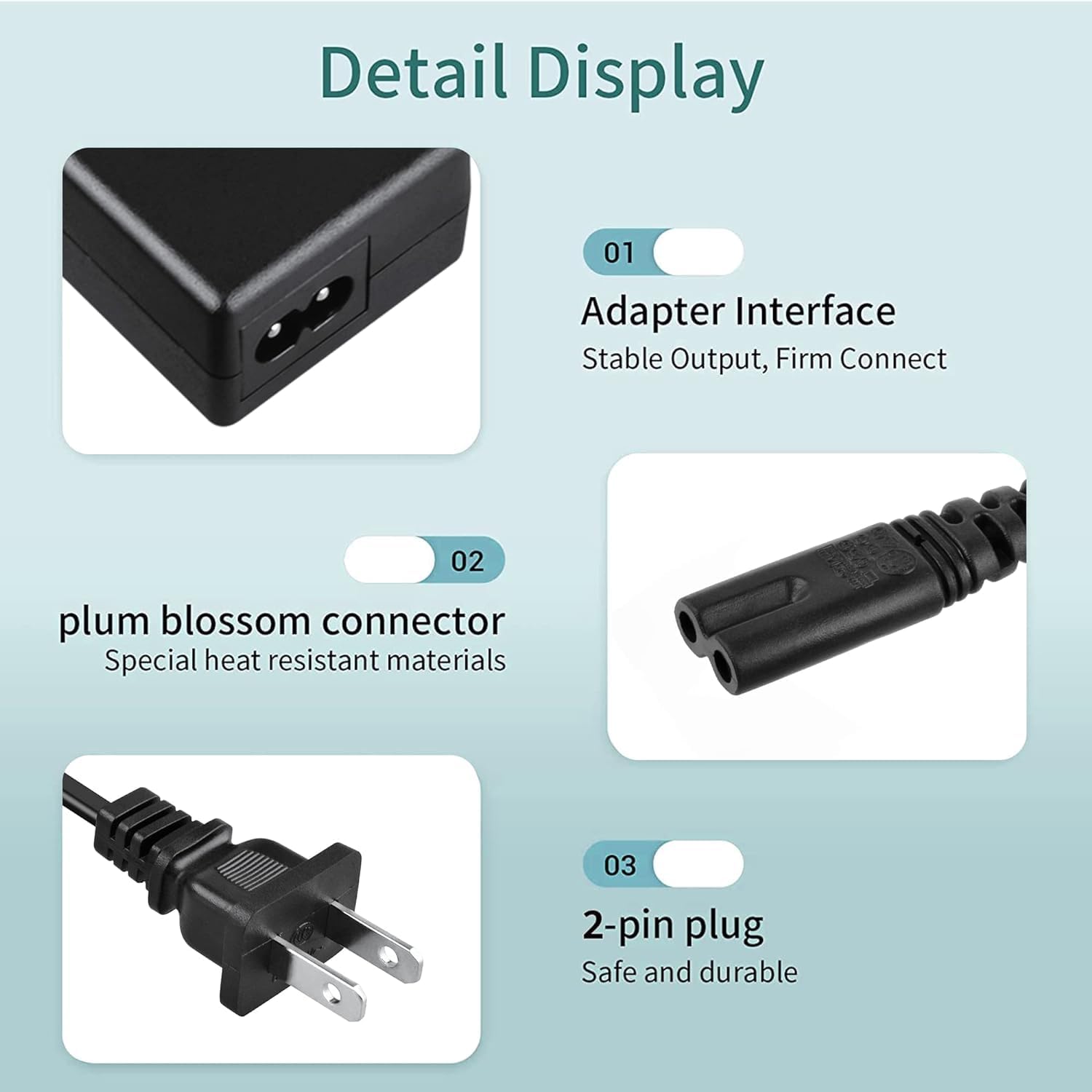
Image 3.1: Detailed view of the adapter's components: the adapter interface for stable output, the plum blossom connector made of special heat-resistant materials, and the safe and durable 2-pin plug.
4. Operating Instructions
Once properly set up, the adapter will begin charging your device. Observe the charging indicator on your wheelchair (if available) to monitor the charging status.
- Charging Time: Charging time will vary depending on the battery's state of charge and capacity. Refer to your wheelchair's manual for specific charging duration guidelines.
- Unplugging: Once charging is complete, first unplug the adapter from the wall outlet, then disconnect it from your wheelchair.
- Temperature: It is normal for the adapter to feel warm to the touch during operation, especially during prolonged use. However, if it becomes excessively hot, disconnect it immediately and contact support.
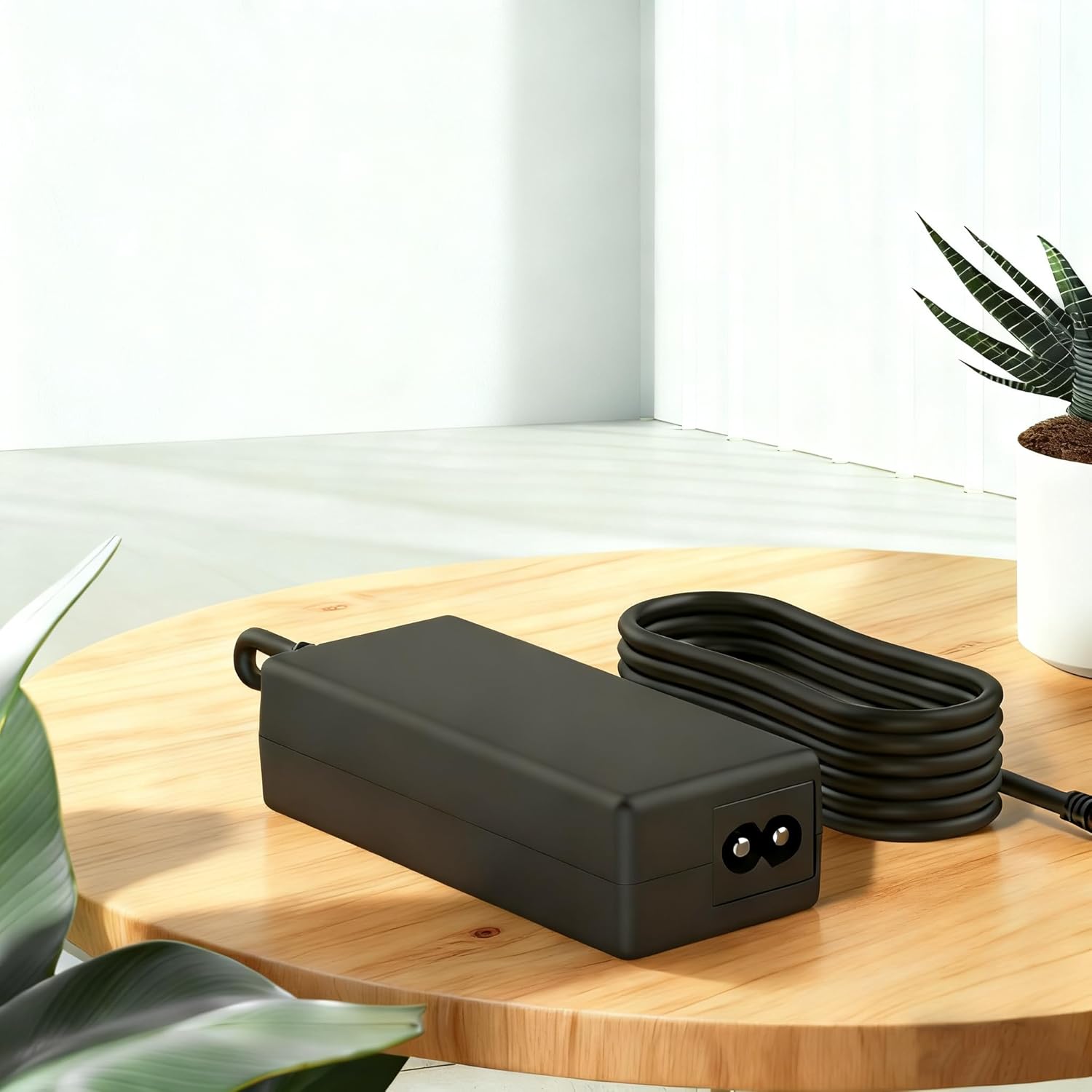
Image 4.1: The SLLEA 29V 5A AC Adapter Charger placed on a wooden surface, ready for use. This image provides a sense of the product's size and appearance in a typical indoor setting.
5. Maintenance and Care
- Cleaning: Disconnect the adapter from all power sources before cleaning. Use a soft, dry cloth to wipe the exterior. Do not use liquid cleaners or solvents.
- Storage: When not in use, store the adapter in a cool, dry place, away from direct sunlight and moisture. Avoid tightly coiling the cables to prevent damage.
- Cable Durability: The adapter features a reinforced construction to prevent wire pull-out and damage. However, avoid excessive bending or pulling on the cables.
6. Troubleshooting
| Problem | Possible Cause | Solution |
|---|---|---|
| Adapter not charging device. |
|
|
| Adapter becomes excessively hot. |
|
|
7. Specifications
| Feature | Detail |
|---|---|
| Brand | SLLEA |
| Input Voltage | 100 - 240 VAC, 50/60Hz (Worldwide Use) |
| Output Voltage/Current | 29V 5A |
| Connector Type | Round |
| Compatible Devices | Merits Pride HP8204A, HP8204B Wheelchairs (SLA Battery Charger) |
| Special Feature | Travel-friendly, Compact & Portable |
| Safety Certifications | CE Certified (Over Heat, Over Voltage Protection) |
| Color | Black |
8. Warranty and Support
For warranty information or technical support, please contact the manufacturer, SLLEA, directly. Refer to your purchase documentation for specific warranty terms and contact details. You may also visit the SLLEA Store on Amazon for additional resources.
Protection plans are available for purchase separately. Please refer to the product listing for details on available 2-Year and 3-Year protection plans.