
1. Product Overview
The occiam T19 Active Noise Cancelling Wireless Earbuds are designed to provide a high-quality audio experience with enhanced comfort and durability. Featuring advanced active noise cancellation technology, these earbuds reduce ambient noise by up to 45dB, ensuring clear audio for music and calls. The ergonomic design with flexible ear hooks ensures a secure and comfortable fit, ideal for various activities including sports and daily use. With extended battery life and intuitive controls, the T19 earbuds offer a seamless wireless experience.

Image: occiam T19 Earbuds showcasing the Active Noise Cancelling feature, indicating a 45dB noise reduction.
2. What's in the Box
Upon unboxing your occiam T19 Wireless Earbuds, please ensure all components are present:
- Wireless Earbuds (Left and Right)
- Charging Case
- USB-C Charging Cable
- User Manual
- Eartips (S, M, L sizes)
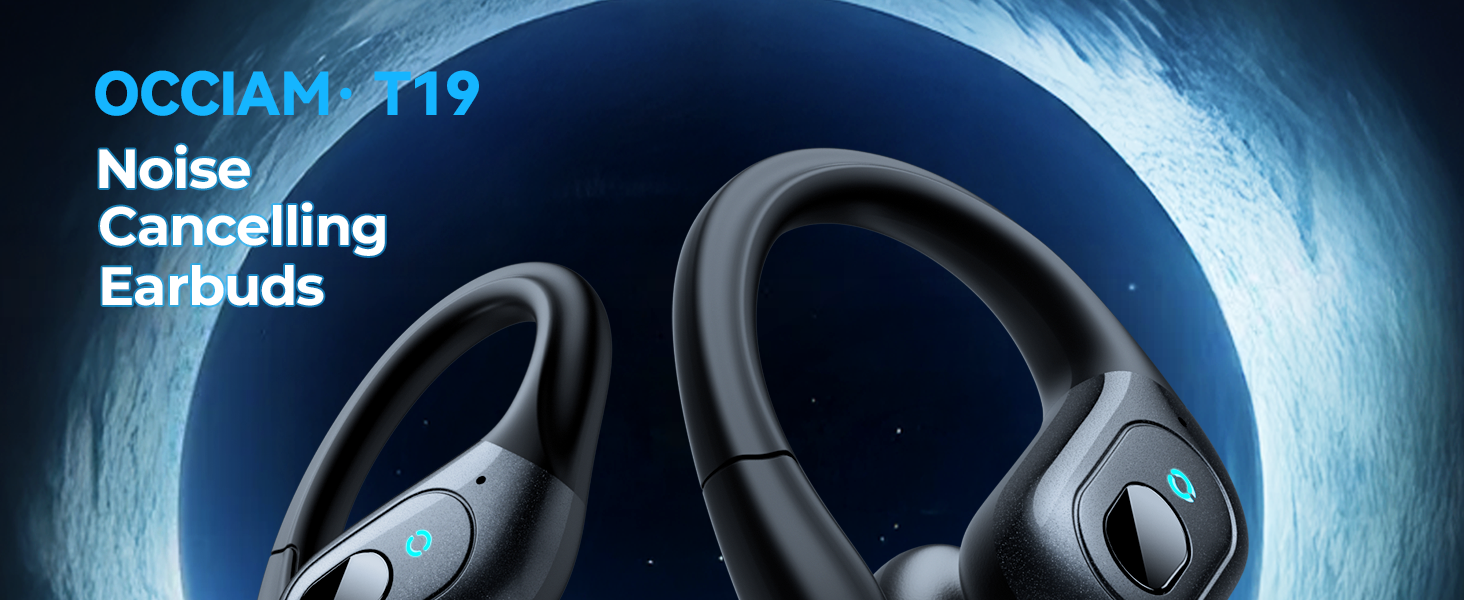
Image: A visual representation of the occiam T19 Earbuds package contents, including earbuds, charging case, USB-C cable, user manual, and various eartip sizes.
3. Setup
3.1 Charging the Earbuds and Case
Before first use, fully charge the earbuds and charging case. Use the provided USB-C charging cable to connect the case to a power source. The digital battery display on the case will show the charging status and remaining power.
- Each earbud provides approximately 8 hours of playback on a full charge.
- With the charging case, total playback time is up to 48 hours when using both earbuds, or up to 90 hours when using a single earbud alternately.
- The charging case takes approximately 2 hours to fully charge.

Image: The occiam T19 charging case displaying battery levels for both earbuds and the case itself, highlighting the long-lasting power time and Type-C charging port.
3.2 Pairing with Your Device
The occiam T19 earbuds feature one-step pairing for quick and easy connection:
- Open the charging case. Both earbuds will automatically power on and enter pairing mode. Each earbud will flash a blue indicator light.
- On your Bluetooth-enabled device (smartphone, tablet, laptop, etc.), go to the Bluetooth settings.
- Find "T19" in the list of available devices and select it to pair and connect.
- After initial pairing, the earbuds will automatically connect to your last paired device when the case is opened.
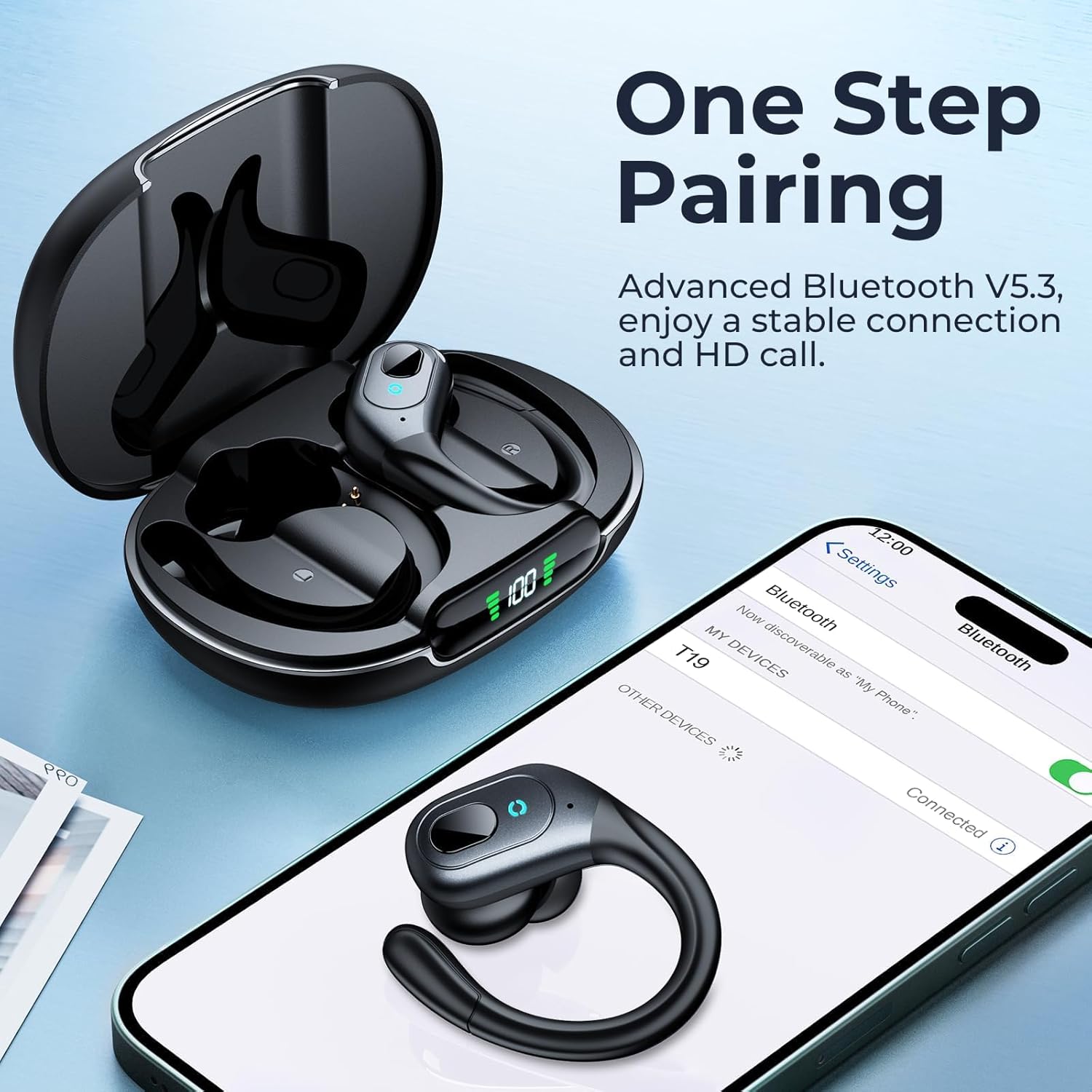
Image: An occiam T19 earbud next to a smartphone screen showing the Bluetooth settings with "T19" available for connection, illustrating the one-step pairing process.
3.3 Wearing the Earbuds
For optimal sound quality and comfort, choose the correct ear tip size and adjust the ear hooks:
- Select the ear tips (S, M, L) that provide a snug fit in your ear canal.
- Place the earbud into your ear and gently hook the flexible ear hook over the top of your ear.
- Adjust the angle of the earbud and hook until it feels secure and comfortable.

Image: A person wearing an occiam T19 earbud, demonstrating the secure fit with the over-ear hook and the availability of different ear tip sizes for customized comfort.
4. Operating Instructions
4.1 Physical Button Controls
Each earbud is equipped with a physical button for easy control of audio playback and calls:
- Play/Pause: Single press the button on either earbud.
- Next Track: Double press the button on the right earbud.
- Previous Track: Double press the button on the left earbud.
- Volume Up: Triple press the button on the right earbud.
- Volume Down: Triple press the button on the left earbud.
- Answer/End Call: Single press the button on either earbud during an incoming call or active call.
- Reject Call: Press and hold the button on either earbud during an incoming call.
- Activate Voice Assistant: Press and hold the button on either earbud for 2 seconds.

Image: A visual guide to the single button controls on the occiam T19 earbuds, detailing actions for play/pause, track navigation, volume adjustment, call management, and voice assistant activation.
4.2 Active Noise Cancelling (ANC)
The occiam T19 earbuds feature Active Noise Cancelling technology to minimize external distractions. This function is automatically enabled when the earbuds are in use, providing a more immersive listening experience. The built-in high-sensitivity microphones also contribute to clear call quality by reducing background interference.
Video: A seller-provided video demonstrating the occiam T19 wireless earbuds, highlighting ease of pairing and comfortable wear for sports. This video helps illustrate the product's design and fit.
5. Maintenance
5.1 Water Resistance
The occiam T19 earbuds are designed with an IPX7 waterproof rating, making them resistant to sweat and splashes. This makes them suitable for workouts, running, and other activities where exposure to moisture is common.
- Avoid submerging the earbuds in water for extended periods.
- Ensure the earbuds are dry before placing them back into the charging case to prevent damage.
Video: A seller-provided video showcasing the occiam T19 wireless earbuds in a sports context, demonstrating their suitability for running and exercise due to their secure fit and sweatproof design.
5.2 Cleaning and Storage
- Regularly clean the ear tips and charging contacts with a soft, dry cloth.
- Store the earbuds in their charging case when not in use to protect them and maintain charge.
- Avoid exposing the earbuds to extreme temperatures or direct sunlight.
6. Troubleshooting
If you encounter issues with your occiam T19 earbuds, try the following steps:
- No Sound/Connection Issues: Ensure the earbuds are charged and within the 10-meter Bluetooth range of your device. Re-pair the earbuds if necessary by placing them back in the case, closing it, and then reopening to initiate pairing mode.
- One Earbud Not Working: Check the battery level of both earbuds in the charging case. Try resetting the earbuds by placing them in the case and then taking them out again.
- Charging Problems: Verify that the USB-C cable is securely connected to both the charging case and the power source. Ensure the charging contacts on the earbuds and inside the case are clean.
- Uncomfortable Fit: Experiment with the different sizes of ear tips (S, M, L) provided to find the most comfortable and secure fit for your ears.
7. Specifications
| Feature | Specification |
|---|---|
| Model Number | T19 |
| Brand | occiam |
| Ear Placement | In Ear (with Over-Ear Hooks) |
| Noise Control | Active Noise Cancellation (up to 45dB) |
| Bluetooth Version | 5.4 |
| Bluetooth Range | 10 Meters (30ft) |
| Battery Life (Earbud) | 8 Hours |
| Total Battery Life (with Case) | Up to 48 Hours (both earbuds), Up to 90 Hours (single earbud) |
| Battery Charge Time | 2 Hours (case) |
| Water Resistance | IPX7 (Sweatproof) |
| Audio Driver Size | 10 Millimeters |
| Control Method | Push Button |
8. Warranty and Support
The occiam T19 Wireless Earbuds come with a 2-Year Warranty. For any product inquiries, technical support, or warranty claims, please refer to the contact information provided in the included User Manual or visit the official occiam website.


