
1. Introduction
The BTMETER DT100B LED Stroboscope Tachometer is a precision instrument designed for non-contact measurement of rotational speed (RPM/FPM) and for observing moving objects as if they were stationary. It features high accuracy, a wide measurement range, and bright LED illumination, making it suitable for various industrial and automotive applications. This manual provides essential information for the safe and effective use of your device.

Figure 1: BTMETER DT100B LED Stroboscope Tachometer
2. What's in the Box
- 1 x BTMETER DT100B LED Stroboscope
- 1 x User Manual
- 1 x USB Charging Cable

Figure 2: Stroboscope with included USB charging cable.
3. Product Features
- Non-contact Measurement: Measures rotational speed from 60-999999 RPM/FPM without physical contact.
- High Accuracy: Provides measurements with 0.001% accuracy.
- Real-time Observation: Allows stationary observation of moving objects by synchronizing strobe frequency.
- Data Storage & Review: Supports recording and reviewing measurement data.
- Zero-out Function: One-click button to ensure measurement accuracy.
- Phase Adjustment: For precise control of the observed position.
- Bright Illumination: Equipped with a 1500 lux LED light, with dimmable brightness.
- Portable Design: Lightweight (320g) and handheld with a built-in rechargeable 2200mA lithium battery for up to 8 hours of continuous operation.

Figure 3: Key features of the BTMETER DT100B Stroboscope.
4. Product Overview

Figure 4: Front and top view of the BTMETER DT100B with labeled components.
- Stroboscopic Rate Adjustment Rotary Dial: Used to adjust the flashing light frequency.
- Strobe Rate/Clear Button: Adjusts strobe rate or clears data.
- Relative Adjustment Button: For fine-tuning adjustments.
- Flicker Rate Increase/Decrease Digital Bit Display: Shows the current flicker rate.
- Battery Power Display: Indicates remaining battery life.
- LED Strobe Projection Light Source: The light array for illumination.
- REV/HZ/LM Display: Shows measurement units (RPM/FPM, Hz, Lux).
- Power On/Off Button: Turns the device on or off.
- M Mode Switch Button: Switches between measurement modes.
- USB Interface: For charging the device.
5. Setup
5.1 Charging the Device
Before initial use, ensure the stroboscope is fully charged. Connect the provided USB charging cable to the USB interface (10) on the device and to a standard USB power adapter (not included). The battery power display (5) will indicate charging status. A full charge provides approximately 8 hours of continuous operation.
5.2 Powering On/Off
Press and hold the Power On/Off button (8) to turn the device on or off.
6. Operating Instructions
6.1 Basic Measurement Procedure
- Power On: Turn on the stroboscope using the Power On/Off button (8).
- Aim: Direct the LED strobe light source (6) towards the rotating object you wish to measure or observe.
- Adjust Frequency: Rotate the Stroboscopic Rate Adjustment Rotary Dial (1) to adjust the flashing light frequency. Observe the object.
- Synchronize: Continue adjusting the frequency until the moving object appears visually stationary or moving very slowly.
- Read Measurement: Once synchronized, the rotational speed (RPM/FPM) and frequency (Hz) will be displayed on the screen.

Figure 5: How the LED Stroboscope works to measure speed.
6.2 Data Storage and Review
The device supports data recording and review. Refer to the on-screen prompts and the 'M' Mode Switch Button (9) for navigating data storage functions. Typically, pressing 'M' allows you to select between saving, recalling, or clearing data.

Figure 6: Data storage and review interface.
6.3 Zero-out Function
To ensure measurement accuracy, use the one-click zero-out button (part of Strobe Rate/Clear button 2) as needed before or during measurement.
6.4 Phase Adjustment
The phase adjustment function allows you to precisely control the observed position of the object, which can be useful if the object is partially obscured or for detailed inspection of different parts of the rotating component.
6.5 Brightness Adjustment
The LED light brightness is dimmable. Use the appropriate controls (refer to the display or specific buttons if available) to adjust the illumination for optimal viewing conditions.
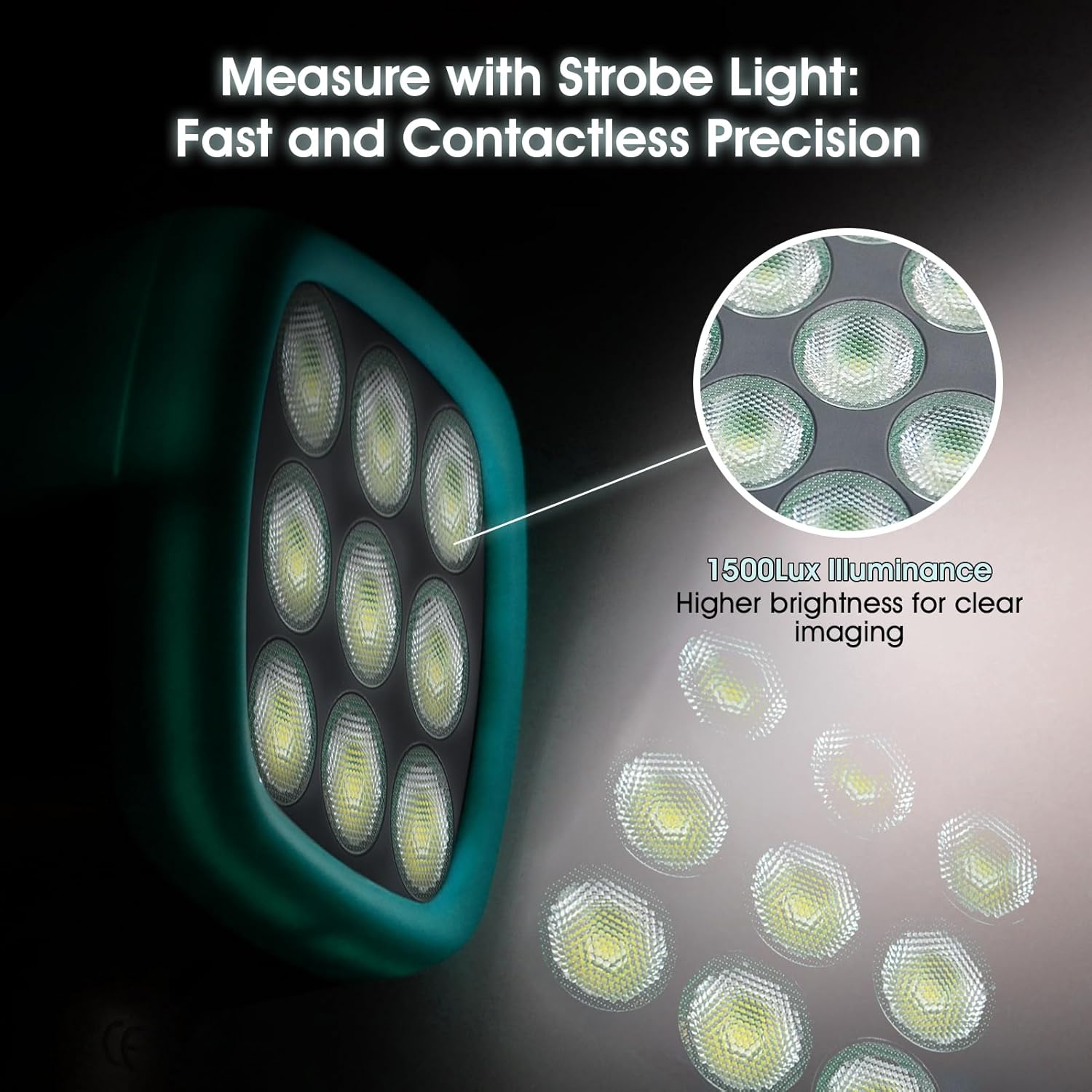
Figure 7: The 1500 Lux LED illumination array.
6.6 Applications
The BTMETER DT100B is widely used in various applications including gear meshing inspection, spinning machinery analysis, HVAC system diagnostics, paper making, printing industry, turbine inspection, and troubleshooting of driving motors and fans.

Figure 8: Wide range of applications for the stroboscope.
7. Maintenance
- Cleaning: Use a soft, dry cloth to clean the device. Do not use abrasive cleaners or solvents.
- Storage: Store the stroboscope in a cool, dry place away from direct sunlight and extreme temperatures.
- Battery Care: To prolong battery life, avoid fully discharging the battery frequently. Recharge the device regularly, especially if it will not be used for an extended period.
- Avoid Impact: Protect the device from drops and impacts, which can damage internal components.
8. Troubleshooting
| Problem | Possible Cause | Solution |
|---|---|---|
| Device does not power on | Low battery; Device fault | Charge the device fully. If problem persists, contact support. |
| Object does not appear stationary | Strobe frequency not synchronized; Insufficient light | Adjust the rotary dial slowly to match the object's speed. Ensure adequate ambient lighting or adjust strobe brightness. |
| Inaccurate readings | Incorrect synchronization; Environmental interference | Re-synchronize carefully. Use the zero-out function. Minimize external light sources. |
| Rotary dial is stiff or difficult to turn | Mechanical issue | Do not force the dial. Contact technical support for assistance. |
9. Specifications
| Parameter | Value |
|---|---|
| Measurement Range | 60-999999 RPM/FPM |
| Accuracy | 0.001% |
| Illumination | 1500 Lux LED |
| Battery | 2200mA Lithium Battery (Rechargeable) |
| Continuous Working Time | Up to 8 hours |
| Standby Time | Up to 3 months |
| Item Weight | 11.2 ounces (320g) |
| Product Dimensions | 3.54 x 2.36 x 8.27 inches (90 x 60 x 210 mm) |
| Model Number | BT-DT100B |
10. Official Product Video
Video: BTMETER Stroboscope Strobe Light Tachometer DT100B. This video demonstrates the features and operation of the BTMETER DT100B stroboscope, including its digital frequency synthesis technique for accurate flicker frequency output and USB charging capability.
11. Warranty and Support
The BTMETER DT100B LED Stroboscope comes with a 365-day quality warranty. BTMETER also provides lifetime technical support for this product. For any inquiries, technical assistance, or warranty claims, please contact BTMETER customer service through their official channels or the retailer where the product was purchased.