Introduction
This manual provides essential information for the proper setup, operation, and maintenance of your Westinghouse WC27RX6250W 27-inch Curved Full HD Gaming Monitor. Please read this manual thoroughly before using the product and retain it for future reference.
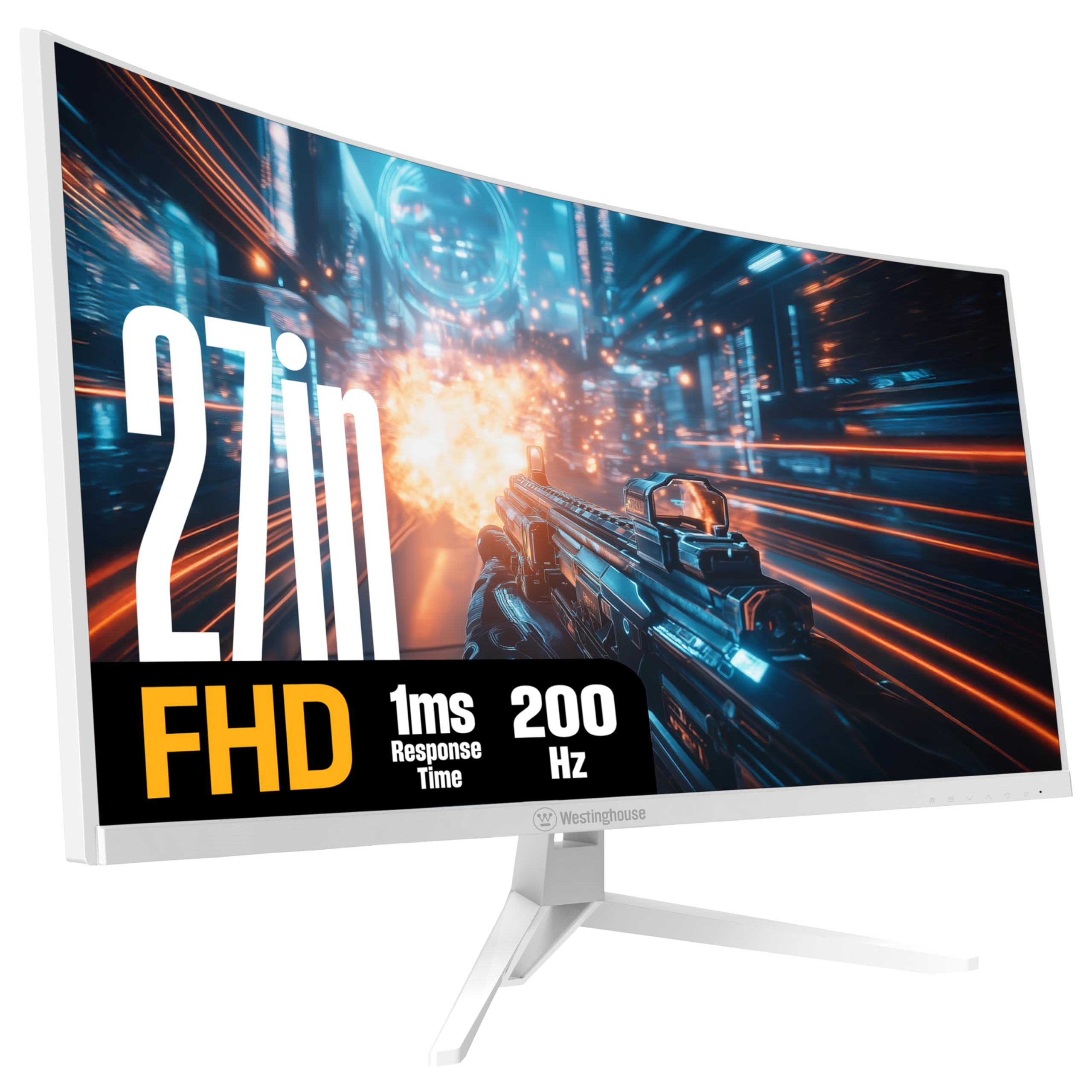
Image: Front view of the Westinghouse 27-inch Curved Full HD Gaming Monitor.
Safety Information
Observe the following safety precautions to ensure safe operation and prevent damage to the monitor:
- Do not expose the monitor to rain or moisture to avoid fire or shock hazards.
- Do not open the monitor casing. Refer all servicing to qualified personnel.
- Place the monitor on a stable, flat surface to prevent it from falling.
- Ensure proper ventilation around the monitor. Do not block ventilation openings.
- Use only the power adapter supplied with the monitor.
- Disconnect the power plug from the outlet if the monitor will not be used for an extended period.
Package Contents
Verify that all items are present in the package:
- Westinghouse 27-inch Curved Gaming Monitor
- DisplayPort Cable
- Power Adapter
- Monitor Base
- Owner's Manual (this document)

Image: Diagram illustrating monitor dimensions, available ports, and a list of included items.
Setup
1. Monitor Assembly
Attach the monitor base to the monitor panel. Ensure the stand is securely fastened before placing the monitor on a desk.
The monitor supports VESA 100mm x 100mm mounting for wall or arm installation (mounting hardware not included).
2. Connecting to a Computer
Connect the monitor to your computer using one of the following methods:
- DisplayPort: Use the included DisplayPort cable for optimal performance, especially for 200Hz refresh rate and AMD FreeSync.
- HDMI: Use an HDMI cable to connect to one of the two HDMI ports.
Connect external audio devices to the Headphone Output jack if desired. The monitor also features built-in speakers.
3. Powering On
Connect the power adapter to the monitor's power input and then plug it into a power outlet. Press the power button on the monitor to turn it on.
Operating Instructions
1. On-Screen Display (OSD) Menu
The OSD menu allows you to adjust various monitor settings. Refer to the quick start guide for specific button functions and navigation.
- Input Source: Select between DisplayPort and HDMI inputs.
- Picture Settings: Adjust brightness, contrast, sharpness, and color temperature.
- Audio Settings: Control volume for built-in speakers and headphone output.
- Gaming Settings: Enable/disable AMD FreeSync, adjust response time, and select gaming modes.
2. Gaming Features
This monitor is designed for an enhanced gaming experience:
- 200Hz Refresh Rate: Provides smooth, fluid motion for fast-paced games. Ensure your graphics card and connection support this refresh rate.
- 1ms Response Time: Minimizes ghosting and motion blur for clear visuals during rapid action.
- AMD FreeSync Support: Synchronizes the monitor's refresh rate with your GPU's frame rate to eliminate screen tearing and stuttering. Enable this feature in the OSD menu and your graphics card settings.
- Gaming Modes: Optimized display settings for various game genres, including Tactical Advantage, Real-Time Strategy, Competitive Edge, and 1st-Person Shooter. Select these modes via the OSD menu.
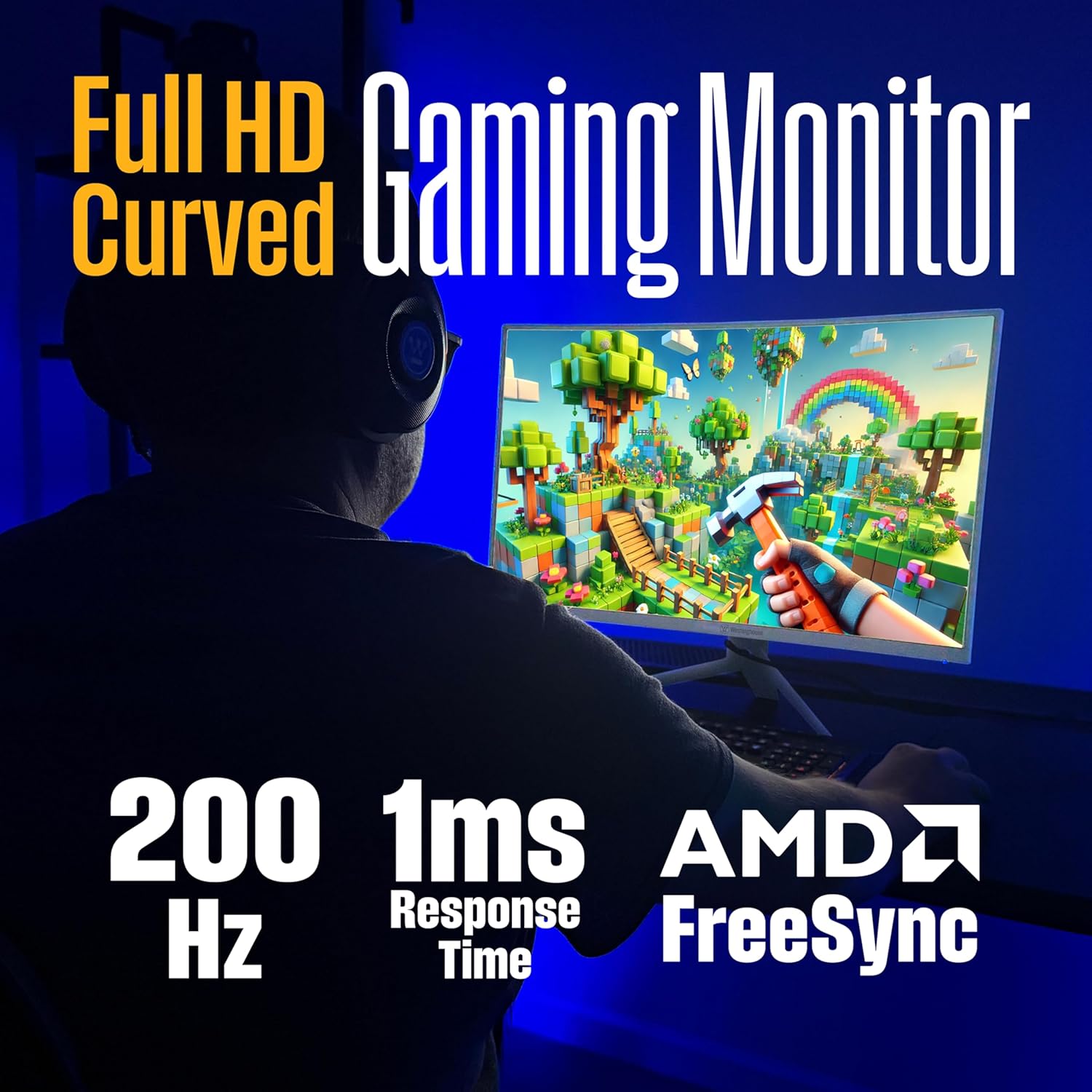
Image: Monitor highlighting 200Hz refresh rate, 1ms response time, and AMD FreeSync technology.

Image: Visual comparison demonstrating reduced screen tearing with AMD FreeSync at 200Hz versus 60Hz without FreeSync.

Image: Monitor showcasing different gaming modes for optimized performance in various game types.
3. Display Settings
- Full HD (1920x1080) Resolution: Provides a clear and detailed visual experience.
- 1500R Curved Screen: Offers an immersive viewing experience by wrapping the display around your field of view, reducing eye strain and glare.
- HDR Support: Enhances color and contrast for more vibrant and realistic images.
- EyeRest Technology: Features flicker-free operation, anti-glare coating, low blue light mode, and adjustable color temperature to reduce eye fatigue during prolonged use.

Image: Top-down perspective of the monitor, emphasizing its 1500R curved screen for immersive viewing.

Image: Monitor screen showing a "You Win" message, highlighting HDR for true-to-life colors.

Image: Monitor promoting EyeRest Technology for reduced eye strain with features like flicker-free and low blue light.
4. Audio
The monitor includes built-in speakers for audio output. You can also connect headphones or external speakers to the 3.5mm audio out jack.
Maintenance
- Cleaning the Screen: Gently wipe the screen with a soft, lint-free cloth. For stubborn marks, use a monitor-specific cleaning solution applied to the cloth, not directly to the screen.
- Cleaning the Casing: Use a soft, dry cloth to clean the monitor casing. Avoid abrasive cleaners.
- Ventilation: Ensure the ventilation openings on the monitor are clear of dust and obstructions to prevent overheating.
Troubleshooting
| Problem | Possible Solution |
|---|---|
| No image on screen |
|
| Image is blurry or distorted |
|
| No sound from speakers/headphones |
|
| Screen tearing or stuttering during gaming |
|
Specifications
| Feature | Description |
|---|---|
| Model Number | WC27RX6250W |
| Screen Size | 27 Inches |
| Resolution | 1920 x 1080 (Full HD) |
| Refresh Rate | 200 Hz |
| Response Time | 1ms |
| Panel Type | VA |
| Curvature | 1500R |
| Adaptive Sync | AMD FreeSync Support |
| Connectivity | 1x DisplayPort, 2x HDMI, 1x Audio Out |
| Built-in Speakers | Yes |
| VESA Mount Compatibility | 100mm x 100mm |
| Dimensions (LxWxH) | 9.74 x 24.22 x 19.41 inches |
| Weight | 16.14 pounds |
| Color | White |
Product Video
Video: Official product video showcasing the features and benefits of the Westinghouse Curved Gaming Monitor.
Warranty and Support
For warranty information and technical support, please refer to the warranty card included with your product or visit the official Westinghouse website. Keep your purchase receipt as proof of purchase.
Online Support: www.westinghouseelectronics.com/support


