
WarmBot M52
WarmBot Smart Video Doorbell Camera M52 User Manual
Model: M52
1. Introduction
Thank you for choosing the WarmBot Smart Video Doorbell Camera M52. This manual provides essential information for the safe and efficient operation of your new device. Please read it thoroughly before installation and use, and retain it for future reference.
2. Safety Information
- Ensure the doorbell is installed in a location protected from direct heavy rain or extreme weather conditions, despite its IP65 rating.
- Use only the provided charging cable for the doorbell.
- Do not attempt to disassemble or repair the device yourself. Contact customer support for assistance.
- Keep the device away from children and pets.
- Operate the device within the specified temperature range (14°F to 140°F).
3. What's in the Box
Upon unpacking, please verify that all the following items are included:
- WarmBot Doorbell Camera
- Wireless Receiver (Chime)
- Charging Cable
- Mounting Screws
- Bracket Opening Tool
- User Manual

Image: The WarmBot Smart Video Doorbell Camera and its accompanying wireless chime receiver.
4. Product Overview
The WarmBot Smart Video Doorbell Camera M52 is designed to enhance your home security with advanced features. It provides real-time video monitoring, two-way audio communication, and intelligent motion detection.
Key Features:
- AI-Powered Motion Detection: Advanced algorithms detect and alert only when people approach, reducing false alarms.
- Vivid HD Imaging with Night Vision: Capture clear video in daylight or darkness, with crisp night vision up to 12 meters.
- Two-Way Audio: Communicate directly with visitors using the built-in microphone and speaker.
- Durable Outdoor Design: IP65-rated for harsh conditions, ensuring operation in various weather.
- 2.4GHz Wi-Fi Connectivity: Ensures stable performance and faster connections.
- Cloud Storage: Securely store video footage with bank-level AES 128-bit encryption (subscription applies).
- Multi-User Support: Share access with family members for collaborative monitoring.

Image: Visual representation of the doorbell's main features including AI Human Detection, Two-way Audio, Night Vision, Wide-Angle Lens, and Cloud Storage, highlighting 2.4GHz Wi-Fi compatibility.
5. Setup
5.1. Charging the Doorbell Camera
Before initial use, fully charge the doorbell camera. Connect the provided USB charging cable to the doorbell's charging port and a standard USB power adapter (not included). A full charge typically takes approximately 10 hours and provides extended operation time.
5.2. Mounting the Bracket
- Select a suitable location near your door, ensuring good Wi-Fi signal strength.
- Use the mounting screws to securely attach the back mounting bracket to the wall or door frame.
5.3. Attaching the Doorbell Camera
Once the bracket is installed, align the doorbell camera with the bracket and slide it down until it clicks securely into place. Ensure it is firmly attached to prevent accidental removal.

Image: The doorbell camera and its wireless receiver, indicating the receiver plugs into a standard wall outlet.
5.4. Pairing the Wireless Chime
Plug the wireless chime receiver into a power outlet inside your home. Follow the instructions in the quick start guide (included in the box) to pair it with your doorbell camera. This allows you to hear the doorbell ring indoors.
6. App Setup
6.1. Downloading the App
Scan the QR code provided in the quick start guide or search for the official WarmBot app in your smartphone's app store (iOS or Android).
6.2. Creating an Account
Open the app and follow the on-screen instructions to create a new user account. If you already have an account, simply log in.
6.3. Adding the Device
Within the app, select the option to 'Add Device' or 'Add Camera'. Follow the guided steps to connect your WarmBot Smart Video Doorbell Camera to your home's 2.4GHz Wi-Fi network. Ensure your phone is connected to the 2.4GHz network during the pairing process.
7. Operating Instructions
7.1. Live View
Open the WarmBot app to access a live feed from your doorbell camera at any time. This allows you to monitor your front door remotely.
7.2. Two-Way Audio
When a visitor presses the doorbell or motion is detected, you will receive an alert on your phone. Tap the alert to enter live view and use the microphone icon in the app to speak to the visitor. The built-in speaker on the doorbell will transmit your voice.
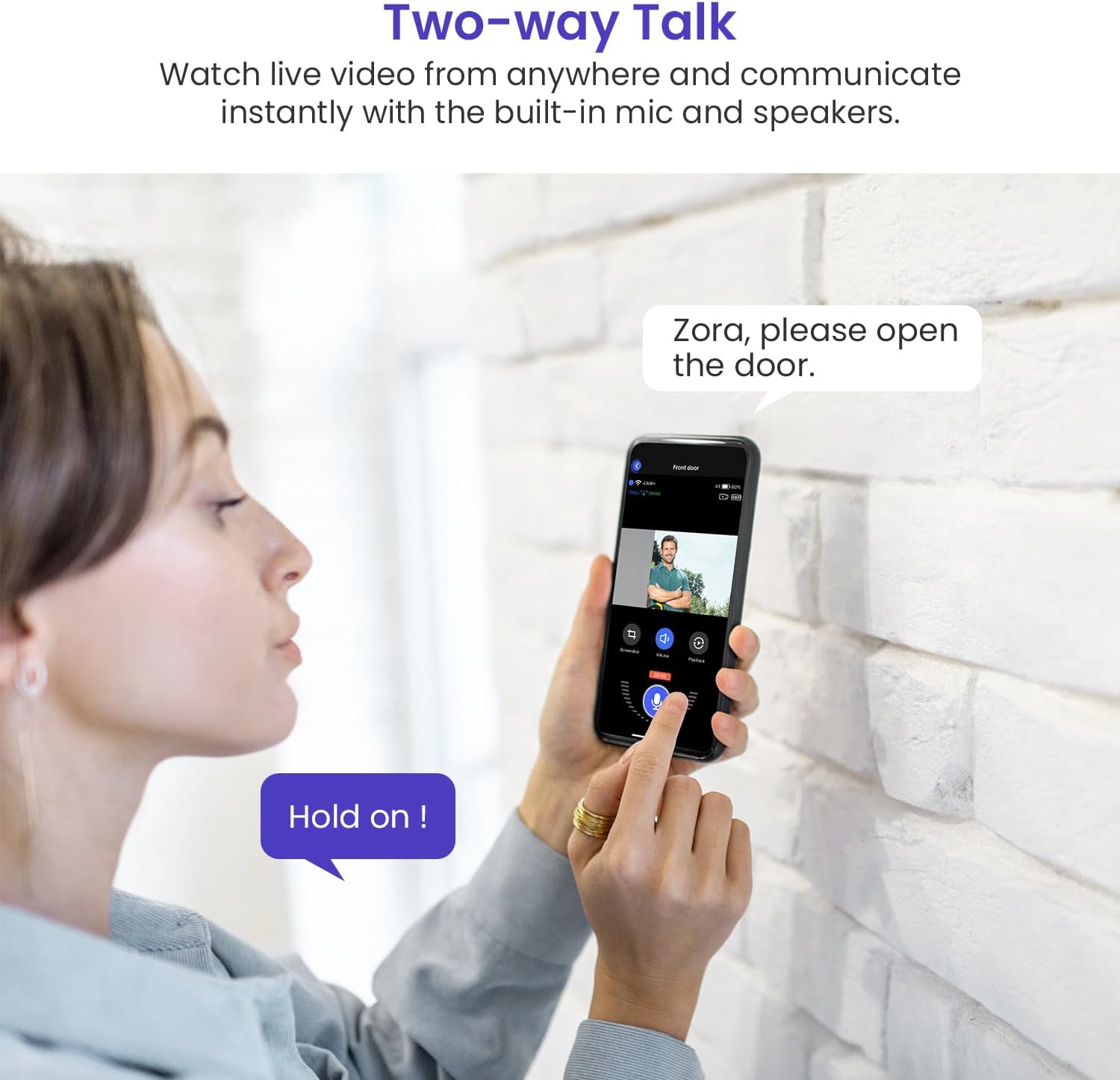
Image: A person interacting with a visitor through the doorbell camera using the two-way talk function on a smartphone app.
7.3. AI Motion Detection and Alerts
The doorbell camera utilizes AI to distinguish between human movement and other objects, minimizing false alarms. When a person is detected, you will receive an instant notification on your smartphone. You can adjust motion sensitivity settings within the app.
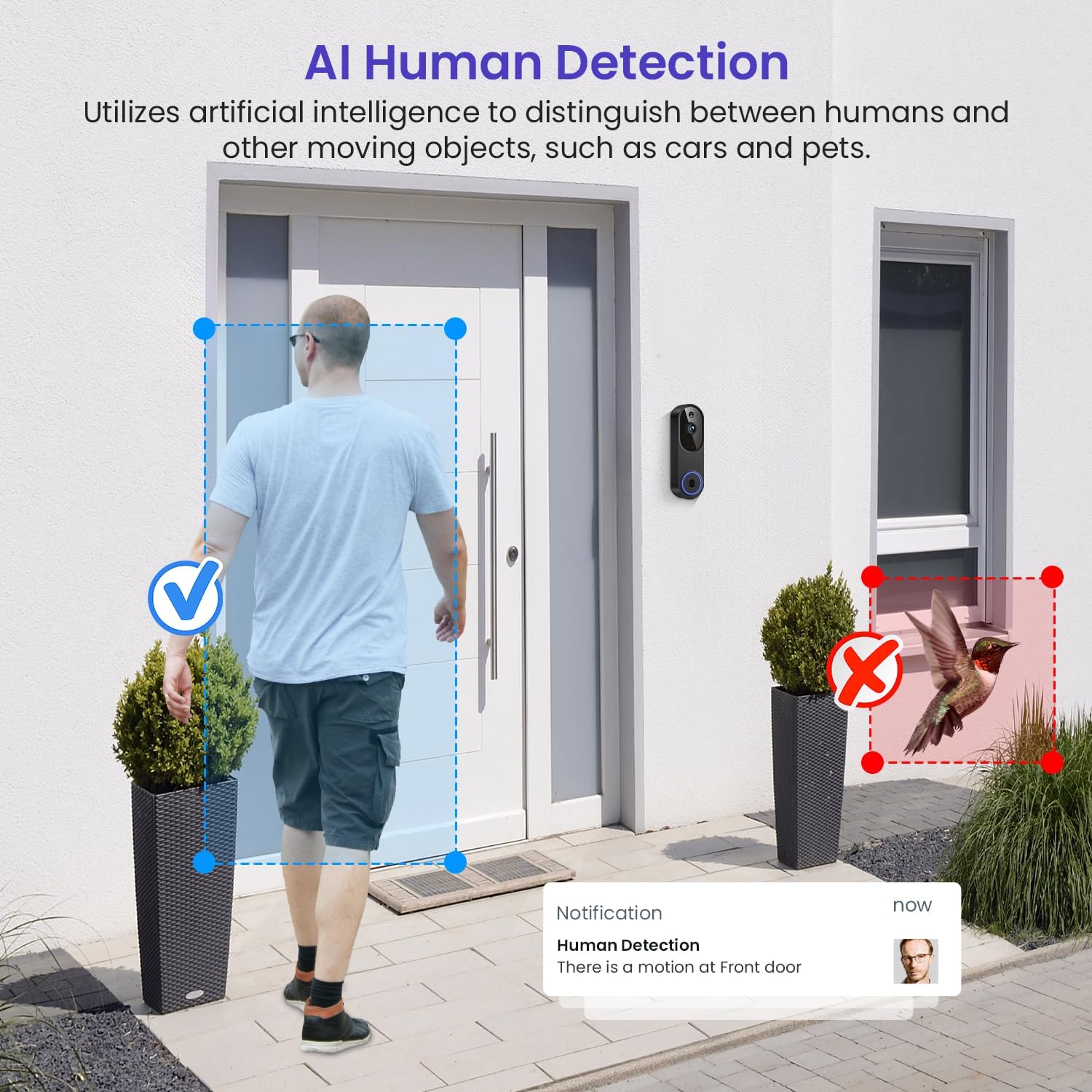
Image: A visual demonstration of the AI Human Detection feature, showing the doorbell camera identifying a person while ignoring a bird.
7.4. Night Vision
The camera automatically switches to night vision mode in low-light conditions, providing clear black and white video footage up to 12 meters.

Image: A side-by-side comparison illustrating the clear visibility provided by the doorbell camera during both day and night using its night vision capabilities.
7.5. Cloud Storage
Video footage is stored securely in the cloud with AES 128-bit encryption. Access to recorded events requires a subscription, which can be managed through the app.

Image: An illustration depicting the cloud storage feature for the doorbell camera, with a note that subscription plans are sold separately.
7.6. Multi-User Access
You can invite family members or trusted individuals to view the camera feed and receive alerts through their own accounts on the WarmBot app. This feature allows multiple users to monitor the property simultaneously.
8. Maintenance
8.1. Battery Charging
The doorbell camera is battery-powered. When the battery level is low, you will receive a notification via the app. Remove the doorbell from its mounting bracket using the provided tool and recharge it using the USB cable. Reattach it once fully charged.
8.2. Cleaning
To maintain optimal performance, periodically clean the camera lens and the doorbell's exterior with a soft, damp cloth. Avoid using harsh chemicals or abrasive materials.
8.3. Weather Resistance
The WarmBot M52 is IP65-rated, meaning it is protected against dust and low-pressure water jets. It is designed to withstand outdoor conditions, including rain, snow, and dust, within its operating temperature range of 14°F to 140°F.
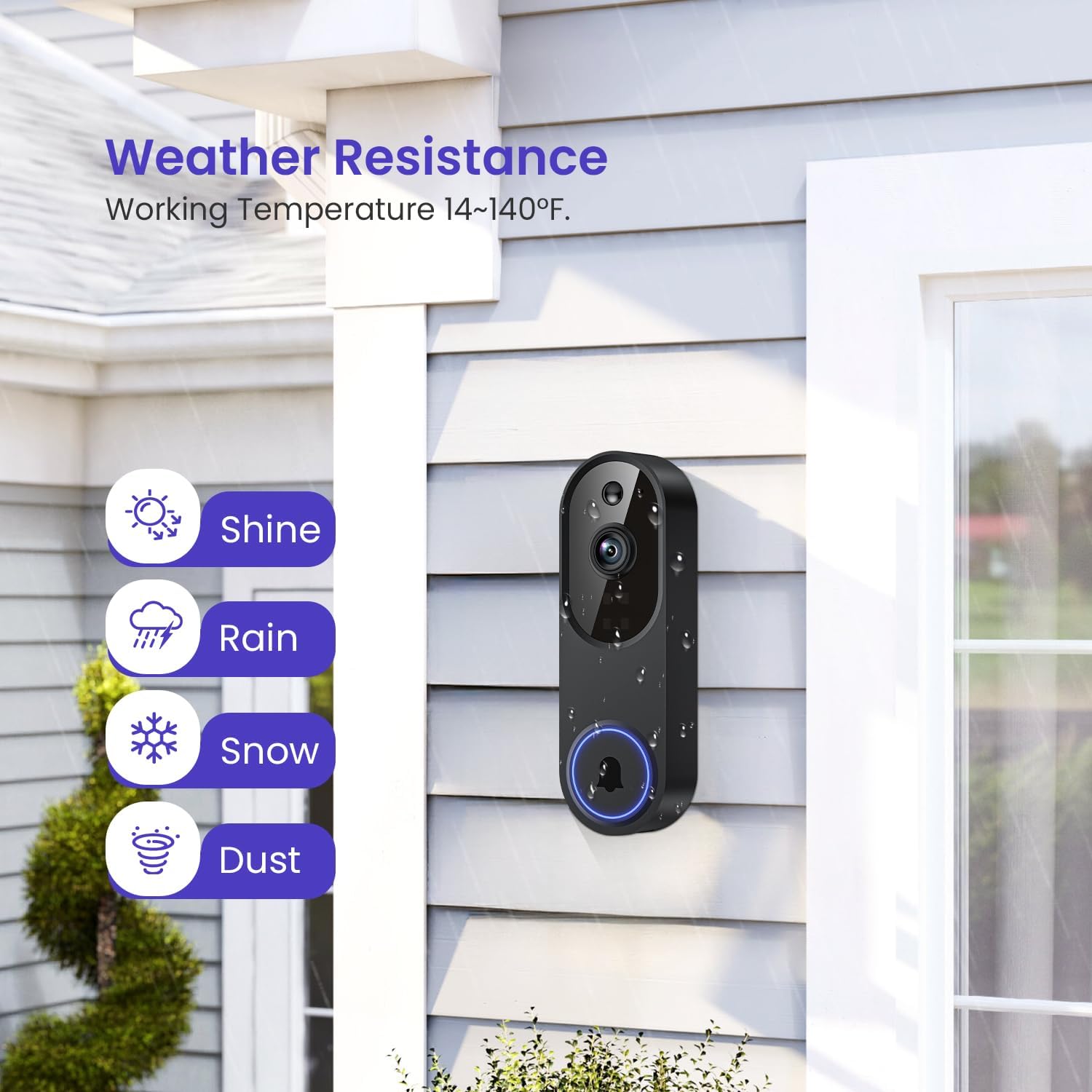
Image: The doorbell camera mounted outdoors, illustrating its resilience to various weather conditions like sun, rain, snow, and dust.
9. Troubleshooting
- No Power/Not Turning On: Ensure the doorbell is fully charged. Check the charging cable and adapter.
- Wi-Fi Connection Issues: Verify your router is broadcasting a 2.4GHz Wi-Fi signal. Ensure the doorbell is within range of your Wi-Fi router. Restart both the doorbell and your router.
- Poor Video Quality: Check your Wi-Fi signal strength in the app. Ensure the camera lens is clean and free from obstructions.
- Motion Detection Not Working: Check motion detection settings in the app. Ensure the detection area is correctly configured.
- No Audio/Poor Audio: Ensure your phone's volume is up. Check the app's audio settings. Ensure there are no obstructions blocking the doorbell's microphone or speaker.
- Chime Not Ringing: Ensure the wireless chime is plugged into a working power outlet and is properly paired with the doorbell camera.
10. Specifications
| Feature | Detail |
|---|---|
| Brand | WarmBot |
| Model Name | M52 |
| Indoor/Outdoor Usage | Outdoor |
| Power Source | Battery Powered |
| Connectivity Protocol | Wi-Fi (2.4GHz Only) |
| Video Capture Resolution | 1080p |
| Special Features | 2-Way Audio, Motion Sensor, Night Vision, AI Human Detection |
| Material | Acrylonitrile Butadiene Styrene (ABS) |
| Item Dimensions (L x W x H) | 5.4 x 1.34 x 1.77 inches |
| Item Weight | 6.1 ounces |
| Operating Temperature | 14°F to 140°F |

Image: Detailed dimensions of the WarmBot Smart Video Doorbell Camera and its wireless chime receiver.
11. Warranty and Support
For warranty information and technical support, please refer to the warranty card included in your product packaging or visit the official WarmBot website. Our customer service team is available to assist you with any questions or issues you may encounter.
Ask a question about this manual
Ask about setup, troubleshooting, compatibility, parts, safety, or missing instructions. Manuals+ will review the question and use this page’s manual context to help answer it.