
Introduction
Thank you for choosing the RUXINGX Kids Smartwatch 2025. This device is designed to provide children aged 3-14 with a fun, interactive, and educational experience, while also promoting healthy habits and activity. This manual will guide you through the setup, operation, and maintenance of your new smartwatch.
What's in the Box
The RUXINGX Kids Smartwatch 2025 package includes:
- RUXINGX Kids Smartwatch
- 2 Silicone Straps (one pre-attached, one spare)
- USB Charging Cable
- User Manual
Setup
1. Charging the Smartwatch
Before first use, fully charge the smartwatch. Connect the provided USB charging cable to the charging port on the watch and to a standard USB power adapter (not included). The watch display will indicate charging status. A full charge typically takes 1-2 hours.
2. Powering On/Off
- To Power On: Press and hold the side button for a few seconds until the screen lights up.
- To Power Off: Press and hold the side button, then select the 'Power Off' option on the screen.
3. Initial Settings
Upon first power-on, you may be prompted to set the language, date, and time. Follow the on-screen instructions to configure these basic settings.
4. App Connection (Optional)
For enhanced features such as detailed health reports, call/message notifications, and device location, download the companion application on a compatible smartphone. Follow the app's instructions to pair the smartwatch. This allows parents to monitor the child's health status and receive smart reminders.
Operating Instructions
1. Navigation
The smartwatch features a touch screen for navigation. Swipe left/right or up/down to browse through menus and applications. Tap an icon to select it. The side button typically acts as a 'back' button or to return to the home screen.
2. Sports Modes & Electronic Pet Game
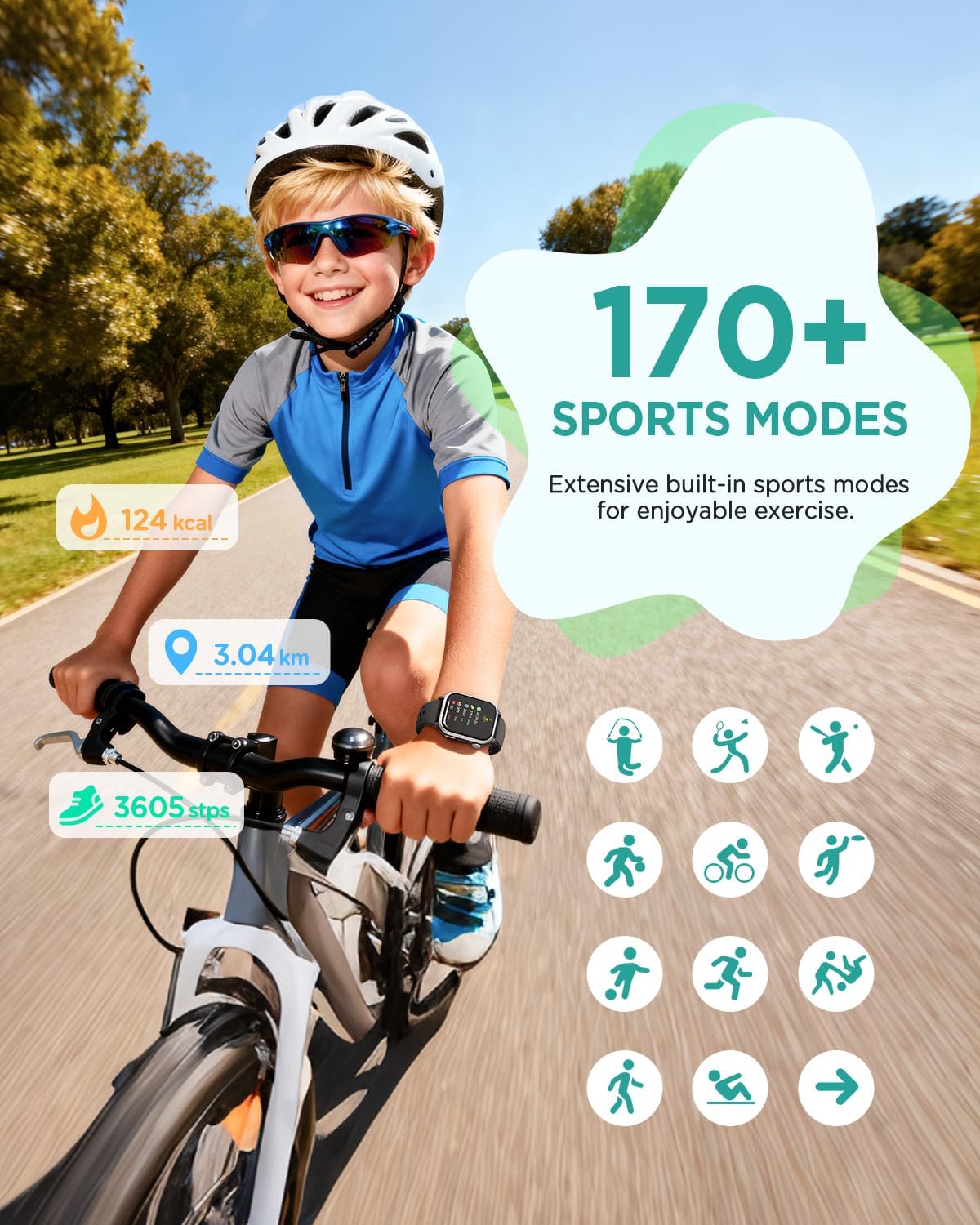
The smartwatch includes over 170 sports modes to track various physical activities. Select the desired sport mode from the 'Sports' menu to begin tracking. The innovative 'Exercise to Feed Pet' feature links daily steps to the growth of a digital pet, encouraging children to stay active. Accumulate steps to earn coins and feed your virtual companion.
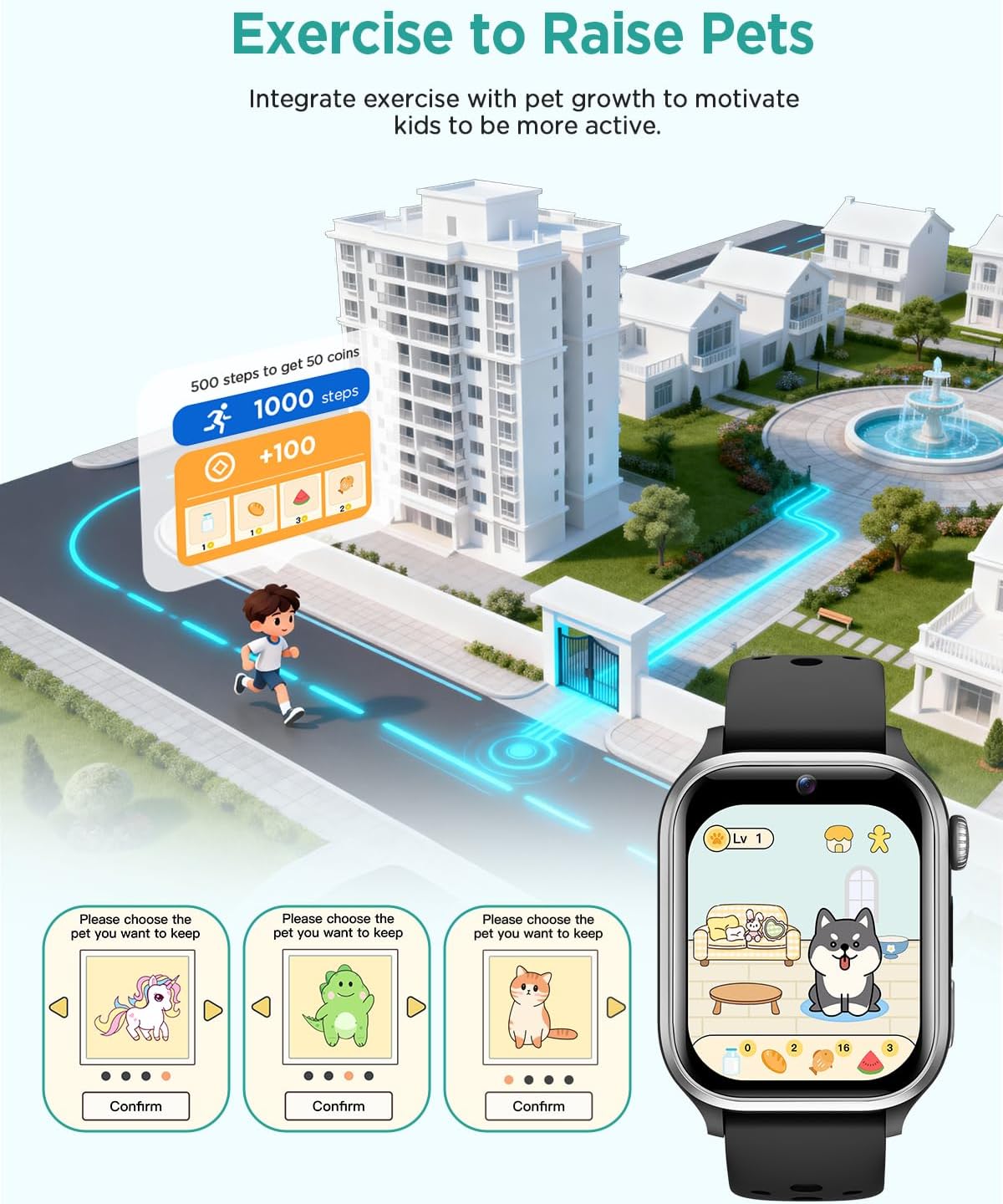
This image shows the electronic pet game interface on the smartwatch, where children can choose and interact with their digital pet, feeding it based on their activity levels.
3. Health Monitoring

Equipped with high-precision sensors, the smartwatch monitors heart rate, SpO2 (blood oxygen saturation), and sleep quality 24/7. Access these readings through the 'Health' menu. Sedentary and hydration reminders are also available to help children develop healthy habits. Detailed analysis reports can be viewed via the connected application.
4. Audiobooks & Educational Games

The smartwatch includes 6 pre-loaded audiobooks, providing engaging stories for bedtime or leisure. It also features 20 educational puzzle games and 4 types of memory cards designed to stimulate logical thinking, reaction speed, and concentration.
5. HD Camera & Customizable Watch Faces

Capture photos and videos with the integrated 1.2-megapixel HD camera. The watch offers over 300 watch faces in various styles. Users can also upload photos to create personalized DIY watch faces.
6. Multi-functional Assistant

The smartwatch includes several practical tools: alarm clock, weather forecast, calendar, flashlight, calculator, stopwatch, and timer. When connected to the app, it can also receive smart reminders for incoming calls and messages.
Maintenance
1. Water Resistance
The RUXINGX Kids Smartwatch 2025 is IP68 waterproof, meaning it is resistant to rain, splashes, and sweat. It is suitable for daily use and light water exposure but should not be submerged for extended periods or used for swimming or diving.
2. Cleaning
Wipe the watch and straps regularly with a soft, dry cloth. For stubborn dirt, a slightly damp cloth can be used, followed by drying. Avoid using harsh chemicals or abrasive materials.
3. Battery Care
To prolong battery life, avoid exposing the watch to extreme temperatures. Charge the watch using only the provided cable. Do not attempt to replace the battery yourself.
Troubleshooting
- Watch not turning on: Ensure the watch is fully charged. If it still doesn't turn on, try holding the power button for a longer duration (10-15 seconds).
- App connection issues: Ensure Bluetooth is enabled on your smartphone and the watch. Restart both devices and try pairing again. Check if the app is updated to the latest version.
- Inaccurate health readings: Ensure the watch is worn snugly on the wrist, not too tight or too loose. Clean the sensor on the back of the watch.
- Screen unresponsive: Restart the watch. If the issue persists, contact customer support.
Specifications
| Brand | RUXINGX |
| Model | Kids Smartwatch 2025 |
| Color | Black |
| Display Size | 1.52 inches |
| Weight | 22 grams |
| Water Resistance | IP68 |
| Battery Type | Lithium-ion |
| Memory Storage Capacity | 1 TB (Note: This may refer to cloud storage or a general specification, actual on-device storage for media may vary.) |
| Camera | 1.2 Megapixels HD |
Warranty
This RUXINGX Kids Smartwatch 2025 comes with a 2-year manufacturer's warranty. Please retain your proof of purchase for warranty claims. The warranty covers manufacturing defects but does not cover damage caused by misuse, accidents, or unauthorized modifications.
Support
For further assistance, technical support, or warranty inquiries, please contact RUXINGX customer service through the retailer's platform or the official RUXINGX website. Please have your product model and purchase details ready when contacting support.