
Introduction
The Dudao K26 is a compact and powerful 10,000 mAh external battery designed for efficient and rapid charging of various electronic devices. It supports fast charging via USB-A, USB-C, and MagSafe wireless technology, delivering up to 20W of power. Its design prioritizes portability and ease of use, making it suitable for daily charging needs, travel, and professional environments. This manual provides essential information for the safe and effective operation of your Dudao K26 Power Bank.
Setup
1. Initial Charging of the Power Bank
Before first use, fully charge your Dudao K26 Power Bank. Connect a compatible USB-C cable to the power bank's USB-C input port and the other end to a power adapter (not included). The indicator lights will show the charging progress. A full charge is recommended for optimal performance.

Image: A hand holding the Dudao K26 Power Bank, highlighting its compact form factor and the MagSafe charging area on the rear surface. The input/output ports are visible at the bottom edge.
2. Connecting Devices for Wired Charging
To charge a device via cable, connect your device's charging cable to either the USB-A or USB-C output port on the power bank. The power bank will automatically begin charging your device. Ensure your device's cable is compatible with the power bank's ports.
3. Using MagSafe Wireless Charging
For MagSafe compatible devices, align the back of your device with the MagSafe ring on the power bank. The magnets will securely attach, and wireless charging will commence automatically. Ensure there are no foreign objects between the power bank and your device that could interfere with charging.

Image: The Dudao K26 Power Bank being magnetically attached to the back of a smartphone, demonstrating the MagSafe connection.

Image: The Dudao K26 Power Bank securely attached to a smartphone, with the phone displaying a charging indicator, confirming active MagSafe wireless charging.
Operating Instructions
1. Charging Multiple Devices
The Dudao K26 supports charging multiple devices simultaneously via its USB-A, USB-C, and MagSafe wireless outputs. Note that the total output power is shared among all connected devices. For optimal fast charging, it is recommended to charge one device at a time.
2. Checking Battery Level
Press the power button once to check the remaining battery level of the power bank. The indicator lights will illuminate to show the current charge status. Refer to the power bank's markings for specific light indications.

Image: A smartphone resting on the Dudao K26 Power Bank, actively charging wirelessly and showing its current battery percentage on the screen.

Image: A person holding a smartphone with the Dudao K26 Power Bank magnetically attached to the back, illustrating the convenience and portability of charging on the go.
Maintenance
1. Cleaning
Wipe the power bank with a soft, dry cloth. Avoid using harsh chemicals, abrasive materials, or liquids directly on the device. Ensure ports are free from dust and debris.
2. Storage
Store the power bank in a cool, dry place away from direct sunlight, high temperatures, and high humidity. For long-term storage, ensure the power bank has at least a 50% charge to preserve battery health. Recharge every 3-6 months if not in use.
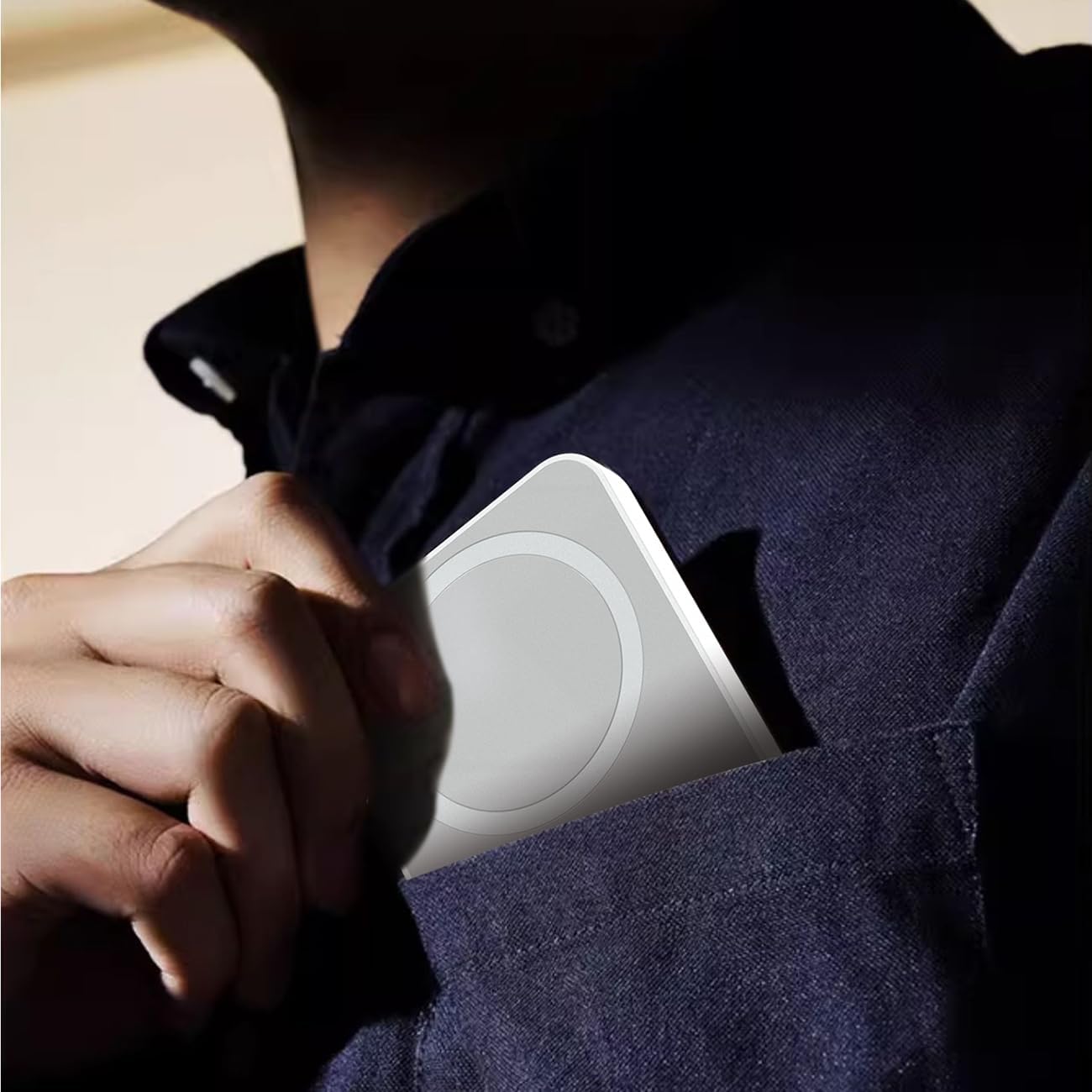
Image: The Dudao K26 Power Bank being slipped into a shirt pocket, demonstrating its slim profile and ease of carrying.
3. Battery Care
To prolong the overall lifespan of the battery, avoid fully discharging the power bank regularly. It is best to recharge it when the battery level is low rather than waiting for it to completely deplete.
Troubleshooting
- Device Not Charging: Ensure the power bank is sufficiently charged. Check all cable connections for security and proper insertion. For wireless charging, ensure proper alignment of your device with the MagSafe ring and confirm your device is MagSafe compatible.
- Slow Charging: Verify that your device and the cable used are rated for fast charging. Charging multiple devices simultaneously may reduce individual charging speeds. Disconnect other devices to test if speed improves.
- Power Bank Not Charging: Ensure the charging cable and power adapter are functional. Try a different cable or adapter. Check the USB-C input port for any obstructions or damage.
- Overheating: If the power bank or your device becomes excessively hot during charging, disconnect it immediately. Ensure proper ventilation and avoid charging in direct sunlight or confined spaces. The power bank includes built-in overheat protection, but extreme conditions can still cause issues.
- Magnetic Attachment Issues: If the MagSafe connection feels weak, ensure your phone case (if any) is MagSafe compatible. Thick or non-magnetic cases can interfere with the magnetic hold and wireless charging efficiency.
Specifications
| Model | K26 |
| Battery Capacity | 10000mAh / 3.7V / 37Wh |
| Input (USB-C) | 5V=3A, 9V=2A (18W Max) |
| Output (USB-A) | 5V=3A, 9V=2A, 12V=1.5A (18W Max) |
| Output (USB-C) | 5V=3A, 9V=2.22A, 12V=1.67A (20W Max) |
| Wireless Output | 5W / 7.5W / 10W / 15W |
| Total Output | 5V=3A |
| Dimensions | Approx. 7 x 5 x 2 cm |
| Wireless Standard | MagSafe compatible |
| Special Features | Fast Charging, Wireless Charging, Compact, Lightweight, Slim |
| Safety Features | Overheat Protection, Overcharge Protection, Short-Circuit Protection |
| Certifications | Airline Certified |
| Color | White |

Image: The Dudao K26 Power Bank positioned alongside an airline ticket, illustrating its compliance with airline regulations for portable electronic devices, making it ideal for travel.
Warranty and Support
For detailed warranty information, product support, or to inquire about service, please refer to the documentation provided with your purchase. You may also visit the official Dudao website or contact their customer service department directly for assistance.
