
Introduction
This manual provides comprehensive instructions for the GRIFEMA GA1008 TSA Approved 4-Digit Combination Luggage Lock. Please read these instructions carefully before initial use to ensure proper setup, operation, and maintenance of your lock. This lock is designed to secure your belongings while facilitating inspection by Transportation Security Administration (TSA) agents without damage to the lock or your luggage.
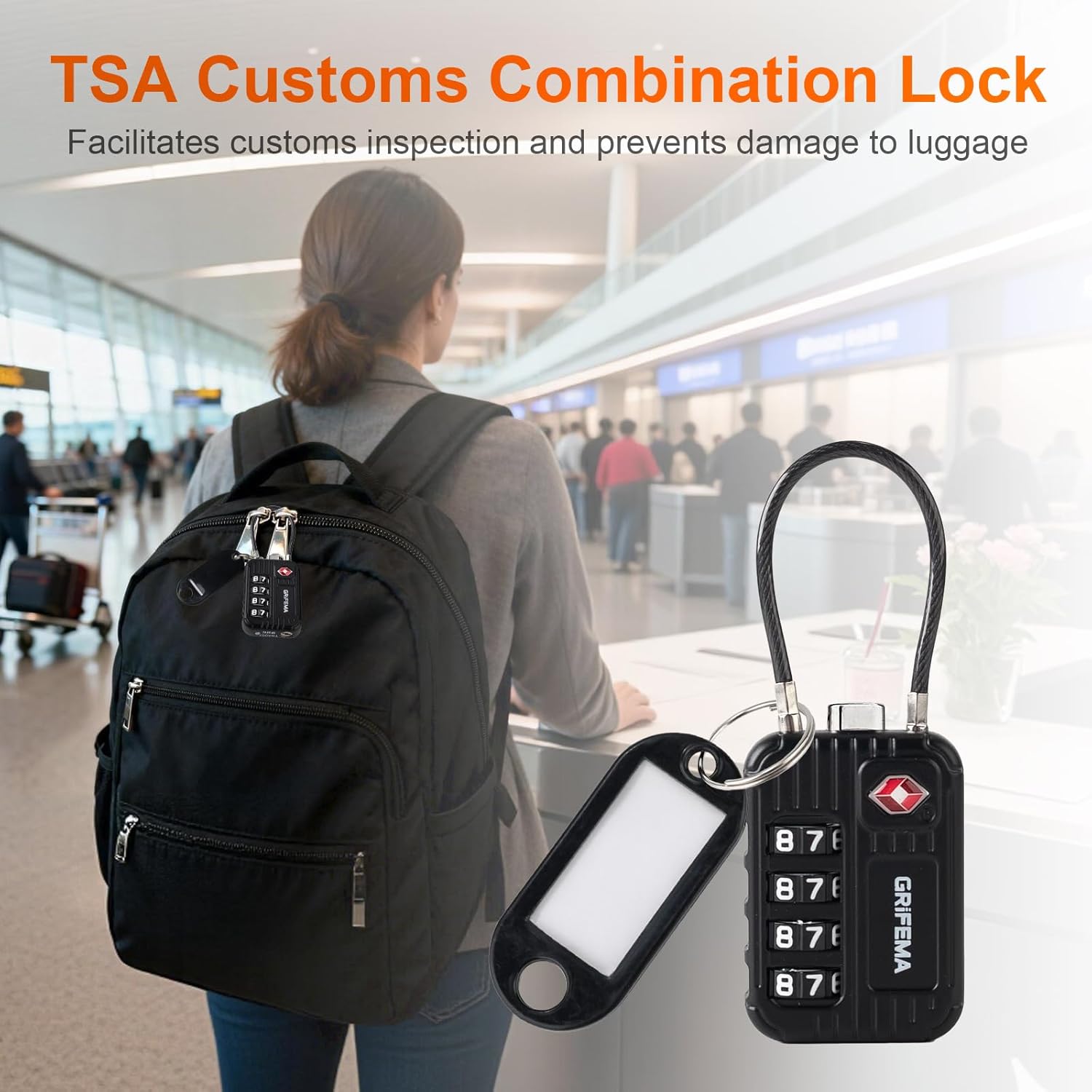
Image: The GRIFEMA GA1008 TSA Combination Lock attached to a backpack, illustrating its use for customs inspection and luggage protection at an airport.
Safety Information
- Do not attempt to force the lock open if it is not unlocking. Ensure the correct combination is entered and the release mechanism is properly engaged.
- Keep your chosen combination confidential and store it in a secure, memorable location. GRIFEMA cannot retrieve lost combinations.
- While this lock is designed for enhanced security and TSA compliance, no lock can provide absolute protection against determined theft.
- Keep the lock away from small children to prevent choking hazards from small parts.
Product Overview
The GRIFEMA GA1008 is a durable 4-digit combination lock featuring a flexible steel cable, designed for securing luggage, backpacks, and other items. It is TSA-approved, allowing security personnel to inspect your baggage without damaging the lock.
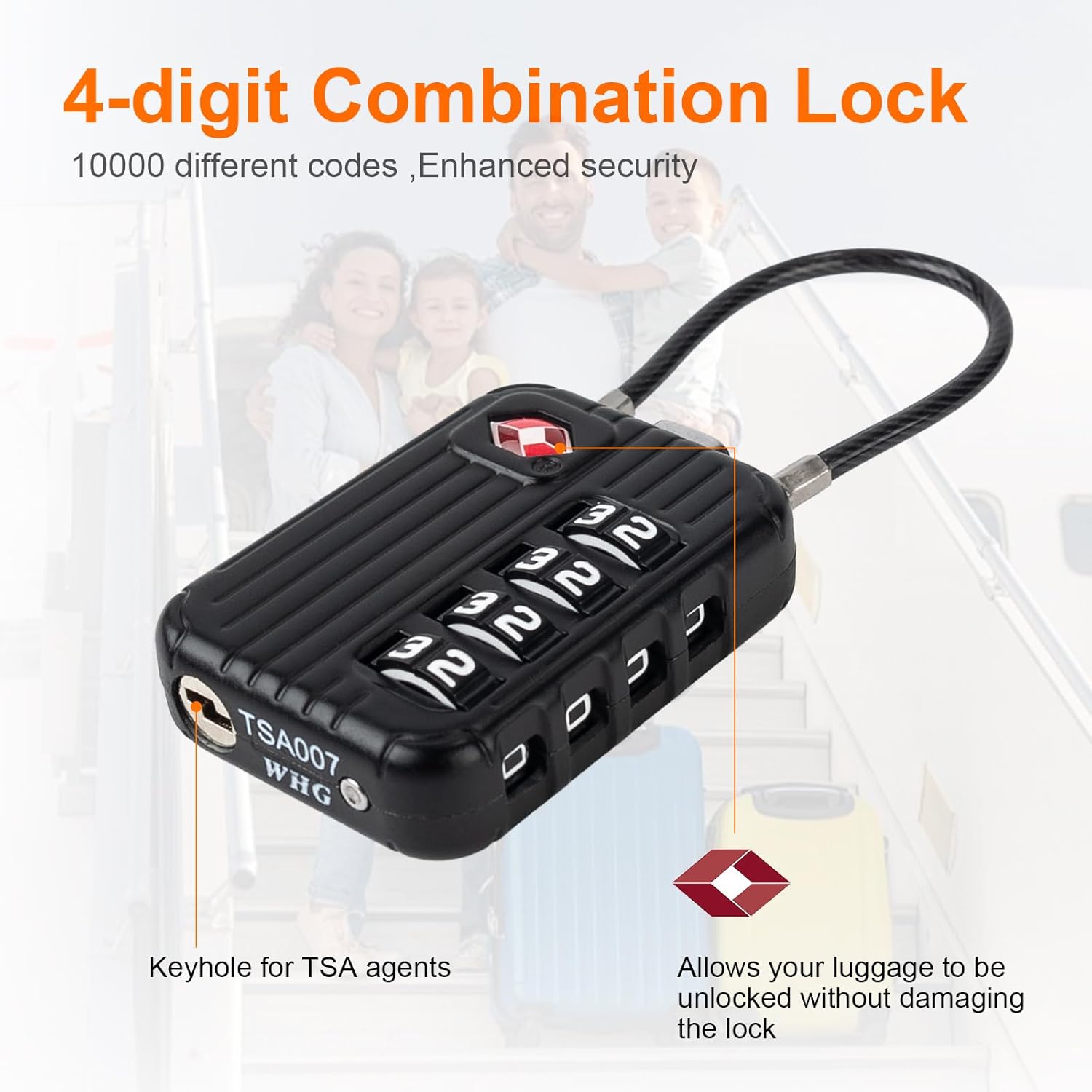
Image: A detailed view of the GRIFEMA GA1008 lock, highlighting its 4-digit combination dials and the dedicated keyhole for TSA agents, which allows inspection without damaging the lock.
Key Features:
- TSA Approved: Recognized by the Transportation Security Administration, allowing security personnel to open and re-lock your baggage with a master key.
- 4-Digit Combination: Offers 10,000 possible combinations for enhanced security.
- Durable Construction: Made with a solid zinc alloy body and a flexible 4mm steel cable for resistance against cutting and prying.
- Easy-to-Read Dials: High-contrast numbers for clear visibility.
- Quick-Set Mechanism: Allows for fast and easy combination setting.
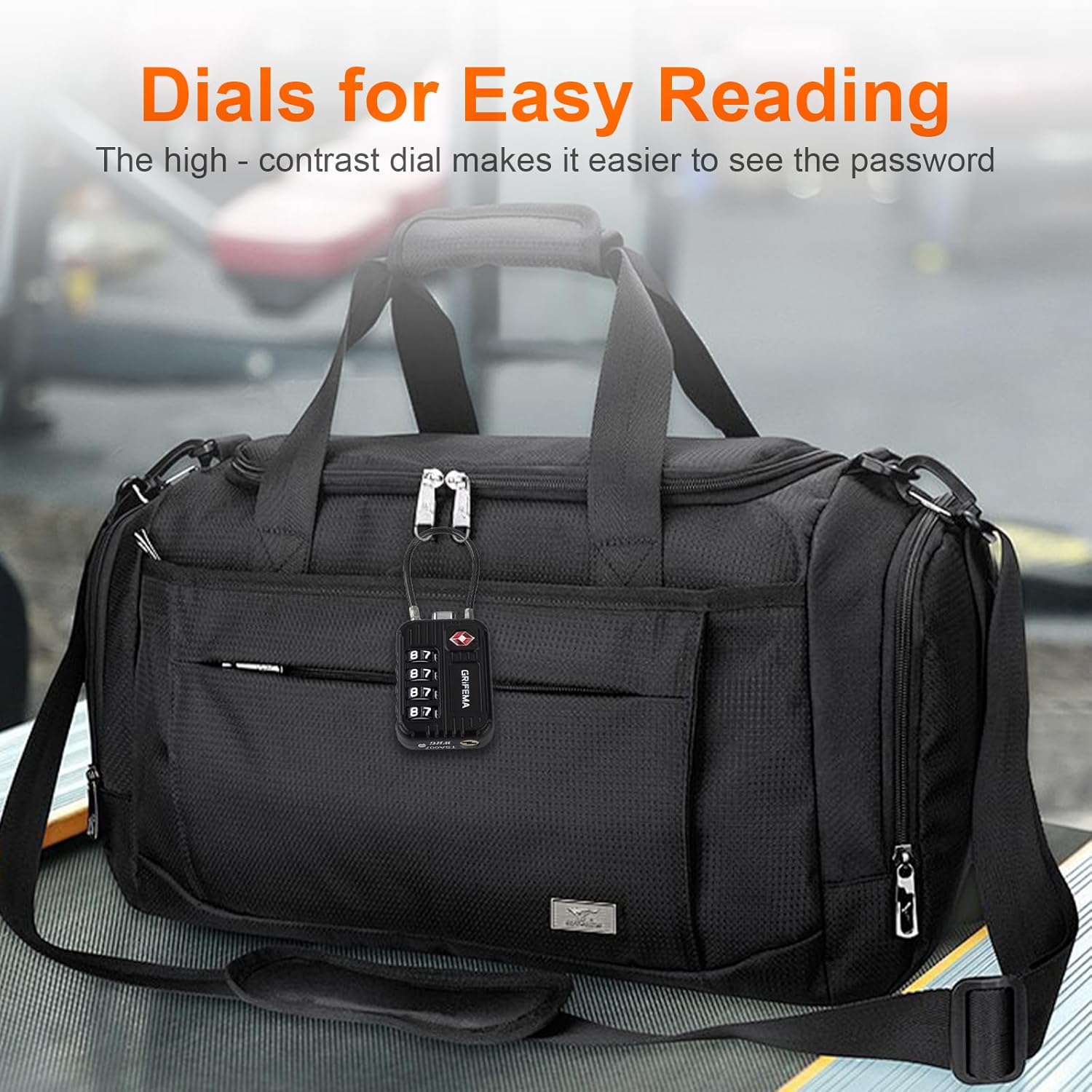
Image: The GRIFEMA GA1008 lock displaying its dials with large, clear numbers, designed for easy reading of the combination.
Setup: Setting Your Combination
Your lock is preset to 0-0-0-0 from the factory. Follow these steps to set your personal 4-digit combination:
- Open the Lock: With the dials set to the factory default 0-0-0-0, press the unlock button (or slide the release mechanism) to open the lock.
- Locate Reset Button: On the bottom or side of the lock, find the small, recessed reset button. You may need a pen or a pointed object to press it.
- Press and Hold Reset Button: Firmly press and hold the reset button until you complete step 4.
- Set Your New Combination: While holding the reset button, rotate the dials to your desired 4-digit combination. Ensure the numbers are clearly aligned in the center.
- Release Reset Button: Once your new combination is set, release the reset button. Your new combination is now active.
- Test the Combination: Scramble the dials to lock the cable. Then, enter your new combination and press the unlock button to verify it opens correctly.

Image: A visual guide demonstrating the four steps to set a new combination on the GRIFEMA GA1008 lock, including preparing an object, pressing the reset button, setting the password, and pressing the unlock button.
Important: Remember your combination. There is no master key for users to open the lock if the combination is forgotten.
Operating the Lock
To Lock:
- Thread the steel cable through the zippers or attachment points of your item.
- Insert the end of the cable into the locking mechanism until it clicks securely into place.
- Scramble the 4-digit dials to a random sequence to secure the lock.
To Unlock:
- Rotate the 4-digit dials to your personal combination. Ensure all numbers are perfectly aligned.
- Press the unlock button (or slide the release mechanism) to release the steel cable.
- Remove the cable from the locking mechanism.
Maintenance
- Keep the lock clean by wiping it with a soft, dry cloth. Avoid using abrasive cleaners or solvents.
- Ensure the dials and locking mechanism are free from dirt, dust, or debris, which could impede operation.
- Store the lock in a dry environment when not in use to prevent corrosion.
- Do not attempt to lubricate the internal mechanism unless specifically instructed by the manufacturer, as this can attract dust and cause issues.
Troubleshooting
- Lock will not open: Double-check that the correct 4-digit combination is entered and that each number is perfectly aligned in the center of its window. Ensure the unlock button is fully pressed.
- Cannot reset combination: Make sure the reset button is fully depressed with a pointed object. If it's not fully pressed, the new combination may not register. Ensure the lock is in the open position before attempting to reset.
- Cable is stuck or difficult to insert/remove: Check for any foreign objects or debris obstructing the cable entry point. Ensure the lock is fully in the unlocked position when inserting or removing the cable.
- Dials are stiff: Clean the dials with a soft, dry cloth. If stiffness persists, ensure no foreign material is lodged between the dials.
Specifications
| Brand | GRIFEMA |
| Model Number | GA1008 |
| Lock Type | 4-Digit Combination Lock |
| Special Feature | TSA Approved, Passcode Unlock |
| Material | Zinc Alloy, Steel Cable |
| Item Dimensions (L x W x H) | 1.38 x 0.59 x 3.62 inches (35 x 15 x 92 mm approx.) |
| Item Weight | 0.06 Kilograms |

Image: A technical diagram illustrating the precise dimensions of the GRIFEMA GA1008 lock, including its length, width, height, and cable diameter.
Warranty and Support
For warranty information, product support, or any inquiries not covered in this manual, please contact GRIFEMA customer service. Refer to your purchase documentation for specific warranty terms and contact details.