
1. Product Overview
The TOPZEE Electric Blanket (Model HB190-130188) is a versatile heating solution designed for comfort and efficiency. It features a large size of 188cm x 130cm, made from double-sided flannel for a soft feel. This blanket can be used as an underblanket, throw, or lap blanket. It offers precise temperature control and a convenient timer function, ensuring safe and economical operation.
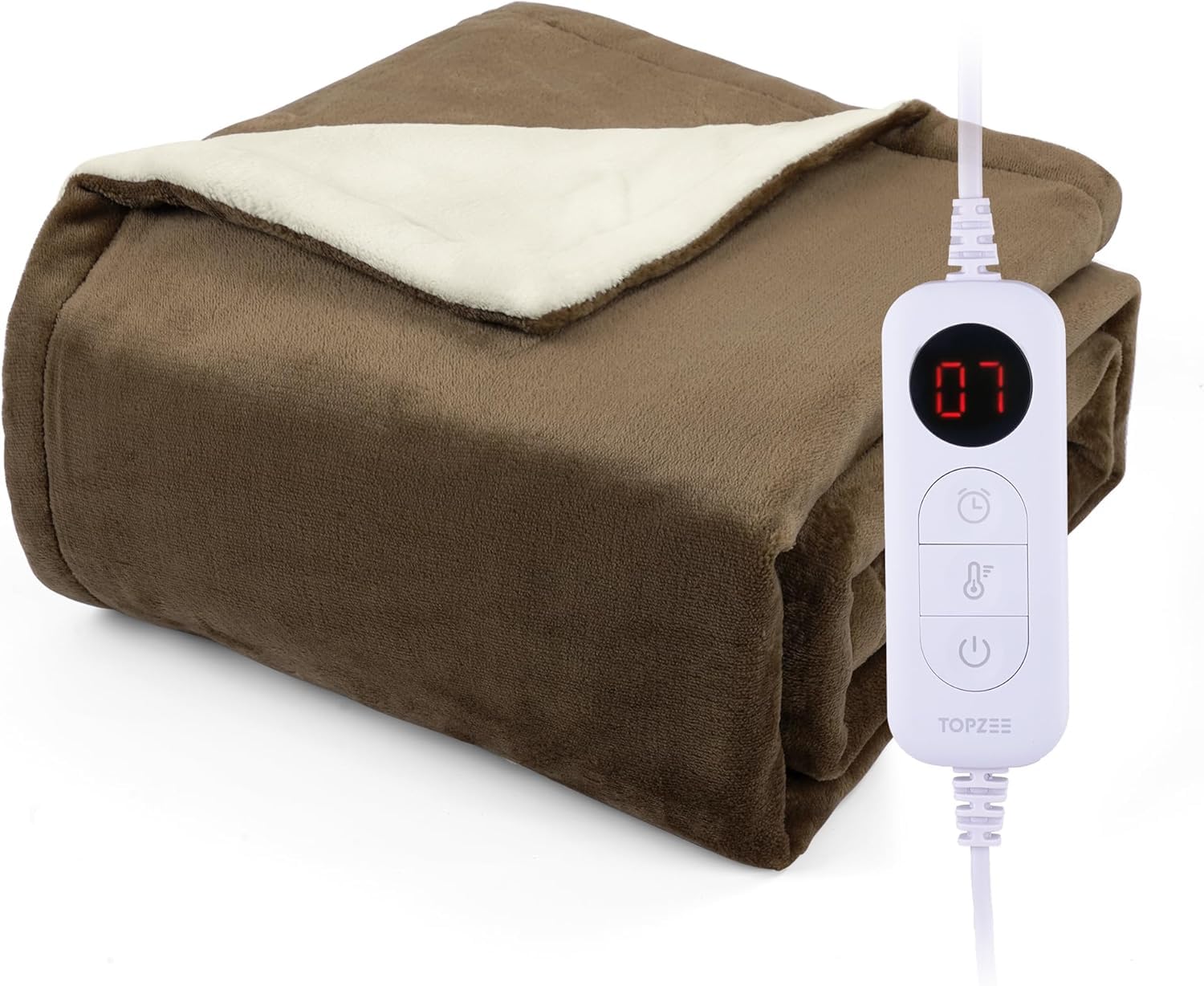
Image 1.1: The TOPZEE Electric Blanket in use on a bed.
2. Safety Precautions
To ensure safe operation and prevent damage, please read and follow all safety instructions carefully.
- PSE Certified: This product is PSE certified, meeting Japanese safety standards.
- Automatic Shut-off: The blanket features an automatic shut-off timer to prevent overheating and conserve energy.
- Overheating Protection: Equipped with PTC passive temperature control, overpressure protection, and flame retardant protection for uniform and safe heating.
- Static Electricity Prevention: Enhanced anti-static measures are integrated to provide a comfortable, static-free experience.
- Do not use the blanket if it is folded or crumpled, as this may cause localized overheating.
- Do not insert pins or other sharp objects into the blanket.
- Keep pets away from the blanket to prevent damage to the heating elements.
- Always unplug the blanket when not in use or before cleaning.
3. Package Contents
Verify that all items are present in the package:
- Dual-use Electric Blanket (188cm x 130cm) x 1
- Controller x 1
- Instruction Manual x 1
4. Setup
4.1 Unpacking
Carefully remove all components from the packaging. Retain the packaging for future storage or transport.
4.2 Placement
Place the electric blanket flat on a bed, sofa, or other desired surface. Ensure there are no folds or wrinkles that could impede heat distribution.
4.3 Connecting the Controller
Connect the controller to the blanket by aligning the connector on the blanket with the port on the controller and pushing firmly until it clicks into place. Ensure a secure connection.

Image 4.1: Connecting the controller to the electric blanket.
Plug the power cord of the controller into a standard electrical outlet.
5. Operating Instructions
5.1 Power On/Off
Press the power button on the controller to turn the blanket on or off.
5.2 Temperature Adjustment
The blanket offers 9 temperature settings, ranging from approximately 29°C to 45°C (±5°C). Use the temperature control buttons on the controller to select your desired warmth level:
- Level 1: 29°C
- Level 2: 31°C
- Level 3: 33°C
- Level 4: 35°C
- Level 5: 37°C
- Level 6: 39°C
- Level 7: 41°C
- Level 8: 43°C
- Level 9: 45°C
5.3 Timer Setting
The blanket includes an automatic shut-off timer that can be set from 1 to 12 hours. Press the timer button on the controller to cycle through the available durations. The blanket will automatically turn off once the set time has elapsed.

Image 5.1: Examples of how the electric blanket can be used.
6. Maintenance
6.1 Cleaning
The electric blanket is washable. Disconnect the controller from the blanket before cleaning. The blanket portion can be machine washed. The controller should only be hand-wiped with a damp cloth; do not immerse it in water.
- Machine Washable: The blanket itself can be machine washed. Ensure the water temperature is below 30°C.
- Hand Wash: The controller should be hand-wiped only.
- Do not bleach, iron, or dry clean the blanket.
- Hang dry or tumble dry on low heat. Ensure the blanket is completely dry before reconnecting the controller and using it.
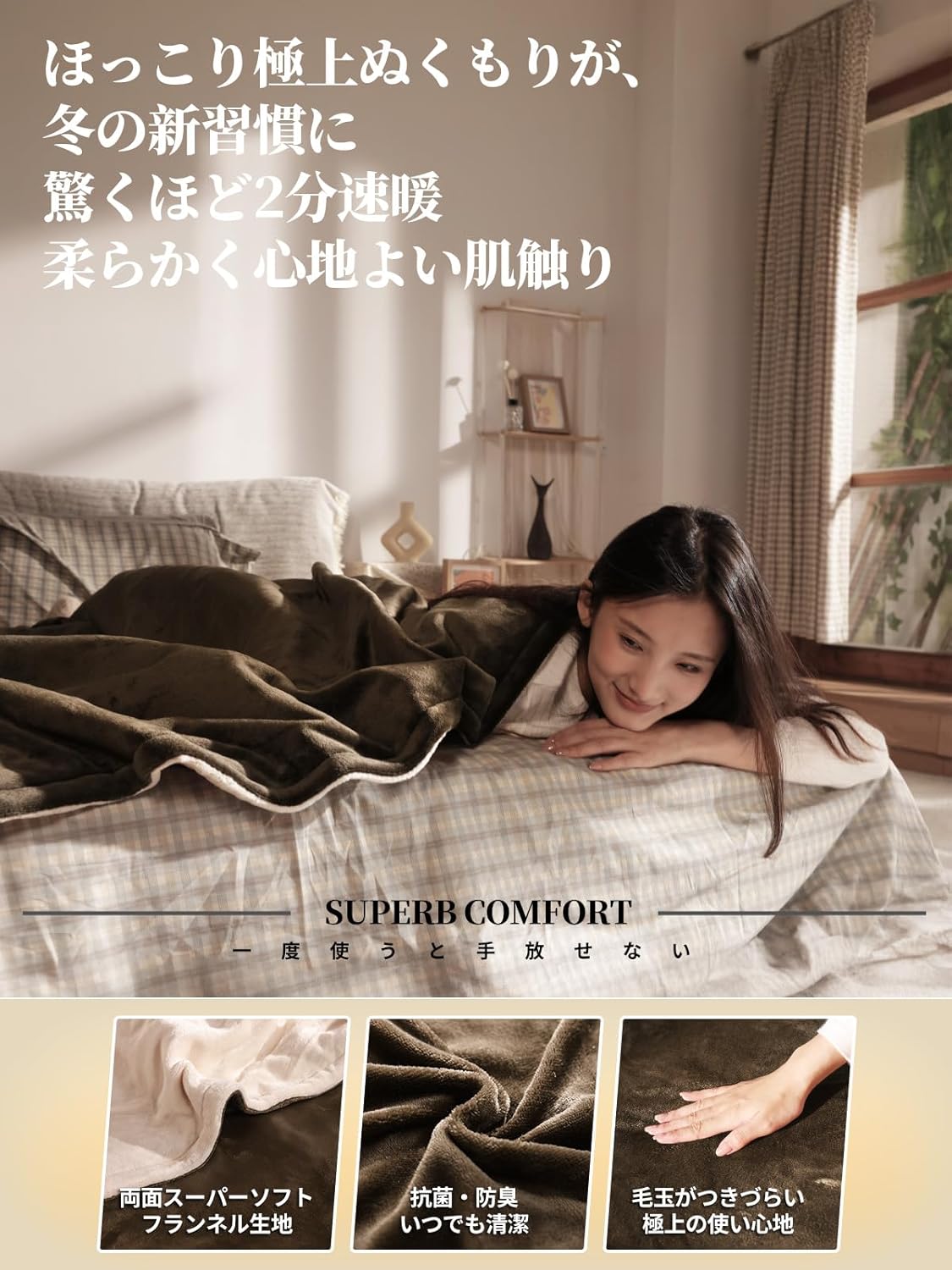
Image 6.1: The electric blanket is designed for easy cleaning in a washing machine.
6.2 Mite Removal
The blanket features an antibacterial and deodorizing treatment. For mite removal, set the blanket to a high temperature setting for a period of time. Refer to the operating instructions for specific high-temperature settings.
7. Troubleshooting
If you encounter any issues with your electric blanket, please refer to the following common troubleshooting steps:
- No Power: Ensure the power cord is securely plugged into both the blanket and the electrical outlet. Check if the outlet is functional by plugging in another device.
- Not Heating: Verify that the blanket is turned on and the temperature setting is selected. Ensure the controller is properly connected to the blanket.
- Uneven Heating: Make sure the blanket is laid flat without any folds or wrinkles.
- Controller Display Not Working: Unplug the blanket from the power source, wait a few minutes, and then plug it back in. If the issue persists, contact customer support.
- Error Codes: If the controller displays an error code, unplug the blanket immediately and refer to the warranty and support section for assistance.
If these steps do not resolve the issue, please contact customer support.
8. Specifications
| Feature | Specification |
|---|---|
| Brand | Topzee |
| Model Number | HB190-130188 |
| Dimensions | 188 cm (Length) x 130 cm (Width) |
| Material | Double-sided Flannel |
| Color | Brown |
| Temperature Settings | 9 levels (29°C to 45°C, ±5°C) |
| Timer Settings | 1 to 12 hours (Automatic OFF) |
| Maximum Power Consumption | 60W |
| Care Instructions | Machine washable (blanket part), Hand wipe only (controller) |
| Safety Certification | PSE Certified |
| Product Weight | 1.9 kg |
9. Warranty and Support
This TOPZEE Electric Blanket comes with a 1-year warranty from the date of purchase. This warranty covers manufacturing defects and malfunctions under normal use.
If you experience any initial defects or operational issues with your product, please do not hesitate to contact our customer support team. We are committed to providing prompt and courteous assistance to ensure your satisfaction.
For support, please refer to the contact information provided on your purchase receipt or the official Topzee website.