1. Introduction
Thank you for choosing the VINABTY Replacement Remote Control. This remote is designed to be a direct replacement for various TV models, offering seamless functionality without the need for complex programming. It features an ergonomic design, durable ABS construction, and responsive buttons for a comfortable user experience. This manual provides essential information on setting up, operating, maintaining, and troubleshooting your new remote control.
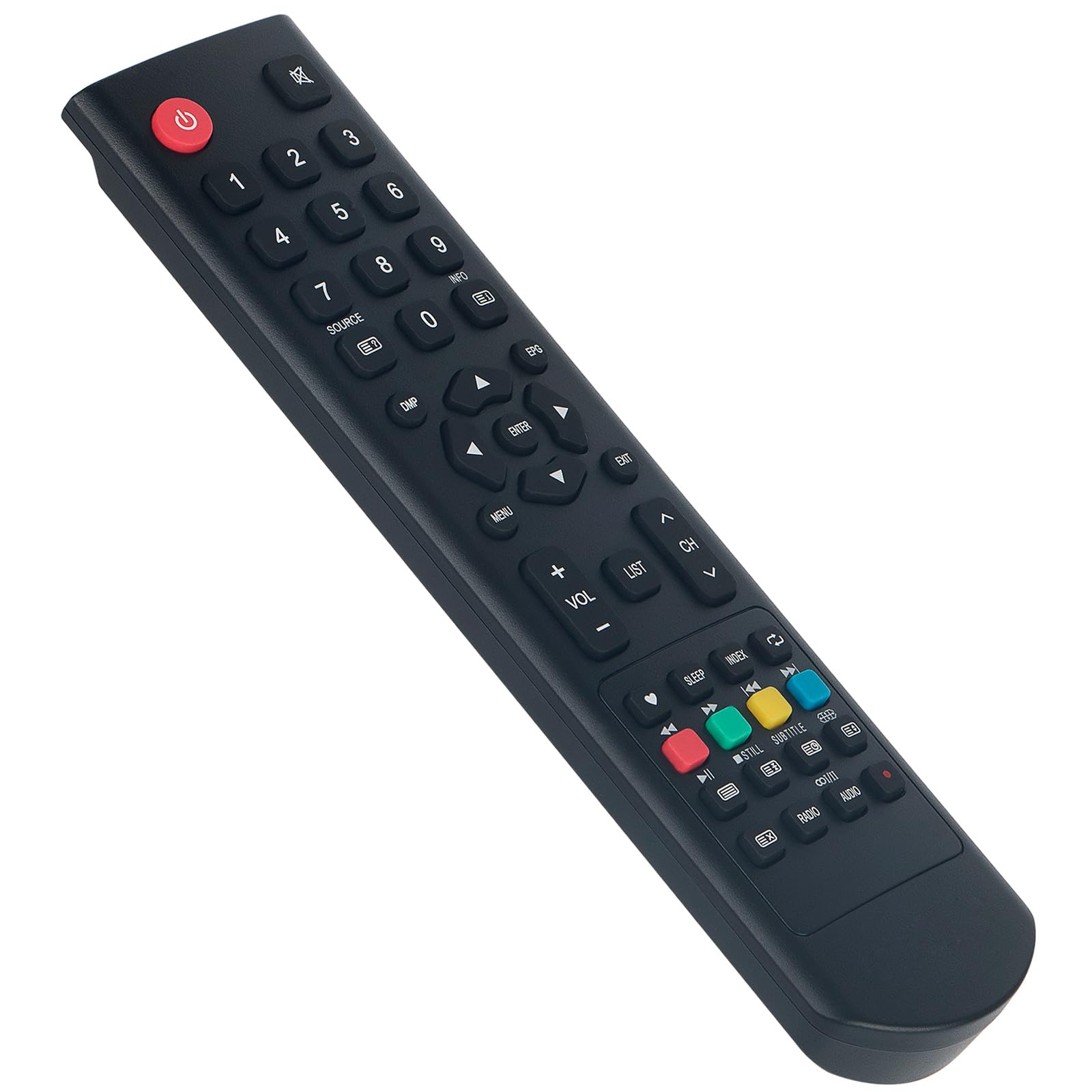
Image 1.1: VINABTY Replacement Remote Control. This image shows the remote control in a typical home environment, highlighting its compact and user-friendly design.
2. Setup
2.1 Battery Installation
The remote control requires two AAA batteries (not included) for operation. Follow these steps to install them:
- Locate the battery compartment on the back of the remote control.
- Slide the battery cover downwards or press the latch and lift to open.
- Insert two AAA batteries, ensuring the positive (+) and negative (-) terminals align correctly with the markings inside the compartment.
- Replace the battery cover by sliding it back into place until it clicks securely.

Image 2.1: Battery Compartment. This image displays the rear of the remote control with the battery cover removed, showing the slots for AAA batteries and polarity indicators.
2.2 Initial Use
This VINABTY replacement remote control is designed for immediate use with compatible TV models. No programming or pairing is required. Simply install the batteries, point the remote at your television, and begin using it.
3. Operating Instructions
The remote control features a standard layout for easy navigation and control of your television. Below is a general guide to its functions:
- Power Button (Red): Turns the TV on or off.
- Number Buttons (0-9): Directly select channels.
- SOURCE Button: Cycles through input sources (HDMI, AV, etc.).
- INFO Button: Displays program information.
- Directional Pad (Up, Down, Left, Right) & ENTER: Navigate menus and confirm selections.
- MENU Button: Accesses the TV's main menu.
- EXIT Button: Exits current menu or function.
- VOL +/- Buttons: Adjusts the volume level.
- CH ^/v Buttons: Changes channels up or down.
- LIST Button: Displays a list of channels or recorded programs.
- Colored Buttons (Red, Green, Yellow, Blue): Functionality varies by TV model and context, often used for teletext or smart TV features.
- Playback Controls (Play, Pause, Stop, Rewind, Fast Forward): Control media playback.
- Subtitle, Audio Buttons: Adjust subtitle and audio track settings.
Ensure a clear line of sight between the remote control's infrared emitter and the TV's IR receiver for optimal performance. The remote operates effectively up to a distance of 10 meters.
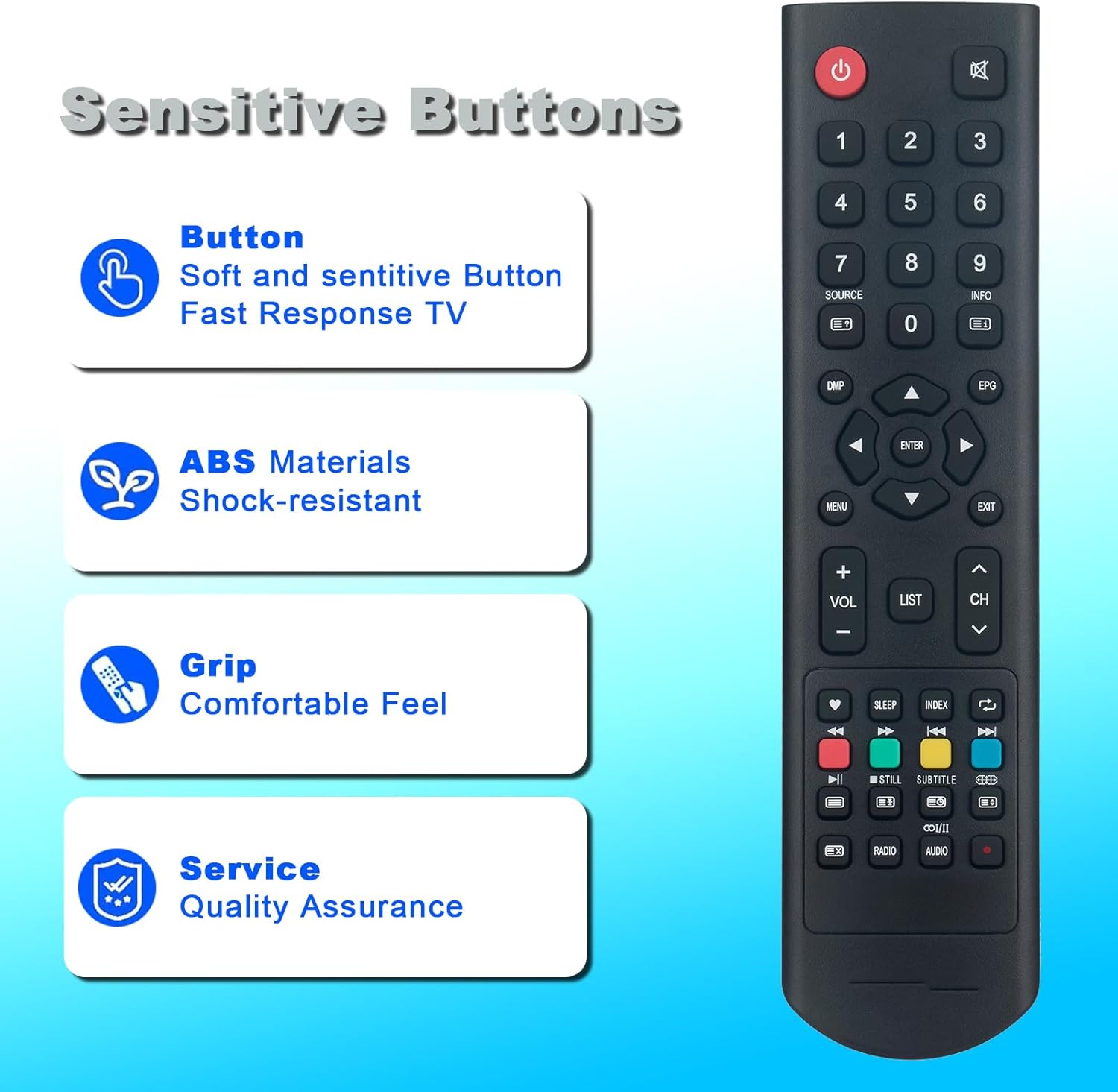
Image 3.1: Remote Control Features. This image illustrates the remote control, emphasizing its responsive buttons and ergonomic grip for comfortable use.
4. Maintenance
To ensure the longevity and optimal performance of your VINABTY remote control, follow these maintenance guidelines:
- Cleaning: Wipe the remote control regularly with a soft, dry cloth. For stubborn dirt, slightly dampen the cloth with water or a mild, non-abrasive cleaner. Avoid using harsh chemicals or abrasive materials.
- Battery Replacement: Replace batteries when the remote's response becomes sluggish or it stops functioning. Always replace both batteries at the same time with new ones of the same type (AAA). Do not mix old and new batteries or different battery types.
- Storage: Store the remote control in a cool, dry place away from direct sunlight, extreme temperatures, and high humidity. If the remote will not be used for an extended period, remove the batteries to prevent leakage.
- Avoid Drops and Impacts: While the remote is made from durable ABS material, excessive force or drops can damage internal components. Handle with care.
5. Troubleshooting
If you encounter issues with your remote control, refer to the following troubleshooting tips:
- Remote Not Responding:
- Check if the batteries are correctly installed with the correct polarity.
- Replace the batteries with fresh ones.
- Ensure there is a clear line of sight between the remote and the TV's IR receiver. Remove any obstructions.
- Confirm the remote is pointed directly at the TV.
- Limited Range:
- Ensure batteries are fresh. Low battery power can reduce range.
- Check for strong light sources (e.g., direct sunlight, fluorescent lights) that might interfere with the IR signal.
- Reduce the distance between the remote and the TV.
- Specific Buttons Not Working:
- Clean the remote control, especially around the problematic buttons, to remove any dirt or debris that might be obstructing them.
- If only certain buttons fail, it might indicate internal damage. Consider contacting support.
- Remote Does Not Control TV:
- Verify that your TV model is listed as compatible. This remote is a direct replacement and does not require programming for compatible models.
- If your TV model is not listed, this remote may not be compatible.
6. Specifications
| Brand | VINABTY |
| Model Name | LED32GRG5C-T |
| Compatible Devices | Television (various models including OK. PEAQ PTV-32H-5024C, LED32GRG5C-T, ODL32850HC-TB, ODL40673F-TB, ODL40850FC-TB, ODL40671E-TB, ODL32851HC-TB, ODL20671H-DB, OLD32673H-TB, OLD32671H-TB, ODL32970, ODL24673H, OLD40670) |
| Connectivity Technology | Infrared |
| Maximum Range | 10 Meters |
| Number of Buttons | 25 |
| Special Feature | Ergonomic Design |
| Product Dimensions | 18 x 4 x 1 cm |
| Product Weight | 60 g |
| Batteries Required | 2 x AAA (not included) |

Image 6.1: Remote Control Dimensions. This image provides a visual representation of the remote control's length and width measurements.
7. Warranty and Support
VINABTY is committed to providing quality products. This remote control is manufactured with durable ABS material for a long service life.
If you encounter any issues with your product or have questions regarding its compatibility, please contact our customer support. We recommend contacting us before purchase if you are unsure about compatibility with your specific device. Our team is available to assist you with any concerns.


