
Introduction
The DOOGEE BoneBeat Swim Lite headphones are designed for active users, featuring bone conduction technology, IP68 waterproofing, and dual-mode functionality (Bluetooth 5.4 and 32GB MP3 player). These open-ear headphones provide a secure and comfortable fit for various activities, including swimming, running, and cycling.
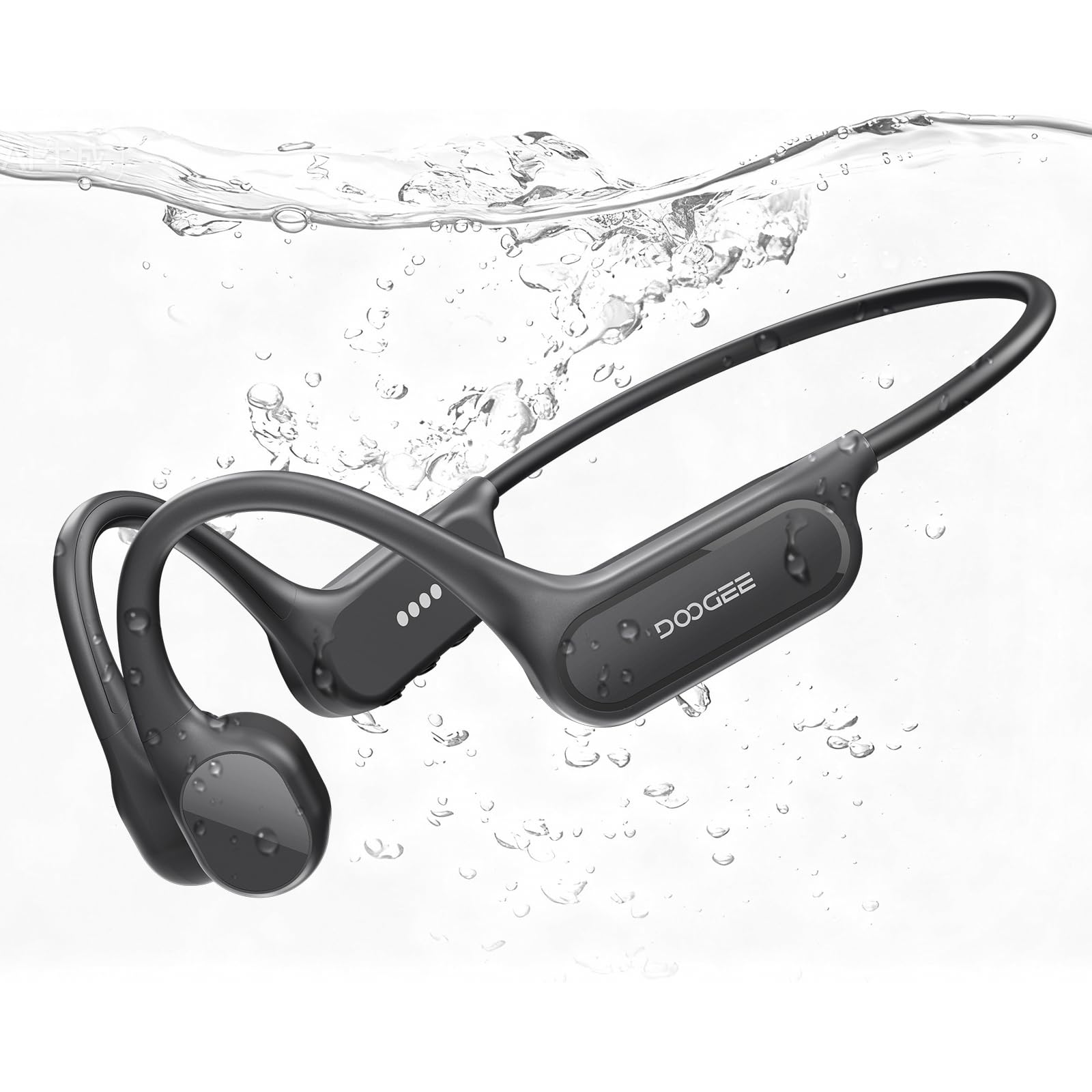
Image: DOOGEE BoneBeat Swim Lite headphones in a swimming environment, highlighting their waterproof design.
Package Contents
Verify that all items are present in your package:
- 1 x BoneBeat Swim Lite Headphones
- 1 x Magnetic Charging Cable
- 1 x Silicone Swimming Earplugs
- 1 x Sponge Swimming Earplugs
- 1 x Elastic Strap
- 1 x Storage Pouch
- 1 x Packing Box
- 1 x User Manual (this document)
- 1 x Service Card

Image: All items included in the BoneBeat Swim Lite retail package.
Product Overview
The BoneBeat Swim Lite headphones feature an ergonomic design with physical buttons for easy control. The open-ear design ensures situational awareness during use.
Controls

Image: Detailed view of the headphone controls, including Volume -, MFB Button, and Volume +.
- Volume -: Decrease volume, previous track (long press).
- MFB Button (Multi-Function Button): Power on/off, play/pause, answer/end calls, switch modes.
- Volume +: Increase volume, next track (long press).
Setup
Charging the Headphones
Before first use, fully charge the headphones. Use the provided magnetic charging cable. Connect the magnetic end to the charging port on the headphones and the USB-A end to a compatible power adapter (not included) or computer USB port.
- A full charge takes approximately 2 hours.
- A 10-minute quick charge provides up to 2 hours of music playback.
- The LED indicator will show charging status.

Image: Visual representation of battery life, showing 10 hours in Bluetooth mode and 6 hours in MP3 mode, with quick charge details.
Power On/Off
- To Power On: Press and hold the MFB button until the LED indicator lights up and you hear a power-on prompt.
- To Power Off: Press and hold the MFB button until the LED indicator turns off and you hear a power-off prompt.
Bluetooth Pairing
When powered on for the first time or when not paired, the headphones will automatically enter Bluetooth pairing mode. The LED indicator will flash, indicating it's ready to connect.
- Ensure the headphones are powered on and in pairing mode.
- On your device (smartphone, tablet, etc.), enable Bluetooth.
- Search for "DOOGEE BoneBeat Swim Lite" in the list of available devices.
- Select the headphones to connect. A voice prompt will confirm successful pairing.
The headphones support multi-point connection, allowing seamless switching between two paired devices.
Video: Demonstrates the dual-mode connection method for the DOOGEE BoneBeat Swim Lite headphones.
Operating Modes
The BoneBeat Swim Lite headphones offer two primary operating modes: Bluetooth Mode and MP3 Mode.

Image: Comparison of MP3 Mode for underwater use and Bluetooth Mode for land-based activities, highlighting 32GB storage.
Bluetooth Mode
In Bluetooth mode, the headphones connect wirelessly to your smartphone, tablet, or other Bluetooth-enabled devices. This mode is ideal for streaming music, taking calls, and listening to audio from your connected device.
MP3 Mode (Local Storage)
The headphones feature 32GB of built-in storage, capable of storing approximately 8,000 MP3 songs. This mode is essential for underwater use, as Bluetooth signals do not transmit effectively through water.
- Transferring Music: Connect the headphones to a computer using the magnetic charging cable. The headphones will appear as a removable drive. Drag and drop your MP3 files into the designated folder.
- Note: For optimal performance underwater, ensure you are in MP3 mode.
Switching Between Modes
To switch between Bluetooth Mode and MP3 Mode, press the MFB button twice quickly. A voice prompt will confirm the current mode.
Using in Water
The DOOGEE BoneBeat Swim Lite headphones are IP68 rated, making them suitable for swimming and other water sports. This rating ensures protection against dust and continuous immersion in water up to 2 meters.

Image: A swimmer using the BoneBeat Swim Lite headphones during a swimming session.
Important Considerations:
- Always switch to MP3 Mode when using the headphones underwater, as Bluetooth signals cannot effectively transmit through water.
- After contact with seawater, rinse the headphones immediately with fresh water to prevent corrosion.
- Do not use the headphones in a hot bath or sauna, as extreme temperatures can damage the device and compromise its waterproof sealing.
- Use the included swimming earplugs for an enhanced audio experience underwater.
Maintenance
Proper care ensures the longevity and performance of your BoneBeat Swim Lite headphones.
- Cleaning: After each use, especially after swimming or heavy sweating, wipe the headphones with a soft, damp cloth. If used in saltwater, rinse thoroughly with fresh water and dry completely before charging.
- Storage: Store the headphones in the provided storage pouch in a cool, dry place away from direct sunlight and extreme temperatures.
- Charging Port: Ensure the magnetic charging contacts are clean and dry before connecting the charging cable.
Troubleshooting
If you encounter issues with your headphones, refer to the following common solutions:
| Problem | Solution |
|---|---|
| Headphones do not power on | Ensure the headphones are fully charged. Press and hold the MFB button for several seconds. |
| Cannot pair via Bluetooth | Ensure headphones are in Bluetooth pairing mode (flashing LED). Turn off and on Bluetooth on your device. Forget the device in your Bluetooth settings and try pairing again. |
| No sound in Bluetooth mode | Check volume levels on both headphones and connected device. Ensure headphones are correctly paired. Try playing audio from a different application or device. |
| No sound in MP3 mode | Ensure headphones are switched to MP3 mode. Verify that MP3 files are correctly loaded onto the internal storage. Check volume levels. |
| Poor sound quality underwater | Ensure you are in MP3 mode. Use the provided swimming earplugs for optimal sound transmission. |
| Headphones not recognized by computer | Ensure the magnetic charging cable is securely connected. Try a different USB port or computer. |
Specifications
| Feature | Detail |
|---|---|
| Model Name | BONEBEATSWIMLITE |
| Audio Driver Type | Bone Conduction Driver |
| Water Resistance Level | IP68 (Water Resistant) |
| Connectivity Technology | Wireless (Bluetooth) |
| Bluetooth Version | 5.4 |
| Bluetooth Range | 10 Meters |
| Internal Storage | 32GB (for MP3 mode) |
| Battery Life | Up to 10 hours |
| Charging Time | Approx. 2 hours |
| Hardware Interface | USB Type C (via magnetic cable) |
| Control Type | Button Control |
| Ear Placement | Open Ear |
| Item Weight | 26.5 Grams (0.935 ounces) |
| Product Dimensions | 5.2 x 4.72 x 1.85 inches |
| Material | Plastic |
| Noise Control | Active Noise Cancellation |
| Frequency Response | 20 KHz |
| Impedance | 0.01 Ohms |
Warranty and Support
DOOGEE products are manufactured to high-quality standards. For warranty information, please refer to the Service Card included in your package or visit the official DOOGEE website. For technical support or customer service inquiries, please contact DOOGEE customer support through their official channels.


