1. Introduction
Thank you for choosing the Wipro GD208 Automatic Electric Dry Iron. This appliance is designed for efficient and effective ironing, providing wrinkle-free results for various fabric types. With its 1200 Watt power, German Weilburger double-coated soleplate, and user-friendly features, the GD208 ensures a smooth and convenient ironing experience. Please read this manual carefully before using the iron and keep it for future reference.
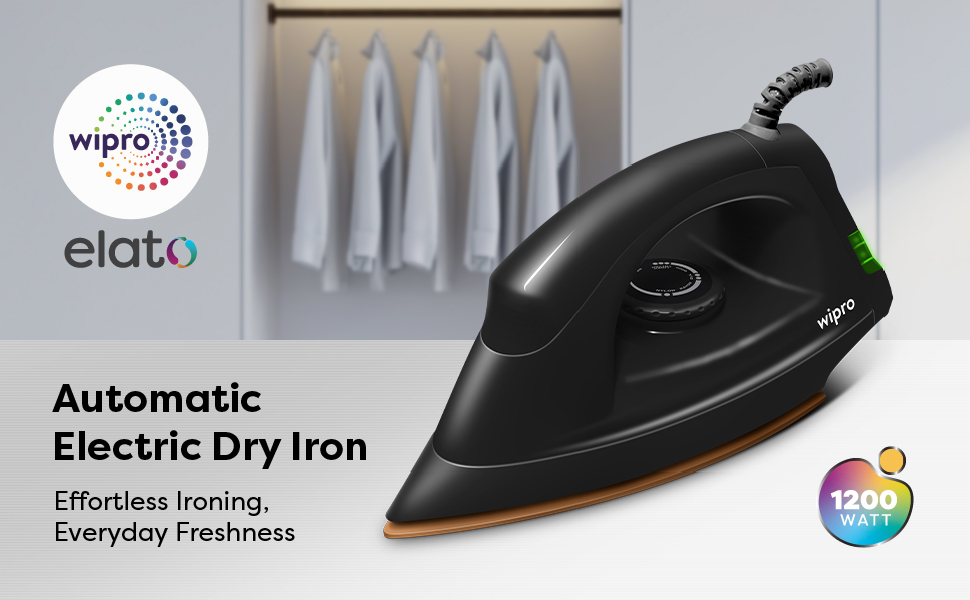
Image 1.1: The Wipro GD208 Automatic Electric Dry Iron, highlighting its 1200W power and lightweight design for everyday ironing.
2. Important Safety Instructions
When using electrical appliances, basic safety precautions should always be followed to reduce the risk of fire, electric shock, and personal injury.
- Read all instructions before use.
- Do not leave the iron unattended while it is connected to the power supply or on an ironing board.
- Always unplug the iron from the electrical outlet when filling with water (for steam irons, not applicable for dry iron), emptying, or when not in use.
- Do not operate any appliance with a damaged cord or plug, or after the appliance malfunctions or has been dropped or damaged in any manner.
- To protect against a risk of electric shock, do not immerse the iron in water or other liquids.
- Close supervision is necessary when any appliance is used by or near children.
- The iron must be used and rested on a stable surface.
- The iron is not intended for use by persons (including children) with reduced physical, sensory or mental capabilities, or lack of experience and knowledge, unless they have been given supervision or instruction concerning use of the iron by a person responsible for their safety.
- Keep the iron and its cord out of reach of children less than 8 years of age when it is energized or cooling down.
3. Product Overview
The Wipro GD208 Dry Iron is engineered for performance and durability. Familiarize yourself with its key components and features.
Key Features:
- 1200 Watt Power: Ensures quick heat-up and strong heat output for efficient ironing.
- German Weilburger Double-Coated Soleplate: Provides a scratch-resistant, non-stick surface for smooth gliding and antibacterial properties for hygienic ironing.
- Large LED Indicator: Clearly signals when the iron is heating up or has reached the desired temperature.
- Adjustable Thermostat Control: Allows selection of appropriate temperature for various fabric types.
- 360° Swivel Cord: Offers flexible movement and prevents tangling during use.
- Lightweight Design: For comfortable handling and effortless ironing.
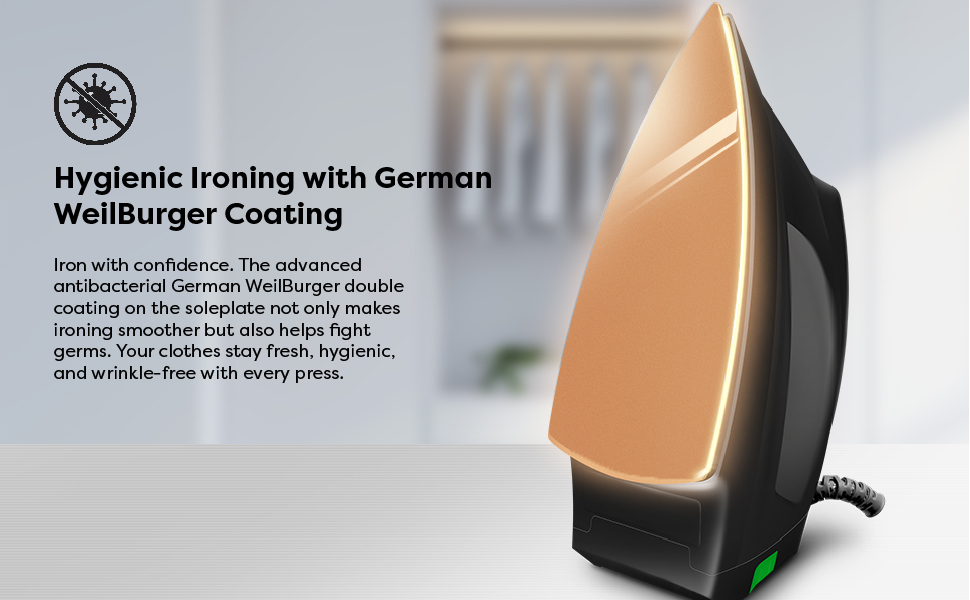
Image 3.1: The German WeilBurger double-coated soleplate ensures germ-free and quick heating for efficient ironing.
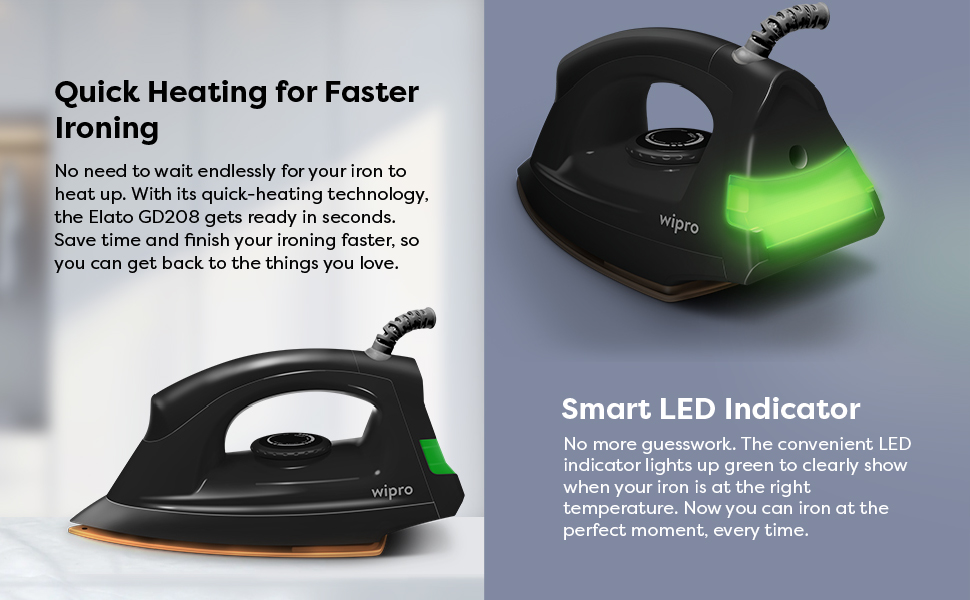
Image 3.2: The smart LED indicator illuminates when the iron is ready, complementing its powerful 1200W performance.
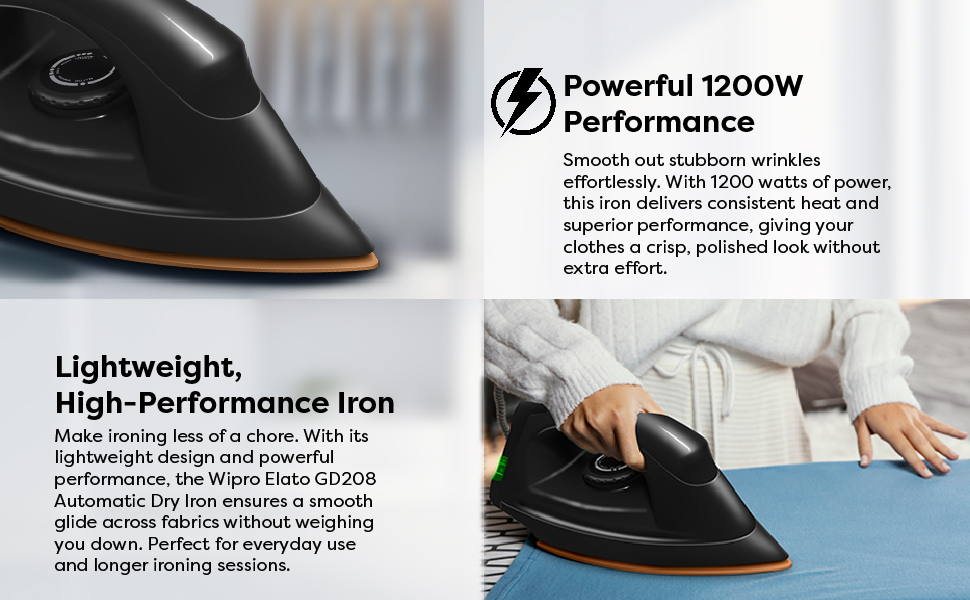
Image 3.3: The 360° swivel cord provides flexibility, while the 5 fabric settings dial allows custom heat levels for various materials.
4. Setup
Before first use, ensure the iron is clean and free from any packaging materials.
- Unpack the iron and all its components.
- Check the iron for any visible damage. If damaged, do not use it and contact customer support.
- Ensure your power outlet voltage matches the specifications on the iron's rating label.
- Place the iron on a stable, heat-resistant surface, such as an ironing board.
5. Operating Instructions
Follow these steps for safe and effective ironing:
- Prepare Garments: Ensure clothes are clean and sorted by fabric type. Ironing clothes requiring lower temperatures first is recommended.
- Set Temperature: Turn the thermostat dial to the desired temperature setting according to the fabric type. Refer to the fabric guide on the dial or garment care labels.
- Connect Power: Plug the iron into a suitable electrical outlet. The LED indicator will light up, indicating the iron is heating.
- Wait for Ready Indicator: Once the iron reaches the set temperature, the LED indicator will change color or turn off (depending on the model) to signal it is ready for use.
- Ironing: Begin ironing your garments. The smooth soleplate will glide easily over fabrics.
- Finish Ironing: When finished, turn the thermostat dial to the 'Min' or 'Off' position and unplug the iron from the power outlet.
- Cool Down: Allow the iron to cool down completely before storing.

Image 5.1: Demonstrating the Wipro GD208 Dry Iron in use, smoothly pressing a shirt.

Image 5.2: A close-up view of the Wipro GD208 Dry Iron's soleplate gliding effortlessly across fabric.
Video: Wipro GD208 Electric Dry Iron Overview
Video 5.1: This video provides a visual guide to the Wipro GD208 Automatic Electric Dry Iron, showcasing its features, setup, and smooth operation for various fabrics.
6. Maintenance and Care
Proper maintenance ensures the longevity and performance of your Wipro GD208 Dry Iron.
- Cleaning the Soleplate: After the iron has cooled down, wipe the soleplate with a damp cloth. For stubborn stains, use a non-abrasive iron cleaner. Do not use abrasive scourers or chemical cleaners.
- Cleaning the Body: Wipe the outer casing with a soft, damp cloth. Do not use harsh detergents or solvents.
- Storage: Store the iron vertically on its heel rest in a dry, safe place once it has completely cooled down. Ensure the cord is neatly wrapped and not tightly coiled around the iron.
7. Troubleshooting
If you encounter any issues with your iron, refer to the following common problems and solutions:
| Problem | Possible Cause | Solution |
|---|---|---|
| Iron does not heat up. | Not plugged in correctly; Power outlet fault; Thermostat set to 'Off' or 'Min'. | Check plug connection; Test outlet with another appliance; Adjust thermostat to a higher setting. |
| LED indicator not lighting up. | No power supply; Faulty indicator light. | Check power supply; If iron heats but light doesn't work, contact service. |
| Iron not gliding smoothly. | Soleplate is dirty; Temperature too low for fabric. | Clean the soleplate as per maintenance instructions; Increase temperature setting. |
| Clothes sticking to the soleplate. | Soleplate residue; Temperature too high for fabric. | Clean the soleplate; Reduce temperature setting. |
If the problem persists after trying these solutions, please contact Wipro customer support.
8. Specifications
| Brand | Wipro |
| Model Name | Wipro Elato GD 208 Dry Iron |
| Item Model Number | EJ128120 |
| Wattage | 1200 Watts |
| Special Feature | Auto Shutoff, Even Heat Distribution, Lightweight, Power Indicator Light |
| Colour | Black |
| Product Dimensions | 27L x 12W Centimeters |
| Recommended Uses | Home, All Fabric Types |
| Base Material | Stainless Steel |
| Item Weight | 760 g |
| Country of Origin | India |
| Included Components | 1 Unit of Wipro GD208 Automatic Electric Dry Iron |
9. Warranty and Support
The Wipro GD208 Automatic Electric Dry Iron comes with a 2-year manufacturer warranty from the date of purchase. This warranty covers manufacturing defects under normal use conditions.
For warranty claims, technical support, or any product-related queries, please contact Wipro customer service.
Warranty Registration:
To register your product for warranty, you can scan the QR code below or visit the official Wipro warranty registration page.

Image 9.1: Scan this QR code to register your Wipro product for warranty.
Alternatively, register online: Wipro Warranty Registration


