
Introduction
This manual provides essential information for setting up, operating, maintaining, and troubleshooting your Relndoo TB02 Android 15 Tablet. Please read this guide thoroughly to ensure proper use and to maximize your device's capabilities.
Package Contents
Verify that all items listed below are included in your package:
- 1 x 10.1 inch Relndoo Android Tablet
- 1 x Keyboard
- 1 x Mouse
- 1 x Stylus Pen
- 1 x Foldable Protective Case (Green)
- 1 x Screen Protector
- 1 x Charging Head
- 1 x USB-C Charger Cable
- 1 x User Manual
Figure 1: Included accessories with the Relndoo TB02 Tablet.
Setup
1. Initial Charging
Before first use, fully charge your tablet using the provided USB-C charger cable and charging head. The 8000mAh battery ensures extended usage, but an initial full charge is recommended.
2. Power On/Off
- To Power On: Press and hold the Power button located on the side of the tablet until the Relndoo logo appears.
- To Power Off: Press and hold the Power button, then select 'Power off' from the options that appear on the screen.
3. Initial Configuration
Upon first power-on, follow the on-screen prompts to set up your Android 15 operating system. This includes selecting your language, connecting to a Wi-Fi network, and signing in with your Google account. The tablet is GMS-certified, ensuring full access to Google services.
4. Connecting Accessories (Keyboard, Mouse, Stylus)
The included keyboard, mouse, and stylus connect via Bluetooth 5.0. To pair:
- Go to Settings > Connected devices > Bluetooth on your tablet.
- Turn on the accessory (keyboard, mouse, or stylus) and put it into pairing mode (refer to the accessory's individual instructions if needed).
- Select the accessory from the list of available devices on your tablet to pair.
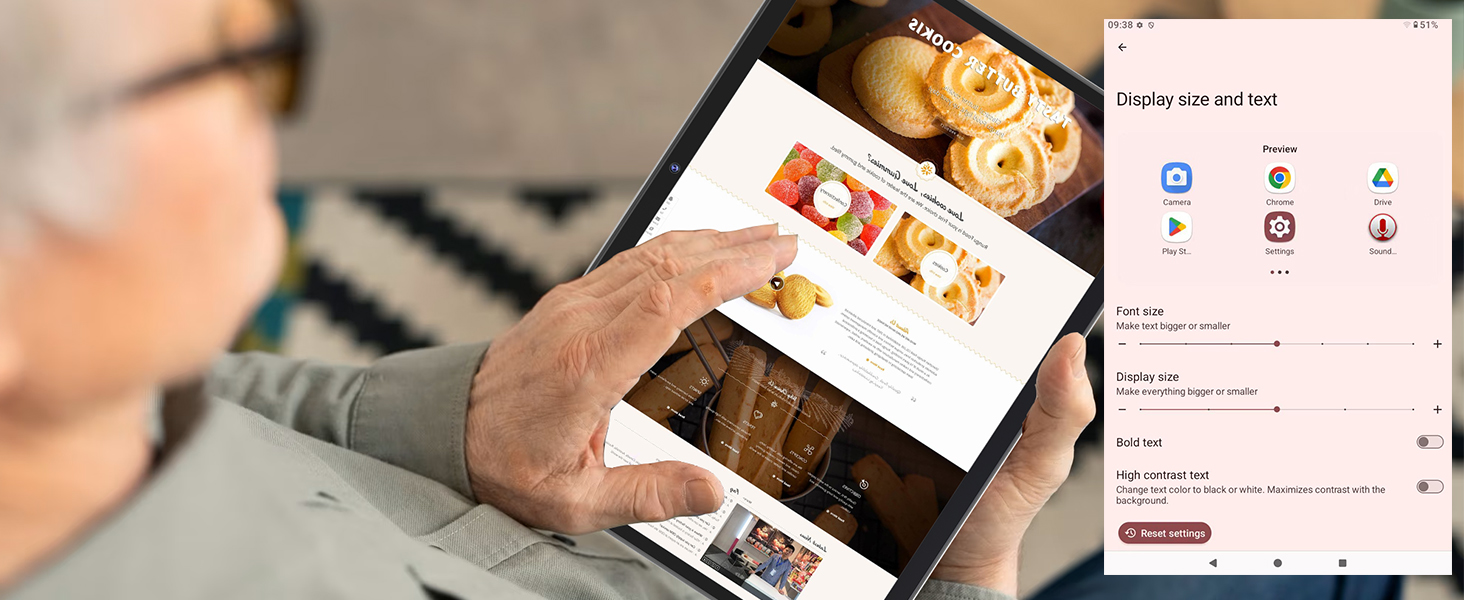
Figure 2: Relndoo TB02 Tablet with connected keyboard and mouse.
5. Applying the Screen Protector
Carefully clean the tablet screen with a microfiber cloth. Align the screen protector with the tablet's display and gently apply it, smoothing out any air bubbles.
Operating Your Tablet
Android 15 Operating System
Your Relndoo TB02 tablet runs on the latest Android 15 OS, offering enhanced security, privacy, and performance. Key features include:
- Gemini AI Engine: Provides intelligent task optimization and faster app response.
- Split-Screen Multitasking: Allows you to use two apps simultaneously for improved productivity.
- Blue Light Reduction Mode: Helps reduce eye strain during prolonged use.
- Enhanced Privacy Controls: Features like Sensitive Notifications, Lockdown Mode, and Upgraded Theft-Deterrent Protection.

Figure 3: Android 15 Privacy and Security Features.
Display and Visuals
The tablet features a 10.1-inch IPS display with a resolution of 1280x800 pixels. It supports Widevine L1 certification, enabling high-definition streaming (up to 1080p) from platforms like Netflix, Hulu, and Amazon Prime Video.
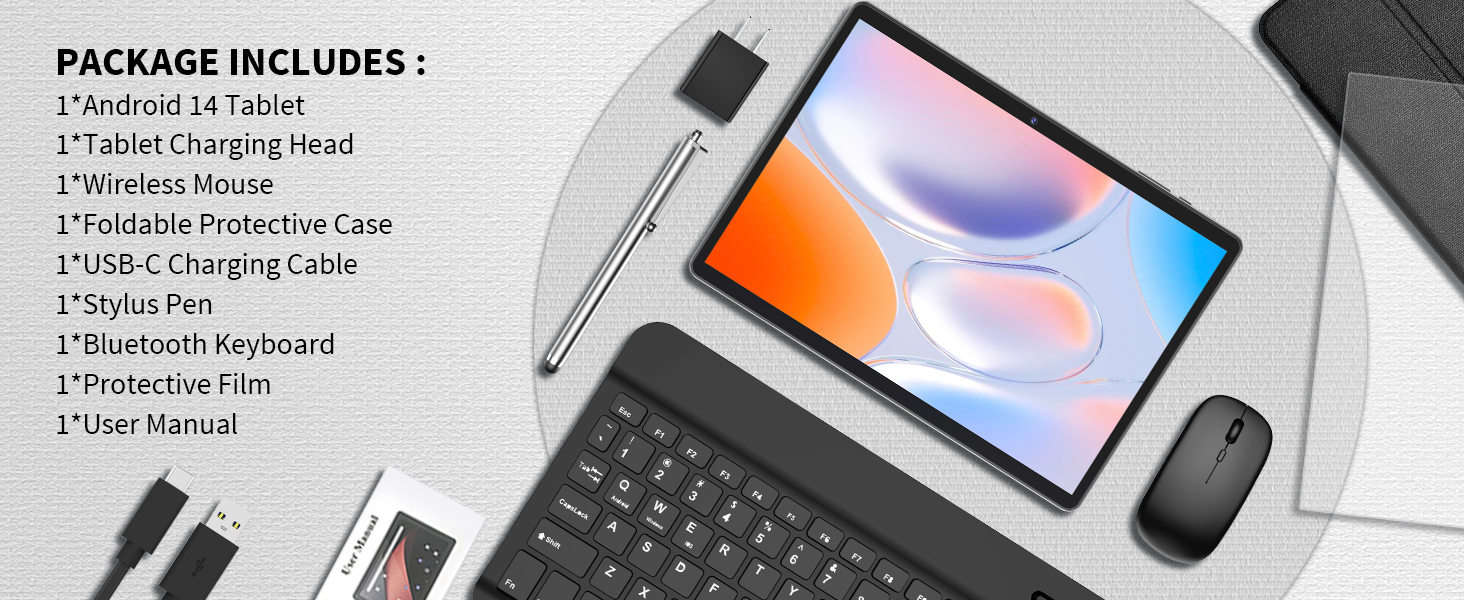
Figure 4: High-Definition Display and Widevine L1 Support.
Storage and Performance
Equipped with 26GB RAM (6GB physical + 20GB virtual) and 256GB internal storage, the tablet offers smooth multitasking. Storage can be expanded up to 2TB using a TF (microSD) card (sold separately). The 3562 octa-core processor ensures efficient performance for various applications.
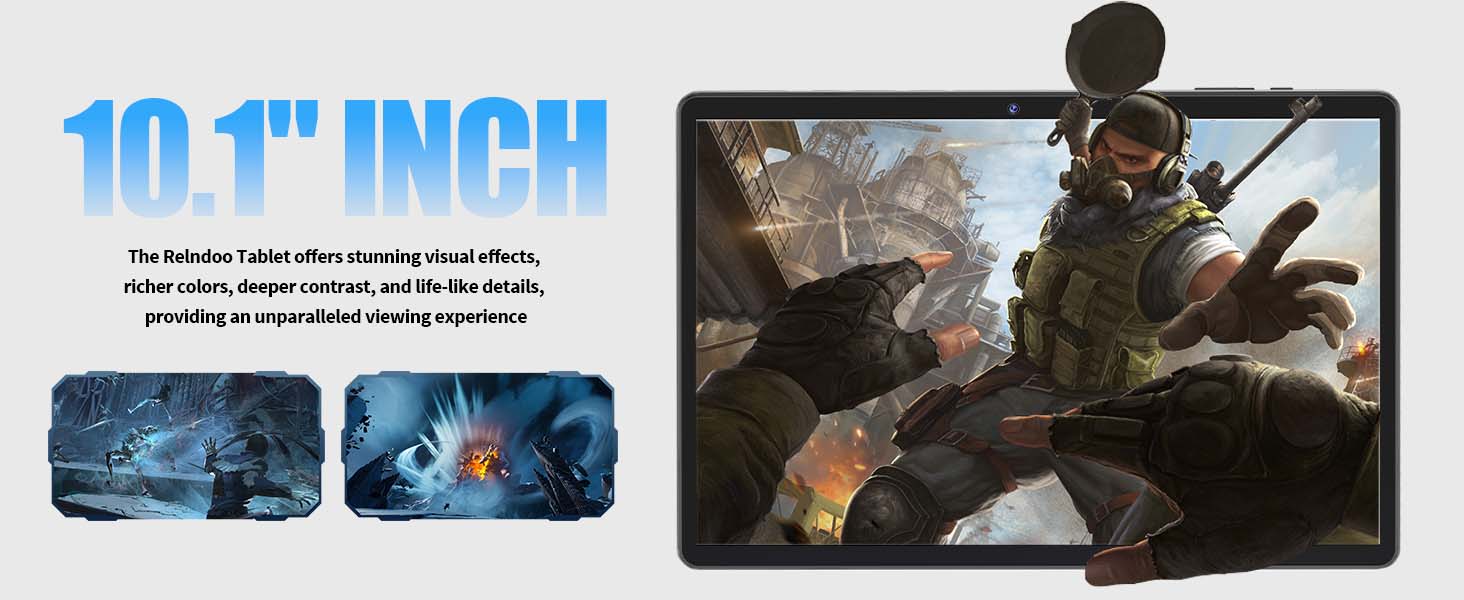
Figure 5: Storage and Memory Configuration.
Connectivity
- Wi-Fi: Supports dual-band 2.4GHz and 5.0GHz Wi-Fi for stable and fast internet access.
- Bluetooth 5.0: For connecting wireless accessories like headphones, speakers, keyboard, and mouse.
- GPS: Integrated GPS for navigation and location-based services.
Cameras
The tablet features a 5MP front camera for video calls and selfies, and a 13MP rear camera for capturing photos and videos.
Audio
Equipped with dual speakers for clear audio output and a dedicated 3.5mm headphone jack for private listening.
Battery Life
The 8000mAh battery provides up to 12 hours of video playback, 18 hours of talk time, and 450 hours of standby. The USB-C port supports bidirectional fast charging.
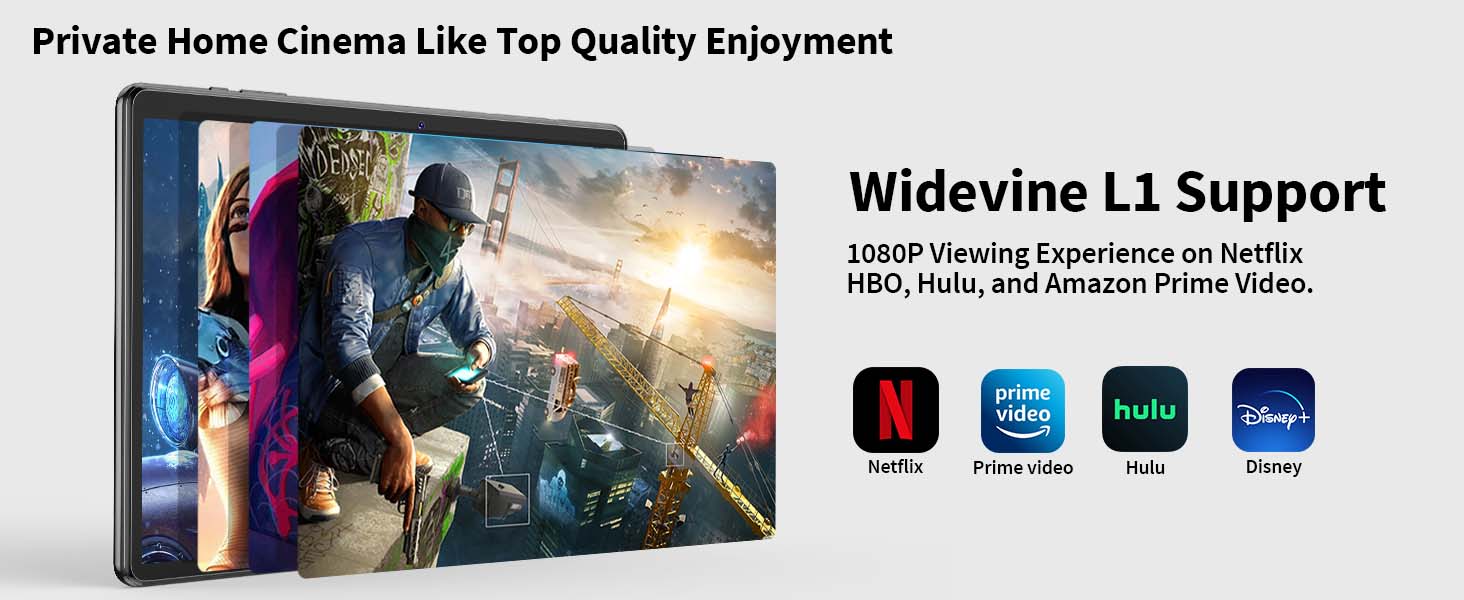
Figure 6: 8000mAh Battery Performance.
Google App Store
As a GMS-certified device, you have full access to the Google Play Store to download and install a wide variety of applications.
Maintenance
Battery Care
- Avoid extreme temperatures, which can degrade battery life.
- Do not let the battery completely drain frequently.
- Use only the provided charger or a certified USB-C charger.
Cleaning
- Use a soft, lint-free cloth to clean the screen and body of the tablet.
- Avoid using harsh chemicals or abrasive materials.
- Do not spray cleaners directly onto the screen.
Software Updates
Regularly check for and install system updates to ensure your tablet has the latest security patches and features. Go to Settings > System > System update.
Storage Management
To optimize performance, periodically clear unnecessary files and uninstall unused applications. Utilize the TF card slot for expanding storage for large media files.
Troubleshooting
| Issue | Possible Solution |
|---|---|
| Tablet does not power on | Ensure the battery is charged. Connect the charger and wait a few minutes before attempting to power on again. |
| Cannot connect to Wi-Fi | Check if Wi-Fi is enabled in Settings. Restart your router and the tablet. Verify the Wi-Fi password. |
| Bluetooth accessory not pairing | Ensure the accessory is in pairing mode and within range. Restart Bluetooth on the tablet and the accessory. |
| Slow performance | Close unused apps. Clear cache. Check for system updates. Consider a factory reset as a last resort (backup data first). |
| Apps crashing | Update the app to the latest version. Clear the app's cache and data (Settings > Apps). Reinstall the app. |
Specifications
| Feature | Detail |
|---|---|
| Brand | Relndoo |
| Model Name | TB02 |
| Operating System | Android 15 |
| Processor | 3562 Octa-Core (ARM Snapdragon 3562) |
| RAM | 26 GB (6GB physical + 20GB virtual) |
| Internal Storage | 256 GB |
| Expandable Storage | Up to 2 TB via TF Card (MicroSD) |
| Screen Size | 10.1 Inches |
| Display Type | IPS LCD |
| Display Resolution | 1280 x 800 Pixels |
| Front Camera | 5 MP |
| Rear Camera | 13 MP |
| Battery Capacity | 8000 mAh |
| Connectivity | 5G Wi-Fi (2.4GHz & 5.0GHz), Bluetooth 5.0, GPS |
| Ports | USB-C, 3.5mm Headphone Jack |
| Dimensions (L x W x Th) | 10.7"L x 7.5"W x 2.5"Th |
Warranty Information
The Relndoo TB02 Tablet is covered by a limited warranty. Please refer to the warranty card included in your product packaging or contact Relndoo customer support for specific terms and conditions.
Customer Support
For further assistance, technical support, or warranty claims, please contact Relndoo customer service through the contact information provided on the product packaging or the official Relndoo website. Please have your model number (TB02) and purchase details ready when contacting support.