
Groovz GRZ-OPN-PUR
Groovz Open-Ear True Wireless Headphones (Model GRZ-OPN-PUR) User Manual
Comprehensive instructions for setup, operation, and maintenance.
Introduction
Thank you for choosing Groovz Open-Ear True Wireless Headphones. This manual provides detailed instructions to help you get the most out of your device. Please read it carefully before use and retain it for future reference.
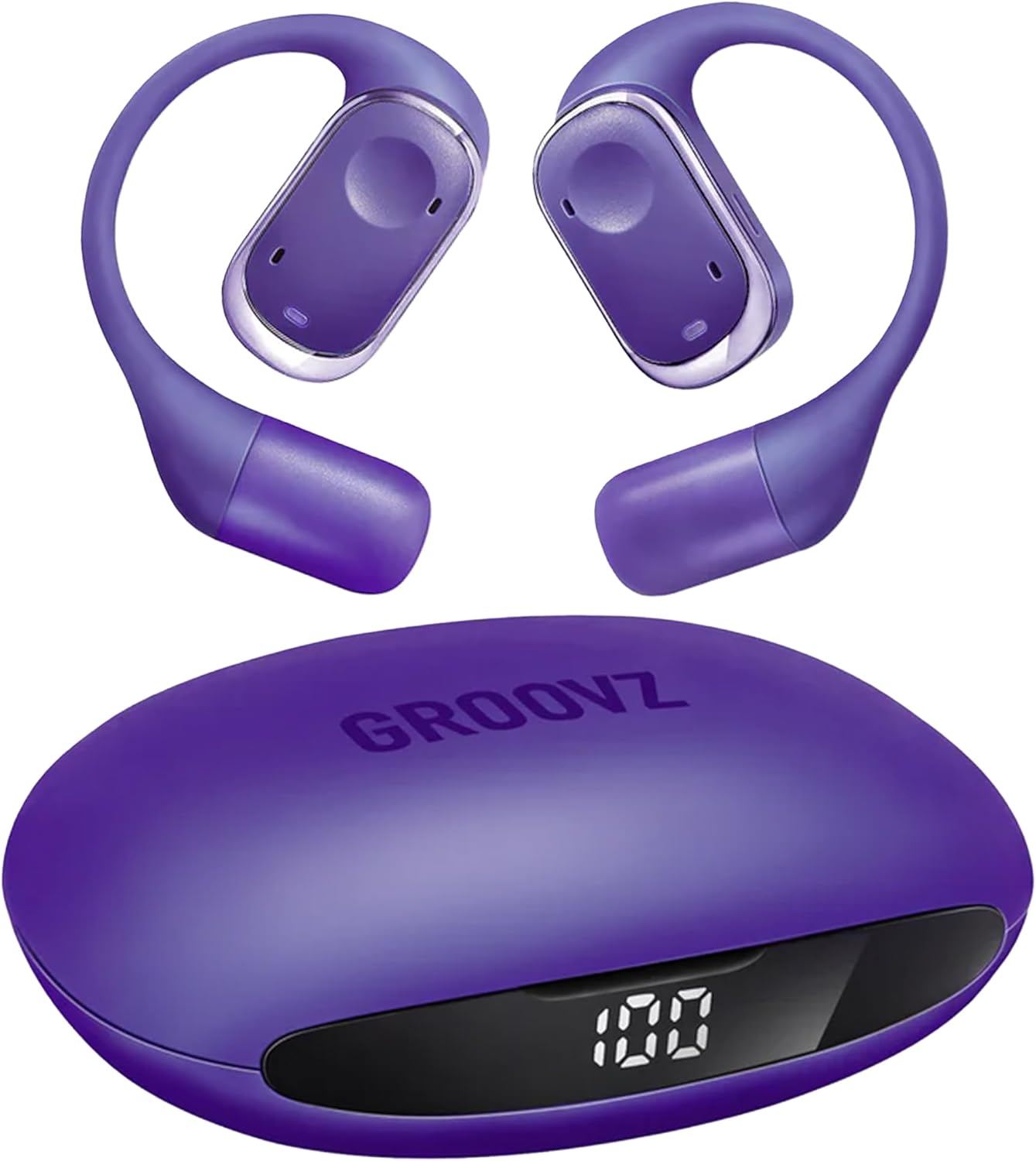
Image: Groovz Open-Ear True Wireless Headphones and their charging case, both in a deep purple color. The case features an LED battery display.
Setup
1. Unboxing and Initial Charge
Upon unboxing, ensure all components are present: Groovz Open-Ear True Wireless Headphones, charging case, and user manual. Before first use, fully charge the headphones and charging case.
- Place the earbuds into the charging case.
- Connect the charging case to a power source using a compatible USB-C cable (not included).
- The LED Battery Display on the case will indicate the charging status. A full charge is indicated by 100% on the display.
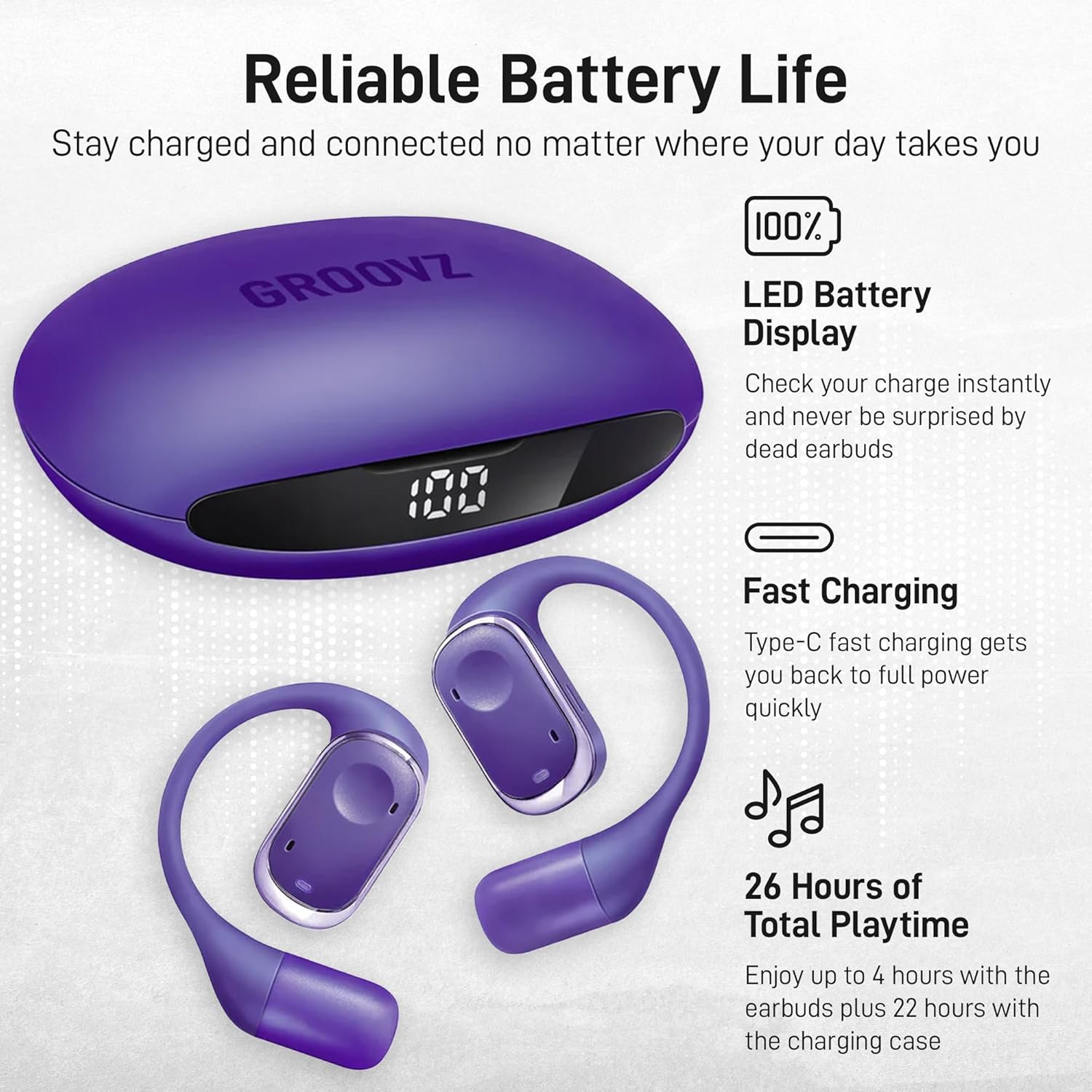
Image: The Groovz charging case with its LED display showing "100", indicating a full charge. The two open-ear headphones are shown next to it.
2. Bluetooth Pairing
The headphones feature instant pairing with Bluetooth 5.3 technology.
- Open the charging case. The earbuds will automatically enter pairing mode.
- On your device (smartphone, tablet, etc.), navigate to the Bluetooth settings.
- Select "Groovz Open-Ear" from the list of available devices.
- Once connected, you will hear an audio confirmation, and the earbuds will be ready for use.

Image: A user demonstrating the smart touch controls on a Groovz open-ear headphone, highlighting the ease of pairing and control.
Operating Instructions
1. Wearing the Earbuds
The Groovz Open-Ear headphones are designed for a secure and comfortable fit, featuring ergonomic and flexible ear hooks.
- Gently place the earbud over your ear, ensuring the ear hook rests comfortably behind your ear.
- Adjust the earbud until the speaker is positioned correctly near your ear canal for optimal sound without blocking ambient noise.

Image: A woman wearing a Groovz open-ear headphone, illustrating the ergonomic design that allows for comfort and environmental awareness.
2. Smart Touch Controls
The earbuds feature intuitive smart touch controls for managing audio playback and calls.
| Action | Function |
|---|---|
| Single Tap | Play/Pause music, Answer/End call |
| Double Tap (Right Earbud) | Next Track |
| Double Tap (Left Earbud) | Previous Track |
| Triple Tap | Activate Voice Assistant |
| Long Press (2 seconds) | Reject Call |
3. Call Management
The dual microphones with noise reduction ensure clear conversations.
- Answering/Ending Calls: Single tap either earbud.
- Rejecting Calls: Long press either earbud for 2 seconds.
4. Battery Life and Display
The charging case features an LED display to show the remaining battery percentage in real-time. The earbuds provide up to 4 hours of playtime on a single charge, with an additional 22 hours provided by the charging case, totaling up to 26 hours.
Image: The Groovz charging case with its LED display showing "100", indicating a full charge. The two open-ear headphones are shown next to it.
5. Video Demonstration
Watch this video for a visual guide on using your Groovz True Wireless Earbuds in various daily activities.
Video: A demonstration of Groovz True Wireless Earbuds being used by individuals during activities such as running, yoga, commuting, and working, showcasing their versatility and comfortable fit.
Maintenance
1. Cleaning
Regular cleaning helps maintain optimal performance and hygiene.
- Use a soft, dry, lint-free cloth to wipe the earbuds and charging case.
- Do not use abrasive cleaners, alcohol, or chemical solvents.
- Ensure charging contacts are free of dust and debris.

Image: An exploded diagram illustrating the internal structure and materials of the Groovz open-ear earbud, including its sweat and water-resistant coating.
2. Storage
When not in use, store the headphones in their charging case to protect them and ensure they are charged for your next use.
- Store in a cool, dry place away from extreme temperatures.
- Avoid prolonged exposure to direct sunlight.
Troubleshooting
If you encounter issues, refer to the following common solutions:
| Problem | Solution |
|---|---|
| Earbuds not pairing | Ensure earbuds are charged. Turn off and on your device's Bluetooth. Forget the device in Bluetooth settings and re-pair. |
| No sound | Check device volume. Ensure earbuds are properly connected. Try playing different audio. |
| Low volume | Adjust volume on both your device and the earbuds. Ensure earbuds are positioned correctly. |
| Charging issues | Verify the charging cable and power source are functional. Clean charging contacts on earbuds and case. |
| Intermittent connection | Ensure no obstructions between earbuds and device. Move closer to your device. Avoid environments with high Wi-Fi or Bluetooth interference. |
Specifications
| Feature | Detail |
|---|---|
| Model Number | GRZ-OPN-PUR |
| Connectivity Technology | Wireless (Bluetooth 5.3) |
| Ear Placement | Open Ear |
| Water Resistance Level | IPX5 (Water Resistant) |
| Control Method | Touch |
| Earbud Battery Life | Up to 4 Hours |
| Total Playtime (with case) | Up to 26 Hours |
| Microphones | Dual Microphones with Noise Reduction |
| Charging Case Feature | LED Battery Display |
| Compatible Devices | Cellphones, Tablets (Apple & Android) |
| Item Weight | 6.4 ounces |
| Package Dimensions | 4.13 x 3.74 x 2.13 inches |
Warranty Information
Groovz products are manufactured with quality and care. For specific warranty details regarding your Groovz Open-Ear True Wireless Headphones, please refer to the warranty card included in your product packaging or visit the official Groovz website.
Customer Support
If you have any questions, require technical assistance, or need further support, please contact Groovz customer service. You can typically find contact information on the product packaging or on the official Groovz website: Groovz Store on Amazon.
Related documentsGRZ-OPN-PUR


Ask a question about this manual
Ask about setup, troubleshooting, compatibility, parts, safety, or missing instructions. Manuals+ will review the question and use this page’s manual context to help answer it.