
1. Introduction
Thank you for choosing Groovz Open-Ear True Wireless Headphones. This manual provides essential information for setting up, operating, and maintaining your new headphones. Please read it thoroughly to ensure optimal performance and longevity of your device.
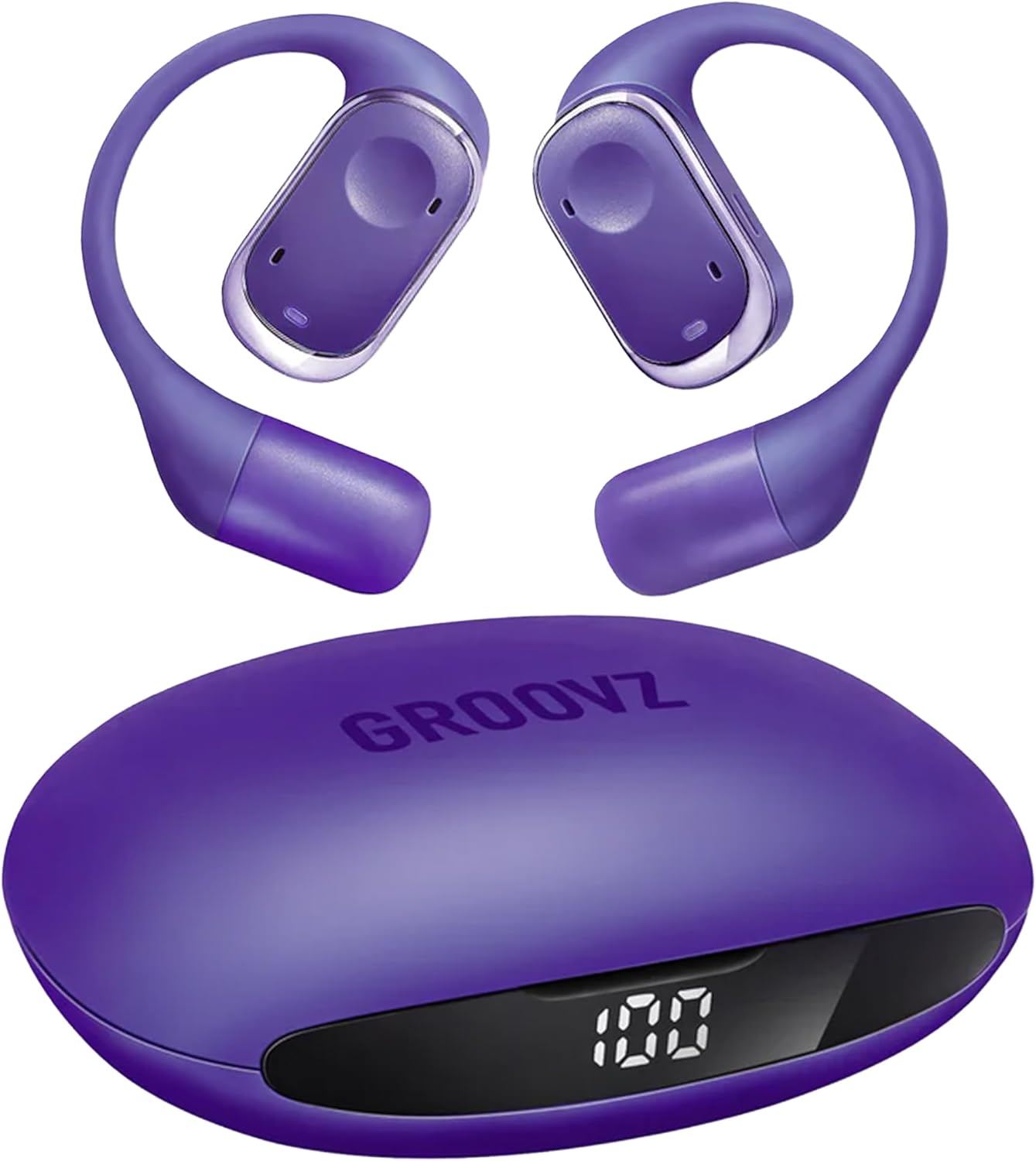
Image 1.1: Groovz Open-Ear True Wireless Headphones and Charging Case.
Video 1.1: Product overview and features demonstration.
2. Package Contents
Ensure all items are present in your package:
- Groovz Open-Ear True Wireless Headphones (Left and Right)
- Charging Case with Smart Battery Display
- USB-C Charging Cable
- User Manual (this document)
3. Product Overview
The Groovz Open-Ear Headphones are designed for comfort and situational awareness, featuring a lightweight design and ergonomic ear hooks.

Image 3.1: Exploded view of a Groovz Open-Ear Headphone.
Key Components:
- Earbud Body: Houses the audio drivers and touch controls.
- Flexible Ear Hook: Provides a secure and comfortable fit over the ear.
- Charging Contacts: Located on each earbud for charging within the case.
- Microphones: Dual microphones for clear calls and noise reduction.
- Charging Case: Protects and charges the earbuds, features an LED battery display.
- USB-C Port: For charging the case.
4. Setup
4.1. Charging the Case and Earbuds
Before first use, fully charge the charging case and earbuds.
- Connect the USB-C charging cable to the charging port on the case and to a power source.
- The LED display on the case will show the current battery percentage during charging.
- Place the earbuds into the charging case. Ensure the charging contacts align. The earbuds will begin charging automatically.
- The LED display indicates the charge level of the case and earbuds. A full charge is indicated by '100' on the display.
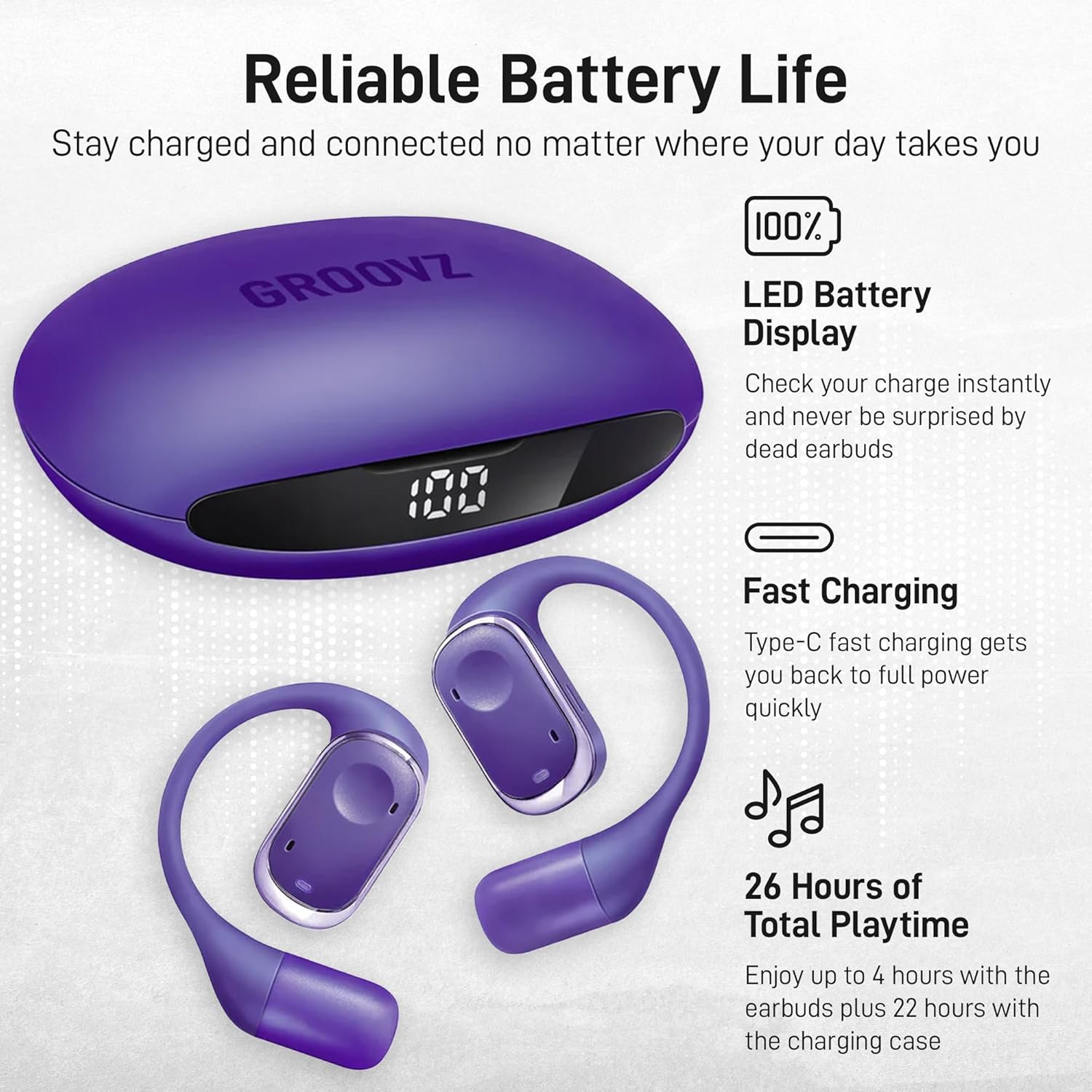
Image 4.1: Charging case displaying battery percentage.
4.2. Initial Pairing
To connect your Groovz headphones to a device:
- Open the charging case. The earbuds will automatically enter pairing mode.
- On your device (smartphone, tablet, etc.), enable Bluetooth.
- Search for available Bluetooth devices and select "Groovz Open-Ear" from the list.
- Once connected, you will hear an audible confirmation, and the earbuds will be ready for use.
5. Operation
5.1. Wearing the Earbuds
For optimal sound and comfort, ensure the earbuds are worn correctly:
- Identify the Left (L) and Right (R) earbuds.
- Gently place the earbud over your ear, positioning the speaker part near your ear canal.
- Adjust the flexible ear hook to fit securely and comfortably around the back of your ear.

Image 5.1: Proper wearing of Groovz Open-Ear Headphones.
5.2. Touch Controls
The Groovz Open-Ear Headphones feature smart touch controls on each earbud:
- Single Tap (Left or Right): Play/Pause music, Answer/End call.
- Double Tap (Right): Next track.
- Double Tap (Left): Previous track.
- Triple Tap (Right): Volume Up.
- Triple Tap (Left): Volume Down.
- Long Press (Left or Right): Activate voice assistant (Siri, Google Assistant).
- Long Press (during incoming call): Reject call.

Image 5.2: Using touch controls on the earbud.
6. Maintenance
6.1. Cleaning
Regular cleaning helps maintain performance and hygiene:
- Use a soft, dry, lint-free cloth to wipe the earbuds and charging case.
- Do not use abrasive cleaners, solvents, or aerosol sprays.
- Gently clean the charging contacts on both the earbuds and the case with a dry cotton swab if necessary.
6.2. Storage
When not in use, store your headphones in the charging case to protect them and keep them charged.
7. Troubleshooting
If you encounter issues, refer to the following common solutions:
| Problem | Possible Solution |
|---|---|
| Earbuds not pairing | Ensure earbuds are charged. Place them back in the case, close, then reopen to re-enter pairing mode. Check your device's Bluetooth settings. |
| No sound from one earbud | Check battery level of both earbuds. Try re-pairing. Ensure both earbuds are properly seated in the charging case to reset. |
| Charging case not charging | Verify the USB-C cable and power adapter are working. Ensure the cable is securely connected to the case's charging port. |
| Touch controls unresponsive | Ensure your fingers are clean and dry. Try restarting the earbuds by placing them in the case and taking them out again. |
| Poor call quality | Ensure microphones are not obstructed. Move closer to your connected device. Check for environmental noise. |
8. Specifications
Technical details for your Groovz Open-Ear True Wireless Headphones:
- Model Name: GRZ-OPN-PUR
- Connectivity Technology: Wireless (Bluetooth 5.3)
- Earpiece Shape: Open-ear
- Form Factor: True Wireless
- Audio Driver Type: Dynamic Driver
- Control Method: Touch
- Noise Control: Active Noise Cancellation (for calls: Noise Reduction)
- Water Resistance Level: IPX5 (Water Resistant)
- Battery Life (Earbuds): Up to 4 hours
- Total Playtime (with Charging Case): Up to 26 hours
- Material: Plastic, Silicone
- Compatible Devices: Cellphones, Tablets
- Item Weight: 6.4 ounces
- UPC: 810186691783
9. Safety Information
Please observe the following safety guidelines:
- Do not expose the headphones or charging case to extreme temperatures, humidity, or liquids.
- Avoid dropping or applying excessive force to the device.
- Do not attempt to disassemble or modify the product. This may void the warranty and cause damage.
- Keep out of reach of children and pets.
- Dispose of the product and its battery responsibly according to local regulations.
- Prolonged listening at high volumes may cause hearing damage. Adjust volume to a safe level.
10. Warranty and Support
Groovz products are designed and engineered in the USA. For any questions, technical support, or warranty inquiries, please contact Groovz customer service through the official Groovz website or your retailer's support channels.
Please retain your proof of purchase for warranty claims.


