
1. Important Safety Instructions
Read all instructions before operating the television. Keep these instructions for future reference. Always follow basic safety precautions to reduce the risk of fire, electric shock, and injury.
1.1 General Safety
- Do not block ventilation openings. Ensure adequate space around the television for proper airflow.
- Do not place the television near heat sources such as radiators, heat registers, stoves, or other apparatus that produce heat.
- Protect the power cord from being walked on or pinched, particularly at plugs, convenience receptacles, and the point where they exit from the apparatus.
- Only use attachments/accessories specified by the manufacturer.
- Unplug this apparatus during lightning storms or when unused for long periods.
- Refer all servicing to qualified service personnel. Servicing is required when the apparatus has been damaged in any way, such as power-supply cord or plug is damaged, liquid has been spilled or objects have fallen into the apparatus, the apparatus has been exposed to rain or moisture, does not operate normally, or has been dropped.
1.2 Electrical Safety
- The television should be connected to a power supply of 240 Volts.
- Do not overload wall outlets or extension cords.
- Never insert objects of any kind into the product through openings as they may touch dangerous voltage points or short-out parts that could result in a fire or electric shock.
2. What's in the Box
Verify that all components listed below are included in your package.
- 1N LED TV
- 1N Stand
- 1N Wall Mount
- 1N Remote Control
- 2N AAA Batteries
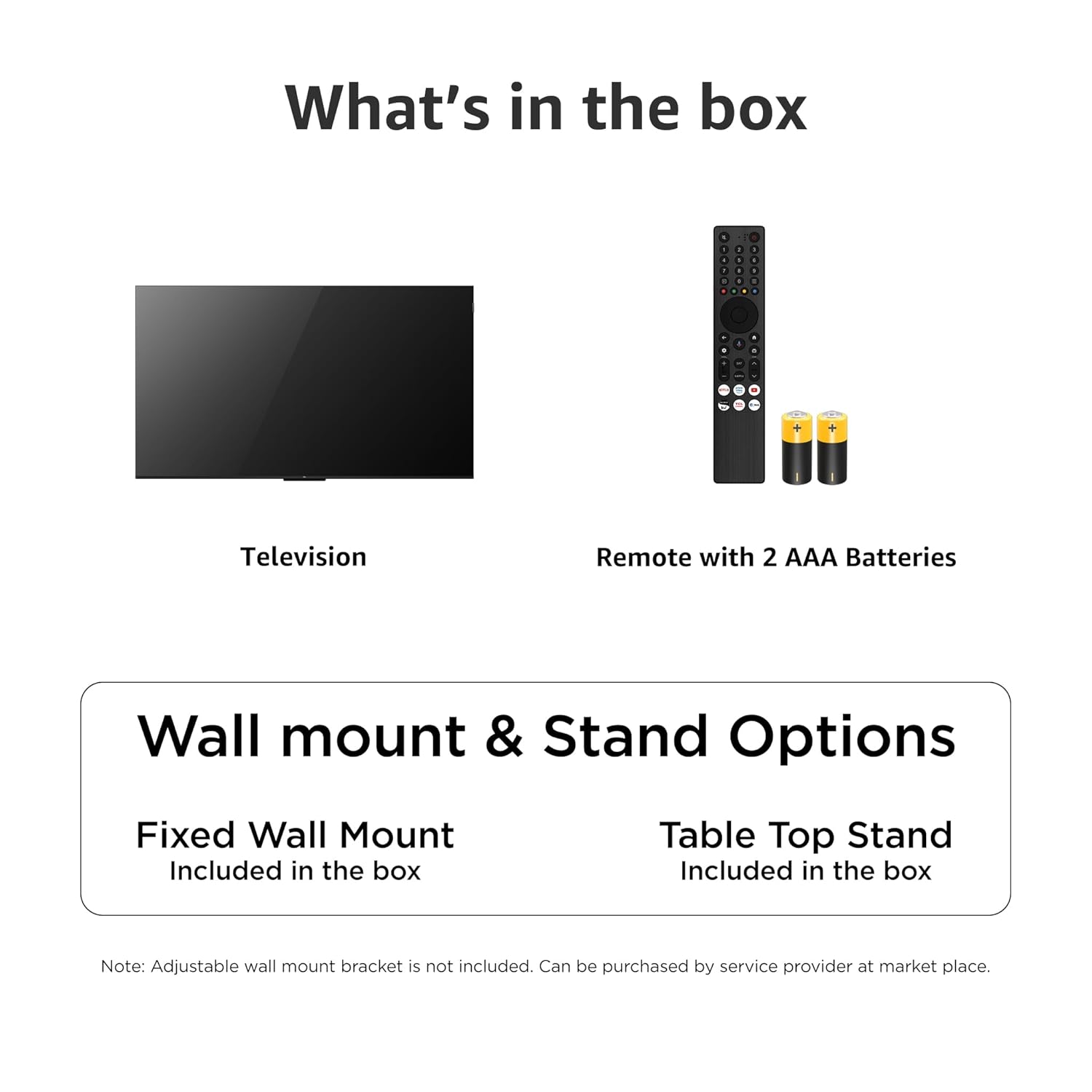
Image: Included components and mounting options for the TCL 75C6KS television.
3. Setup
3.1 Physical Setup and Mounting
Your TCL 75C6KS television offers both table-top stand and wall-mount options. The necessary hardware for both is included.
- Table Mount: Attach the included stands to the bottom of the television as per the instructions in the quick start guide.
- Wall Mount: Use the included wall mount bracket. The VESA mount standard is 300 x 300 mm. Ensure the wall can support the television's weight (23 kg without stand).
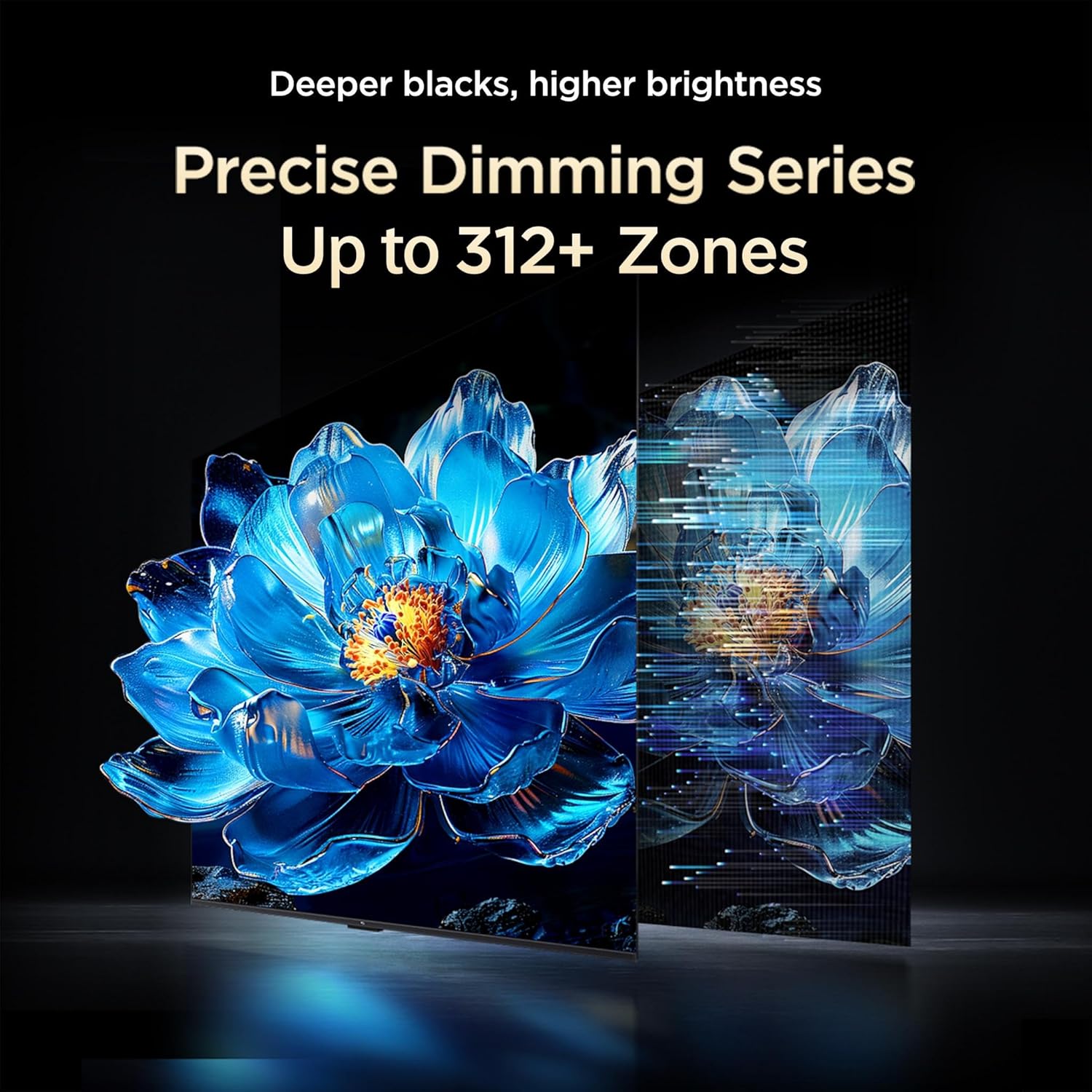
Image: Dimensions of the TCL 75C6KS television, including height, width, and depth with and without the stand.
3.2 Connecting External Devices
The television features various ports for connecting external devices.

Image: Overview of the connectivity ports available on the TCL 75C6KS television.
- HDMI Ports (x3): Connect Blu-ray players, gaming consoles, set-top boxes, etc. HDMI 3 supports eARC/ARC for enhanced audio return channel functionality.
- USB Ports (x1): Connect USB storage devices for media playback.
- LAN Port (x1): For wired internet connection.
- Antenna Input (x1): Connect an external antenna for terrestrial broadcasts.
- Satellite Input (x1): Connect a satellite dish for satellite broadcasts.
- Digital Audio Out (Optical) (x1): Connect to a soundbar or AV receiver for digital audio output.
- AV IN Adapter (x1): For connecting older devices with composite video and stereo audio outputs.
4. Operating the Television
4.1 Initial Power-On and Google TV Setup
After connecting the power cord and any external devices, press the power button on the remote control to turn on the TV. Follow the on-screen instructions to complete the initial setup, including connecting to Wi-Fi (Wi-Fi 5 supported) and logging into your Google account to activate Google TV.

Image: The Google TV home screen, providing access to various streaming services and personalized content.
The TCL 75C6KS runs on Google TV, powered by a 64-bit Quad Core Processor with 2 GB RAM and 16 GB ROM, offering a smooth user experience and access to a wide range of apps like Prime Video, Netflix, Hotstar, Zee5, and more.
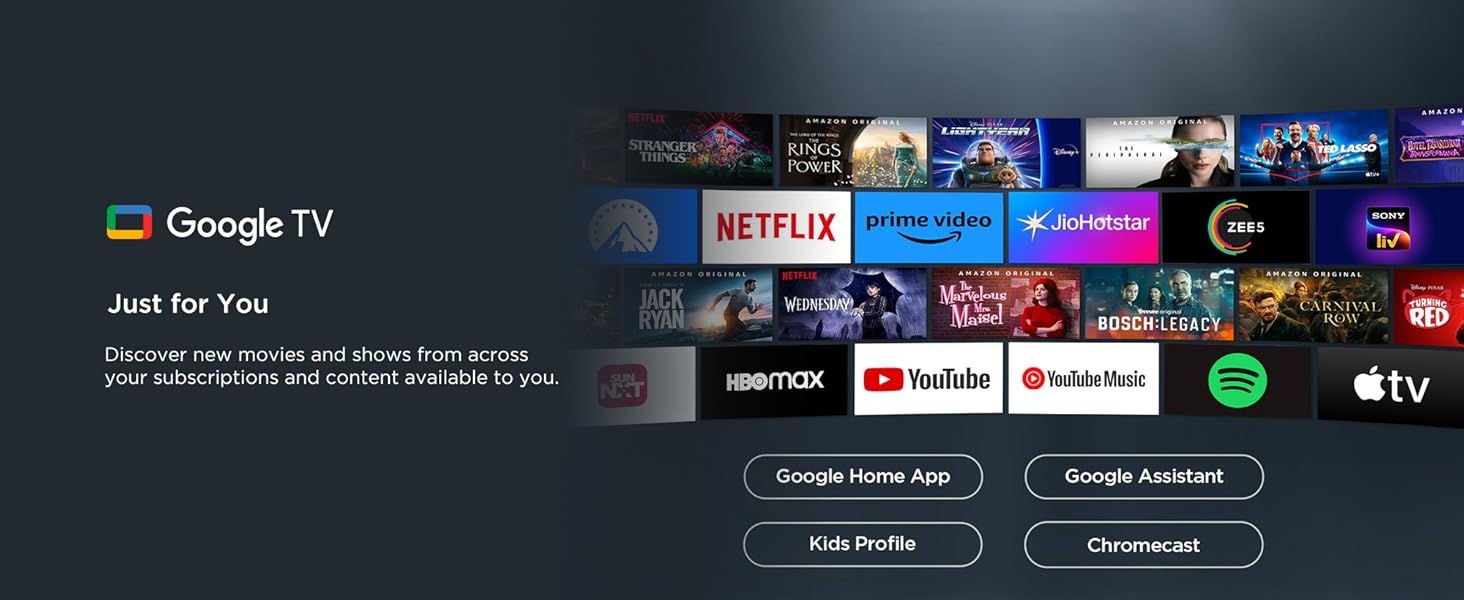
Image: Google TV features, including content aggregation and smart home integration.
4.2 Remote Control Functions
The included remote control allows for easy navigation and control of your television.

Image: TCL remote control with Google Assistant and quick access buttons.
- Google Assistant: Press the dedicated button to use voice commands for searching content, controlling smart devices, and getting information.
- Quick Access Buttons: Dedicated buttons provide instant access to popular streaming services like Netflix, Prime Video, YouTube, and more.
- Screen Mirroring: Cast content from your smartphone or tablet to the TV. Airplay 2 is also supported.
- Bluetooth Connectivity: Connect Bluetooth headphones or speakers for private listening.

Image: Private Bluetooth listening feature for undisturbed viewing.
5. Display Features
The TCL 75C6KS features advanced display technologies for an immersive viewing experience.
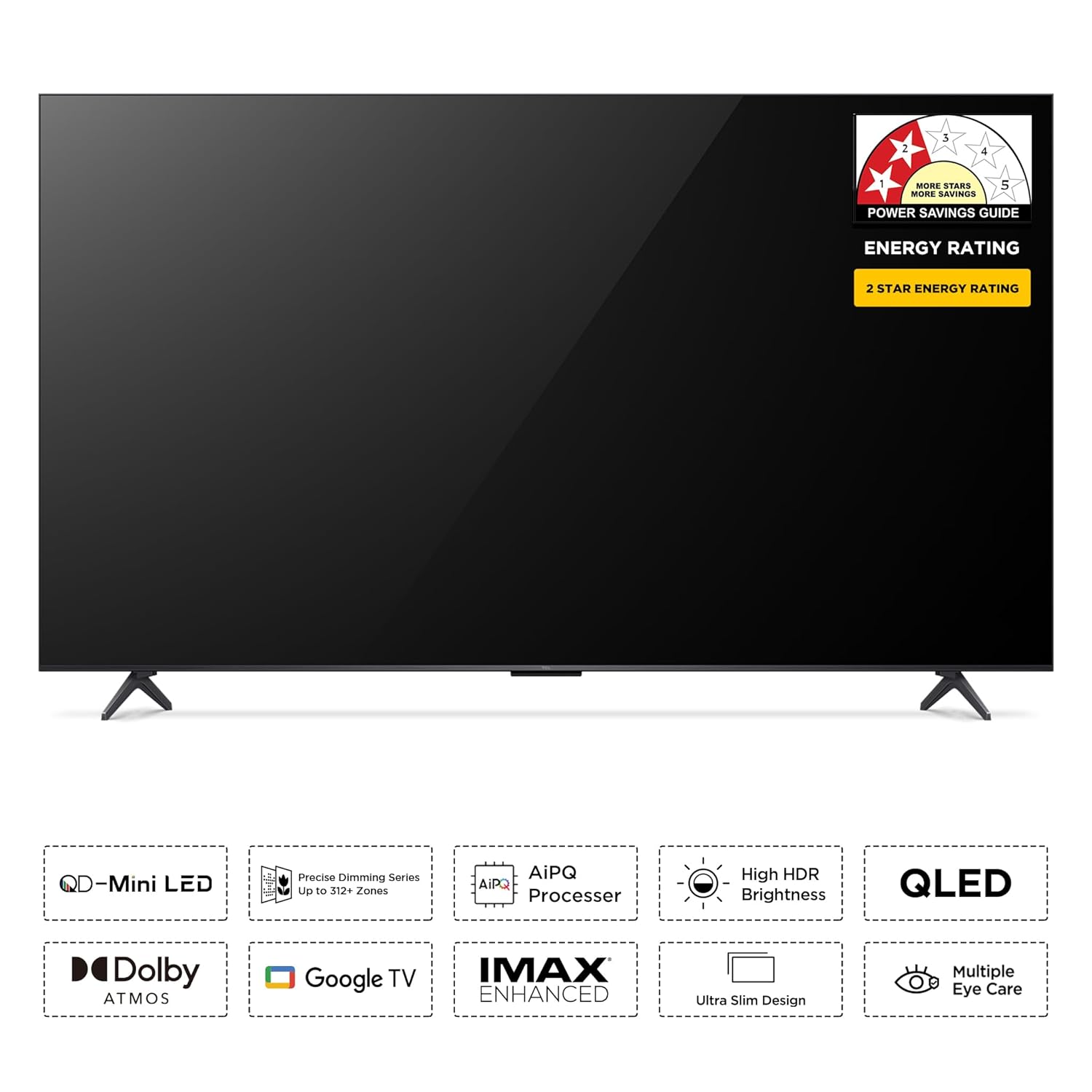
Image: Overview of the TCL 75C6KS's core display and audio technologies.
5.1 QD-Mini LED Technology
The television utilizes QD-Mini LED technology, combining Quantum Dot and Mini LED for superior brightness, contrast, and color accuracy. It features a 4K resolution (3840 x 2160) and a 60 Hz refresh rate.

Image: Explanation of QD-Mini LED benefits, including enhanced brightness, contrast, and color.
5.2 Precise Dimming Zones
With up to 312+ precise dimming zones, the TV offers deeper blacks and higher brightness by calculating and adjusting backlight intensity for each zone, enhancing contrast and detail.

Image: Powerful Light-emitting Chip for enhanced brightness and energy efficiency.

Image: All-domain Halo Control for true clarity and precise light management.
5.3 AiPQ Processor and HDR
The AiPQ Processor optimizes picture quality using TCL's unique image tuning algorithms. The TV supports HDR10+ for high dynamic range content, delivering bright and brilliant visuals with enhanced detail in both dark and light scenes.

Image: The AiPQ processor, a key component for intelligent image quality enhancement.

Image: Smart High HDR Brightness for vivid and detailed visuals.
6. Audio Features
Experience rich and immersive sound with the integrated audio system.
6.1 ONKYO 2.1ch Hi-Fi System with Subwoofer
The TCL 75C6KS is equipped with an ONKYO 2.1ch Hi-Fi System, including a dedicated subwoofer, delivering 40 Watts of powerful and immersive audio. The sound structure is constructed using high-end hardware materials.

Image: ONKYO 2.1ch Hi-Fi System for a home theater experience.

Image: Integrated subwoofer for deep bass and immersive sound.
6.2 Dolby Atmos and DTS Virtual:X
Enjoy theatrical sound with Dolby Atmos, which delivers three-dimensional audio that transcends conventional channel limitations. DTS Virtual:X provides virtualized 3D sound, creating an enveloping audio experience that appears to emerge from all directions.

Image: Dolby Atmos for theatrical sound enjoyment.

Image: DTS Virtual:X for virtualized 3D surround sound.

Image: 360° Spatial Surround Sound for an all-encompassing audio experience.
7. Gaming Features
The TCL 75C6KS is designed to enhance your gaming experience.
7.1 Game Master and AMD FreeSync Pro
Activate Game Master mode for optimized display and audio settings tailored for gaming. The television supports AMD FreeSync Premium Pro, ensuring seamless, artifact-free gameplay at almost any frame rate, eliminating choppy gameplay and broken frames.
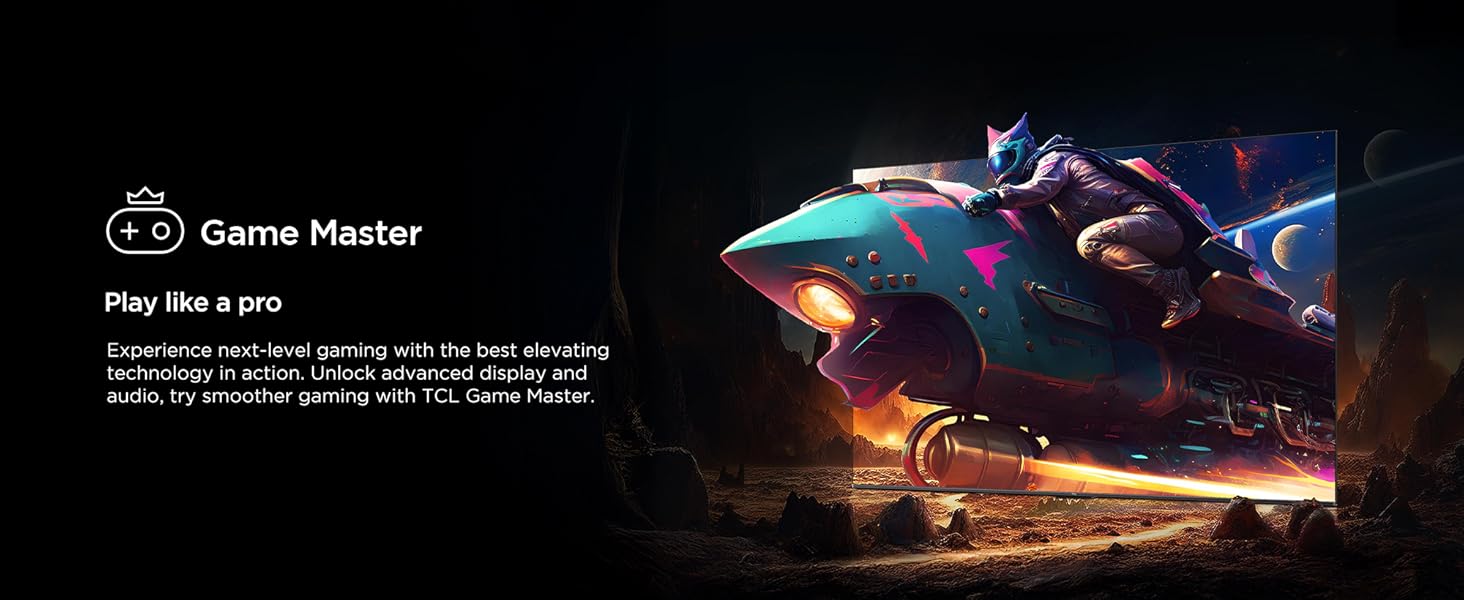
Image: Game Master feature for an optimized gaming experience.

Image: AMD FreeSync Premium Pro for smooth and fluid gaming.
8. Energy Efficiency
The TCL 75C6KS is designed with energy-saving features.

Image: Energy rating label for the TCL 75C6KS television.
The television has a 2-star energy rating with an annual energy consumption of 380 kWh/Year. It includes an upgraded energy-saving mode with features like adaptive brightness and dynamic brightness, making energy-saving settings more convenient.

Image: Energy Saving Mode interface for managing power consumption.
9. Troubleshooting
This section provides solutions to common issues you might encounter.
9.1 No Power
- Ensure the power cord is securely plugged into both the TV and a working electrical outlet.
- Check if the power outlet is functioning by plugging in another device.
- Press the power button on the TV itself, not just the remote, to rule out a remote issue.
9.2 No Picture or Poor Picture Quality
- Verify that the correct input source is selected (e.g., HDMI 1, HDMI 2).
- Check all cable connections (HDMI, antenna) to ensure they are secure.
- If using an external device, ensure it is powered on and functioning correctly.
- Adjust picture settings (brightness, contrast, color) in the TV menu.
- For antenna users, check antenna connection and try rescanning for channels.
9.3 No Sound or Poor Sound Quality
- Ensure the TV is not muted and the volume is turned up.
- Check audio output settings in the TV menu (e.g., internal speakers, external audio system).
- If using external speakers or a soundbar, ensure they are properly connected and powered on.
- Check audio cables for secure connections.
9.4 Remote Control Not Working
- Replace the batteries with new AAA batteries.
- Ensure there are no obstructions between the remote and the TV's IR sensor.
- Point the remote directly at the TV.
9.5 Network Connectivity Issues
- For Wi-Fi, ensure your router is on and within range. Try restarting the router.
- For wired connection, ensure the Ethernet cable is securely connected to both the TV and the router.
- Go to the TV's network settings and try reconnecting or re-entering Wi-Fi passwords.
10. Specifications
| Feature | Specification |
|---|---|
| Screen Size | 75 Inches (189 cm) |
| Display Technology | QD-Mini LED |
| Resolution | 4K Ultra HD (3840 x 2160) |
| Refresh Rate | 60 Hz |
| Processor | 64-bit Quad Core Processor |
| RAM | 2 GB |
| ROM | 16 GB |
| Operating System | Google TV |
| Connectivity | Wi-Fi 5, Bluetooth 5.0, Ethernet |
| HDMI Ports | 3 (1 with eARC/ARC) |
| USB Ports | 1 |
| Audio Output | 40 Watts, Dolby Audio, ONKYO 2.1ch Hi-Fi System, Dolby Atmos, DTS Virtual:X |
| HDR Format Supported | HDR10+ |
| Viewing Angle | 178 Degrees |
| Product Dimensions (D x W x H) | 34.1D x 167W x 102.8H Centimeters (with stand) |
| Item Weight | 23 Kilograms (without stand) |
| VESA Mount Standard | 300 x 300 mm |
| Energy Rating | 2 Star |
| Annual Energy Consumption | 380 kWh/Year |
11. Warranty and Support
The TCL 75C6KS television comes with a 2-year warranty provided by the manufacturer from the date of purchase. The remote control has a 6-month warranty.
For assistance or to process warranty claims, please contact TCL customer support:
- Toll-free numbers: 180-0102-0622 / 180-0419-0622
- Email: indiasupport@tcl.com
When contacting support, provide the product's model name (75C6KS) and seller's details as mentioned on your invoice. The service center will schedule a convenient slot for service.


