
1. Introduction
Thank you for choosing the MangoKit SR-L WiFi Internet Radio. This manual provides essential information for setting up, operating, and maintaining your device. Please read it thoroughly before use to ensure optimal performance and safety.
The MangoKit SR-L is a versatile radio offering multiple listening options, including WiFi Internet Radio, DAB/DAB+, FM, Bluetooth 5.3 streaming, and podcast playback. It features a color screen, 150 presets, an alarm clock, and can be powered by mains electricity or AA batteries for portable use.
2. Package Contents
Please check the box for the following items:
- MangoKit SR-L WiFi Internet Radio
- Power Adapter
- User Manual (this document)
3. Important Safety Information
- Do not expose the device to rain, moisture, or extreme temperatures.
- Avoid placing the unit near heat sources or in direct sunlight.
- Use only the provided power adapter.
- Do not attempt to open or repair the unit yourself. Refer all servicing to qualified personnel.
- When using batteries, ensure they are inserted with correct polarity and dispose of used batteries responsibly.
4. Product Overview
The MangoKit SR-L radio is designed for ease of use and versatility, suitable for various environments such as kitchens, bedrooms, or outdoor settings.

Image: The MangoKit SR-L radio in a modern kitchen, highlighting its multi-mode capabilities including Internet, DAB+, FM, and Podcasts.

Image: A detailed view of the radio's control panel, showing the central rotary dial, function buttons, and the clear color display.
5. Setup
5.1 Powering the Radio
The SR-L radio can be powered in two ways:
- Mains Power: Connect the provided power adapter to the DC IN port on the back of the radio and plug it into a wall outlet.
- Battery Power: For portable use, insert 4 AA batteries (not included) into the battery compartment on the back of the unit. Ensure correct polarity. The radio can operate for up to 10 hours on battery power.
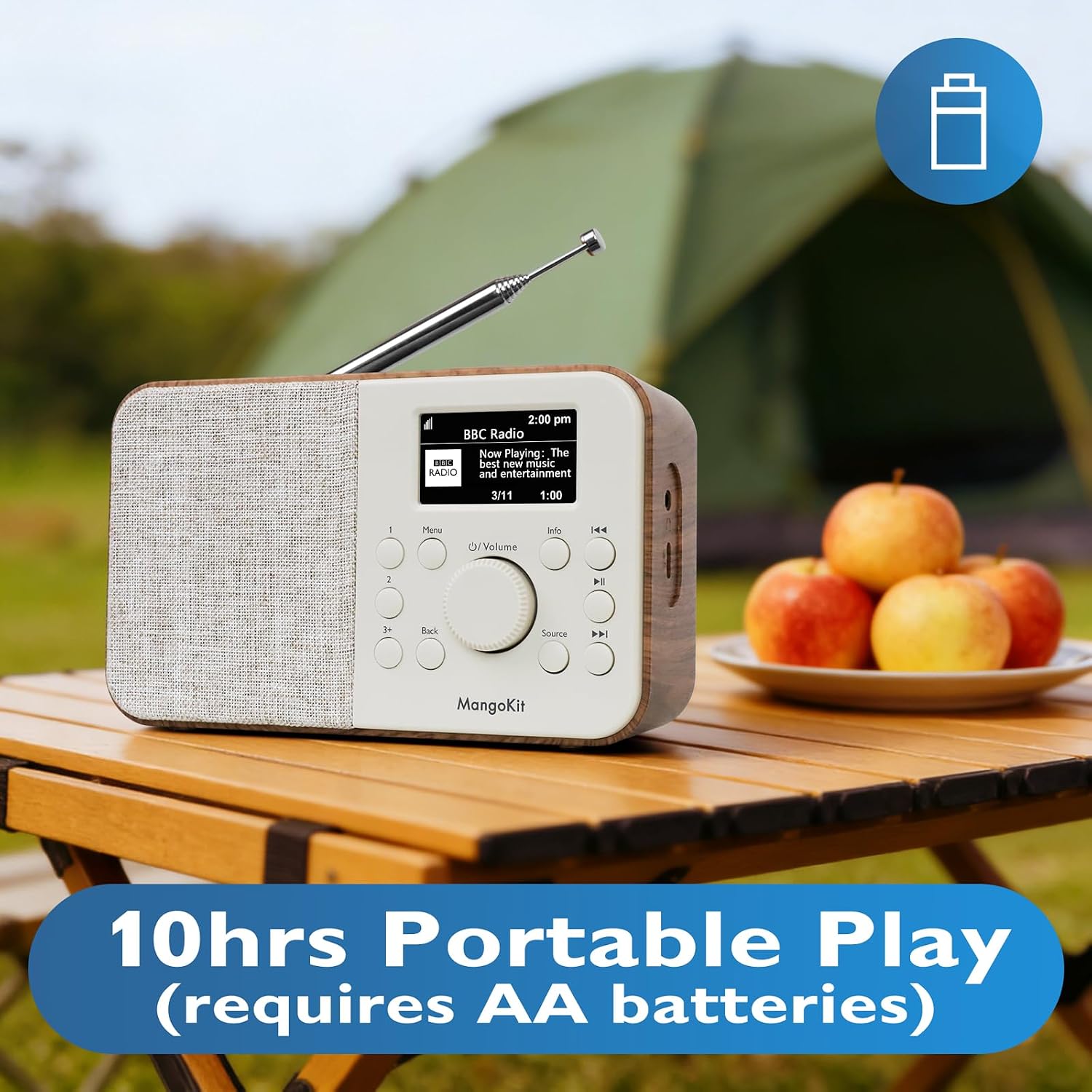
Image: The MangoKit SR-L radio shown outdoors, emphasizing its 10-hour portable playtime when using AA batteries.
5.2 Initial Setup and Wi-Fi Connection
- Turn on the radio using the Power button.
- The radio will guide you through the initial setup wizard. Select your preferred language.
- When prompted, select your Wi-Fi network from the list and enter the password. Use the rotary dial to navigate and select, and the 'OK' button (usually pressing the dial) to confirm.
- Once connected, the radio will update its time and date automatically.
6. Operating Instructions
6.1 Navigating Menus
Use the central rotary dial to scroll through menu options. Press the dial to select an option. The 'Back' button allows you to return to the previous menu.
6.2 Radio Modes
Press the 'Source' button to cycle through available modes: Internet Radio, DAB/DAB+, FM, Bluetooth.
6.2.1 Internet Radio
Access thousands of stations worldwide. You can browse by country, genre, or search for specific stations. Once a station is playing, you can save it to your favorites.
6.2.2 DAB/DAB+ Radio
In DAB mode, the radio will automatically scan for available digital stations. Use the navigation buttons to select a station from the list.
6.2.3 FM Radio
In FM mode, extend the telescopic antenna for better reception. Use the navigation buttons to tune to stations manually or perform an auto-scan.
6.3 Bluetooth 5.3 Streaming
To stream audio from your smartphone or tablet:
- Select 'Bluetooth' mode on the radio. The radio will enter pairing mode.
- On your mobile device, enable Bluetooth and search for 'MangoKit SR-L'.
- Select the radio to pair. Once connected, you can play audio from your device through the radio.
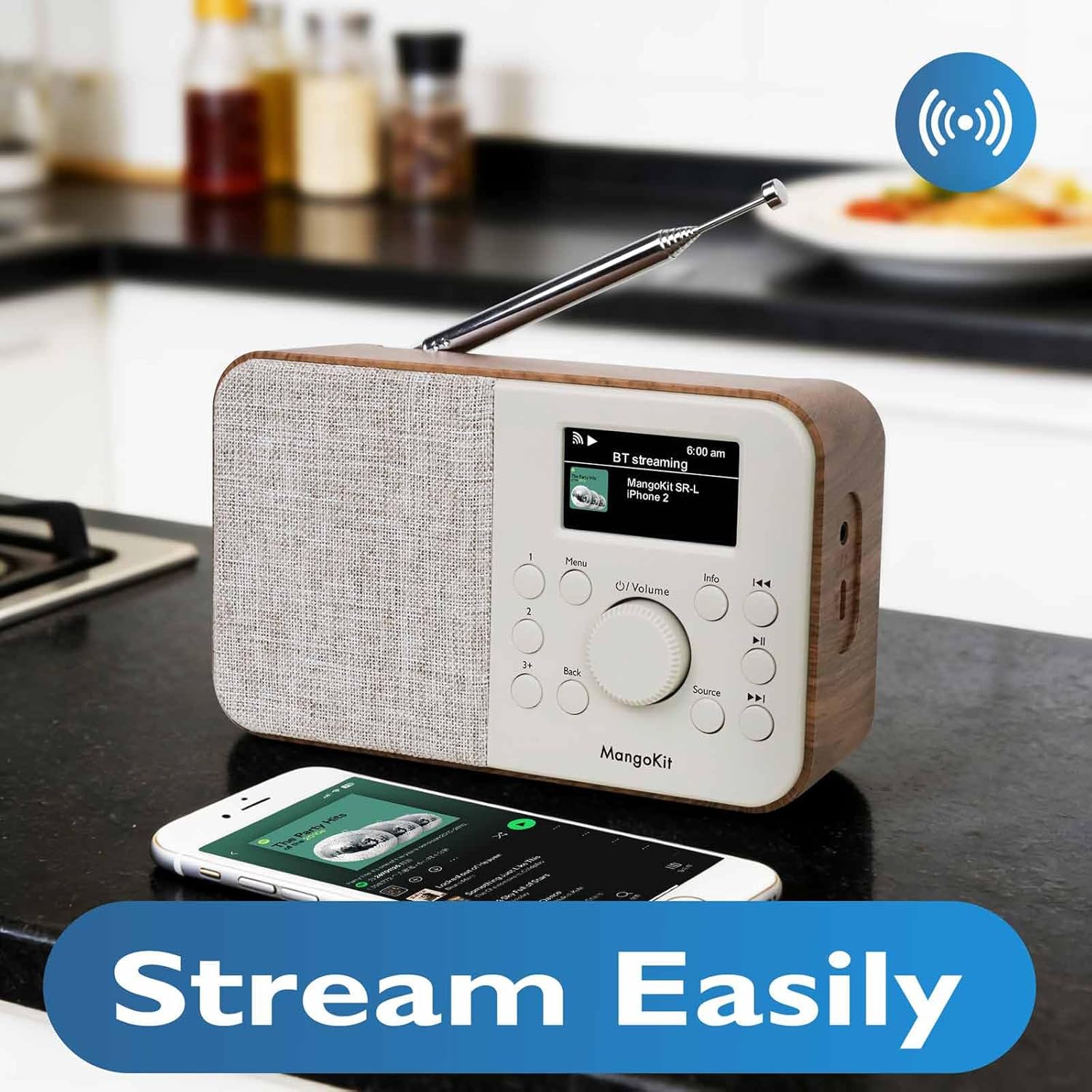
Image: The MangoKit SR-L radio paired with a smartphone, demonstrating its Bluetooth 5.3 streaming capability.
6.4 Podcasts
The integrated podcast player allows you to search, save, and listen to podcasts directly on the radio without needing a separate device.
6.5 Presets
The radio supports up to 150 presets across all radio modes (DAB/DAB+, FM, Internet Radio). To save a station:
- Tune to your desired station.
- Press and hold one of the numbered preset buttons (1, 2, 3+) until the display confirms the station is saved.
- To recall a preset, simply press the corresponding numbered button briefly.
6.6 Alarm Clock and Sleep Timer
The SR-L includes an alarm clock and sleep timer function.
- Alarm: Set up to two alarms. You can choose to wake up to DAB, FM, Internet radio, or a buzzer. Access alarm settings via the 'Menu' button.
- Sleep Timer: Set a timer for the radio to automatically turn off after a specified duration. This is ideal for listening before sleep.

Image: The MangoKit SR-L radio on a bedside table, demonstrating its use as an alarm clock.
6.7 Headphone Jack
A 3.5mm headphone jack is located on the side of the radio for private listening.
7. Maintenance
- Cleaning: Wipe the radio with a soft, dry cloth. Do not use abrasive cleaners or solvents.
- Storage: If storing the radio for an extended period, remove the AA batteries to prevent leakage.
- Antenna: Handle the telescopic antenna carefully to avoid damage.
8. Troubleshooting
| Problem | Possible Cause | Solution |
|---|---|---|
| No power | Power adapter not connected; batteries depleted or incorrectly inserted. | Check power adapter connection; replace or correctly insert batteries. |
| No sound | Volume too low; headphones connected; incorrect source selected. | Increase volume; disconnect headphones; select correct audio source. |
| Cannot connect to Wi-Fi | Incorrect password; weak signal; router issue. | Verify Wi-Fi password; move radio closer to router; restart router. |
| Poor DAB/FM reception | Antenna not extended; weak signal area. | Fully extend the telescopic antenna; try repositioning the radio. |
| Bluetooth pairing fails | Radio not in pairing mode; device too far; device already paired. | Ensure radio is in Bluetooth mode; move devices closer; unpair from other devices. |
9. Specifications
- Brand: MangoKit
- Model Number: SR-L
- Color: Black
- Connectivity: Wi-Fi, Bluetooth 5.3
- Radio Bands: Internet Radio, DAB, DAB+, FM
- Presets: 150
- Display: Color screen
- Power Source: Mains (Electric Cable), 4x AA Batteries (not included)
- Max Power Output: 5 Watts
- Product Dimensions: 16L x 5W x 10H cm
- Internal Material: Plastic and fabric
- Included Components: Power Adapter, Owner's Manual
- Country of Origin: China
10. Warranty and Support
The MangoKit SR-L comes with a limited warranty. For detailed warranty information or technical support, please refer to the warranty card included with your product or visit the official MangoKit website. Keep your proof of purchase for warranty claims.
11. Video Guide
Watch this short video for a quick overview of the MangoKit SR-L radio's features and functions.
Video: An overview of the MangoKit SR-L WiFi Internet Radio, showcasing its design and key functionalities.
