
1. Introduction
This manual provides essential information for the safe and effective operation, maintenance, and troubleshooting of your Renoj VP01 Vibration Plate Exercise Machine. Please read this manual thoroughly before using the product and retain it for future reference.
2. Safety Information
To ensure safe operation, please adhere to the following guidelines:
- Consult a physician before starting any new exercise program, especially if you have pre-existing medical conditions, are pregnant, or have recently undergone surgery.
- Place the machine on a flat, stable, non-slip surface. Ensure there is adequate clear space around the machine during use.
- The maximum user weight for this machine is 330 lbs (approximately 150 kg). Do not exceed this weight limit.
- Keep children and pets away from the machine during operation.
- Do not use the machine if you feel dizzy, nauseous, or experience any pain. Stop exercising immediately and consult a physician.
- Ensure the power cord is not damaged or tangled. Unplug the machine from the power outlet when not in use or before cleaning.
- Do not attempt to disassemble or repair the machine yourself. Contact authorized service personnel for any repairs.
3. Package Contents
Verify that all items are present in the package:
- Renoj VP01 Vibration Plate Exercise Machine
- Resistance Bands (x2)
- Remote Control
- Power Cord
- User Manual

Image: Renoj VP01 Vibration Plate with included accessories: two resistance bands, a remote control, a power cord, and a user manual. The image also shows the machine's dimensions: 20.8 inches length, 13.0 inches width, and 5.1 inches height, indicating it can fit under a couch.
4. Product Overview and Features
The Renoj VP01 Vibration Plate is designed to provide a versatile and effective workout experience. Key features include:
- Powerful Motor: Equipped with a 200W motor for stable and consistent power.
- Quiet Operation: Operates at a whisper-quiet level, below 45dB.
- Deep Tissue Vibration: Delivers effective vibrations for muscle activation.
- High Stability: Features ultra-strong suction grips for enhanced stability during use.
- Digital Controls: Includes a Digital LED Touch Panel and a convenient remote control.
- Multiple Programs: Offers 5 auto programs and 120 adjustable intensity levels.
- Auto Timer: Allows setting of workout duration.
- Low Impact: Designed for gentle, full-body workouts that are easy on joints.
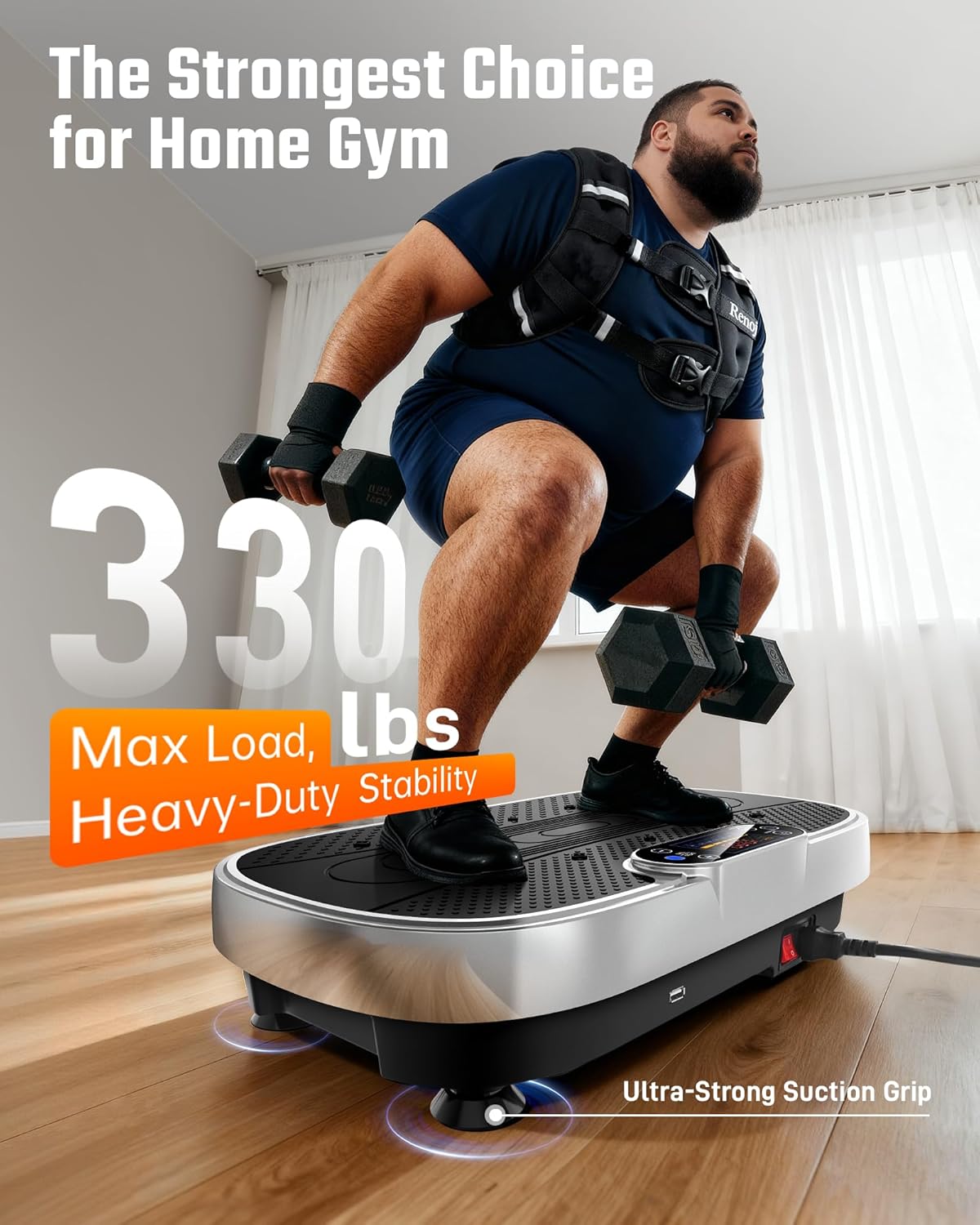
Image: A man performing squats on the Renoj VP01 Vibration Plate, demonstrating its heavy-duty stability and 330 lbs max load capacity. The machine features ultra-strong suction grips for secure placement.

Image: Diagram illustrating the Renoj VP01's workout customization options, including intensity zones for Recovery & Relaxation (1-40), Fat Burning & Toning (40-80), and Intense Strength Training (80-120). It also highlights the 200W motor, whisper-quiet operation (<45dB), deep tissue vibration, and stable power.

Image: A woman squatting on the Renoj VP01, illustrating its gentle full-body workout capabilities. Features highlighted include remote control, smart modes, auto timer, and low impact, which can help alleviate arm soreness, back tension, sciatica discomfort, and knee pain.
5. Setup
- Carefully unpack all components from the packaging.
- Place the Renoj VP01 Vibration Plate on a firm, level, and stable surface. Ensure the suction cups on the bottom of the machine are securely attached to the floor to prevent movement during use.
- Connect the power cord to the designated port on the machine, then plug the other end into a standard electrical outlet.
6. Operating Instructions
6.1 Power On/Off
Press the power button on the machine's control panel or on the remote control to turn the machine on or off.
6.2 Using the Control Panel and Remote Control
The machine features a Digital LED Touch Panel for direct control and a remote control for convenient adjustments during your workout. The LED display shows current time, speed (intensity level), and program.
6.3 Adjusting Intensity and Programs
- Use the '+' and '-' buttons on the control panel or remote to increase or decrease the vibration intensity. There are 120 intensity levels available.
- Press the 'Mode' or 'Program' button to cycle through the 5 pre-set auto programs. Each program offers a different sequence of intensity and duration.
- Use the 'Time' button to set your desired workout duration.
6.4 Bluetooth Pairing
The Renoj VP01 allows you to connect your mobile device via Bluetooth to play music through its integrated speakers.
- Ensure the vibration plate is powered on.
- Activate Bluetooth on your smartphone or other compatible device.
- Search for available Bluetooth devices. The machine should appear as "Renoj" or a similar identifier.
- Select the machine to pair. Once connected, you can play audio from your device.

Image: A woman using the Renoj VP01 under a desk, demonstrating its Bluetooth connectivity for audio playback. A smartphone screen shows a 'CONNECTED' status, indicating successful pairing.
7. Usage Guidelines and Exercises
The Renoj VP01 offers various ways to train and target different fitness goals. A 10-minute session on the Renoj VP01 can be an efficient alternative to longer traditional workouts.
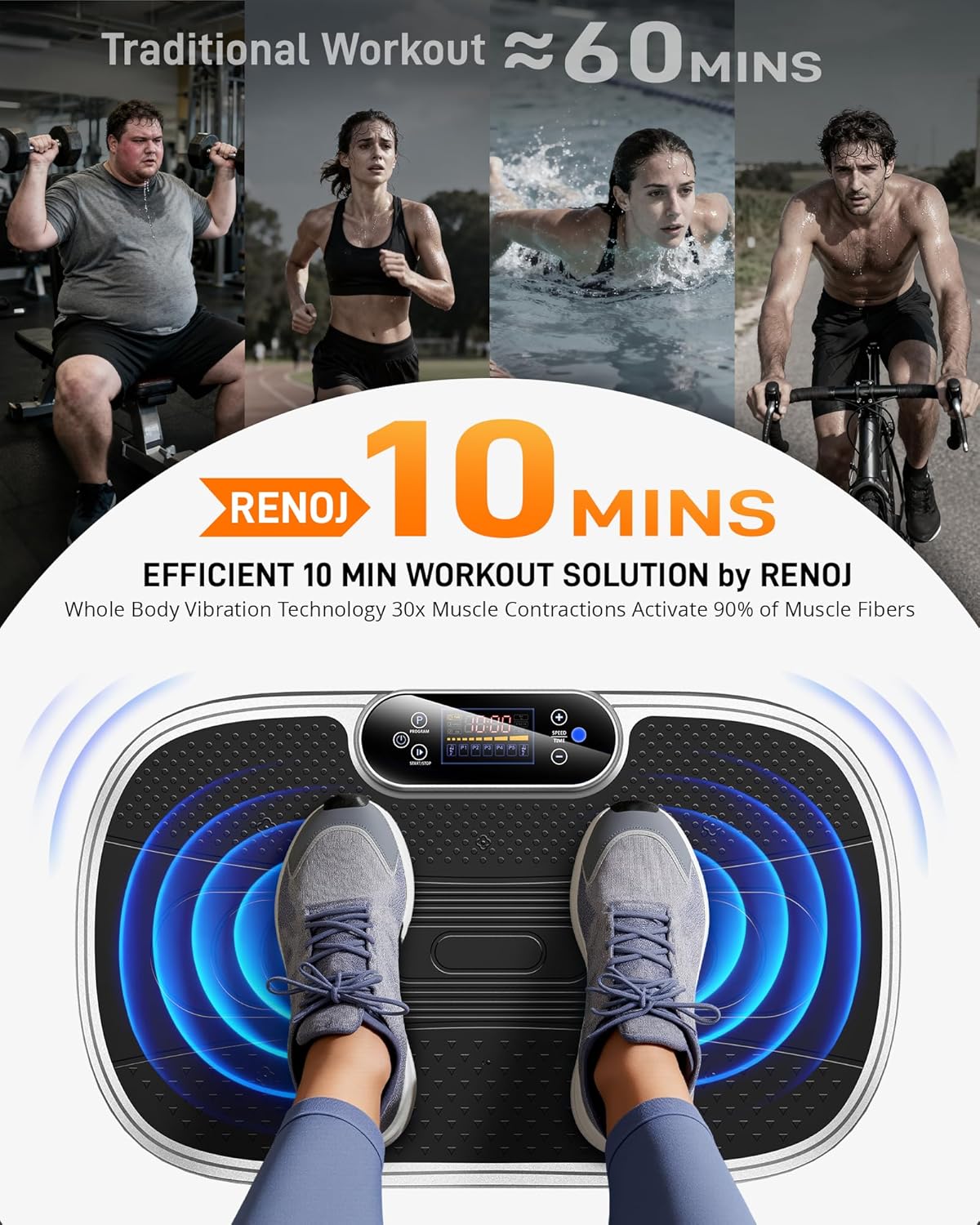
Image: A visual comparison suggesting that an efficient 10-minute workout on the Renoj Vibration Plate can activate 90% of muscle fibers through whole-body vibration technology, comparable to a 60-minute traditional workout.
7.1 Workout Zones by Intensity Level
- Levels 1-40: Ideal for recovery, relaxation, and gentle circulation improvement.
- Levels 40-80: Suitable for fat burning, toning, and moderate muscle engagement.
- Levels 80-120: Designed for intense strength training and advanced muscle activation.
7.2 Recommended Positions and Exercises
Utilize the platform in various positions to target different muscle groups:
- Standing: For general full-body vibration, improving balance and circulation.
- Squatting: Engages leg and glute muscles more intensely.
- Plank Position: Place hands or forearms on the platform to engage core muscles.
- Sitting: For lower body relaxation or gentle circulation.
- With Resistance Bands: Attach the included resistance bands to the machine's base to perform upper body exercises (e.g., bicep curls, tricep extensions) while benefiting from vibration.

Image: A collage demonstrating the versatility of the Renoj VP01, showing different ways to train. Examples include a woman in a plank position, a man standing and using resistance bands for arm exercises, and a woman sitting cross-legged on the platform for relaxation or core engagement. The image also highlights 5 auto programs, 120 intensity levels, and remote control functionality.
8. Maintenance
8.1 Cleaning
To clean the machine, ensure it is unplugged from the power outlet. Wipe the surface with a soft, damp cloth. Do not use abrasive cleaners, solvents, or harsh chemicals, as these may damage the finish or internal components.
8.2 Storage
Store the Renoj VP01 in a cool, dry place away from direct sunlight and moisture. Its compact design allows for convenient storage, such as under a couch or bed.
9. Troubleshooting
If you encounter any issues with your Renoj VP01, please refer to the following common problems and solutions:
| Problem | Possible Cause | Solution |
|---|---|---|
| Machine does not power on. | Power cord not connected properly; Power outlet not working. | Ensure the power cord is securely plugged into both the machine and a functional wall outlet. Test the outlet with another device. |
| No vibration. | Machine is on but no program/intensity selected; Motor issue. | Ensure a program or intensity level is selected. If the issue persists, contact customer support. |
| Remote control not working. | Low or dead battery; Obstruction between remote and machine sensor. | Replace the remote control battery. Ensure there is a clear line of sight between the remote and the machine's sensor. |
| Bluetooth not connecting. | Machine not in pairing mode; Bluetooth disabled on device; Device out of range. | Ensure the machine is powered on. Activate Bluetooth on your mobile device and ensure it is within close proximity to the machine. Re-attempt pairing. |
If the problem persists after attempting these solutions, please contact Renoj customer support for further assistance.
10. Specifications
| Feature | Detail |
|---|---|
| Brand | Renoj |
| Model | VP01 |
| Motor Horsepower | 1.5 HP |
| Wattage | 200 watts |
| Material | Aluminium |
| Maximum User Weight | 330 lbs (150 kg) |
| Number of Intensity Levels | 120 |
| Auto Programs | 5 |
| Noise Level | <45dB |
| Product Dimensions (L x W x H) | 53.34 x 33.02 x 12.7 cm (20.8 x 13.0 x 5.1 inches) |
| Item Weight | 8.17 kg |
| Power Source | Electric |
| Control Type | Digital LED Touch Panel, Remote Control |
| Display Type | Digital LED |
11. Warranty and Support
For warranty information, product support, or any inquiries not covered in this manual, please contact Renoj customer support. Refer to the product packaging or the official Renoj website for contact details.
