Introduction
This manual provides detailed instructions for the safe and efficient use of your EENOUR D18 12 Volt Portable Car Refrigerator and Freezer. Please read this manual thoroughly before operating the appliance and retain it for future reference.
What's in the Box
Upon unboxing, ensure all components are present:
- 19 Quart Portable Refrigerator (CR22)
- 12V/24V DC Power Cord (10.82 ft)
- 100-240V AC Adapter (6.56 ft, for Wall Socket/Power Station etc.)
- User Manual

Image: All items included in the EENOUR D18 package.
Video: An unboxing demonstration of the EENOUR D18 portable car refrigerator, showing the contents and initial setup.
Setup
1. Powering the Refrigerator
The EENOUR D18 offers versatile power options:
- DC 12/24V Car Cigarette Lighter: Use the provided DC car charging cord.
- Household AC 110-240V Outlet: Use the provided AC adapter and cord.
- EENOUR 171 Wh Detachable Battery (Sold Separately): Provides up to 24 hours of battery life at 32°F. The battery features Type-C and USB output ports (60W max) for charging other devices.
- Solar Panel: When the battery is installed, you can charge the battery and power the refrigerator simultaneously using a solar panel (100W solar panel with DC5521 plug recommended).

Image: Various power options for the EENOUR D18 portable refrigerator.
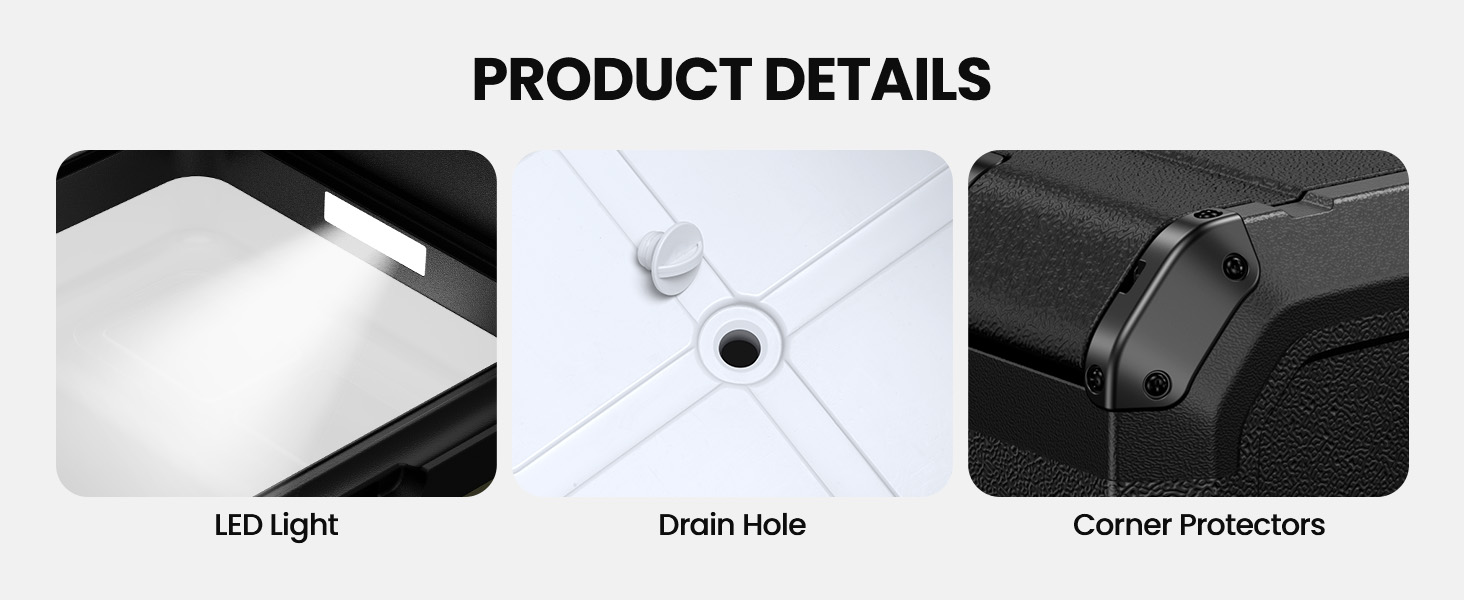
Image: Connection diagrams for different power sources.
2. Battery Installation (if applicable)
If using the optional EENOUR 171 Wh detachable battery, locate the battery installation area on the side of the refrigerator. Remove the cover, insert the battery by pressing the release button, and ensure it clicks into place. The battery can be charged while installed in the refrigerator.

Image: Battery installation slot on the EENOUR D18.
Video: A demonstration of installing the battery and powering on the EENOUR D18 portable car refrigerator.
Operating Instructions
1. Power On/Off
To power on the refrigerator, long-press the power button on the control panel. Long-press again to power off.

Image: Control panel of the EENOUR D18.
2. Temperature Setting
Use the '+' and '-' buttons on the control panel to adjust the desired temperature. The digital display will show the current internal temperature. The temperature range is -4°F to 50°F (-20°C to 10°C).

Image: Control panel and cooling performance graph.
3. Cooling Modes
Select between two cooling modes:
- MAX Mode: Uses 38W for fast cooling.
- ECO Mode: Uses 25W for power saving.
The fluorine-free compressor ensures rapid cooling, reaching 32°F (0°C) in 10 minutes and -4°F (-20°C) in 25 minutes from an ambient temperature of 77°F (25°C).

Image: Fast cooling performance of the EENOUR D18.

Image: Fluorine-free compressor and cooling modes.

Image: Power consumption comparison between ECO and MAX modes.
4. Capacity and Usage
The D18 has a 19 Qt (18 L) capacity, capable of holding up to 23 cans of 330 ml coke, 15 bottles of 330 ml beer, or 15 bottles of 500 ml water. Its compact size makes it suitable for cars, trucks, RVs, vans, and boats.

Image: Internal capacity and dimensions of the EENOUR D18.

Image: Visual representation of the EENOUR D18's capacity.
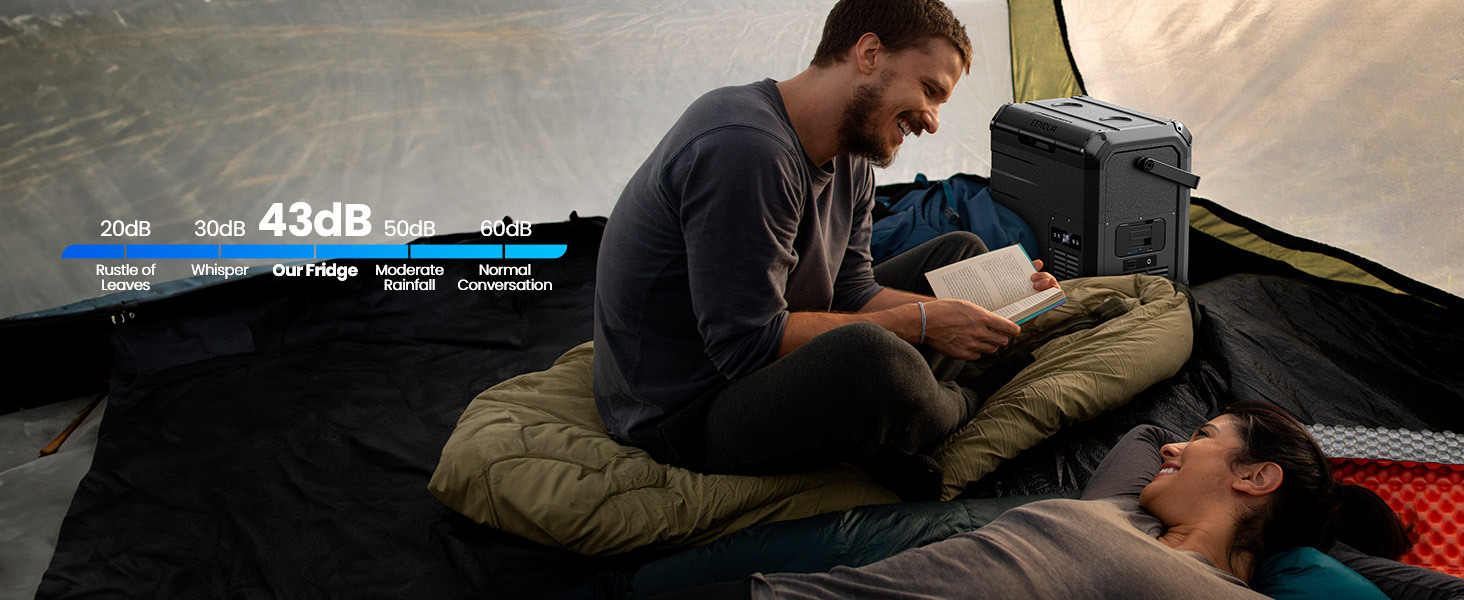
Image: EENOUR D18 in a car, highlighting its perfect size.
5. Noise Level
The refrigerator operates at a low noise level of approximately 43 dB, which is about 10 dB lower than a typical household refrigerator.
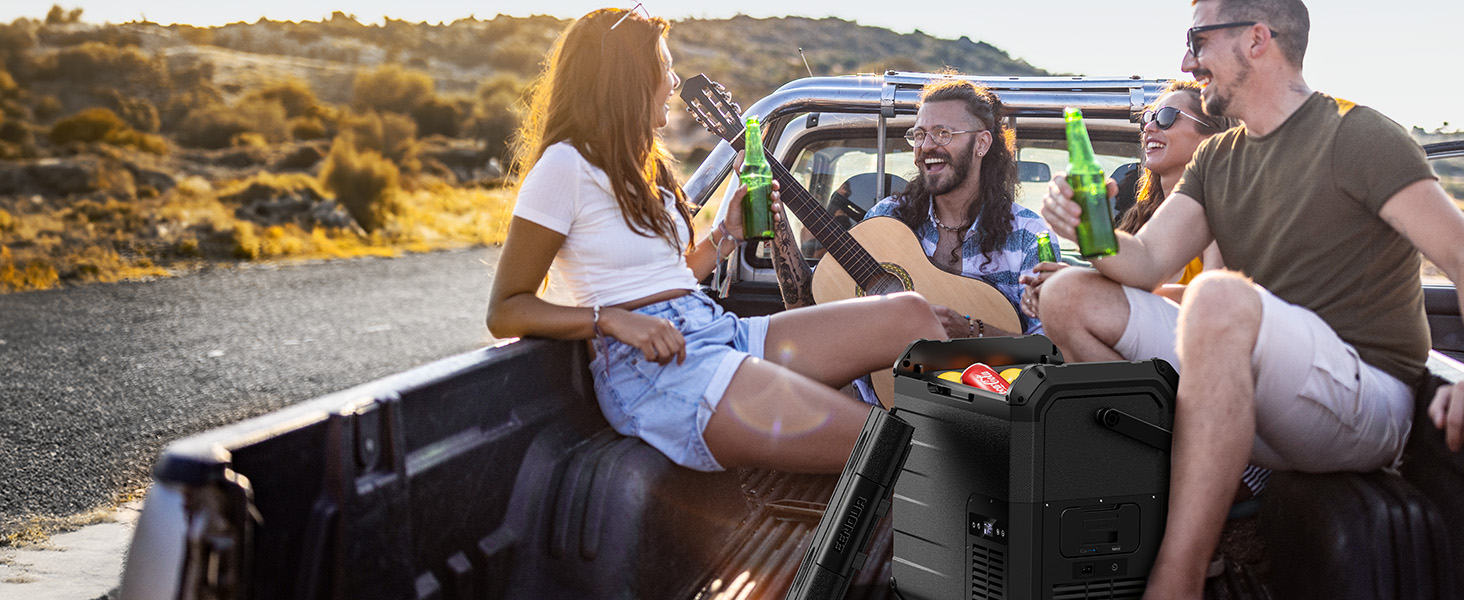
Image: Noise level comparison for the EENOUR D18.
6. Vehicle Battery Protection
The D18 features a 3-level vehicle battery protection system (High, Medium, Low) to prevent your car battery from being depleted. The refrigerator will automatically power off if the car battery voltage drops below the set protection level.

Image: 3-Level Battery Protection feature.
Maintenance
1. Cleaning
To clean the interior, wipe with a damp cloth and mild detergent. The D18 includes a drain hole at the bottom for easy water removal and cleaning.

Image: Drain hole for easy cleaning.
Video: A demonstration of the drain plug feature for easy cleaning of the EENOUR D18 portable car refrigerator.
2. Defrosting
The EENOUR D18 features manual defrost. When ice buildup occurs, power off the unit, remove contents, and allow the ice to melt naturally. Use the drain plug to remove melted water.
Troubleshooting
If you encounter issues with your EENOUR D18, consider the following common problems and solutions:
- Temperature Discrepancy: Some users have noted a slight difference between the set temperature and the actual internal temperature, particularly on the top shelf. It is recommended to use an external thermometer to verify and adjust the set temperature accordingly for sensitive items. The bottom section typically maintains colder temperatures more consistently.
- Compressor Noise: The compressor may produce some noise when it first starts. This is normal and should mellow out after a few seconds. Ensure the unit is placed on a stable surface.
- Unit Not Cooling:
- Check power connection and ensure the unit is receiving power.
- Verify the power button has been long-pressed to turn the unit on.
- Ensure the battery (if used) is charged and properly installed.
- Check for any obstructions in the ventilation openings.
- Battery Depletion: If connected to a vehicle, ensure the battery protection level is set appropriately (Low, Medium, or High) to prevent excessive discharge of the vehicle battery.
For further assistance, refer to the detailed user manual included with your product or contact EENOUR customer support.
Specifications
| Feature | Detail |
|---|---|
| Brand | EENOUR |
| Model Number | D18 |
| Capacity | 19 Quarts (18 Liters) |
| Product Dimensions | 16 x 12 x 14 inches (40.64 x 30.48 x 35.56 cm) |
| Item Weight | 18 pounds (8.16 kg) |
| Temperature Range | -4°F to 50°F (-20°C to 10°C) |
| Voltage | 12 Volts (DC) / 110-240 Volts (AC) |
| Power Consumption | ECO Mode: 25W, MAX Mode: 38W |
| Defrost System | Manual |
| Special Features | Compact, Memory Function, 3-Level Vehicle Battery Protection |
| Noise Level | 43 dB |
| Insulation Material | Thickened EPDM interior (approx. 2") |
| Certification | CE |
Warranty and Support
For warranty information and customer support, please refer to the user manual included in your package or visit the official EENOUR website. Protection plans are available for purchase separately to extend coverage for 2 or 3 years.
- 2-Year Protection Plan: Available for purchase.
- 3-Year Protection Plan: Available for purchase.
Contact EENOUR Direct for any product-related inquiries or technical assistance.


