
Introduction
This manual provides instructions for the Garmin Venu 4 GPS Smartwatch. It covers device setup, operation, maintenance, and troubleshooting. The Venu 4 is designed to assist users in monitoring health and fitness metrics through its advanced features and bright display.

Image: Garmin Venu 4 Smartwatch in Slate with a black silicone band, displaying time and health metrics.
What's in the Box
Verify that all items are present in the package:
- Garmin Venu 4 Smartwatch (45mm)
- Charging/Data Cable
- Documentation (Quick Start Guide, Safety Information)
Setup
1. Charging the Device
Before initial use, fully charge your Venu 4 smartwatch. Connect the charging/data cable to the charging port on the back of the watch and plug the other end into a USB power source.
- A full charge typically takes approximately 2 hours.
- The watch display will indicate charging status.
2. Pairing with Your Smartphone
To access all features and synchronize data, pair your Venu 4 with the Garmin Connect app on your smartphone.
- Download the Garmin Connect app from your smartphone's app store.
- Enable Bluetooth on your smartphone.
- Open the Garmin Connect app and follow the on-screen instructions to create an account or log in.
- Select "Add Device" within the app and choose your Venu 4 from the list of available devices.
- Follow the pairing prompts on both your watch and smartphone to complete the connection.
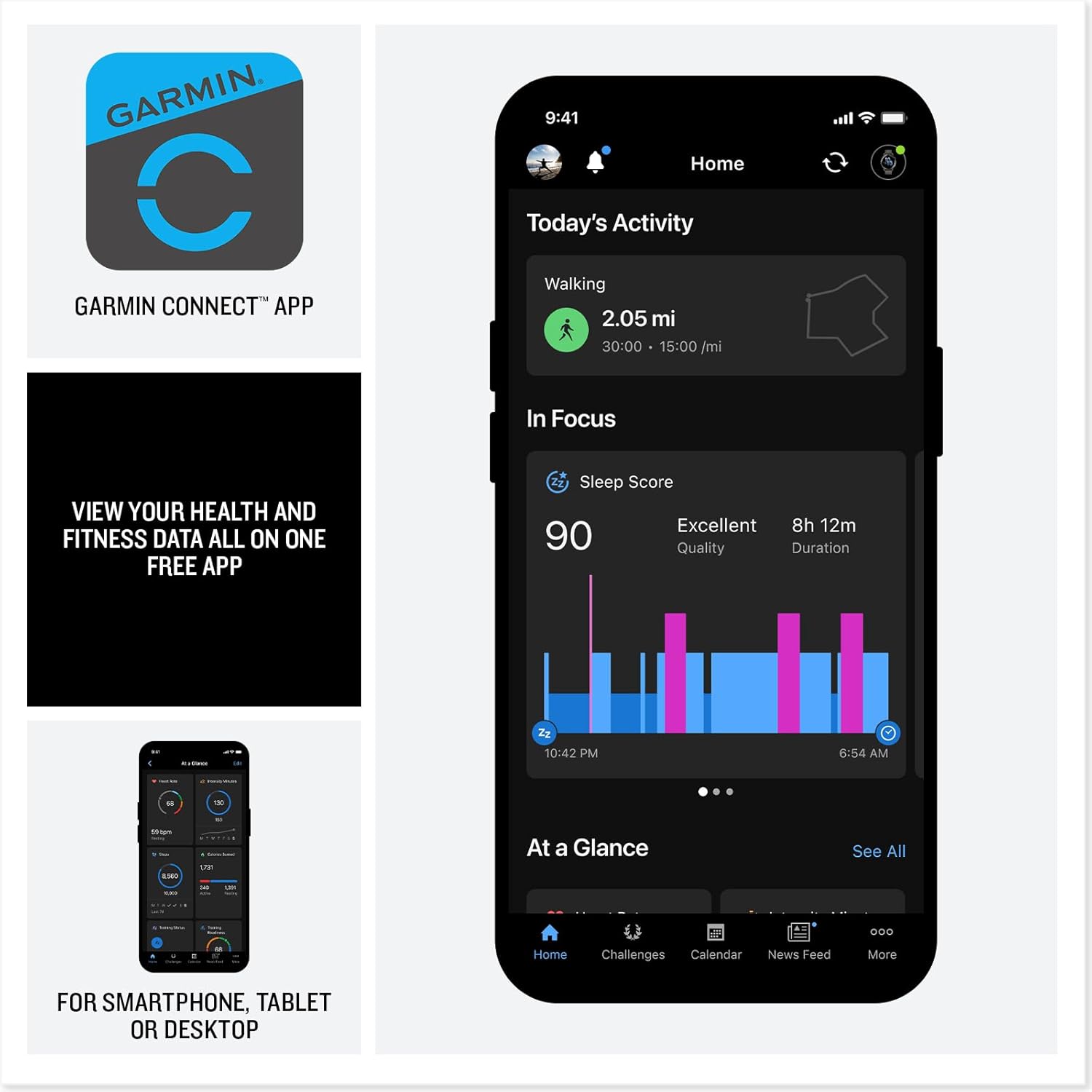
Image: A smartphone displaying the Garmin Connect app interface, showing activity and sleep data.
Operating Instructions
Display and Navigation
The Venu 4 features a bright, colorful AMOLED display. Navigate through menus and features using touch gestures and the physical buttons on the watch.
- Touchscreen: Swipe up, down, left, or right to view widgets, notifications, and controls. Tap to select items.
- Buttons: Specific button functions are detailed in the device's on-screen help and the Garmin Connect app.
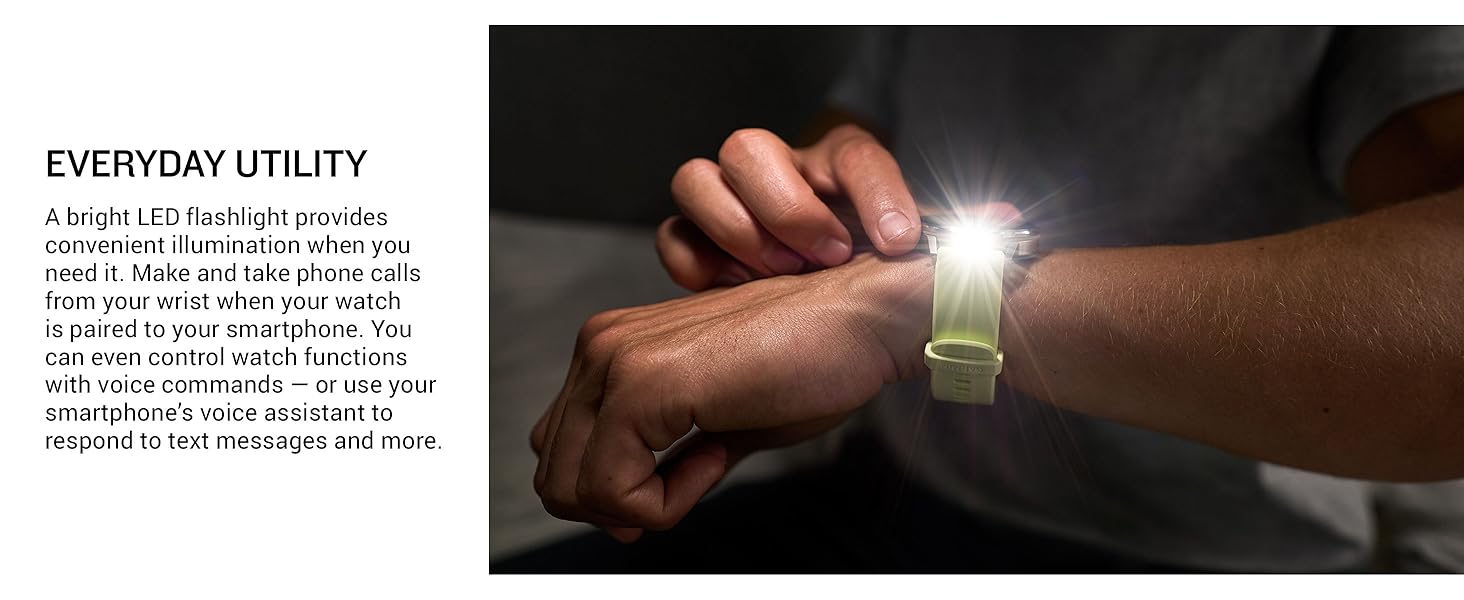
Image: Close-up of the Garmin Venu 4's vibrant display, highlighting its clarity and color.
Health Monitoring Features
The Venu 4 provides comprehensive health tracking capabilities:
- Wrist-based Heart Rate: Continuously monitors your heart rate.
- Body Battery™ Energy Monitoring: Tracks your body's energy levels to help identify optimal times for activity and rest.
- Sleep Tracking and Coaching: Provides a sleep score, personalized coaching, and insights into sleep stages and circadian rhythm alignment.
- Stress Tracking: Monitors stress levels throughout the day.
- Pulse Ox: Measures blood oxygen saturation (not available in all countries).
- Health Status: Identifies changes in key health metrics (heart rate, HRV, skin temperature) that may indicate increased body stress.
- Lifestyle Logging: Allows logging of behaviors like caffeine and alcohol intake to observe their impact on health.
- ECG App: Records heart rhythm and checks for signs of atrial fibrillation (AFib) for users 22 years or older (not available in all regions).
Note: Device data presented is intended to be a close estimation of metrics tracked and is not a medical device. Consult a healthcare professional for medical concerns.
Fitness and Activity Tracking
Engage in various activities with the Venu 4's extensive fitness features:
- Built-in Sports Apps: Over 80 preloaded apps for activities such as walking, running, cycling, HIIT, swimming, strength training, mobility, and mixed sessions. Includes specific support for active wheelchair users.
- Daily Suggested Workouts: Receive personalized workout recommendations based on your fitness and recovery data.
- Garmin Coach: Access adaptive training plans for running, cycling, strength, and general fitness.
- Advanced Training Features: Understand workout benefit, recovery time, training readiness, and training status for optimized performance.
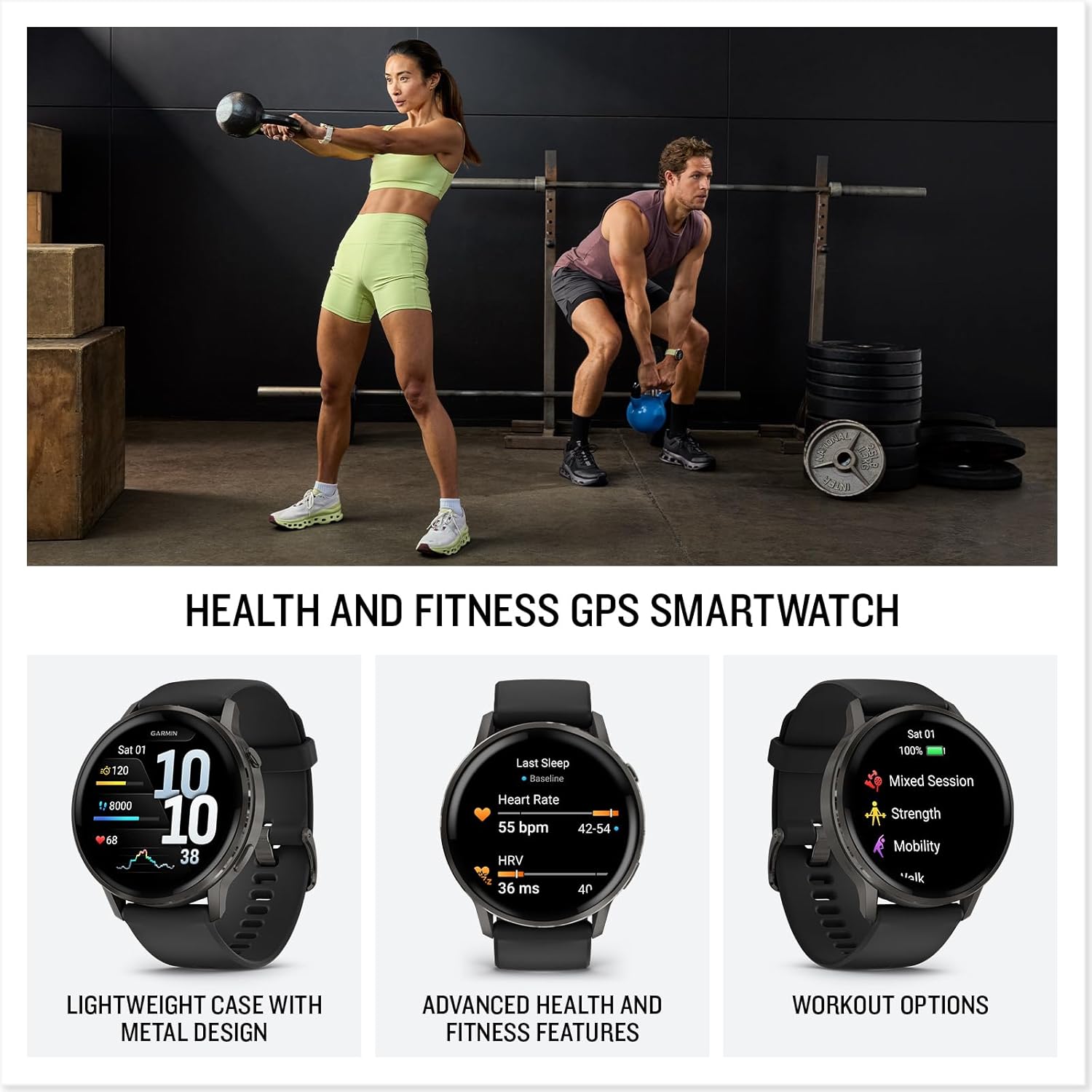
Image: Two people engaged in fitness activities, one lifting a kettlebell and the other in a plank position, both wearing smartwatches.
Smart Features
- Calls and Texting: Make and receive calls directly from your wrist when paired with a compatible smartphone. Respond to texts via voice or directly from the smartwatch (Android users).
- Built-in Flashlight: A bright LED flashlight provides convenient illumination.
- Garmin Pay™ Contactless Payments: Make secure payments directly from your watch with participating providers.
- Connect IQ™ Store: Customize your watch with watch faces, data fields, and apps.
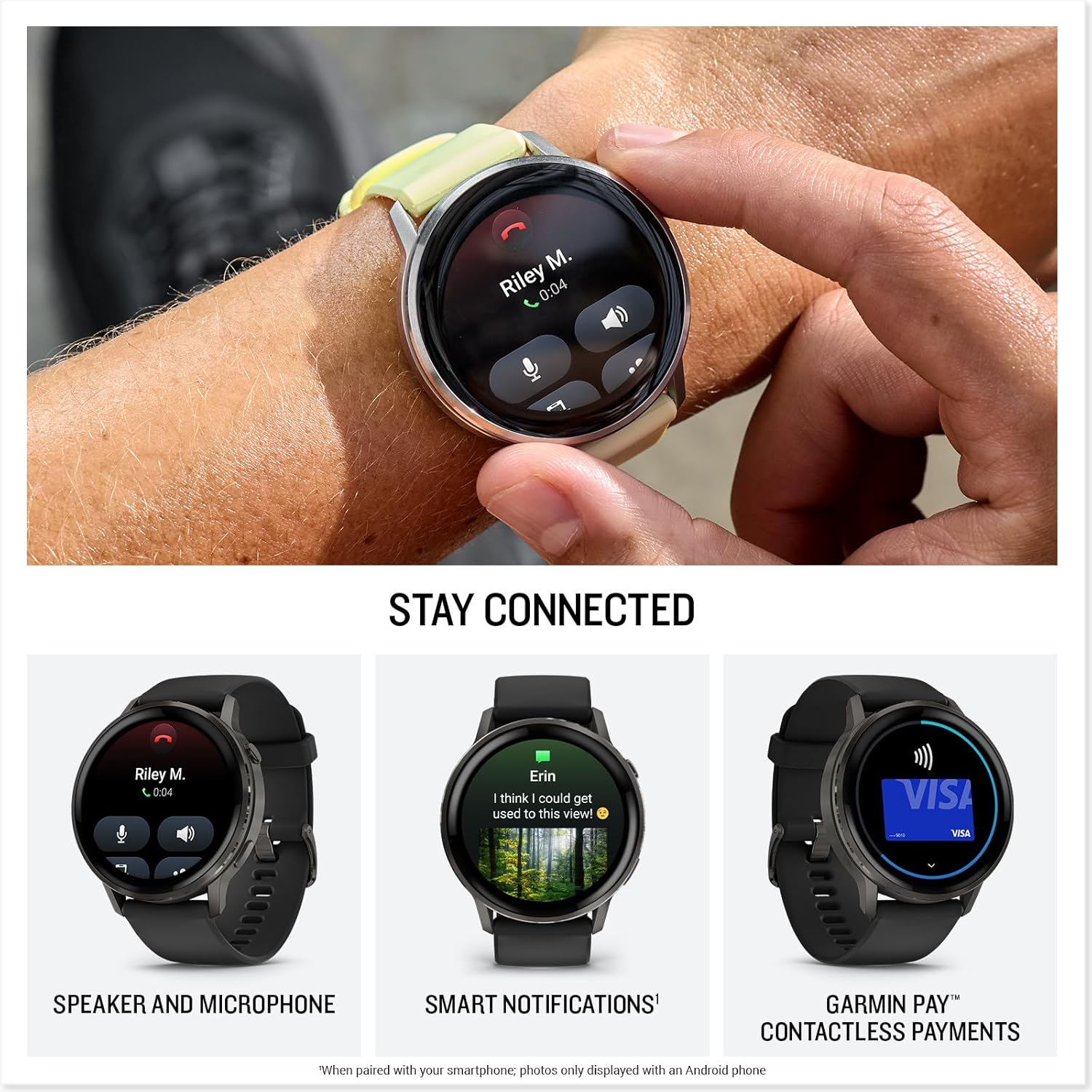
Image: A close-up of the Garmin Venu 4 on a wrist, showing an incoming call notification on its screen.

Image: A person's wrist wearing the Garmin Venu 4, with the watch's built-in LED flashlight emitting a bright beam.
Maintenance
Cleaning the Device
Regular cleaning helps maintain the device's functionality and appearance.
- Wipe the watch and band with a soft, damp, lint-free cloth.
- For stubborn dirt, use a mild soap solution and rinse thoroughly with water.
- Ensure the device is completely dry before charging or prolonged use.
- Avoid harsh chemicals, abrasive cleaners, or solvents that could damage the watch components.
Software Updates
Garmin periodically releases software updates to improve performance, add features, and fix bugs. Connect your Venu 4 to the Garmin Connect app to receive and install updates automatically.
Battery Care
To maximize battery life and performance:
- Avoid exposing the device to extreme temperatures.
- Charge the device regularly, but avoid leaving it fully discharged for extended periods.
- Use only the provided charging cable.
Troubleshooting
Device Not Turning On
- Ensure the device is fully charged. Connect it to the charging cable and a power source for at least 30 minutes.
- Press and hold the power button for 15 seconds to attempt a force restart.
Connectivity Issues (Bluetooth)
- Ensure Bluetooth is enabled on your smartphone and the Venu 4.
- Confirm the watch is within range of your smartphone (typically 10 meters or 33 feet).
- Restart both your smartphone and the Venu 4.
- If issues persist, unpair the device from your smartphone's Bluetooth settings and re-pair it through the Garmin Connect app.
Inaccurate Data Readings
- Ensure the watch is worn snugly on your wrist, above the wrist bone.
- Clean the optical heart rate sensor on the back of the watch.
- For GPS activities, ensure you have a clear view of the sky.
- Remember that all smartwatch data is intended as an estimation and not for medical diagnosis.
Specifications
| Feature | Detail |
|---|---|
| Model Number | 010-03014-00 |
| Brand | Garmin |
| Dimensions (Package) | 3.7 x 3.54 x 3.23 inches |
| Item Weight | 1.3 ounces |
| Screen Size | 1.4 Inches (AMOLED) |
| Memory Storage Capacity | 8 GB |
| Operating System | Garmin OS |
| Special Features | Activity Tracker, Alarm Clock, Contactless Payments, GPS, Multisport Tracker, Built-in Flashlight |
| Battery Capacity | 302 Milliamp Hours |
| Battery Life (Smartwatch Mode) | Up to 12 days |
| Connectivity Technology | Bluetooth |
| GPS | Built-in GPS |
| Shape | Round |
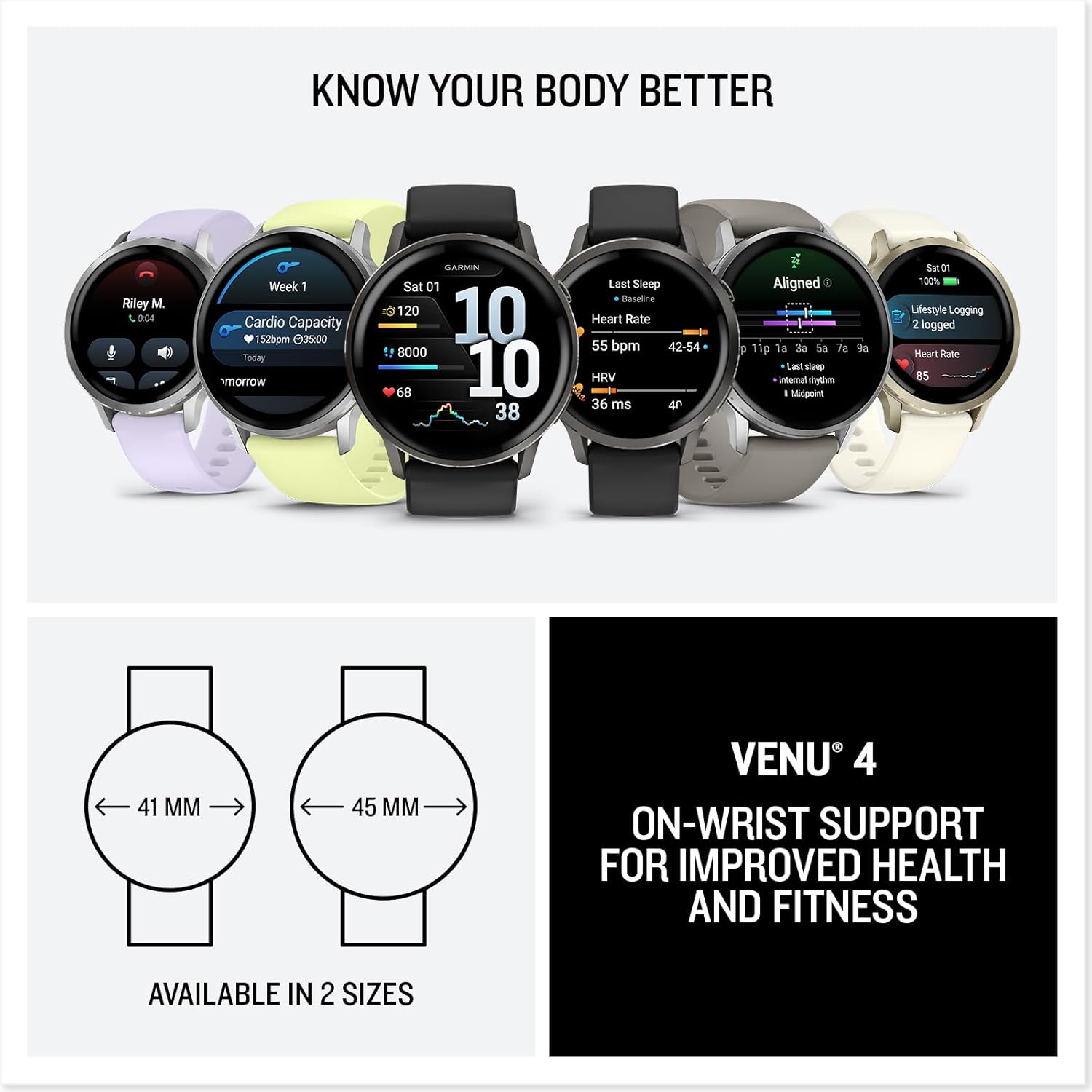
Image: Diagram illustrating the two available sizes for the Garmin Venu 4: 41mm and 45mm.
Warranty and Support
Warranty Information
Garmin products are typically covered by a limited warranty. For detailed warranty terms and conditions, please refer to the official Garmin website or the warranty documentation included with your product. Warranty periods may vary by region and product type.
Customer Support
For additional assistance, technical support, or to view frequently asked questions, please visit the official Garmin support website:
You can also find helpful resources and community forums through the Garmin Connect app.
Note: No video content was available in the provided product data for embedding in this manual. Please refer to the official Garmin website for product videos and tutorials.


