
1. Product Overview
The DeckTok LED TV Backlight system enhances your viewing experience by synchronizing LED lighting with your screen content. Utilizing AR technology, it provides accurate color changing to match on-screen visuals, creating an immersive atmosphere for movies, games, and general viewing. The 11.5ft RGB LED strip is designed for 55-65 inch TVs/displays, offering vibrant and customizable lighting.
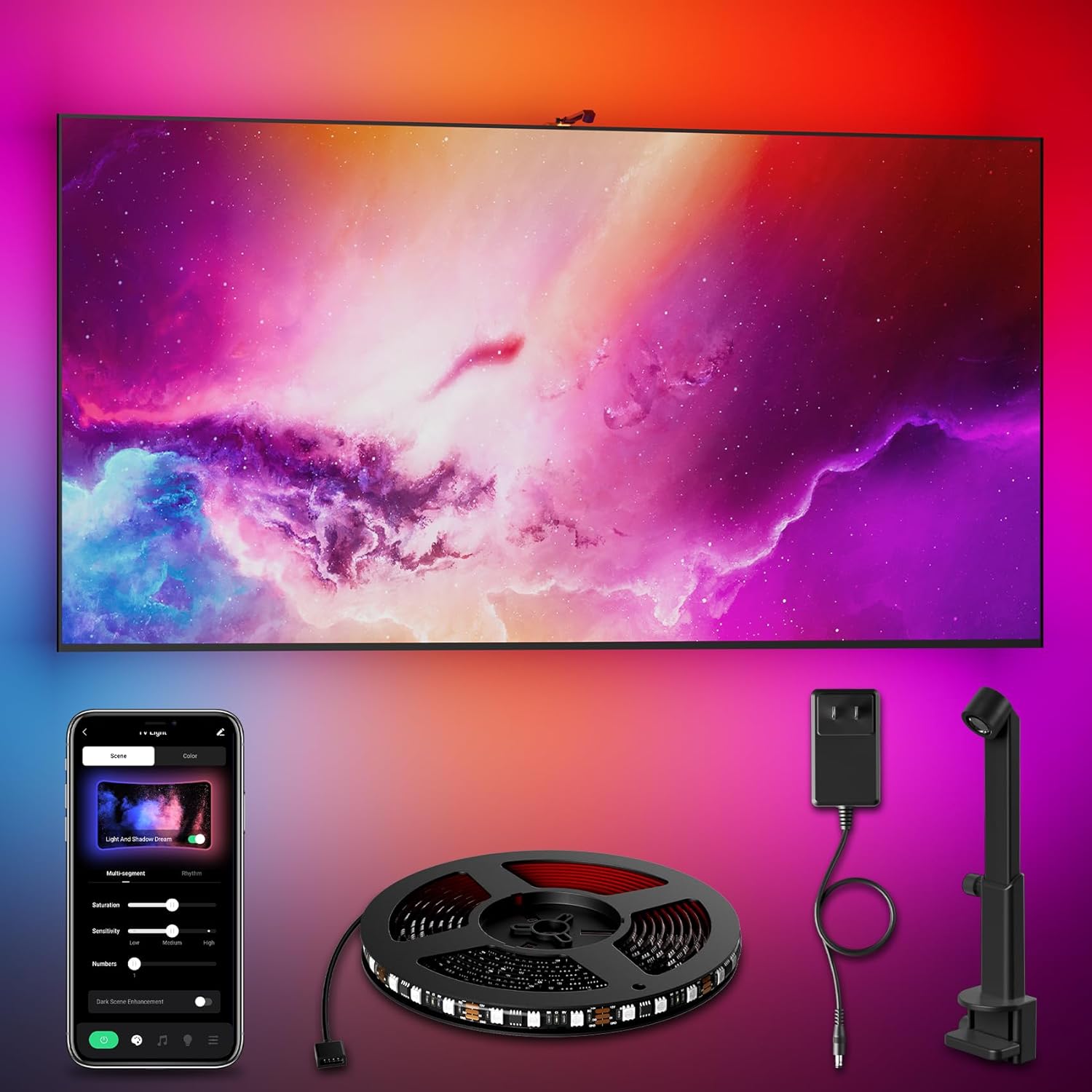
Image: The DeckTok LED TV Backlight system in operation, displaying dynamic colors synchronized with the TV screen.
2. What's in the Box
Please ensure all components are present before beginning installation:
- 11.5ft RGB LED Strip (Cuttable)
- AR Probe Camera Sensor
- Control Box
- Power Adapter
- Mounting Buckles and Adhesive
- User Manual

Image: A visual representation of the product packaging and its main components.
3. Setup Instructions
Follow these steps for proper installation of your DeckTok LED TV Backlight:
- Prepare the TV Surface: Wipe the back of your TV or display thoroughly to ensure the surface is clean, dry, and free from dust or moisture. This ensures optimal adhesion.
- Attach the LED Strip: Tear off the adhesive backing from the LED strip. Carefully apply the strip to the back of your TV, starting from one corner. Press firmly along the entire length. The strip is cuttable; trim any excess length if necessary to fit your TV size (suitable for 55-65 inch TVs). Reinforce corners with the provided clips.
- Mount the AR Camera Sensor: Fix the AR probe camera sensor in the center of the TV's top edge. Ensure it is stable and positioned to capture the screen area accurately. Use additional adhesive if needed to prevent shaking.
- Connect Components: Connect the LED strip to the control box. Then, connect the power adapter and the camera sensor cable to the control box. Position the control box in an appropriate, accessible location near the TV.
- Power On and App Connection: Plug the power adapter into an electrical outlet. The lights should illuminate. Download the companion app (refer to the packaging for QR code or app store details) and follow the in-app instructions to connect your device.

Image: Visual guide demonstrating the five steps for installing the LED strip and camera sensor on the TV.

Image: A diagram illustrating the correct placement of the LED strip for an edge-to-edge fit on the TV back.
4. Operating Instructions
The DeckTok LED TV Backlight offers various modes for an enhanced visual experience:
- Screen Synchronization: The AR camera sensor detects colors on your TV screen and projects matching ambient lighting onto the wall behind. This creates an immersive effect that extends the visual content beyond the screen.
- Music Synchronization: In music mode, the lights will dynamically change and pulse in rhythm with audio playback, adding a vibrant element to your music listening experience.
- Static Color & Scene Modes: Choose from a wide range of static colors or pre-set scene modes to match your mood or decor. These can be adjusted via the control box or the smart app.
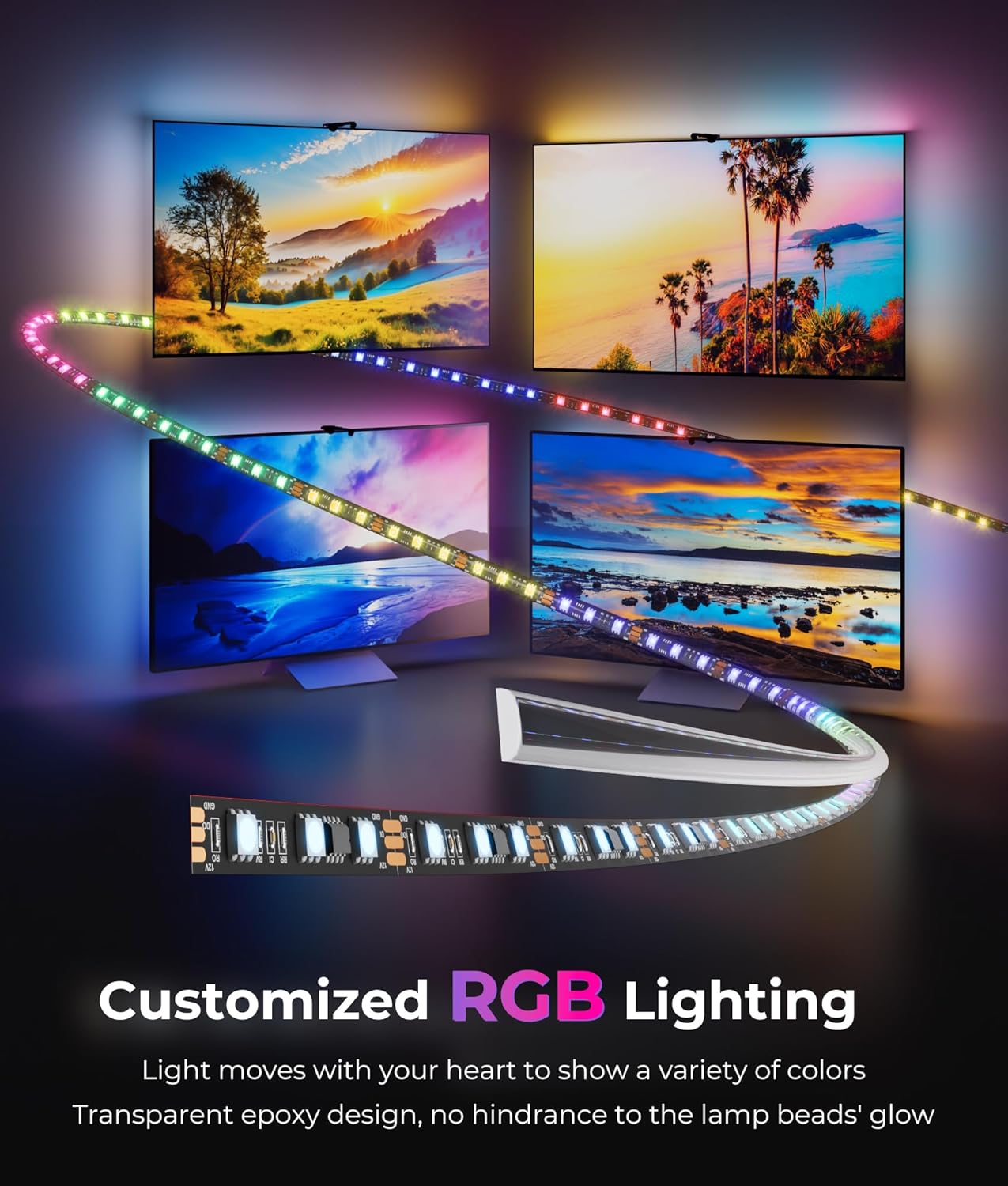
Image: The LED strip displaying customized RGB lighting, highlighting its transparent epoxy design and vibrant color output.

Image: An illustration of the AR sensor capturing screen colors to provide accurate, real-time backlight synchronization.
5. Smart App Control
The dedicated smart app provides comprehensive control over your LED TV Backlight:
- DIY Mode: Customize colors, effects, and brightness levels to create personalized lighting scenes.
- Scenario Selection: Access a variety of pre-programmed scenarios suitable for different moods or occasions.
- Music Sync: Activate and adjust the music synchronization feature for dynamic light shows.
- Device Management: Rename your device for easy identification and manage multiple DeckTok lighting products.

Image: A visual representation of the uLamp smart app interface, detailing options for scene selection, color customization, and music synchronization.
6. Maintenance
To ensure the longevity and optimal performance of your DeckTok LED TV Backlight, follow these simple maintenance guidelines:
- Cleaning: Gently wipe the LED strip and camera sensor with a soft, dry cloth to remove dust. Avoid using harsh chemicals or abrasive cleaners.
- Water Resistance: The LED strip has an IP64 rating, meaning it is protected from dust and splashing water. However, it is not fully waterproof; avoid submerging it in water or exposing it to heavy rain.
- Adhesion Check: Periodically check the adhesion of the LED strip and camera sensor to ensure they remain firmly attached to the TV. Reapply adhesive or clips if necessary.
7. Troubleshooting
If you encounter issues with your DeckTok LED TV Backlight, refer to the following common problems and solutions:
| Problem | Possible Cause | Solution |
|---|---|---|
| Lights do not turn on. | No power, loose connection, faulty adapter. | Check power adapter connection to outlet and control box. Ensure all cables are securely connected. Try a different power outlet. |
| Lights not syncing with screen colors accurately. | Camera misaligned, poor lighting conditions, screen glare, calibration needed. | Ensure the AR camera is centrally positioned and has a clear view of the screen. Minimize ambient light. While direct calibration options may be limited, ensure the camera is stable and not shaking. |
| App cannot connect to the device. | Bluetooth/Wi-Fi issue, device not in pairing mode, app error. | Ensure Bluetooth/Wi-Fi is enabled on your phone. Restart the app and the LED backlight (unplug and replug). Follow in-app pairing instructions. |
| Colors appear incorrect or lag. | Camera response time, processing delay. | Some delay in color changes can occur with very fast-paced screen content. Ensure the camera lens is clean. |
| LED strip falling off. | Insufficient surface preparation, old adhesive. | Clean the surface thoroughly before reapplication. Use stronger adhesive or additional mounting clips if needed. |
8. Specifications
| Feature | Detail |
|---|---|
| Model Number | SC-AR-60D-20W |
| Brand | DeckTok |
| LED Strip Length | 11.5 feet (3.5 meters) |
| Compatible TV Sizes | 55-65 inches |
| Light Color | RGB |
| Light Source Type | LED (60 LEDs per 3.28ft / 1m) |
| Control Method | Smart App (uLamp) / Control Box |
| Special Feature | AR Screen Synchronization, Music Sync, Cuttable |
| Power Source | AC/DC |
| Indoor/Outdoor Usage | Indoor |
| Water Resistance Level | IP64 (Not Water Resistant for full submersion) |
| UPC | 762849825076 |
9. Warranty & Support
Warranty Information: The DeckTok LED TV Backlight comes with a 3-year manufacturer's warranty from the date of purchase. This warranty covers defects in materials and workmanship under normal use. Please retain your proof of purchase for warranty claims.
What the Warranty Does Not Cover: This warranty does not cover damage caused by misuse, accident, unauthorized modification, improper installation, or normal wear and tear.
Customer Support: For technical assistance, troubleshooting not covered in this manual, or warranty inquiries, please contact DeckTok customer support through the retailer's platform or the official DeckTok website. Please have your model number (SC-AR-60D-20W) and proof of purchase ready when contacting support.