
1. Getting Started
1.1 Unboxing and Initial Setup
Upon opening your realme 15X 5G package, ensure all components are present. Carefully remove the device and accessories from the box.
Package Contents:
- realme 15X 5G Smartphone
- Phone Case
- Power Adapter
- SIM Tray Ejector
- USB Cable
1.2 Device Overview
Familiarize yourself with the physical layout of your realme 15X 5G smartphone.

Image: Front view of the realme 15X 5G Smartphone in Marine Blue.

Image: Rear view of the realme 15X 5G Smartphone in Marine Blue, showing the camera module.
1.3 Inserting SIM Card
- Locate the SIM card tray on the side of your device.
- Insert the SIM tray ejector tool into the small hole next to the tray and press gently until the tray pops out.
- Place your Nano-SIM card(s) and/or microSD card (if applicable) into the tray with the gold contacts facing down. Ensure they are correctly seated.
- Carefully reinsert the tray into the phone until it clicks into place.
1.4 Powering On and Initial Configuration
- Press and hold the Power button until the realme logo appears.
- Follow the on-screen prompts to select your language, connect to Wi-Fi, and set up your Google account.
- You will be guided through setting up security features such as fingerprint recognition and a screen lock.
2. Operating Your Device
2.1 Display Features
The realme 15X 5G features a spacious 6.8-inch screen with a 144Hz refresh rate, providing smooth visuals. The display offers up to 1200 nits peak brightness for clear visibility even in bright conditions.
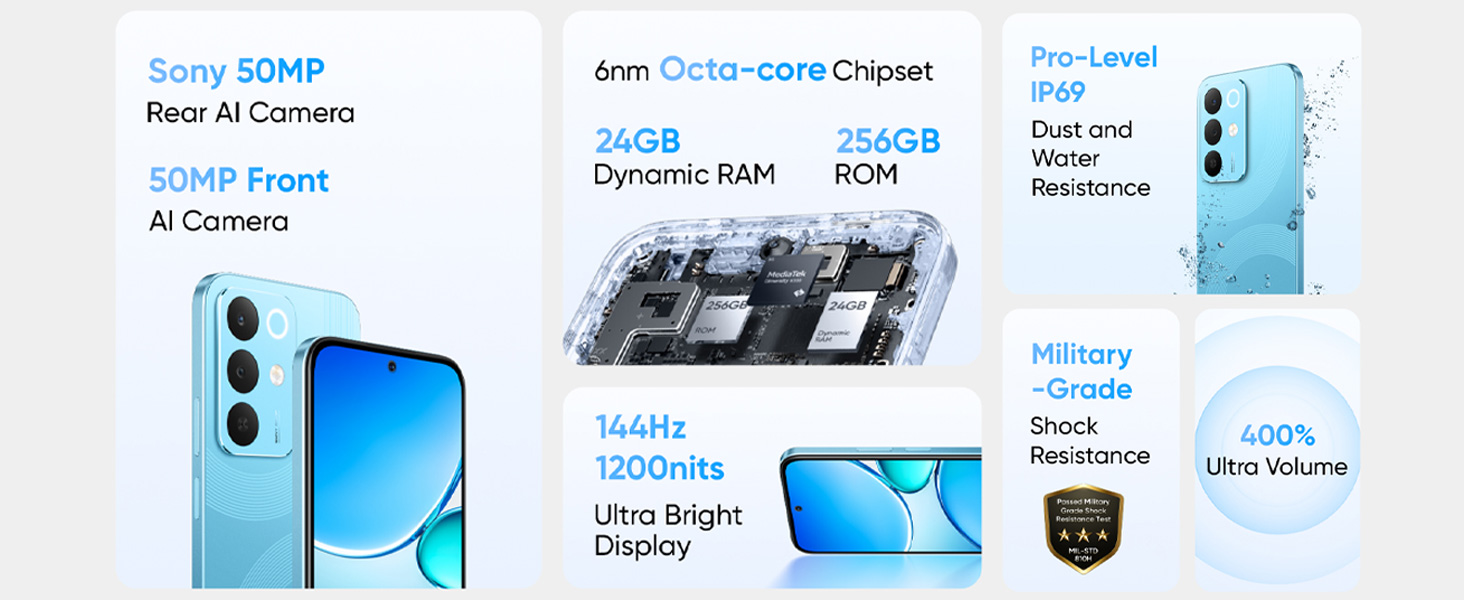
Image: Illustration highlighting the 144Hz refresh rate and 1200 nits ultra-bright display of the realme 15X 5G.
2.2 Battery and Charging
Your device is equipped with a 7000mAh battery for extended usage and supports 60W fast charging.
Charging Instructions:
- Use the provided 60W power adapter and USB cable for optimal fast charging performance.
- Connect the USB cable to the phone's USB Type-C port and the power adapter to a wall outlet.
- The device supports rapid charging, reaching up to 50% charge in a short period.
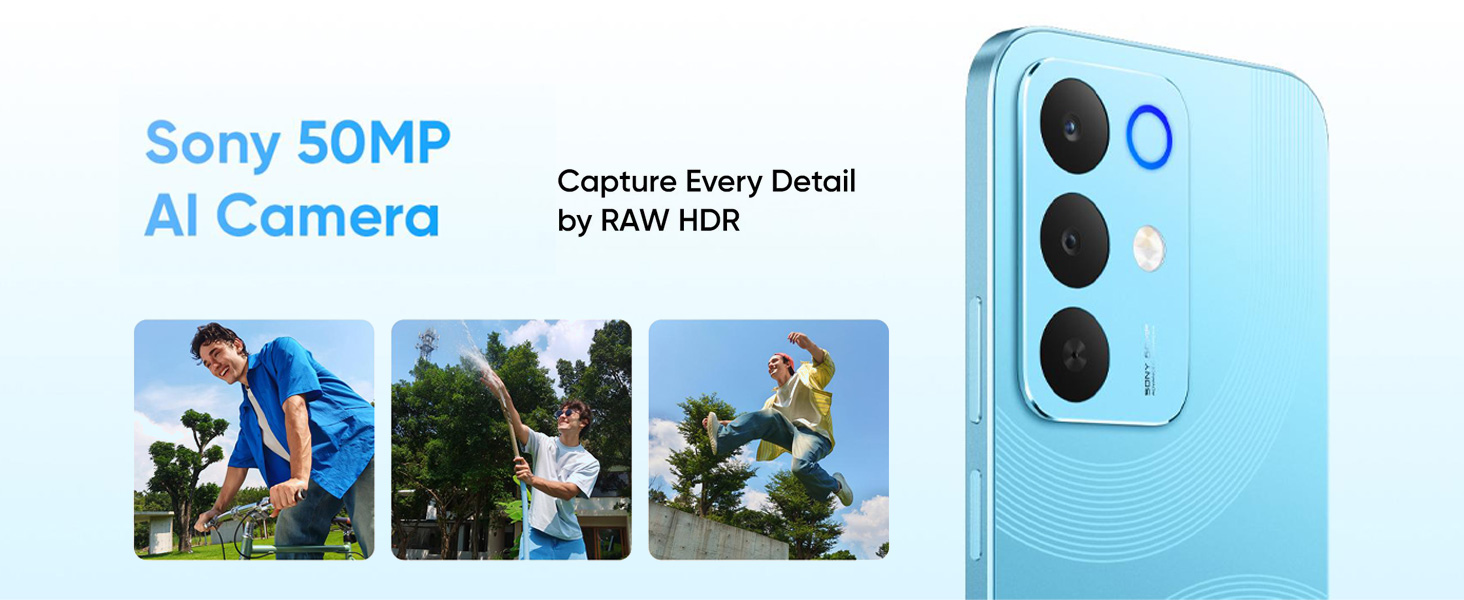
Image: Diagram illustrating the 7000mAh battery capacity of the realme 15X 5G.
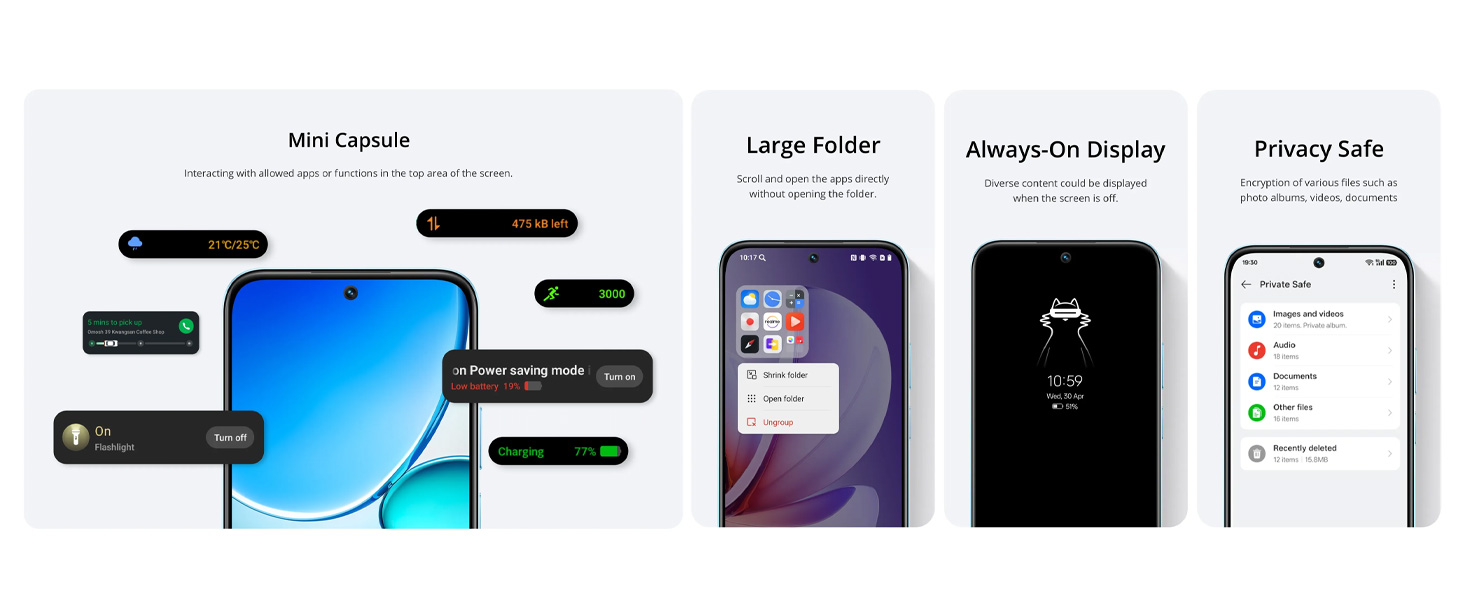
Image: Visual representation of the 60W fast charging capability, showing quick charge times for various activities.
2.3 Camera Usage
The realme 15X 5G features a 50+50MP AI camera system. The AI optimization automatically adjusts settings for various scenes, ensuring clear and detailed photos.
Key Camera Features:
- 50MP Main Camera: Captures high-resolution images with rich detail.
- AI Enhancements: Automatically optimizes settings for different environments, including low-light conditions.
- RAW HDR: For enhanced dynamic range in photos.
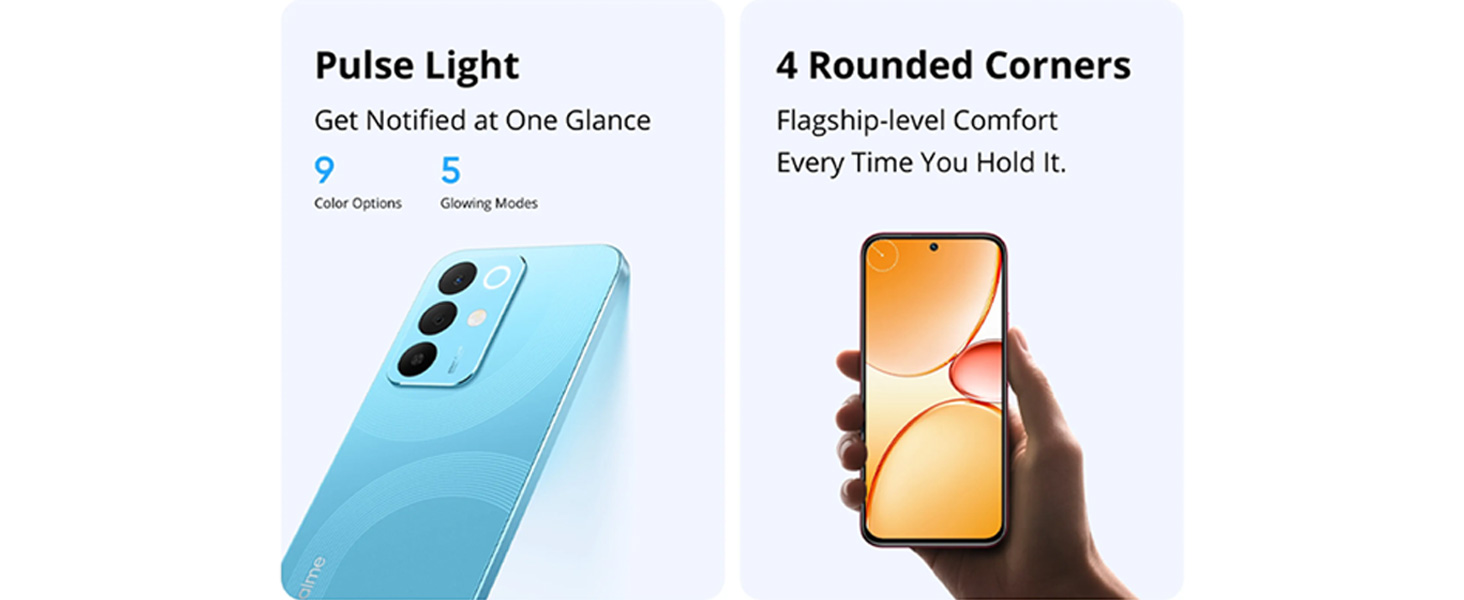
Image: Close-up view of the realme 15X 5G camera module, highlighting the 50MP AI camera.
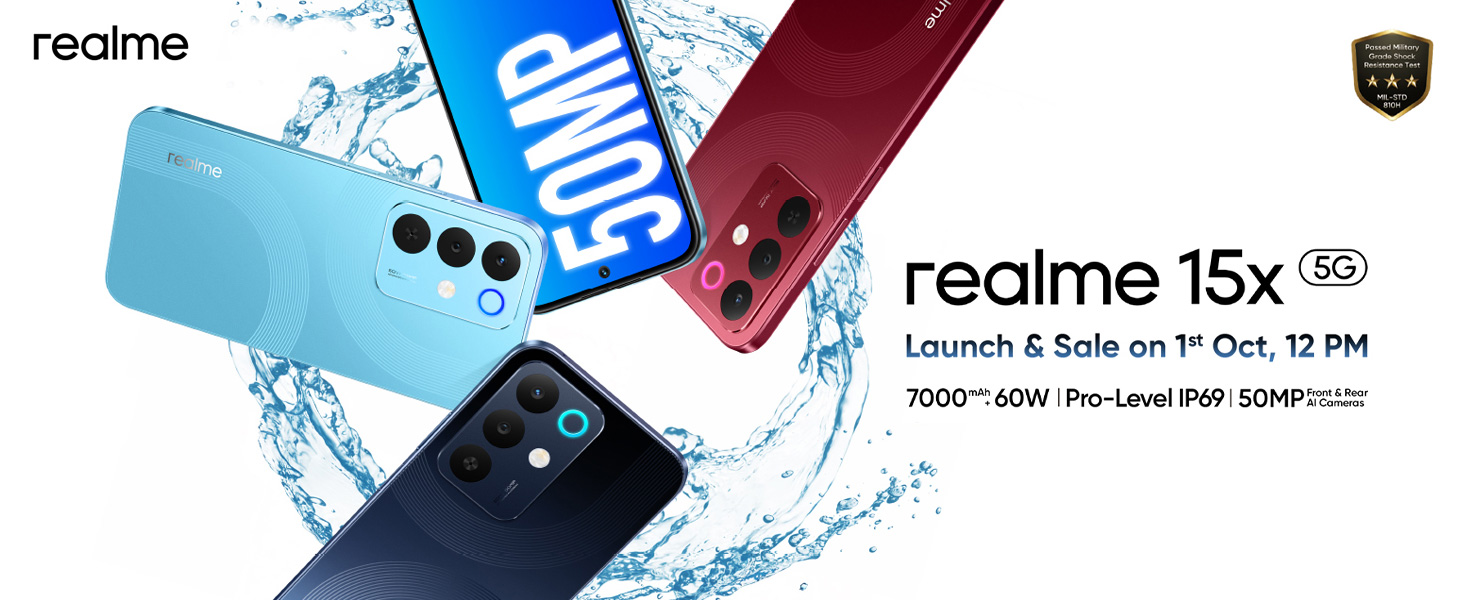
Image: Examples of AI camera features including AI Image Matting, AI Eraser 2.0, AI Landscape, and AI Glare Remover.
2.4 Performance and Connectivity
The device is powered by a Dimensity 6300 6nm octa-core processor, ensuring efficient multitasking and smooth operation. It supports 5G cellular technology for high-speed internet access, along with Bluetooth and Wi-Fi connectivity.

Image: Internal view of the realme 15X 5G, highlighting the 6nm Octa-core chipset and memory components.

Image: Diagram illustrating the 'Ultra Connection' feature with AI Smart Signal Adjustment for improved network stability.
2.5 Security Features
The realme 15X 5G includes fingerprint recognition for secure and convenient unlocking.
3. Maintenance and Care
3.1 Cleaning Your Device
- Use a soft, lint-free cloth to gently wipe the screen and back of the phone.
- Avoid using harsh chemicals or abrasive materials that could damage the device's finish.
- For stubborn smudges, slightly dampen the cloth with water or a screen cleaner designed for electronics.
3.2 Software Updates
Regularly check for and install software updates to ensure your device has the latest features, security patches, and performance improvements. You can usually find this option in your phone's Settings menu under 'System' or 'About Phone'.
3.3 Water and Dust Resistance (IP69)
The realme 15X 5G is rated IP69 for dust and water resistance. This means it is protected against dust ingress and can withstand high-pressure, high-temperature water jets. While durable, it is not entirely waterproof and should not be submerged in water for extended periods or exposed to extreme conditions beyond its rating.

Image: The realme 15X 5G being splashed with water, demonstrating its IP69 dust and water resistance.
4. Troubleshooting
This section provides solutions to common issues you might encounter with your realme 15X 5G.
4.1 Power Issues
- Device not turning on: Ensure the battery is charged. Connect the phone to the charger and wait a few minutes before attempting to power on again.
- Battery draining quickly: Reduce screen brightness, close unused apps, disable unnecessary background processes, and check for app updates.
4.2 Connectivity Problems
- Wi-Fi not connecting: Restart your router and phone. Forget the Wi-Fi network on your phone and reconnect.
- Mobile data not working: Check if mobile data is enabled in settings. Ensure your SIM card is properly inserted and your plan is active.
- Bluetooth pairing issues: Ensure both devices are in pairing mode and within range. Try restarting both devices.
4.3 Camera Malfunctions
- Camera app crashing: Clear the cache and data of the camera app in your phone's settings. Restart the phone.
- Poor image quality: Ensure the camera lens is clean. Check lighting conditions. Update the phone's software if an update is available.
5. Specifications
Detailed technical specifications for the realme 15X 5G Smartphone.
| Feature | Specification |
|---|---|
| Brand | realme |
| Model Name | realme 15X |
| Operating System | Android 15 |
| RAM Memory Installed Size | 8 GB |
| Memory Storage Capacity | 256 GB |
| Processor | Dimensity 6300 6nm Octa-core (2.4 GHz CPU Speed) |
| Colour | Marine Blue |
| Screen Size | 6.81 Inches |
| Refresh Rate | 144 Hz |
| Display Type | LCD |
| Maximum Display Resolution | 1570x720 Pixels Per Inch |
| Rear Camera Resolution | 50 MP + 50 MP (AI Camera) |
| Front Camera Resolution | 50 MP |
| Battery Capacity | 7000 Milliamp Hours |
| Charging | 60W Fast Charging |
| Water Resistance Level | IP69 (Water Resistant) |
| Biometric Security | Fingerprint Recognition |
| SIM Card Slot Count | Dual SIM |
| Connector Type | USB Type C |
| Network Technology | 5G, Bluetooth, Wi-Fi |
| Item Weight | 212 Grams |
| Item Dimensions | 16.6 x 7.8 x 0.8 Centimeters |
6. Warranty and Support
6.1 Warranty Information
Your realme 15X 5G Smartphone comes with a 1-year manufacturer's warranty. Please refer to the warranty card included in your package for detailed terms and conditions.
6.2 Customer Support
For any technical assistance, service, or inquiries, please contact realme customer support:
- Manufacturer: DBG TECHNOLOGY (INDIA) PRIVATE LIMITED
- Packer Contact Information: REALME MOBILE TELECOMMUNICATIONS (INDIA) PRIVATE LIMITED, 3rd Floor, Tower-B, Building No.8, DLF Cyber City, Gurugram-122002, Haryana, India
- After-sales service customer support number: 1800 102 2777