1. Introduction
This manual provides essential information for the proper use and maintenance of your realme 15X 5G Smartphone. Please read it carefully before using your device.
2. What's in the Box
Verify that all items are present in the package:
- realme 15X 5G Smartphone
- Power Adapter
- USB Cable
- SIM Tray Ejector
- Phone Case
3. Setup
3.1 Inserting the SIM Card
- Locate the SIM card tray on the side of the device.
- Insert the SIM tray ejector tool into the small hole next to the tray and press firmly until the tray pops out.
- Place your Nano-SIM card(s) and/or microSD card into the tray with the gold contacts facing down.
- Carefully reinsert the tray into the phone.
3.2 Powering On/Off
- To power on: Press and hold the Power button until the realme logo appears.
- To power off: Press and hold the Power button, then select 'Power off' from the options.
3.3 Initial Setup
Upon first power-on, follow the on-screen instructions to:
- Select your language.
- Connect to a Wi-Fi network.
- Sign in with your Google account.
- Set up security features (fingerprint, face unlock, PIN/pattern).
4. Operating Instructions
4.1 Display
The realme 15X features a 6.8-inch display with a 144Hz refresh rate for smooth visuals and reduced lag. It offers up to 1200 nits peak brightness for clear visibility even in bright sunlight, enhanced by AI Outdoor Clarity.
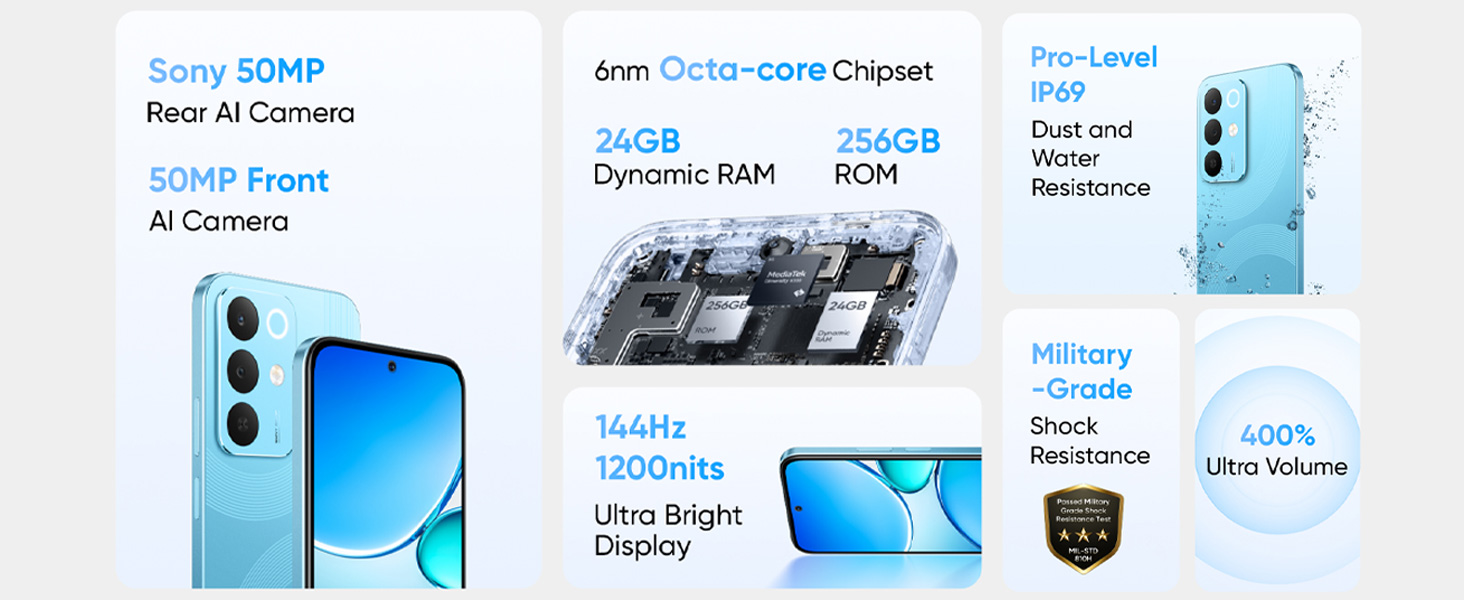
Image: The 144Hz 1200nit Ultra Bright Display of the realme 15X 5G Smartphone, designed for smooth and clear visuals under various lighting conditions.
4.2 Battery and Charging
The device is equipped with a 7000mAh battery, providing extended usage. It supports 60W fast charging, allowing the battery to reach 50% charge in minutes.
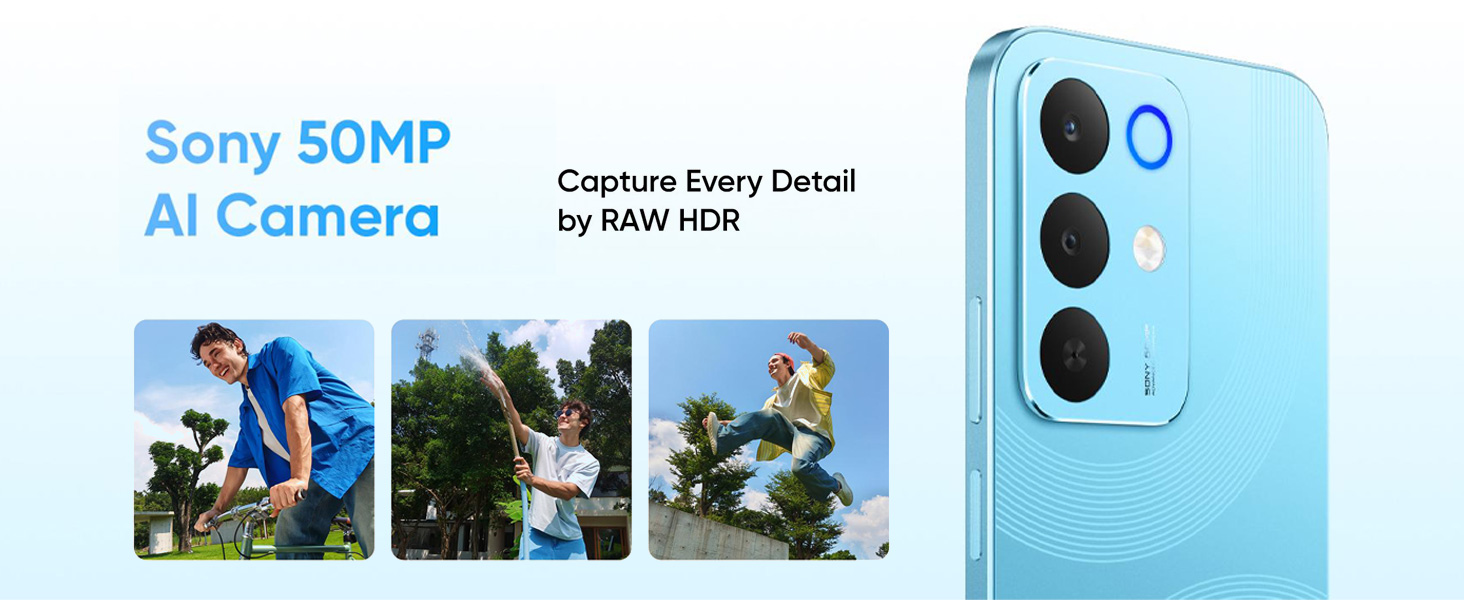
Image: Illustration of the 7000mAh Titan Battery, highlighting its large capacity for extended use.
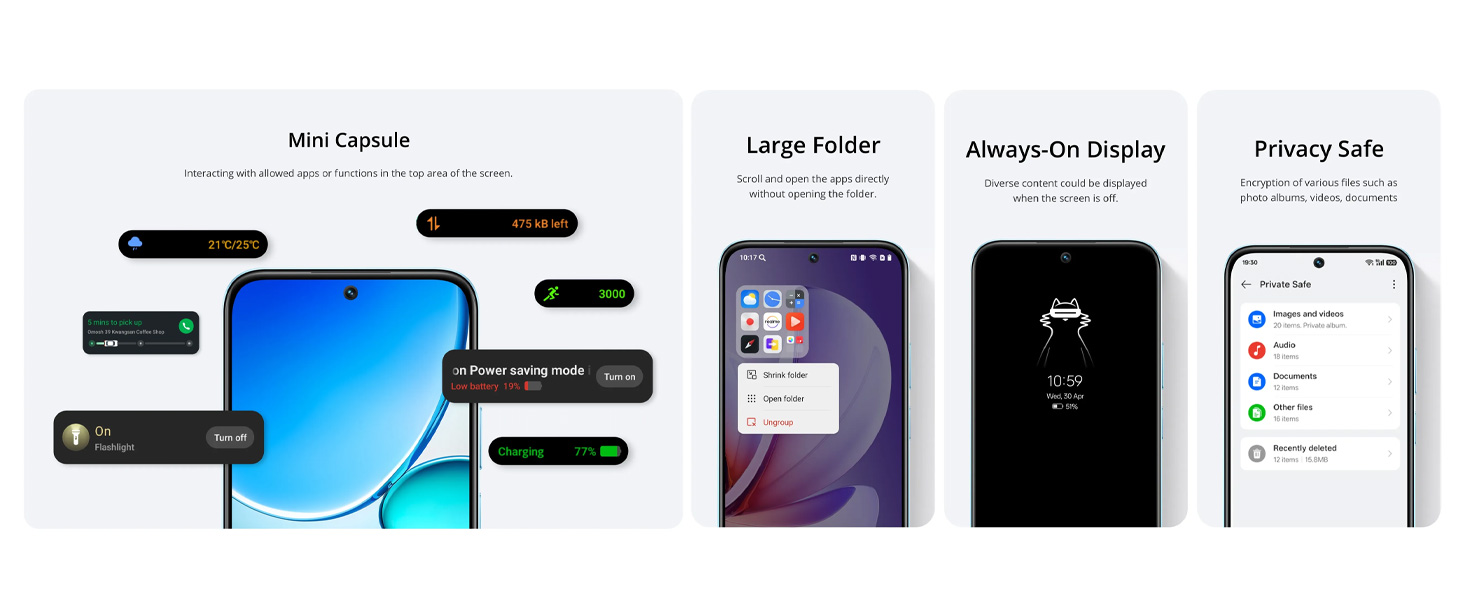
Image: Visual representation of 60W Fast Charging with Boost Charge Mode, showing quick charging times for various activities.
4.3 Camera
Capture detailed photos with the 50+50MP AI-enhanced cameras. The AI optimization automatically adjusts settings for various scenarios, including bright daytime shots and clear night mode photos.
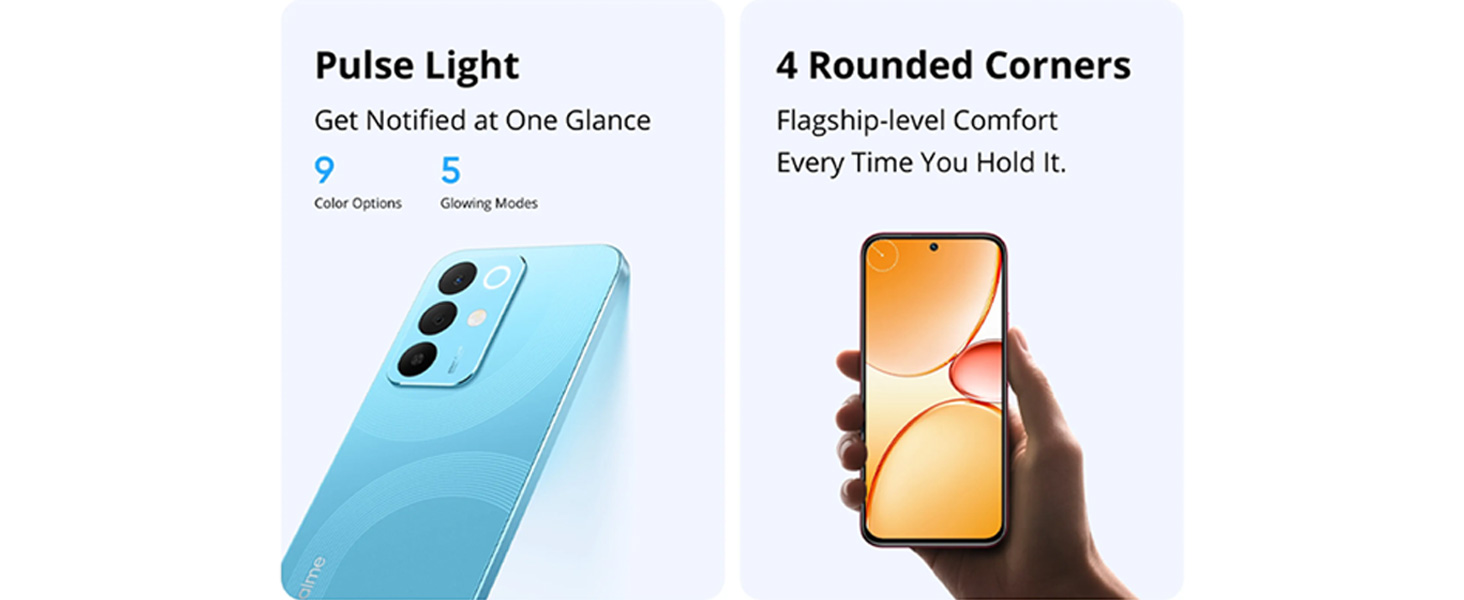
Image: Close-up view of the Sony 50MP AI Camera module on the realme 15X 5G Smartphone.
Advanced AI camera features include:
- AI Image Matting: For cutting out subjects freely.
- AI Eraser 2.0: To remove unwanted objects from photos.
- AI Landscape: For clear, vibrant shots in any weather.
- AI Glare Remover: To eliminate glare for clearer images.

Image: Examples of AI camera features such as AI Image Matting, AI Eraser, AI Landscape, and AI Glare Remover in action.
4.4 Performance
The realme 15X is powered by an advanced Dimensity 6300 6nm octa-core processor, designed for efficient multitasking, quick app launches, and smooth gaming experiences while conserving battery life.
Image: Internal view highlighting the 6nm Octa-core Chipset and memory components (ROM, Dynamic RAM).
4.5 Connectivity
The device supports Bluetooth, USB, and Wi-Fi connectivity. It features AI Smart Signal Adjustment to maintain a smooth connection even in areas with weak network signals, improving call connection rates and app download speeds.

Image: Depiction of the Ultra Connection feature with AI Smart Signal Adjustment, illustrating improved network stability in various environments.
4.6 Durability
The realme 15X has an IP69 rating, providing resistance against dust, splashes, and heavy rain, ensuring reliable operation in diverse environments.

Image: The realme 15X 5G Smartphone shown under water, illustrating its IP69 Pro Dust and Water Resistance.
4.7 Software Features
- Mini Capsule: Provides interactive notifications and information at the top of the screen.
- Large Folder: Allows direct opening of apps within a folder without expanding it.
- Always-On Display: Shows diverse content when the screen is off.
- Privacy Safe: Encrypts various files such as photos, videos, and documents.
- Pulse Light: Offers customizable light notifications with 9 color options and 5 glowing modes.
5. Maintenance
5.1 Cleaning Your Device
- Use a soft, lint-free cloth to clean the screen and body of the phone.
- Avoid using harsh chemicals or abrasive materials.
- If the device gets wet, wipe it dry immediately with a clean cloth.
5.2 Software Updates
Regularly check for and install software updates to ensure optimal performance, security, and access to new features. Navigate to Settings > About phone > Software update.
6. Troubleshooting
6.1 Common Issues and Solutions
| Issue | Solution |
|---|---|
| Device not turning on | Ensure the battery is charged. Connect to the charger for at least 10 minutes, then try powering on. |
| Apps crashing or freezing | Close the app and reopen it. Clear the app's cache (Settings > Apps > [App Name] > Storage > Clear cache). Restart the phone. |
| Poor battery life | Reduce screen brightness, disable unnecessary features (GPS, Bluetooth, Wi-Fi when not in use), close background apps. Check battery usage in Settings to identify power-hungry apps. |
| Network connectivity issues | Toggle Airplane Mode on and off. Restart the device. Check SIM card insertion. Reset network settings (Settings > System > Reset options > Reset Wi-Fi, mobile & Bluetooth). |
6.2 Factory Reset
If issues persist, a factory reset may be necessary. This will erase all data on your phone. Backup your data before proceeding.
- Go to Settings > System > Reset options.
- Select Erase all data (factory reset).
- Confirm your decision and enter your PIN/pattern if prompted.
7. Specifications
| Feature | Detail |
|---|---|
| Operating System | Android 15 |
| Processor | Dimensity 6300 6nm Octa-core (2.4 GHz) |
| Display | 6.8-inch, 144Hz, 1200 nits peak brightness |
| Rear Camera | 50+50MP AI Camera |
| Battery | 7000 mAh Lithium Ion |
| Charging | 60W Fast Charging |
| Connectivity | Bluetooth, USB, Wi-Fi |
| Durability | IP69 Dust and Water Resistance |
| Dimensions (LxWxH) | 16.6 x 7.8 x 0.8 cm |
| Weight | 212 g |
| Audio Jack | No headphone jack |
8. Warranty and Support
8.1 Manufacturer Information
Manufacturer: DBG TECHNOLOGY (INDIA) PRIVATE LIMITED
Packer: REALME MOBILE TELECOMMUNICATIONS (INDIA) PRIVATE LIMITED
3rd Floor, Tower-B, Building No.8, DLF Cyber City, Gurugram-122002, Haryana, India
Importer: DBG TECHNOLOGY (INDIA) PRIVATE LIMITED
PLOT NO 10, SECTOR-5, HSIIDC INDUSTRIAL MODEL TOWNSHIP, BAWAL, REWARI, HARYANA - 123501
8.2 Customer Support
For after-sales service and customer support, please contact: 1800 102 2777
Please refer to your purchase documentation for specific warranty terms and conditions.


