
1. Introduction
The GREALT HS89 PRO15 Android TV Box is a high-performance streaming media player designed to transform your television into a smart entertainment hub. Featuring Android 14.0 OS, an RK3539 Quad-Core processor, 4GB RAM, and 32GB ROM, it supports 8K UHD video playback, HDR10+, Dual WiFi 6, Bluetooth 5.0, and comes with a voice remote control for an enhanced user experience.
This manual provides essential information for setting up, operating, and maintaining your device, along with troubleshooting tips.
2. Package Contents
Please verify that all items listed below are included in your package:
- GREALT HS89 PRO15 Android TV Box
- Voice Remote Control
- HDMI Cable
- Power Adapter
- User Manual

Image: All components included in the GREALT HS89 PRO15 Android TV Box package, including the TV box, remote, cables, and manual.
3. Product Overview
The HS89 PRO15 Android TV Box features a compact design with various ports for connectivity. Familiarize yourself with the device's layout for proper setup.

Image: A detailed view of the GREALT HS89 PRO15 Android TV Box, highlighting its various ports such as DC power input, SPDIF, HDMI, LAN, AV, USB, and TF card slot, along with its dimensions (10.7cm x 10.7cm x 2cm).
Port Descriptions:
- DC: Power input port.
- SPDIF: Digital audio output for connecting to external audio systems.
- HD (HDMI): High-Definition Multimedia Interface for connecting to your TV or display.
- LAN: Ethernet port for wired network connection.
- AV: Analog video/audio output.
- USB: Universal Serial Bus ports for connecting external devices like USB drives or keyboards.
- TF: MicroSD card slot for expandable storage.
4. Setup Guide
Follow these steps to set up your GREALT HS89 PRO15 Android TV Box:
- Connect to TV: Use the provided HDMI cable to connect the HDMI port on the TV Box to an HDMI input port on your television.
- Connect Power: Plug the power adapter into the DC port on the TV Box, then plug the adapter into a wall outlet.
- Power On: The device should power on automatically. If not, press the power button on the remote control.
- Select Input: On your TV, select the correct HDMI input source using your TV remote control.
- Network Connection: Once the device boots up, follow the on-screen instructions to connect to your home Wi-Fi network or connect an Ethernet cable to the LAN port for a wired connection.
- Initial Setup: Complete any remaining on-screen setup steps, including Google account login if prompted.

Image: The GREALT HS89 PRO15 Android TV Box connected to a television, displaying its user interface, with the remote control positioned nearby.
5. Operating Instructions
Basic Navigation:
Use the provided voice remote control to navigate the Android TV interface. The directional pad (up, down, left, right) allows you to move between icons and menus, while the 'OK' button confirms selections.
Voice Control:
The voice remote control enables convenient voice search and commands. Press the dedicated voice button on the remote and speak clearly into the microphone to search for content, open apps, or control playback.

Image: A user holding the voice remote control, interacting with the GREALT HS89 PRO15 Android TV Box to search for content using voice commands, with the TV displaying a YouTube interface.
Connectivity:
The device supports Dual-band WiFi 6 (2.4G/5G) for high-speed wireless internet and Bluetooth 5.0 for connecting peripherals.
- Wi-Fi: Access Wi-Fi settings from the main menu to connect to available networks. WiFi 6 provides faster transmission and a more stable connection compared to previous standards.
- Bluetooth: Pair Bluetooth devices like keyboards, game controllers, or speakers through the Bluetooth settings.
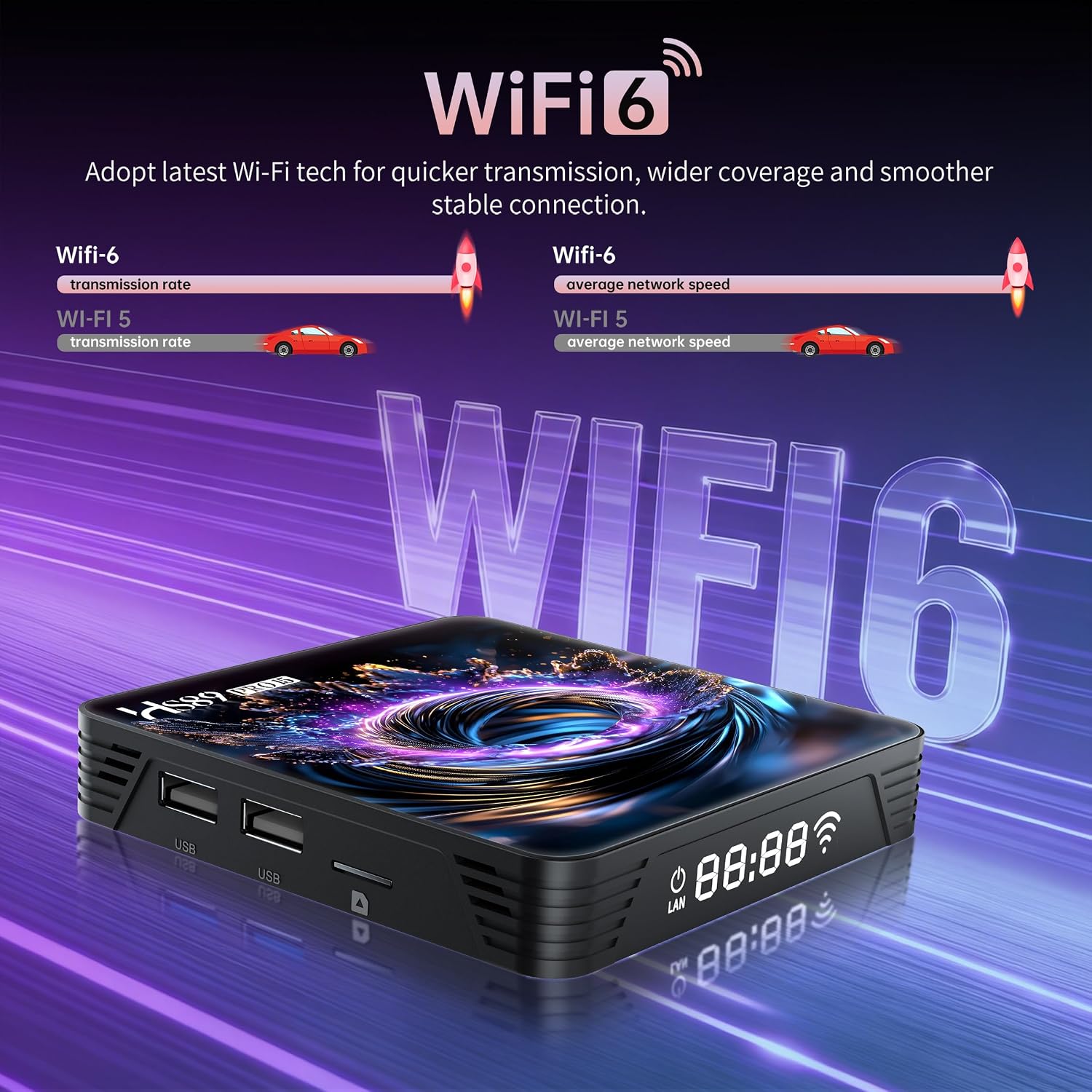
Image: The GREALT HS89 PRO15 Android TV Box with an overlay illustrating the benefits of WiFi 6, showing improved transmission rates and network speed compared to WiFi 5.
6. Specifications
Below are the technical specifications for the GREALT HS89 PRO15 Android TV Box:
| Feature | Description |
|---|---|
| Operating System | Android 14.0 |
| Processor | RK3539 Quad-Core 64-bit Cortex-A55 |
| RAM | 4GB |
| Internal Storage | 32GB |
| Video Output | 8K UHD, 4K@60fps, HDR10+ |
| Connectivity | Dual WiFi 6 (2.4G/5G), Bluetooth 5.0, Ethernet 10/100M |
| Ports | HDMI, USB, TF Card Slot, DC, SPDIF, AV, LAN |
| Dimensions | 4"L x 3"W x 2"H (approx. 10.7cm x 10.7cm x 2cm) |
| Weight | 12.8 ounces |

Image: An illustration of the RK3539 Quad-Core Cortex-A55 processor, emphasizing its role in enhancing operational power and reducing power loss for overall efficiency within the TV box.
7. Maintenance
To ensure the longevity and optimal performance of your Android TV Box, follow these maintenance guidelines:
- Cleaning: Use a soft, dry cloth to clean the device. Avoid liquid cleaners or abrasive materials.
- Ventilation: Ensure the device is placed in a well-ventilated area to prevent overheating. Do not block the ventilation openings.
- Power Off: When not in use for extended periods, disconnect the power adapter.
- Software Updates: Periodically check for and install system updates to ensure the latest features and security patches.

Image: An illustration demonstrating the strong thermal cooling system of the GREALT HS89 PRO15 Android TV Box, showing efficient cooling air groups and stable heat dissipation channels for steady operation.
8. Troubleshooting
If you encounter issues with your GREALT HS89 PRO15 Android TV Box, refer to the following common problems and solutions:
- No Power/Frequent Reboots:
- Ensure the power adapter is securely connected to both the device and a working power outlet.
- Verify that the power adapter meets the official specifications for the device. Using an incorrect adapter can cause instability.
- Try a different power outlet.
- No Picture on TV:
- Check that the HDMI cable is securely connected to both the TV Box and the TV.
- Ensure your TV is set to the correct HDMI input source.
- Try a different HDMI cable or HDMI port on your TV.
- No Sound:
- Check the volume levels on both the TV Box and your television.
- Ensure audio output settings on the TV Box are correctly configured.
- Wi-Fi Connection Issues:
- Ensure your Wi-Fi router is on and functioning correctly.
- Re-enter your Wi-Fi password to ensure it is correct.
- Move the TV Box closer to your Wi-Fi router or try a wired Ethernet connection.
- Remote Control Not Responding:
- Replace the batteries in the remote control.
- Ensure there are no obstructions between the remote and the TV Box.
- Re-pair the Bluetooth remote if it uses Bluetooth connectivity.
9. Warranty and Support
For warranty information and technical support, please refer to the documentation provided with your purchase or contact GREALT customer service. Keep your proof of purchase for warranty claims.