
1. Introduction
Welcome to the Oddire HK11 Drone User Manual. This guide provides essential information for setting up, operating, and maintaining your new drone. The Oddire HK11 is a lightweight, foldable drone equipped with a 4K UHD camera, intelligent GPS features, and a powerful brushless motor, designed for an enhanced aerial photography experience.
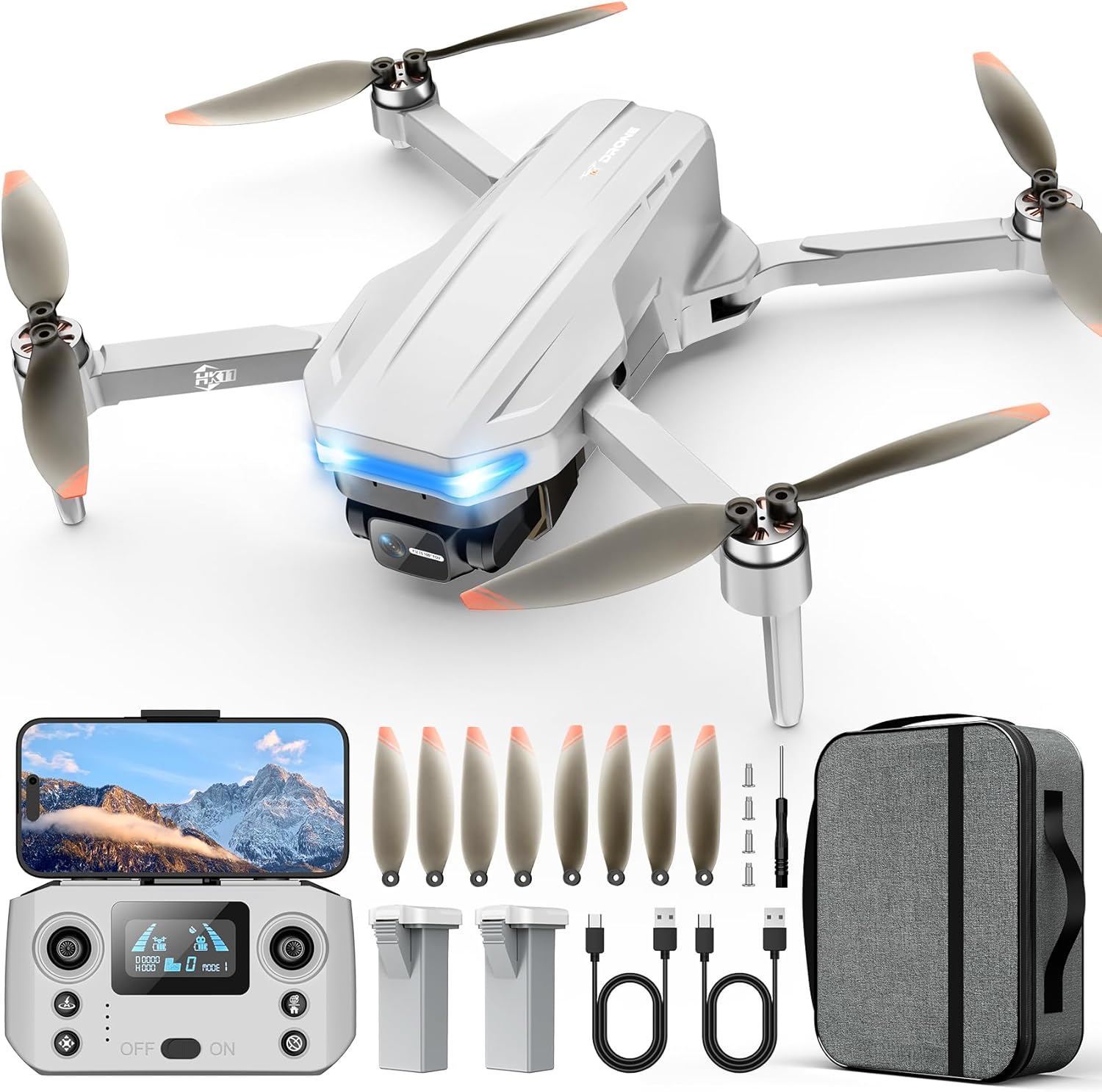
Image: The Oddire HK11 Drone with its remote control, two batteries, extra propellers, charging cables, screwdriver, and carrying case.
2. What's in the Box
- Drone
- Remote Control
- Battery (x2)
- Propellers (x8)
- Instruction Book
- Type C Cable
- Screwdriver
3. Setup
3.1 Battery Installation & Charging
The Oddire HK11 drone comes with two 7.7V 1800mAh batteries, offering up to 48 minutes of total flight time. Ensure batteries are fully charged before use.
- Insert a charged battery into the designated slot on the drone.
- Use the provided Type C cable to charge the batteries. Connect the cable to the battery and a suitable USB power source.
- The battery indicator will show charging status.
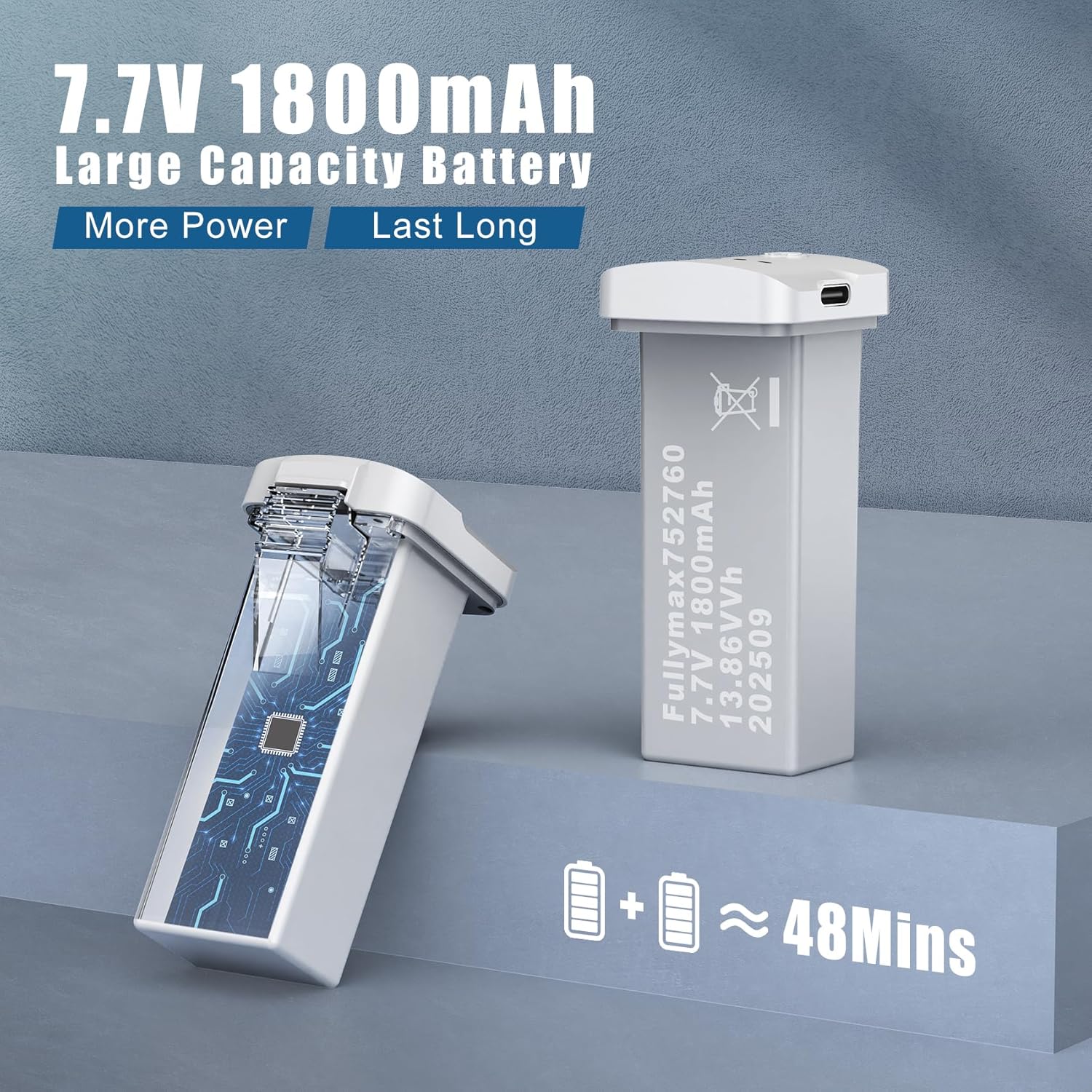
Image: Close-up of the 7.7V 1800mAh drone battery, highlighting its capacity and charging port.
3.2 Controller Setup
- Unfold the antennas and extend the phone holder on the remote control.
- Insert your smartphone into the phone holder.
- Power on the remote control by pressing the power button.
3.3 App Connection & Calibration
- Download the "X DRONE" app (or scan the QR code in the manual) on your smartphone.
- Turn on the drone and place it on a flat, level surface. The drone's LED lights will flash.
- On your smartphone, go to Wi-Fi settings and connect to the drone's Wi-Fi network.
- Open the "X DRONE" app and follow the on-screen instructions for calibration. This typically involves orienting the drone and controller in the same direction and pressing a calibration button.
Video: An overview of the Oddire Drone's features and basic operation, including app connection and intelligent flight modes.
4. Operating Instructions
4.1 Basic Flight
- Takeoff/Landing: Use the one-key takeoff/landing button on the remote or app for automated ascent and descent.
- Hover: The drone features stable hovering thanks to its GPS module and brushless motor.
- Movement: Use the joysticks on the remote control to control the drone's direction (forward, backward, left, right) and altitude.
- Speed Modes: Adjust flight speed via the app or remote for different flying conditions.
- 3D Flip: Perform acrobatic flips with a dedicated button on the remote.
- Headless Mode: Simplifies control by eliminating the need to distinguish the drone's front or rear. The drone will move relative to the pilot's position.
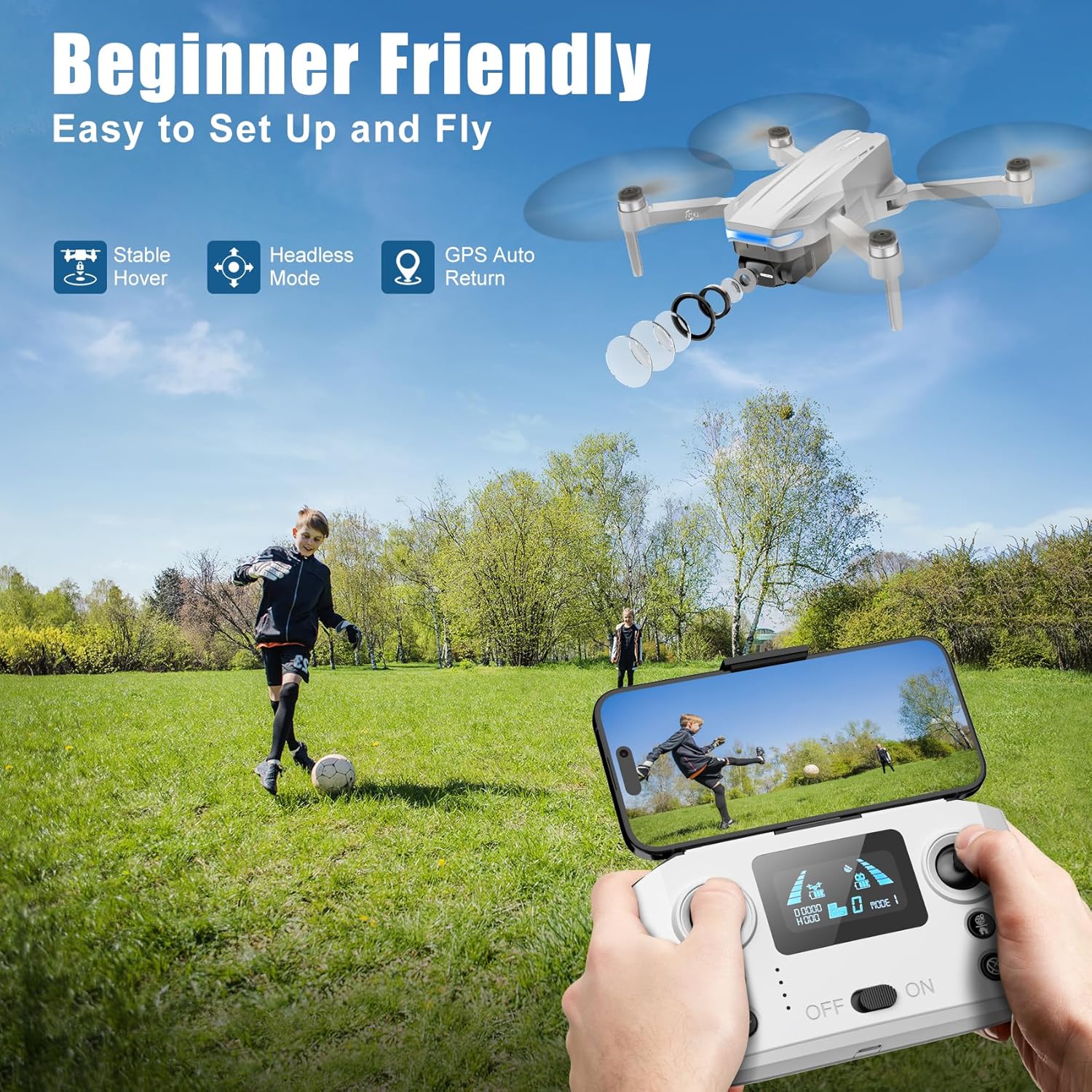
Image: A child flying the Oddire HK11 Drone in an open field, demonstrating its beginner-friendly features like stable hover and headless mode.
4.2 Intelligent Flight Modes
- GPS Auto Return: The drone automatically returns to its takeoff point when the battery is low or connection is lost.
- Waypoint Flight: Draw a path on the app's map, and the drone will fly along the specified route.
- Orbit Fly: Set a circular flight area, and the drone will record along the route, ideal for capturing landmarks.
- GPS Follow: The drone follows the remote controller, capturing your movements precisely.
- Gesture Control: Use specific hand gestures for photo and video capture.
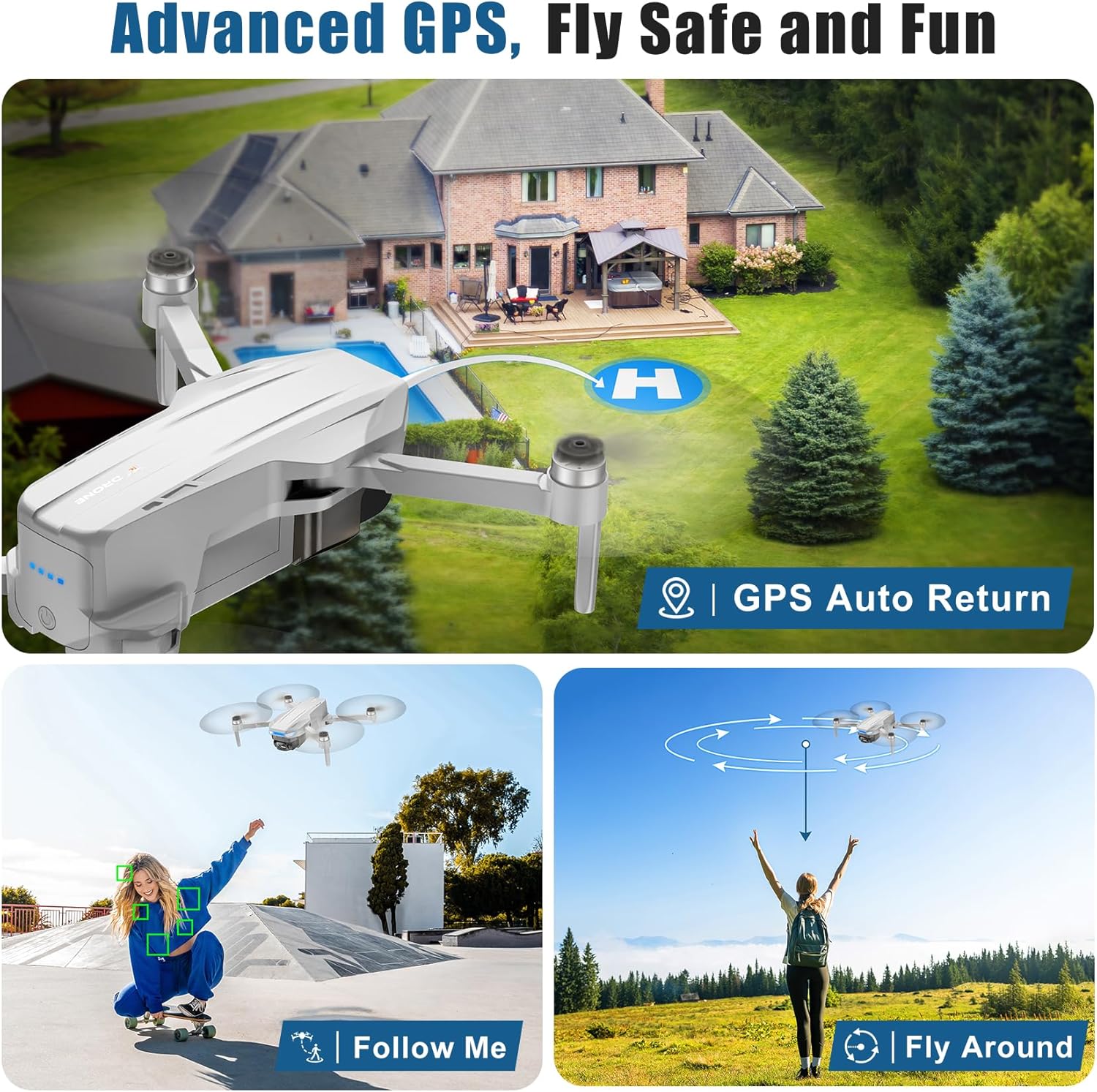
Image: Visual representation of the drone's intelligent GPS features including Auto Return to home, Follow Me, and Fly Around (Orbit Fly).
4.3 Camera Operation
- 4K UHD Camera: Captures high-resolution images (4096x3072P) and videos (2048x1088P).
- Adjustable Lens: The F2.15 110° wide-angle lens can be adjusted within 90° via remote control or the app.
- 5G Real-Time Transmission: Ensures stable live video feed to your smartphone up to 1640 feet (500 meters).
- Photo/Video Storage: Photos and videos can be recorded and stored on an SD card (not included) or directly to your mobile device.
- MV Icon Features: The app includes built-in filters and background music to enhance your videos before sharing.
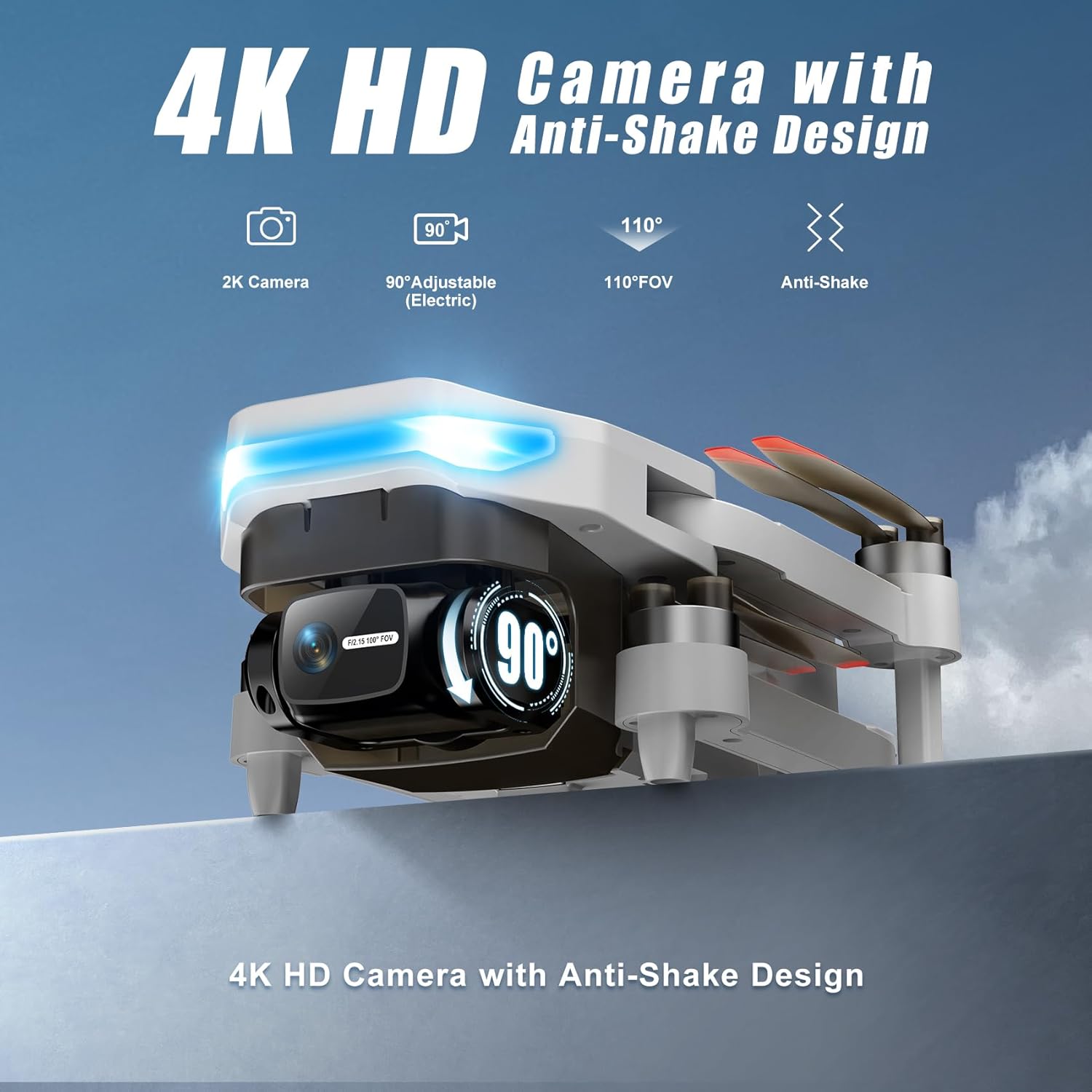
Image: Close-up of the drone's 4K HD camera, highlighting its anti-shake design and adjustable wide-angle lens.
5. Maintenance
5.1 Propeller Replacement
If a propeller is damaged or deformed, replace it immediately using the provided screwdriver and spare propellers. Ensure correct installation by matching the letter markings (A/B) on the propellers to the corresponding drone arms.
5.2 Protective Guards
For indoor flying or during initial learning, it is recommended to install the protective guards to prevent damage to the propellers and surroundings.
6. Troubleshooting
- Drone not powering on: Ensure the battery is fully charged and correctly inserted.
- No video feed: Check if the drone's Wi-Fi is connected to your smartphone and the app is open. Ensure cellular data is turned off on your phone to avoid interference.
- Unstable flight: Perform calibration as instructed in the app. Ensure you are flying in an open area away from strong magnetic interference.
- Drone drifts: Use the fine-tuning function in the app to correct any drifting.
- Lost connection: The GPS Auto Return feature should bring the drone back. Ensure you are within the maximum control range (1640 feet).
7. Specifications
| Feature | Detail |
|---|---|
| Brand | Oddire |
| Model Name | HK11 |
| Special Features | GPS Auto Return, Waypoint Flight, Orbit Fly, GPS Follow, Gesture Control, 4K UHD Camera with Adjustable Lens |
| Age Range (Description) | Adult |
| Color | Gray |
| Connectivity Technology | Wi-Fi (5G) |
| Battery Capacity | 1800 Milliamp Hours (7.7V) |
| Video Capture Format | MP4 |
| Control Type | Remote Control |
| Maximum Range | 1640 Feet (500 meters) |
| Material | Plastic |
| Item Weight | 249g (0.55 pounds) |
| Product Dimensions | 11"L x 11"W x 2.15"H |
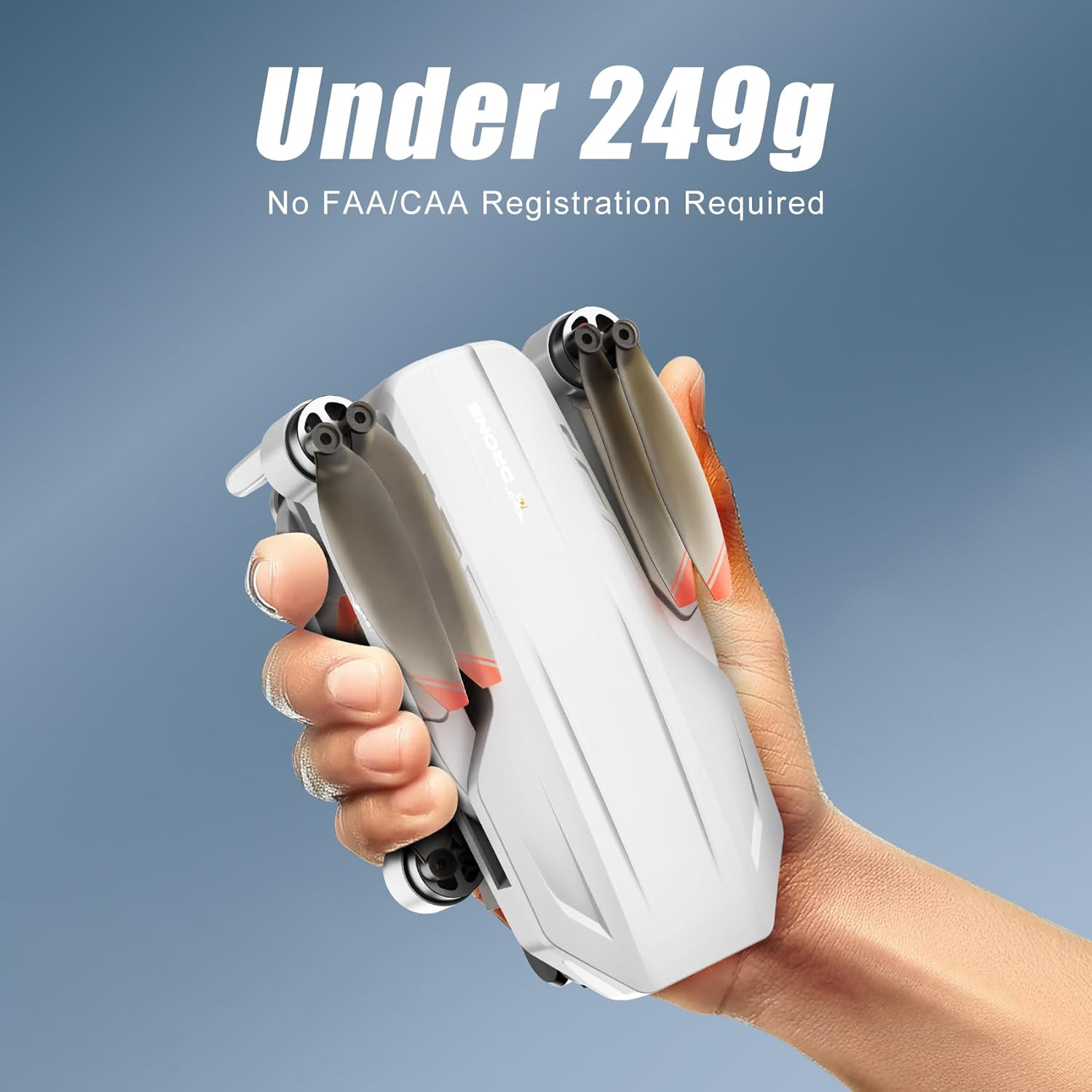
Image: The Oddire HK11 Drone held in a hand, emphasizing its lightweight design (under 249g) which may exempt it from FAA registration in some regions.
8. Warranty & Support
For warranty information, technical support, or further assistance, please refer to the product packaging, the full instruction manual included in the box, or visit the official Oddire website.