
1. Introduction
Thank you for purchasing the Bettdow AC1080 Full HD 1080p Projector. This projector is designed to provide a high-quality home theater experience with advanced features such as Google TV, automatic focus, and vertical keystone correction. Please read this manual carefully to ensure proper setup, operation, and maintenance of your device.
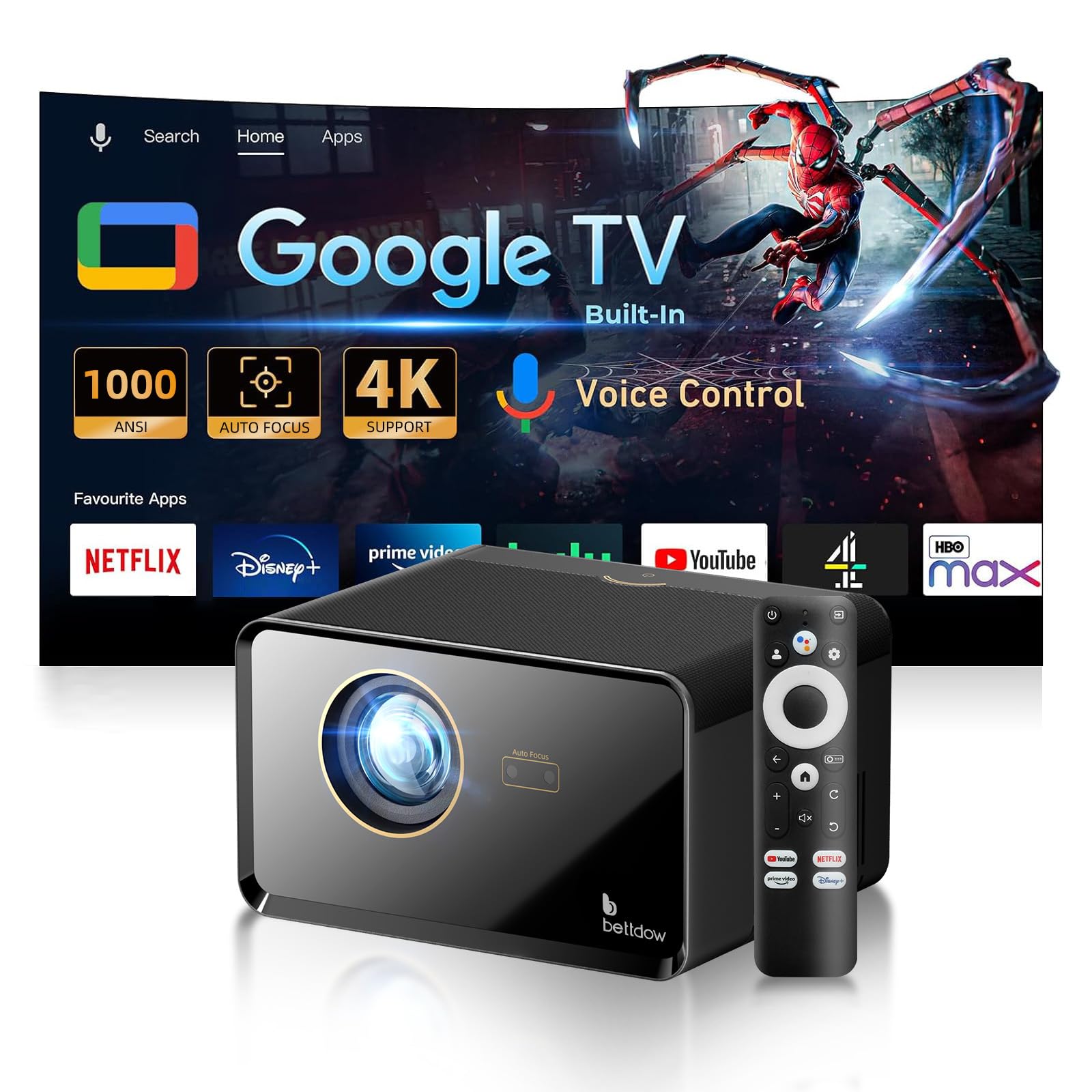
Image: The Bettdow AC1080 Projector, showcasing its sleek design and the included remote control, with various streaming service logos projected in the background.
2. Product Overview & Key Features
The Bettdow AC1080 Projector offers a range of features for an immersive viewing experience:
- Automatic Focus and ±30° Vertical Keystone Correction: Ensures a sharp, perfectly aligned image without frequent manual adjustments.
- Integrated Google TV System: Access official apps like Netflix, Prime Video, Disney+, and YouTube from Google Play.
- Built-in Chromecast: Stream videos, photos, music, and documents wirelessly from your mobile device or Chrome browser.
- Native 1080P Resolution & 1000 ANSI Lumens: Delivers crisp, bright, and rich images with support for 4K content.
- WiFi 6 Technology: Provides faster and more stable wireless connectivity for smooth streaming and screen mirroring.
- Integrated 10W HiFi Speakers: Offers subwoofer surround sound with Dolby Audio support.
- Google Voice Assistant: Convenient voice control for hands-free operation.
- Portable Design: Projects screen sizes from 50 to 300 inches, with projection distances between 0.6-3.61 meters.
- Wide Compatibility: Multiple ports including HDMI, USB, AV, and 3.5mm audio jack for various media devices.
- Semi-Enclosed Projector Design: Isolates dust and simplifies lens cleaning, extending lamp life to 30,000 hours.
3. Setup
3.1 Unpacking
Carefully remove all components from the packaging. Ensure all accessories are present:
- Bettdow AC1080 Projector
- Remote Control
- Power Cable
- HDMI Cable
- User Manual
3.2 Placement
Place the projector on a stable, flat surface. For optimal viewing, ensure the projection surface is smooth and light-colored. The projector can display images from 50 to 300 inches, with an optimal projection distance between 0.6 and 3.61 meters.

Image: Illustration demonstrating the flexible projection sizes (50", 150", 300") achievable with the Bettdow AC1080 Projector at different distances (0.60m, 1.80m, 3.61m).
3.3 Power Connection
Connect the power cable to the projector and then to a power outlet. The projector will typically power on automatically or can be turned on using the power button on the device or remote control.
3.4 Automatic Focus and Keystone Correction
The AC1080 features automatic focus and ±30° vertical keystone correction. Upon startup or movement, the projector will automatically adjust the image for clarity and a rectangular shape. Electronic four-point correction is also available for fine-tuning.

Image: A visual representation of the projector's auto-focus and vertical keystone correction capabilities, showing how it adjusts a distorted image into a perfect rectangle.
4. Operating Instructions
4.1 Google TV System
The projector comes with an integrated Google TV system, providing access to a vast library of content. Navigate the interface using the remote control to select apps like Netflix, Prime Video, Disney+, and YouTube.
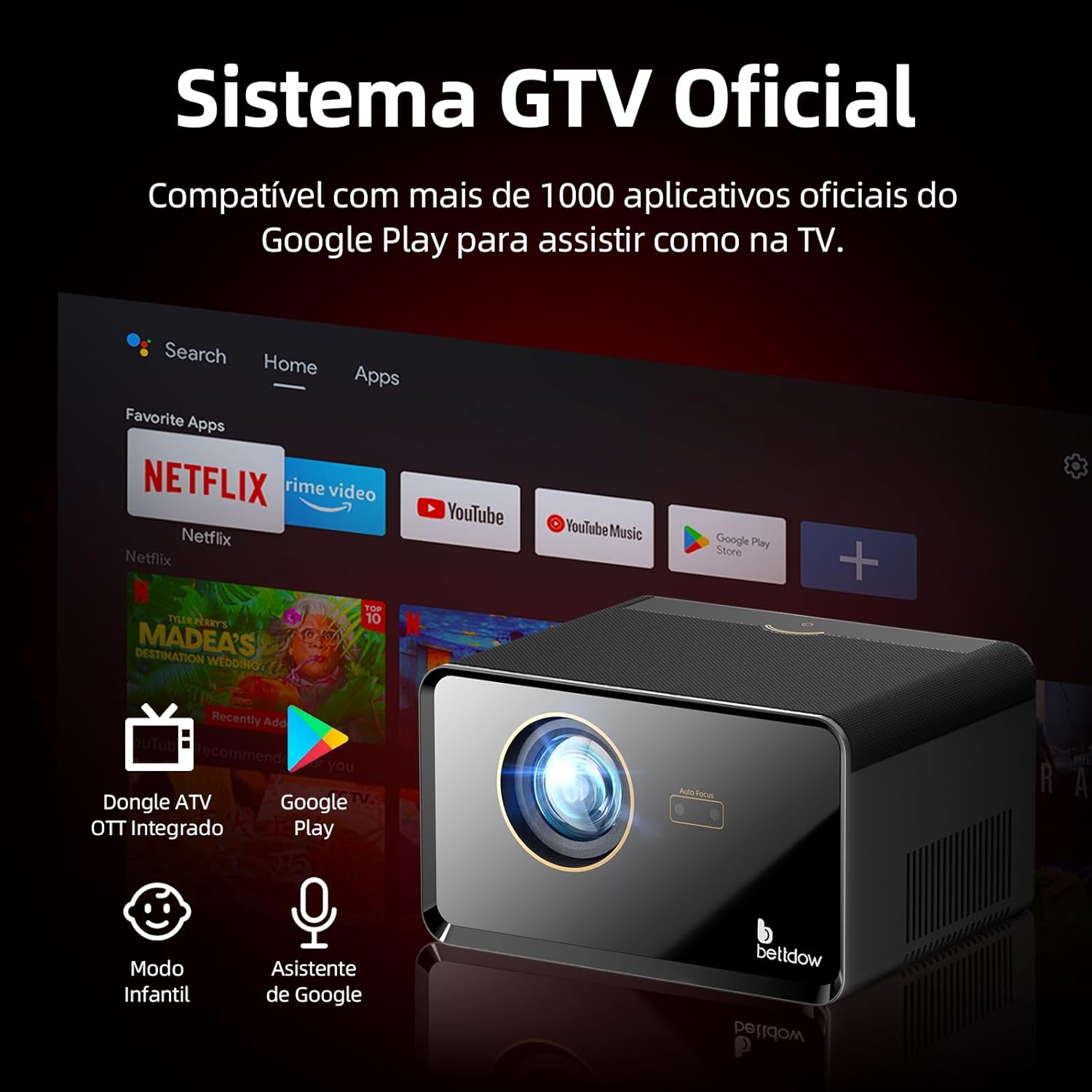
Image: The Bettdow AC1080 Projector projecting the Google TV home screen, featuring popular streaming applications like Netflix, Prime Video, and YouTube.
4.2 Chromecast Functionality
Utilize the built-in Chromecast to mirror content from your smartphone, tablet, or Chrome browser directly to the projector. This allows for seamless sharing of media without interrupting your device usage.

Image: The projector displaying a mirrored screen from a mobile device, illustrating the wireless Chromecast feature for various content types like presentations, videos, and games.
4.3 Google Voice Assistant
The projector supports Google Voice Assistant. Press the dedicated button on your remote control and speak commands to navigate menus, search for content, or control playback hands-free.
5. Connectivity
5.1 Wi-Fi 6 (2.4G + 5G)
The Bettdow AC1080 uses advanced WiFi 6 technology, supporting both 2.4G and 5G bands. This ensures a faster and more stable wireless connection for all your streaming and online activities.

Image: A visual representation of the projector's dual-band Wi-Fi capabilities (2.4G and 5G), highlighting faster and more stable wireless streaming.
5.2 Bluetooth
Connect various audio devices such as Bluetooth headphones or external speakers for a personalized and enhanced audio experience.
5.3 Wired Connections
The projector is equipped with multiple ports for versatile connectivity:
- HDMI: Connect TV boxes, DVD players, gaming consoles (Xbox, PS5, Switch), and other HDMI-compatible devices.
- USB: For connecting portable hard drives, card readers, or USB flash drives.
- AV: For older devices requiring composite video input.
- 3.5mm Audio Jack: For wired headphones or external speakers.

Image: A detailed view of the Bettdow AC1080 Projector's rear panel, highlighting the various ports including USB, HDMI, AV, and 3.5mm audio jack, and their compatible devices.
6. Image & Sound Settings
6.1 Display Quality
The AC1080 projector features native 1920x1080 resolution and supports 4K content. With 1000 ANSI lumens and an ultra-high contrast ratio of 1000:1, it delivers sharp, bright, and vibrant images.

Image: A graphic illustrating the Bettdow AC1080 Projector's display capabilities, including 1080P Full HD, 1000 ANSI lumens, 1000:1 contrast, and 4K support.
6.2 Audio Output
Equipped with two powerful 10W HiFi speakers, the projector provides immersive subwoofer surround sound, compatible with Dolby Audio for a rich listening experience.
7. Maintenance
7.1 Lens Cleaning
The projector features a semi-enclosed design that helps isolate dust, making lens cleaning easier. Use a soft, lint-free cloth and a specialized lens cleaning solution to gently wipe the lens. Avoid abrasive materials or harsh chemicals.

Image: An internal view of the projector's semi-enclosed air cooling system, designed to dissipate heat efficiently and isolate dust, ensuring stable performance and longer lamp life.
7.2 Lamp Life
The projector lamp has an estimated lifespan of 30,000 hours. Proper maintenance and usage can help maximize its longevity.
8. Troubleshooting
If you encounter any issues with your Bettdow AC1080 Projector, please refer to the following common troubleshooting steps:
- No Power: Ensure the power cable is securely connected to both the projector and a working power outlet. Try a different outlet.
- No Image: Check all cable connections (HDMI, AV). Ensure the correct input source is selected on the projector. Verify the lens cap is removed.
- Blurry Image: Allow the automatic focus to complete its adjustment. If needed, manually adjust focus through the settings menu. Ensure the projection surface is flat.
- Distorted Image: Allow the automatic keystone correction to adjust. Manually adjust keystone settings if necessary.
- No Sound: Check the volume level on both the projector and the connected source device. Ensure external audio devices are properly connected via Bluetooth or the 3.5mm jack.
- Remote Control Not Working: Check the batteries in the remote control. Ensure there are no obstructions between the remote and the projector's IR receiver.
For further assistance, please contact customer support.
9. Specifications
| Feature | Specification |
|---|---|
| Brand | Bettdow |
| Model Number | AC1080 |
| Display Resolution | 1920 x 1080 (Native) |
| Connectivity Technology | Bluetooth, Wi-Fi 6 (2.4G+5G) |
| Special Features | Portable, Automatic Focus, Vertical Keystone Correction, Google TV, Chromecast, Google Voice Assistant |
| Recommended Uses | Home Cinema |
| Warranty Description | 1 year |
10. Warranty and Support
The Bettdow AC1080 Projector comes with a 1-year warranty covering manufacturing defects. For warranty claims, technical support, or any inquiries, please contact Bettdow customer service or visit the official Bettdow store on Amazon:
