1. Introduction
The YPMEW F08 is a versatile 6-in-1 device designed for comprehensive privacy protection. It integrates advanced signal, infrared, and magnetic detection technologies to help you identify various hidden surveillance devices. This manual provides detailed instructions for setting up, operating, and maintaining your F08 detector to ensure effective use in diverse environments such as hotels, Airbnbs, offices, and personal spaces.
2. What's in the Box
- F08 Hidden Camera Detector Device
- Detector Lanyard
- Type-C Charging Cable
- User Manual
3. Product Features & Modes
The YPMEW F08 offers six distinct functions to safeguard your privacy:
3.1 Wireless Signal Detection (Bug Sweeper)
This mode detects wireless signals from hidden cameras, listening devices, and other RF-emitting bugs. The device features adjustable sensitivity with 6 levels, allowing for precise detection in both large areas and close proximity.

Image: The YPMEW F08 detector in wireless signal detection mode, indicated by the 'WiFi' light, scanning a room for hidden devices.
Video: Demonstration of the YPMEW F08's multifunctional privacy protection capabilities, including wireless signal detection.
3.2 Hidden Camera Detection (Infrared)
Utilize the infrared detection mode to locate hidden pinhole cameras. The device emits red light, and by looking through the red filter on the detector, you can spot the reflective lenses of hidden cameras, even in low-light conditions.

Image: The YPMEW F08 detector highlighting a hidden camera lens with its red infrared light, making it visible through the device's filter.
3.3 Magnetic GPS Tracker Detection
This mode is designed to detect magnetic fields, which are commonly used by passive GPS trackers. Scan vehicles, bags, or other items where a magnetic tracker might be attached.
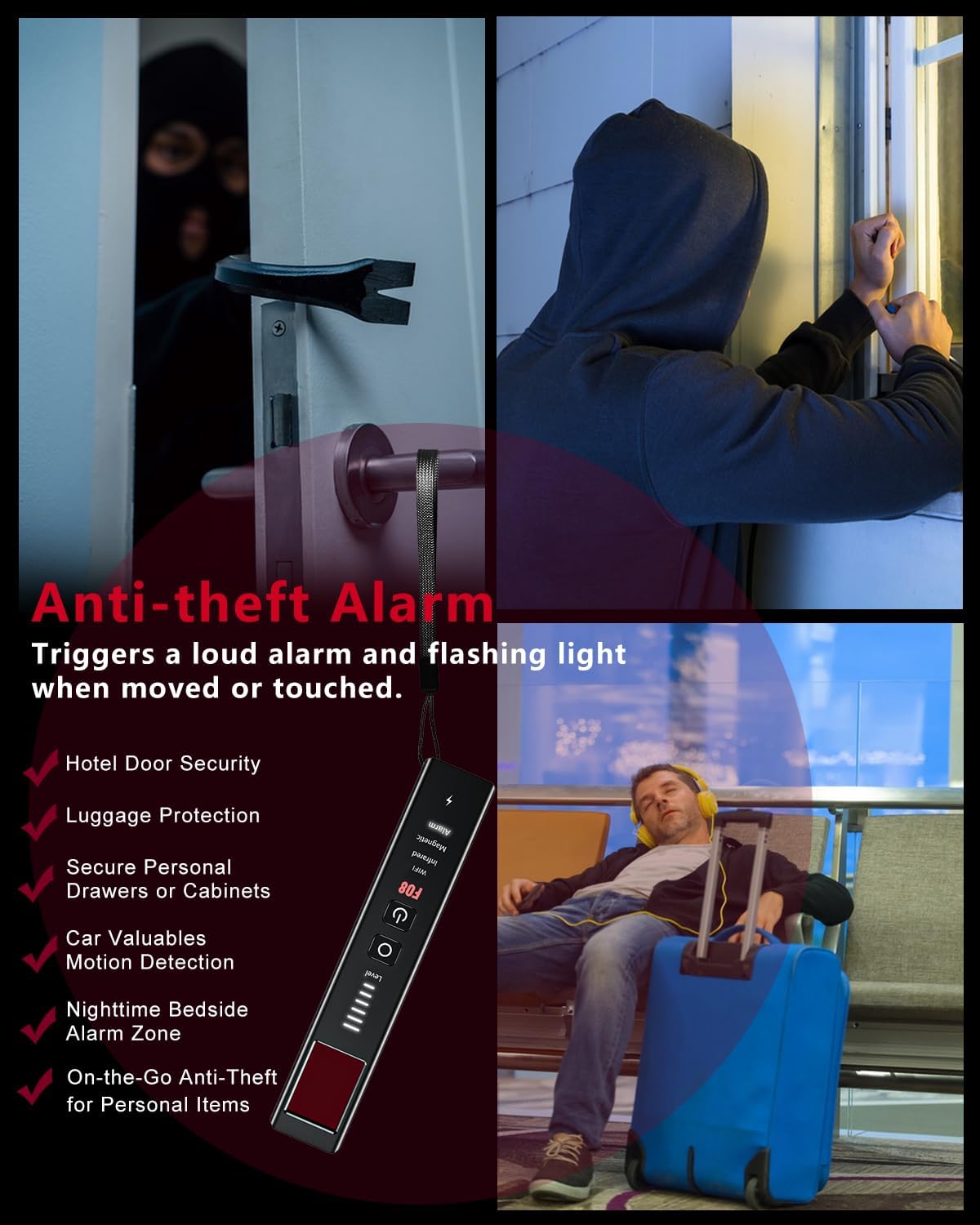
Image: A user scanning the exterior of a car with the YPMEW F08 detector in magnetic detection mode to locate hidden GPS trackers.
3.4 Anti-Theft Alarm
Activate the anti-theft alarm to protect your belongings. When enabled, the device will emit a loud alarm and flashing lights if it detects movement or tampering. Ideal for securing doors, windows, bags, or other personal items.

Image: The YPMEW F08 detector hanging on a door handle, set to anti-theft alarm mode, ready to alert to unauthorized movement.
3.5 SOS Emergency Alert
In situations requiring immediate attention, activate the SOS emergency alert. This feature triggers flashing lights and a sharp beeping alarm in Morse code, drawing attention and signaling for help.

Image: A person activating the SOS emergency alert on the YPMEW F08 detector, which emits flashing lights for visibility.
Video: Demonstration of the YPMEW F08's anti-theft alarm and SOS emergency alert features in action.
4. Setup
4.1 Charging the Device
Before first use, fully charge the YPMEW F08 detector. Use the provided Type-C charging cable to connect the device to a compatible USB power source. The device supports fast charging, reaching full capacity in approximately 1 hour. A full charge provides 20-45 hours of continuous operation, depending on the mode used.
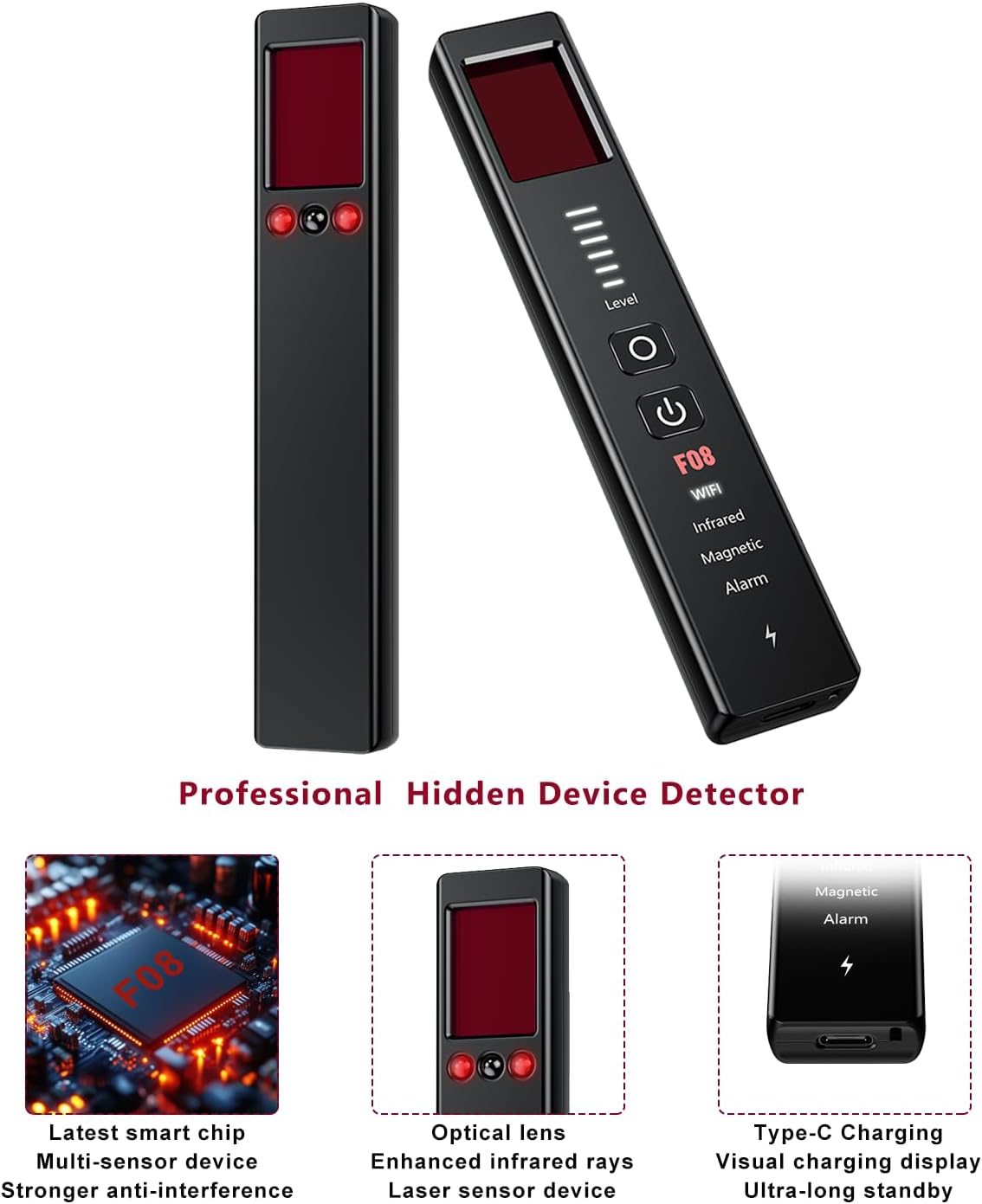
Image: Close-up of the YPMEW F08 detector highlighting its Type-C charging port and internal smart chip.
5. Operating Instructions
5.1 Power On/Off
- To power on: Press and hold the Power button (U) for 3 seconds. The device will default to Wireless Signal Detection mode.
- To power off: Press and hold the Power button (U) for 3 seconds.
5.2 Switching Modes
Press the Mode button (O) to cycle through the different detection modes:
- Wireless Signal Detection (WiFi): Detects RF signals. The device will beep, and indicator lights will illuminate, increasing in intensity as it approaches a signal source.
- Infrared Detection (Infrared): For finding hidden camera lenses. The device emits red light. Look through the red filter on the detector to spot reflections from camera lenses. Press the Mode button again to cycle through steady on, slow flash, and fast flash frequencies for the red light.
- Magnetic GPS Tracker Detection (Magnetic): Detects magnetic fields. Move the device slowly over suspicious areas.
- Anti-Theft Alarm (Alarm): Activates a vibration-triggered alarm. Long press the Mode button for 6 seconds to enter this mode. The device will count down for 10 seconds before arming. Hang it on a door, window, or bag.
- SOS Emergency Alert (SOS): Triggers a flashing light and loud sound. Press the SOS button (usually the same as the Mode button, or a dedicated button if present) to activate.
5.3 Adjusting Sensitivity
In Wireless Signal Detection mode, use the Up/Down buttons (if available, or repeated presses of the Mode button in some designs) to adjust the sensitivity. Higher sensitivity allows for detection of weaker signals or from a greater distance, while lower sensitivity helps pinpoint sources in close range and reduce false alarms.
6. Specifications
| Feature | Detail |
|---|---|
| Model Name | F08 |
| Brand | YPMEW |
| Dimensions (L x W x H) | 1 x 1 x 1 inches (approximate) |
| Item Weight | 4.2 ounces |
| Power Source | Battery Powered (1 Lithium Ion battery required) |
| Connectivity Protocol | Type-C Charging |
| Material | Acrylonitrile Butadiene Styrene (ABS) |
| Special Features | Adjustable Sensitivity, Compact Design, Rechargeable, Long Battery Life, Easy Two-Button Operation |
| Recommended Uses | Hidden Camera and Bug Finder, GPS Tracker Locator, Anti-theft Vibration Alarm, SOS Emergency Alert |
7. Maintenance
- Cleaning: Wipe the device with a soft, dry cloth. Do not use harsh chemicals or abrasive materials.
- Storage: Store the device in a cool, dry place away from direct sunlight and extreme temperatures.
- Battery Care: For optimal battery life, avoid fully discharging the device frequently. Charge it regularly, even if not in active use.
8. Troubleshooting
- False Alarms in Wireless Mode: Adjust the sensitivity level downwards. Common household devices (Wi-Fi routers, cell phones) can emit RF signals.
- No Detection: Ensure the device is fully charged. Verify you are in the correct detection mode for the type of device you are searching for. Slowly scan the area from different angles and distances.
- Device Not Turning On: Ensure the device is charged. If issues persist, contact customer support.
9. Warranty and Support
For warranty information and customer support, please refer to the documentation included with your product packaging or visit the official YPMEW website. Keep your purchase receipt for warranty claims.


