
1. Introduction
Thank you for purchasing the Inwa MZ-101 Portable Bluetooth Speaker. This manual provides essential information for the safe and efficient use of your speaker. Please read it thoroughly before operating the device and retain it for future reference.
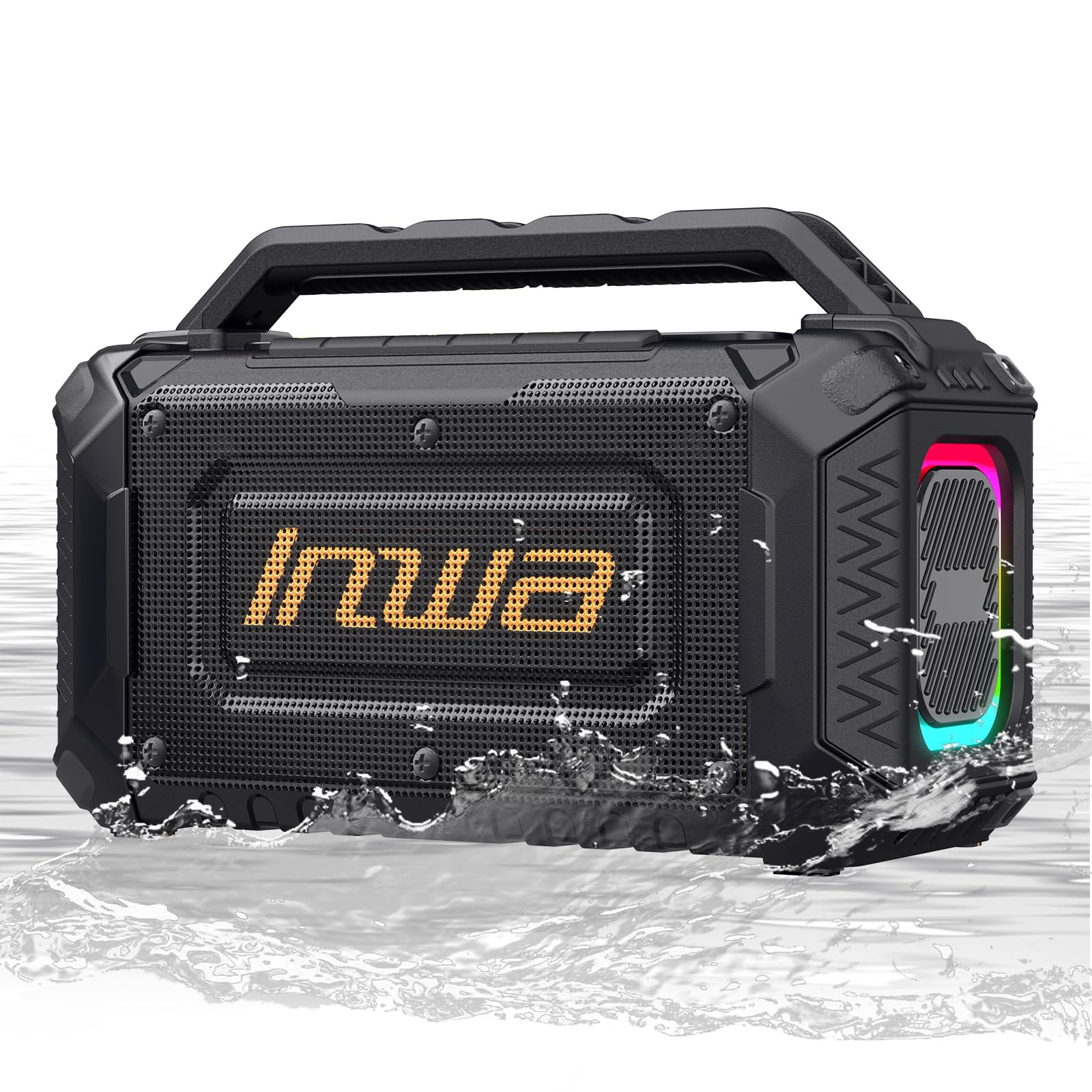
Image: The Inwa MZ-101 Portable Bluetooth Speaker, a rugged black speaker with a handle and illuminated side panels.
2. What's in the Box
Please check the package contents upon unboxing:
- 1 x Portable Bluetooth Speaker
- 1 x Type-C Charging Cable
- 1 x AUX Cable
- 1 x User Manual
3. Product Features
3.1 Powerful Stereo Sound
The 60W speaker features dual tweeters, dual woofers, and dual passive radiators with Deep Bass technology for rich, clear audio.

Image: Diagram illustrating the speaker's internal components for 60W bass output.
3.2 Connectivity Options
Equipped with Bluetooth 5.2 for stable wireless connections and a 3.5mm AUX input for wired device compatibility.

Image: Close-up of the speaker's USB charging port and AUX input.
3.3 Customizable RGB Lighting
Features a built-in multi-color light system with eight customizable modes that pulse with the music.

Image: The speaker displaying its 'Breathing Light' feature with changing colors.
3.4 Extended Battery Life and Power Bank Function
A 9000mAh rechargeable battery provides up to 12 hours of playtime and can charge external devices via its built-in power bank. (Playtime may vary based on volume and content.)

Image: Graphic indicating 12 hours of playtime and a 9000mAh battery.
3.5 Durable and Waterproof Design
With an IPX5 waterproof rating and superior shock resistance, this speaker is suitable for various environments including jobsites, outdoor events, and camping.
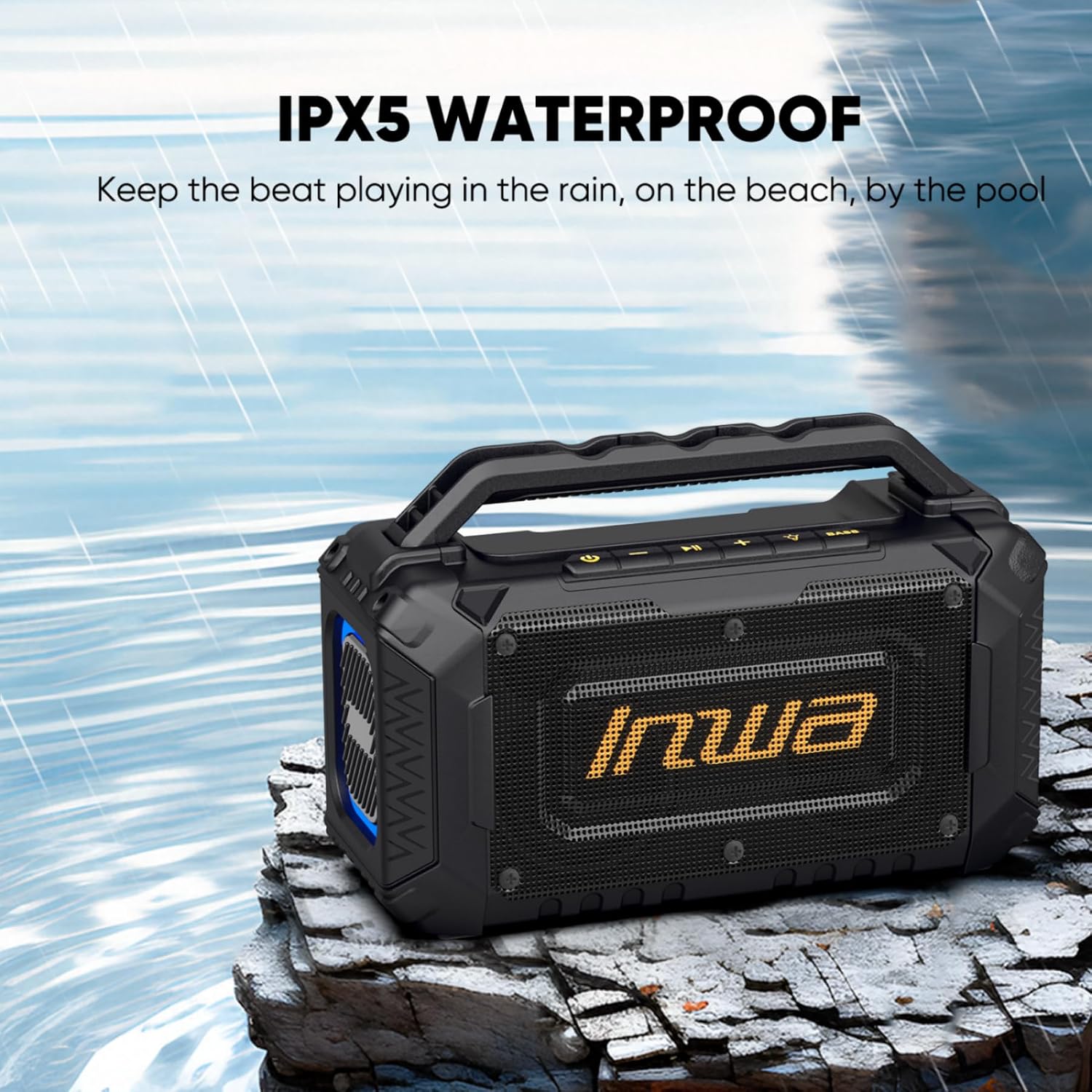
Image: The speaker shown in a wet outdoor setting, highlighting its IPX5 waterproof rating.
3.6 Portable Design
Lightweight and rugged, designed for easy transport and use anywhere.

Image: A person carrying the portable speaker outdoors, demonstrating its portability.
4. Setup
- Unpack the Speaker: Carefully remove the speaker and all accessories from the packaging.
- Charge the Speaker: Before first use, fully charge the speaker using the provided Type-C cable and a compatible USB power adapter (not included). The charging indicator will show the charging status.
- Power On: Press and hold the power button for a few seconds to turn the speaker on. You will hear an audible prompt and the RGB lights will activate.
5. Operating Instructions
5.1 Power On/Off
- To Power On: Press and hold the Power Button for approximately 3 seconds.
- To Power Off: Press and hold the Power Button for approximately 3 seconds.
5.2 Bluetooth Pairing
- Ensure the speaker is powered on and in Bluetooth pairing mode (indicated by a flashing Bluetooth indicator light).
- On your device (smartphone, tablet, etc.), enable Bluetooth and search for available devices.
- Select "Inwa MZ-101" from the list of devices.
- Once paired, the speaker will emit an audible confirmation, and the Bluetooth indicator light will become solid.
5.3 AUX Connection
- Connect one end of the 3.5mm AUX cable to the speaker's AUX input port.
- Connect the other end of the AUX cable to the audio output jack of your device.
- The speaker will automatically switch to AUX mode.
5.4 Controlling Playback
- Play/Pause: Press the Play/Pause Button once.
- Next Track: Press the Next Track Button once.
- Previous Track: Press the Previous Track Button once.
- Volume Up: Press the Volume Up Button.
- Volume Down: Press the Volume Down Button.
5.5 Light Modes
Press the Light Mode Button to cycle through the eight available RGB lighting effects. Press and hold to turn the lights off.
5.6 Charging External Devices (Power Bank Function)
Connect your device to the speaker's USB-A output port using a compatible charging cable. The speaker's internal battery will begin charging your device.
6. Maintenance
- Cleaning: Wipe the speaker with a soft, damp cloth. Do not use abrasive cleaners or solvents.
- Storage: Store the speaker in a cool, dry place away from direct sunlight and extreme temperatures.
- Battery Care: To prolong battery life, fully charge the speaker at least once every three months if not in regular use.
- Water Exposure: While IPX5 rated, avoid submerging the speaker in water. Ensure all port covers are securely closed before exposure to water.
7. Troubleshooting
| Problem | Possible Cause | Solution |
|---|---|---|
| Speaker does not power on. | Low battery. | Charge the speaker fully. |
| Cannot pair via Bluetooth. | Speaker not in pairing mode; device Bluetooth off; too far from speaker. | Ensure speaker is in pairing mode. Turn device Bluetooth off and on. Move device closer to speaker (within 33 feet/10 meters). |
| No sound. | Volume too low; incorrect input mode; device not playing. | Increase speaker and device volume. Check if speaker is in correct mode (Bluetooth/AUX). Ensure audio is playing on your device. |
| Lights not working. | Lights turned off; malfunction. | Press the Light Mode Button to activate. If still not working, contact support. |
8. Specifications
| Feature | Detail |
|---|---|
| Brand | Inwa |
| Model Name | MZ-101 |
| Speaker Maximum Output Power | 60 Watts |
| Connectivity Technology | Auxiliary, Bluetooth 5.2 |
| Mounting Type | Tabletop Mount |
| Additional Features | Bass Boost, Built-In Powerbank, Hi-Res Audio, LED Light, Portable |
| Control Method | Push Button |
| Item Dimensions (D x W x H) | 5.4"D x 11.6"W x 7.6"H (13.7cm D x 29.5cm W x 19.3cm H) |
| Item Weight | 5 Pounds (2.27 kg) |
| Waterproof Rating | IPX5 |
| Battery Capacity | 9000mAh |
| Power Source | Corded Electric (for charging) |

Image: Diagram showing the physical dimensions of the Inwa MZ-101 speaker.
9. Warranty and Support
This Inwa MZ-101 Portable Bluetooth Speaker comes with a 1-Year Manufacturer Warranty.
For technical support, warranty claims, or further assistance, please contact Inwa customer service through the retailer's platform or visit the official Inwa website.
Please retain your proof of purchase for warranty purposes.


