1. Introduction
This manual provides detailed instructions for the safe and effective use of your Amaran Ray 360c 360W RGB LED Video Light. Please read this manual thoroughly before operating the device and retain it for future reference.
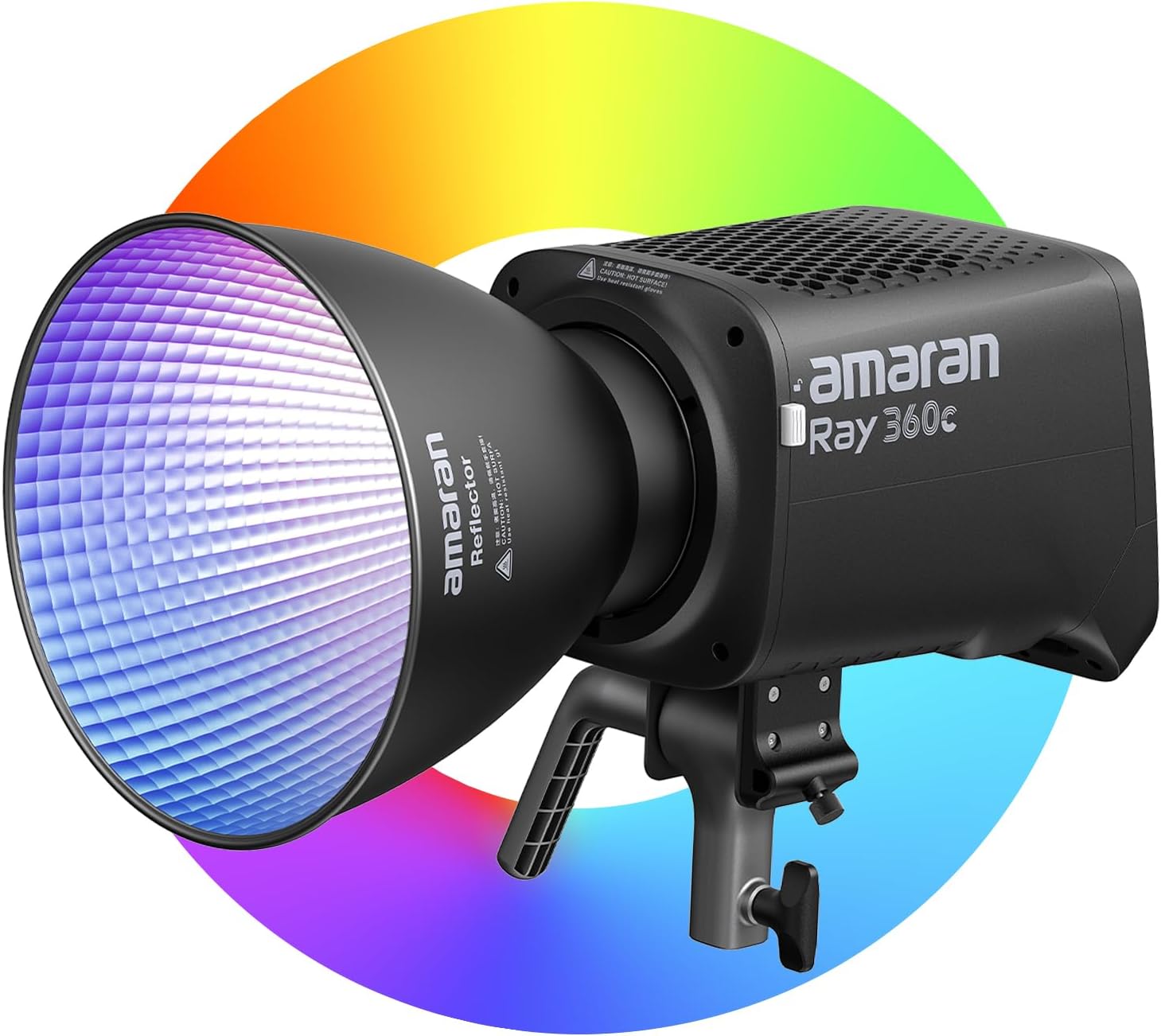
Figure 1: Amaran Ray 360c LED Video Light with included reflector.
2. What's in the Box
Verify that all items listed below are included in your product package:
- 1 x amaran Ray 360c LED Video Light
- 1 x AC Power Cable (5m)
- 1 x amaran Reflector
- 1 x amaran Ray 360c Carrying Case

Figure 2: All components included in the Amaran Ray 360c package.
3. Setup
3.1. Initial Assembly
- Attach the amaran Reflector to the front of the amaran Ray 360c light unit using the Bowens Mount. Align the reflector with the mount and twist clockwise until it locks into place.
- Mount the light unit onto a compatible light stand. Secure it firmly using the integrated mounting bracket.
3.2. Power Connection
The Amaran Ray 360c features an all-in-one design with an integrated power supply, simplifying setup.
- Connect the provided 5m AC Power Cable directly to the power input port on the light unit.
- Plug the other end of the AC Power Cable into a standard wall outlet.

Figure 3: The all-in-one design of the Amaran Ray 360c requires only a single AC cable for power.
4. Operating Instructions
4.1. Power On/Off
Locate the power button on the light unit. Press and hold to power on or off the device.
4.2. On-board Control (FlowTurn Knob)
The Amaran Ray 360c features a FlowTurn Knob for intuitive on-board adjustments.
- Rotate the knob to adjust brightness, color temperature (CCT), hue, and saturation (HSI).
- Press the knob to cycle through different lighting modes and effects.
4.3. App Control (Bluetooth with NFC Pairing)
Control your light wirelessly using the Amaran app via Bluetooth. NFC pairing streamlines the connection process.
- Ensure Bluetooth is enabled on your mobile device.
- Open the Amaran app. For quick pairing, tap your mobile device to the NFC area on the light unit.
- Within the app, you can adjust brightness, color temperature (1,800K-20,000K), access RGB modes, and select from 12 built-in lighting effects.
4.4. DMX Control
For advanced studio workflows, the Amaran Ray 360c supports DMX control.
- Connect an optional amaran USB-C to 5-Pin DMX In & Out Adapter (sold separately) to the USB-C port on the light.
- Integrate the light with industry-standard DMX consoles and software for precise control over lighting cues and scenes.

Figure 4: Various control methods for the Amaran Ray 360c, including on-board, app, and DMX.
Video 1: Overview of the Amaran Ray series, highlighting its bright output and versatile features.
5. Key Features
- All-in-one Design: The power supply is integrated directly into the light unit, eliminating bulky external power bricks and simplifying studio setup with a single AC cable.
- OmniColor Technology: Reproduces true-to-life colors with expanded red and blue ranges, achieving high SSI scores (87 Tungsten, 80 D56) for accurate skin tones and clean whites.
- Powerful Output: Delivers up to 17,130 lux at 1m (bare bulb), offering over 80% more output than the Amaran 300c. Output can be further boosted with the included reflector or optional accessories.
- DMX Control: Supports DMX control via an optional USB-C to 5-Pin DMX adapter, allowing integration with professional lighting consoles and software.
- IP54 Weather-resistant: Designed with an IP54 rating, providing protection against dust and light moisture, suitable for use in various environmental conditions.

Figure 5: OmniColor technology ensures accurate and true-to-life color reproduction.

Figure 6: The Amaran Ray 360c provides powerful studio-quality light output.
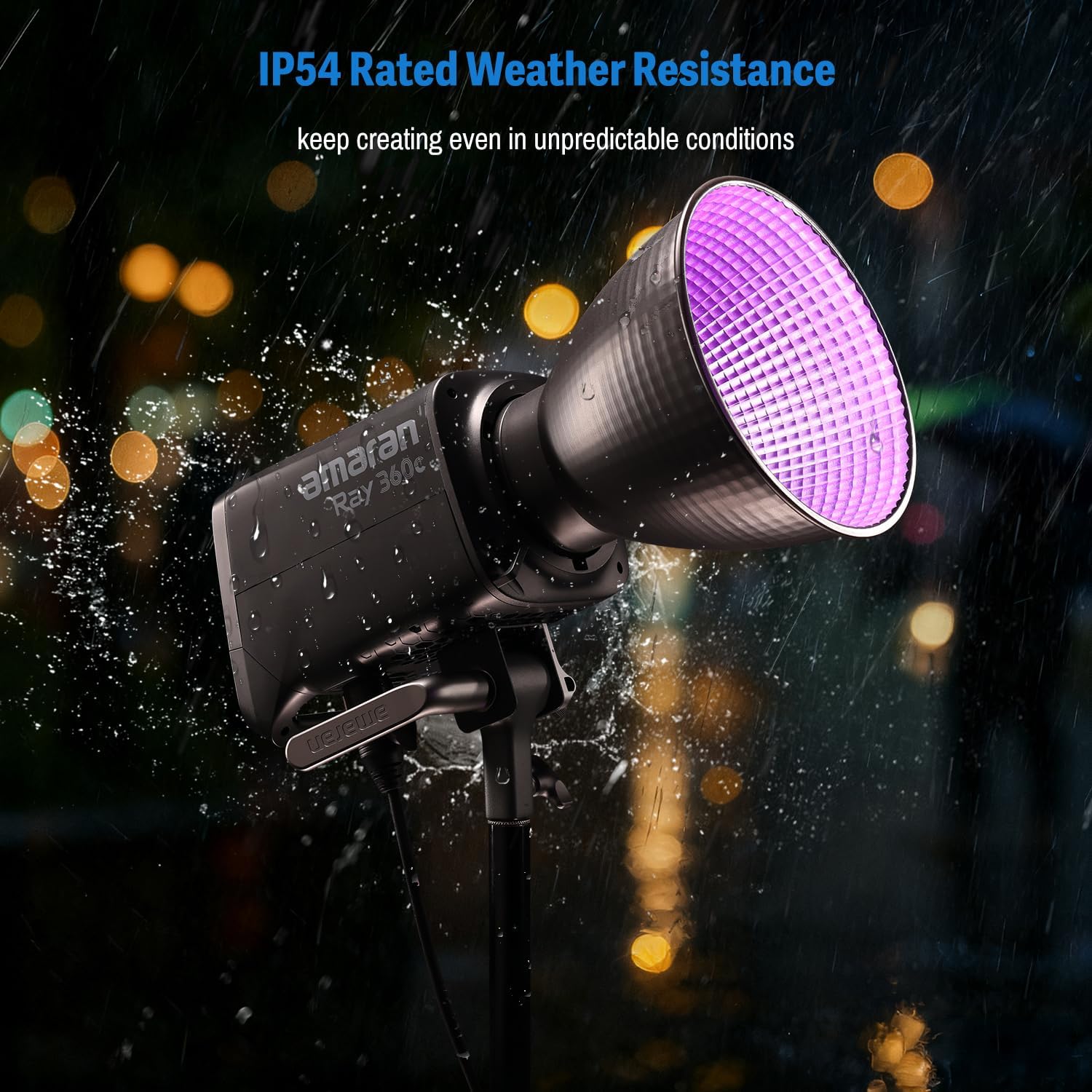
Figure 7: The IP54 weather-resistant design allows for use in various conditions.
6. Maintenance
- Cleaning: Use a soft, dry cloth to clean the exterior of the light. Do not use harsh chemicals or abrasive materials. Ensure the light is powered off and unplugged before cleaning.
- Storage: Store the Amaran Ray 360c in its provided carrying case in a cool, dry place when not in use. Avoid extreme temperatures and humidity.
- Ventilation: Ensure proper ventilation during operation. Do not block the ventilation holes on the light unit to prevent overheating.
7. Troubleshooting
7.1. Light Not Powering On
- Check if the AC power cable is securely connected to both the light unit and the wall outlet.
- Verify that the wall outlet is functional by plugging in another device.
- Ensure the power button on the light unit is pressed and held until the device powers on.
7.2. Bluetooth Connectivity Issues
- Ensure Bluetooth is enabled on your mobile device and the Amaran app is open.
- Try restarting the Amaran app and the light unit.
- For NFC pairing, ensure your mobile device is correctly tapped to the NFC area on the light.
7.3. Inconsistent Light Output
- Check the brightness settings on the on-board control or via the Amaran app.
- Ensure no accessories are obstructing the light output or causing uneven distribution.
- Verify that the light unit is not overheating; ensure ventilation holes are clear.
8. Specifications
| Feature | Detail |
|---|---|
| Product Dimensions | 15.35 x 22.05 x 21.65 inches |
| Item Weight | 11.22 pounds |
| Item Model Number | Ray 360c |
| Connectivity Technology | Bluetooth |
| Hardware Interface | Bluetooth |
| Manufacturer | Aputure |
| ASIN | B0FQTXX2BN |
9. Warranty and Support
For warranty information and technical support, please refer to the official Amaran website or contact Amaran customer service directly. Keep your purchase receipt as proof of purchase for warranty claims.


