Introduction
This manual provides essential information for the safe and efficient use of your LG 55QNED70A6A 55-inch QNED AI 4K Smart TV. Please read it thoroughly before operating the product and retain it for future reference.
The LG 55QNED70A6A features Dynamic QNED Color, an α7 AI Processor Gen8 for enhanced picture and sound, and the webOS platform with an AI Magic Remote for intuitive control and smart functionalities.
Safety Information
Always observe the following safety precautions to prevent electric shock, fire, or injury:
- Do not expose the TV to rain or moisture.
- Ensure proper ventilation; do not block ventilation openings.
- Use only the power cord supplied with the TV.
- Do not place heavy objects on the power cord.
- Unplug the TV during lightning storms or when unused for long periods.
- Do not open the TV casing; refer all servicing to qualified personnel.
Setup
1. Unpacking
Carefully remove the TV and all accessories from the packaging. Ensure all components are present:
- LG 55QNED70A6A TV
- AI Magic Remote
- Power Cable
- Stand components (if applicable)
- Documentation
2. Stand Installation (Optional)
If you are not wall-mounting the TV, attach the stand as follows:
- Place the TV screen-down on a soft, flat surface to prevent damage.
- Align the stand base with the mounting holes on the bottom of the TV.
- Secure the stand using the provided screws.

Figure 1: Front view of the LG 55QNED70A6A Smart TV.

Figure 2: Side profile of the LG 55QNED70A6A Smart TV, showing its slim design.
3. Connecting Peripherals
Connect external devices to the appropriate ports on the back of the TV.
- HDMI: For Blu-ray players, game consoles, set-top boxes.
- USB: For external storage devices (USB drives, hard drives).
- Ethernet: For wired internet connection.
- RF: For antenna/cable connection.

Figure 3: Rear view of the LG 55QNED70A6A Smart TV, highlighting various input and output ports.
4. Power Connection and Initial Setup
- Connect the power cable to the TV and then to a wall outlet.
- Press the power button on the remote control or the TV to turn it on.
- Follow the on-screen instructions for initial setup, including language selection, network connection (Wi-Fi or Ethernet), and channel scanning.
Operating Your TV
1. AI Magic Remote
The AI Magic Remote provides intuitive control over your TV. Point and click, use voice commands, or navigate with the scroll wheel.
- AI Search: Provides personalized recommendations based on your requests.
- AI Chatbot: Understands your intent and offers solutions for settings and troubleshooting.
- AI Concierge: Delivers customized keywords and recommendations based on your search and viewing history.
- AI Voice ID: Recognizes individual user voice signatures for personalized recommendations.

Figure 4: The LG AI Magic Remote, illustrating its various AI-powered functions.

Figure 5: AI Voice ID in action, recognizing a user's voice for personalized content.

Figure 6: The AI Search function providing personalized recommendations.

Figure 7: AI Concierge displaying customized keywords and recommendations.
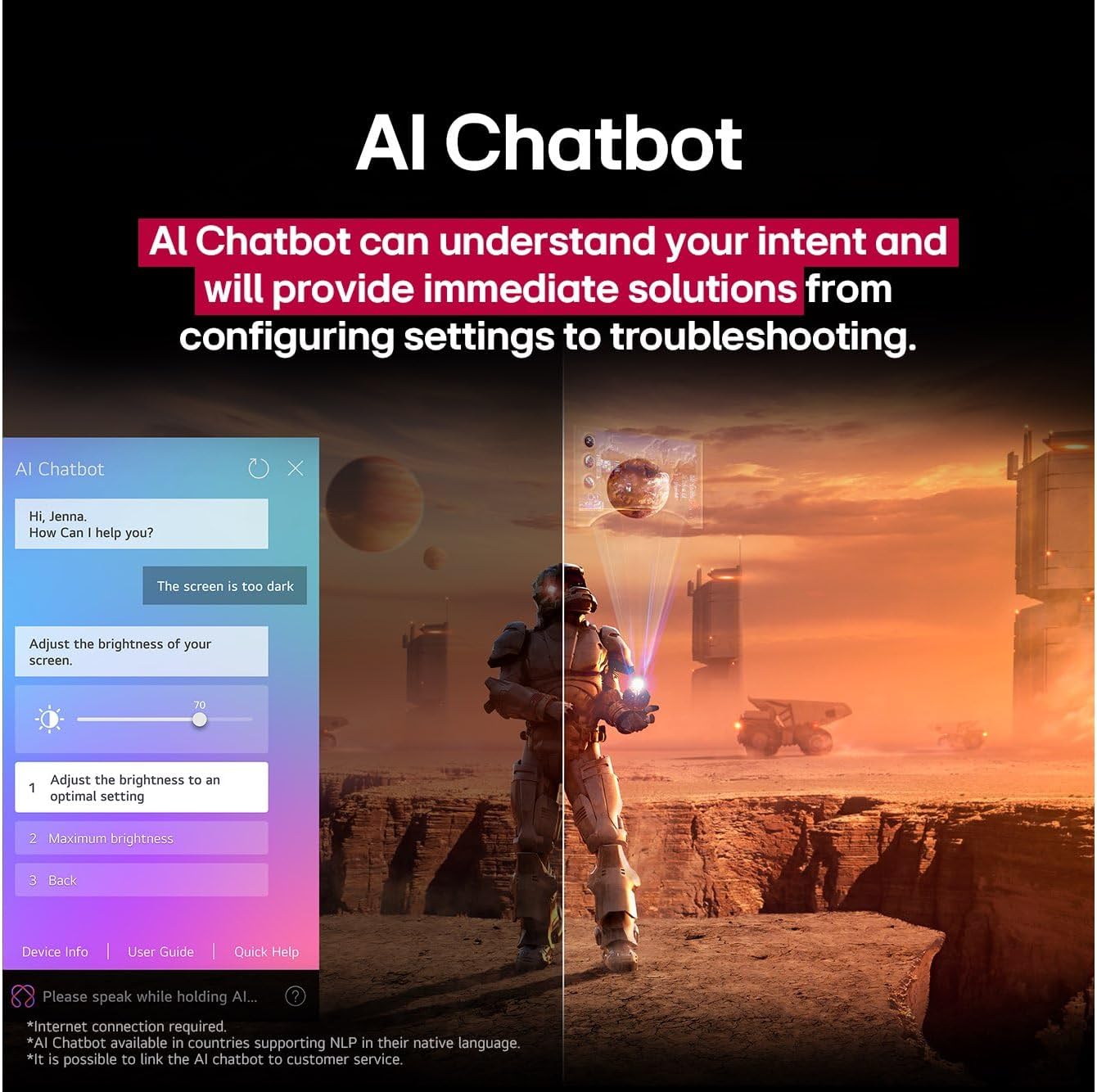
Figure 8: The AI Chatbot assisting with settings adjustments and troubleshooting.
2. Picture and Sound Settings
Your TV features advanced picture and sound technologies:
- Dynamic QNED Color: Experience vivid and realistic colors.
- α7 AI Processor Gen8: Enhances picture quality with AI Super Upscaling 4K and optimizes sound.
- Advanced Local Dimming: Provides sharper contrast and brighter details.
- Filmmaker Mode: Preserves the director's original vision for movies.

Figure 9: Explanation of Dynamic QNED Color technology for enhanced color reproduction.

Figure 10: The α7 AI Processor Gen8, responsible for upscaling 4K visuals with improved color and brightness.
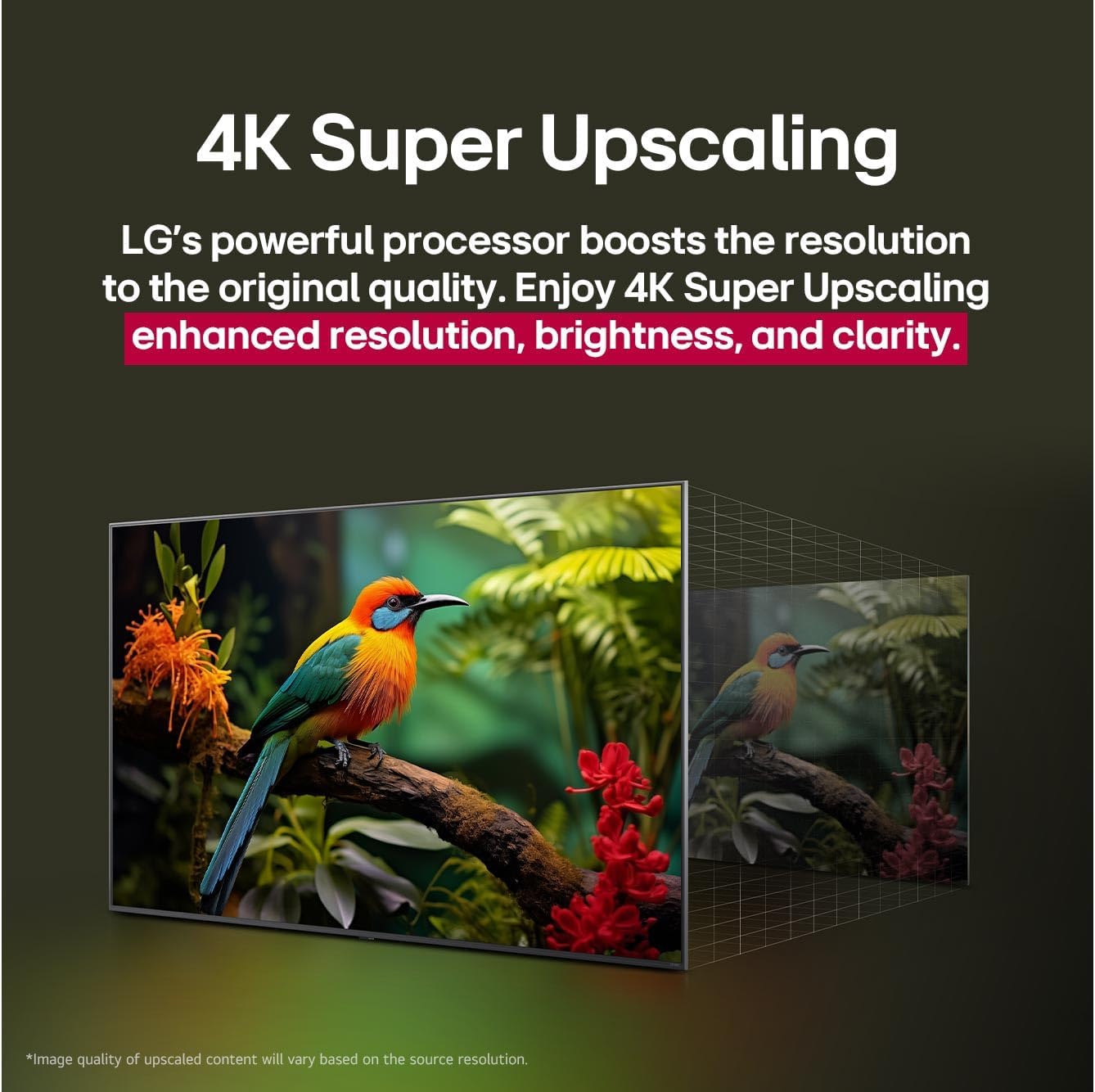
Figure 11: Demonstration of 4K Super Upscaling, boosting resolution, brightness, and clarity.
3. Gaming Features
For an optimized gaming experience, the TV supports:
- HGiG: HDR Gaming Interest Group for consistent HDR gaming performance.
- ALLM (Auto Low Latency Mode): Automatically switches to a low-latency mode when a game console is detected.
- Game Optimizer: Provides a dedicated menu for adjusting game-related settings.
Maintenance
Cleaning Your TV
- Always unplug the TV before cleaning.
- Use a soft, dry cloth to wipe the screen and cabinet.
- For stubborn marks, lightly dampen the cloth with water or a mild, non-abrasive screen cleaner.
- Do not use alcohol, benzene, thinners, or other volatile substances.
Troubleshooting
| Issue | Possible Cause | Solution |
|---|---|---|
| No power | Power cord disconnected; power outlet issue. | Check power cord connection; test outlet with another device. |
| No picture, but sound is present | Incorrect input source; backlight issue. | Verify input source; contact support if issue persists. |
| No sound, but picture is present | Volume muted; external audio system issue. | Unmute volume; check external audio connections. |
| Remote control not working | Dead batteries; obstruction; remote not paired. | Replace batteries; remove obstructions; re-pair remote (refer to remote manual). |
| Poor Wi-Fi connection | Router distance; interference. | Move router closer; reduce interference; consider wired Ethernet. |
Specifications
| Feature | Detail |
|---|---|
| Brand | LG |
| Model Number | 55QNED70A6A |
| Screen Size | 55 Inches (140 cm visible diagonal) |
| Display Technology | LED (QNED) |
| Resolution | 4K |
| Refresh Rate | 60 Hz |
| Processor | α7 AI Processor Gen8 |
| Operating System | webOS |
| Special Features | Bezel-Less Design, Chromecast, Game Mode, Intelligent Voice Recognition, AI Magic Remote |
| Connectivity | Ethernet, HDMI, RF, USB, Wi-Fi |
| Aspect Ratio | 16:9 |
| Product Dimensions (D x W x H) | 3 x 124 x 72 cm |
| Item Weight | 20 kg |
Warranty and Support
Your LG 55QNED70A6A Smart TV comes with a manufacturer's warranty. Please refer to the warranty card included in your product packaging for specific terms and conditions.
For technical support, service inquiries, or to purchase accessories, please visit the official LG website or contact LG customer service in your region. Keep your model number (55QNED70A6A) and serial number ready when contacting support.
The webOS Re:New Program offers annual upgrades for 5 years, ensuring your TV's smart features remain up-to-date.