
1. Introduction
The FEPPO Cordless Electric Fondue Pot Set (Model GP01) is designed for convenient and portable heating of chocolate, cheese, and other melted foods. Equipped with two 4500mAh rechargeable batteries, this fondue pot offers wireless operation, making it suitable for indoor parties, family gatherings, outdoor picnics, and camping. It features a mood light, a detachable serving tray with five sections, and includes game cards for interactive entertainment. This manual provides essential information for safe and effective use of your fondue pot set.
2. Important Safety Information
Please read all safety instructions carefully before using the FEPPO Cordless Electric Fondue Pot Set to prevent injury or damage to the product.
- Avoid touching hot surfaces: The silver edges of the melting pot can become hot during use. Always use caution and avoid direct contact to prevent burns.
- Do not operate while charging: For safety and optimal battery life, do not use the device while it is connected to the charger.
- Water immersion: Never submerge the base of the fondue pot in water or any other liquid. This can cause electrical shock and damage the internal components.
- Children and pets: Keep the fondue pot out of reach of children and pets, especially when in operation or containing hot contents.
- Proper ventilation: Ensure adequate ventilation when using the fondue pot, especially in enclosed spaces.
- Use only as intended: This appliance is designed for melting and warming food items. Do not use it for purposes other than its intended use.
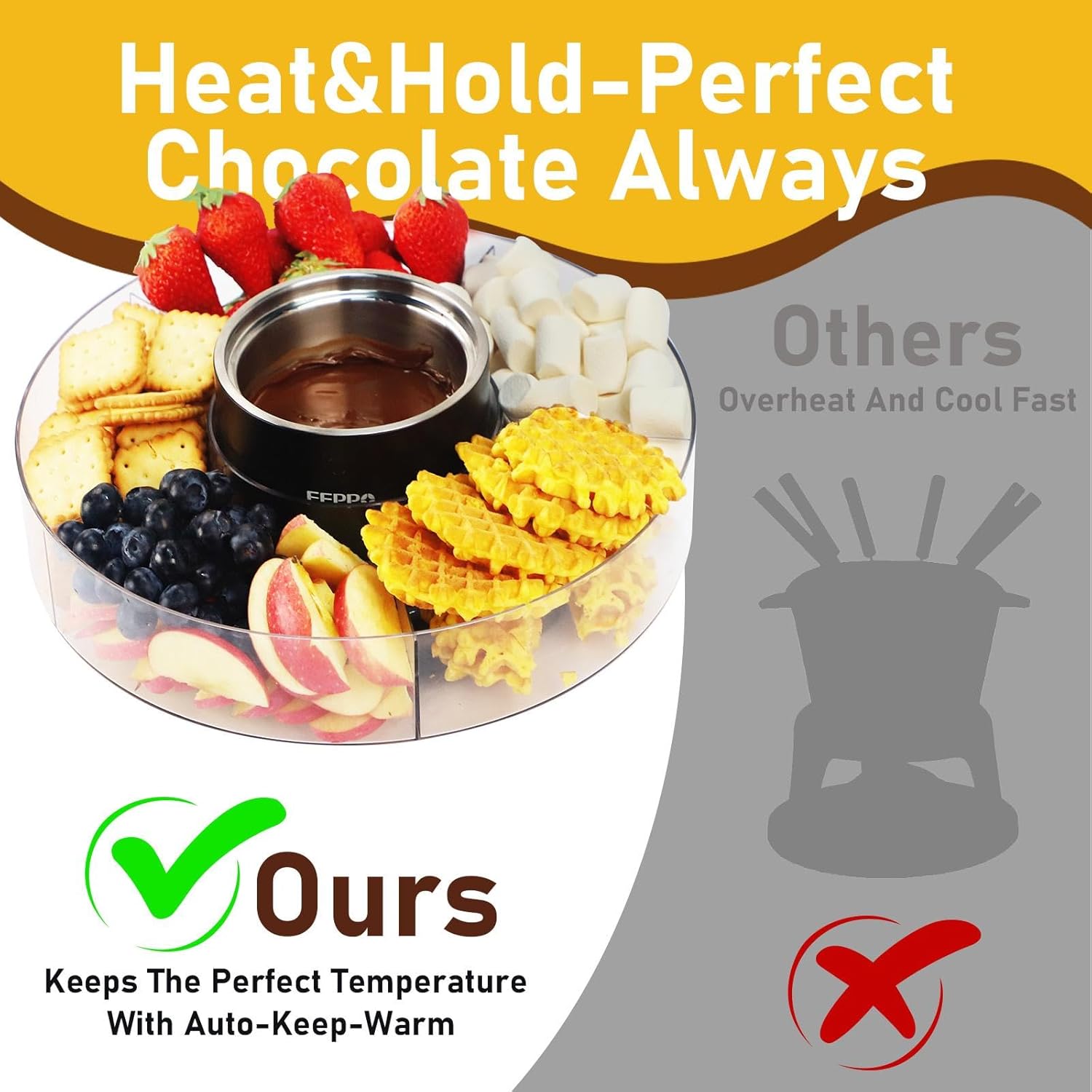
Image: Visual guide illustrating key safety precautions: avoiding hot surfaces, not using while charging, and not submerging the base in water.
3. Package Contents
Verify that all components are present and in good condition upon unpacking:
- FEPPO Cordless Electric Fondue Pot (main unit with integrated batteries)
- Detachable Stainless Steel Melting Pot Insert
- Detachable 5-Section Serving Tray
- Tray Cover
- USB Charging Cable
- 7 Game Cards
- 3 DIY Game Cards
- User Manual (this document)

Image: The complete FEPPO Fondue Pot Set, showing the central heating unit, the clear serving tray with compartments, and game cards.
4. Setup
- Unpack and Inspect: Carefully remove all components from the packaging. Inspect for any damage.
- Initial Charge: Before first use, fully charge the fondue pot using the provided USB cable. Connect the USB cable to the charging port on the base of the fondue pot and to a compatible USB power adapter (not included). The charging indicator light will show charging status.
- Assemble the Tray: Place the 5-section serving tray onto a stable, flat surface.
- Insert Melting Pot: Place the stainless steel melting pot insert into the central heating unit. Then, place the assembled heating unit with the melting pot into the center of the serving tray.
- Prepare Ingredients: Arrange your desired dipping ingredients (fruits, marshmallows, cookies, pretzels, etc.) into the five sections of the serving tray.
- Add Melting Content: Place chocolate, cheese, or other desired melting content into the stainless steel melting pot.
Video: Official FEPPO guide on how to use the fondue pot set, demonstrating assembly and initial preparation.
5. Operating Instructions
5.1 Melting and Warming
- Power On/Heat Mode: Long press the button on the main unit. The red light will illuminate, indicating the heating mode is active.
- Automatic Keep-Warm: If heating exceeds 20 minutes, the device will automatically switch to keep-warm mode, indicated by a green light.
- Stirring: For optimal melting, especially with chocolate, stir the contents periodically until fully liquid.
- Power Off: Long press the button again to turn off the device.

Image: Illustration of the 2-in-1 heating and auto keep-warm function, with indicators for heat (red light) and warm (green light). Shows chocolate melting progress.
5.2 Mood Light Operation
- Turn On/Off: Double press the button on the main unit to turn the ambient mood light on or off.
- Light Effects: The mood light provides a colorful glow around the base of the fondue pot, enhancing the atmosphere.
5.3 Interactive Game Cards
- The set includes 7 pre-designed game cards and 3 DIY cards for interactive fun.
- Place a game card on top of the melting pot (when not in use for melting) and spin the spinner to play.
- The DIY cards allow you to create your own custom game rules or labels for dipping items.

Image: The fondue pot with game cards, demonstrating the interactive spinning feature for party entertainment.
6. Maintenance and Cleaning
Regular cleaning ensures the longevity and hygiene of your FEPPO Fondue Pot Set.
- Disconnect Power: Always ensure the device is turned off and disconnected from any charging source before cleaning.
- Disassemble: Carefully remove the stainless steel melting pot insert and the serving tray from the main unit.
- Cleaning the Melting Pot and Tray: The stainless steel melting pot and the serving tray are detachable and can be washed with mild detergent and water. For stubborn residue, allow to soak before cleaning.
- Cleaning the Main Unit: Wipe the exterior of the main heating unit with a damp cloth. Do not submerge the main unit in water.
- Drying: Ensure all parts are completely dry before reassembling or storing.
- Storage: Store the fondue pot set in a clean, dry place when not in use.

Image: The fondue pot disassembled, highlighting the detachable tray and melting pot for easy cleaning.
7. Troubleshooting
| Problem | Possible Cause | Solution |
|---|---|---|
| Device does not turn on. | Battery is depleted. | Charge the device fully using the provided USB cable. |
| Contents not melting or staying warm. | Incorrect mode selected or insufficient heating time. | Ensure the device is in "Heat" mode (red light). Allow sufficient time for melting. Stir contents periodically. For thicker substances like cheese, pre-melting in a microwave before transferring to the pot may be necessary to maintain warmth. |
| Indicator lights are confusing. | Unfamiliarity with light indicators. | Red light indicates "Heat" mode. Green light indicates "Keep-Warm" mode. Refer to section 5.1 for detailed operation. |
| Mood light not working. | Mood light is turned off. | Double press the button on the main unit to toggle the mood light on/off. |
8. Specifications
- Model Number: GP01
- Battery Capacity: 2 * 4500mAh (Rechargeable Lithium Ion)
- Melting Pot Capacity: 400 ml (13.5 fl oz)
- Melting Pot Dimensions: 5.13 × 4.11 inches
- Rotating Tray Dimensions: 12.6 × 2.78 inches
- Package Dimensions: 15 x 13.66 x 6.06 inches
- Item Weight: 2.43 ounces
- Manufacturer: FEPPO
- ASIN: B0FQNPBKVS
9. Warranty and Support
FEPPO products are manufactured with quality and reliability in mind. For specific warranty details, please refer to the warranty card included with your product or contact FEPPO customer support.
If you encounter any issues or have questions regarding your FEPPO Cordless Electric Fondue Pot Set, please contact our customer support team for assistance. Contact information can typically be found on the product packaging or the official FEPPO website.