
Introduction
The Quip Ultra Lite Sonic Electric Toothbrush is designed for effective oral hygiene with a focus on portability and ease of use. This manual provides detailed instructions for setting up, operating, maintaining, and troubleshooting your device to ensure optimal performance.
Key features include a slim, lightweight design, three customizable brushing modes, a pressure sensor, a 2-minute timer with 30-second pulses, and a long-lasting 30-day battery life.
Setup
1. Charging the Toothbrush
Before first use, fully charge your Quip Ultra Lite toothbrush. The device features wireless magnetic charging. Connect the provided charger cable to a USB power source and place the toothbrush onto the magnetic charging base. The indicator lights will show charging status.

Image: The Quip Ultra Lite Toothbrush, charger cable, and stand laid out, illustrating the components included in the value pack.
2. Attaching the Brush Pod
The Quip Ultra Lite uses an EasyClick Brush Pod system. Align the brush pod with the handle and press firmly until it clicks into place. Ensure it is securely attached before use.

Image: A visual guide demonstrating the EasyClick Brush Pod attachment process, showing the brush head being inserted into the toothbrush handle.
3. Using the Mirror Mount and Stand
The included mirror mount allows for convenient storage on smooth surfaces. Clean the desired surface, remove the adhesive backing from the mount, and press firmly. The stand provides a stable base for countertop storage.

Image: The Quip Ultra Lite Toothbrush displayed with its mirror mount and stand, showcasing storage options.
Operating Instructions
1. Powering On and Selecting Modes
Press the power button to turn on the toothbrush. The Quip Ultra Lite offers three brushing modes: Sensitive, Daily, and Deep Clean. Press the power button repeatedly to cycle through the modes. The indicator lights will show the selected intensity.

Image: A close-up view of the toothbrush handle, highlighting the power button and the three illuminated intensity indicators for different brushing modes.
2. Brushing Technique and Smart Guidance
Apply a pea-sized amount of toothpaste to the brush head. Place the brush at a 45-degree angle to your gums. Gently move the brush across all surfaces of your teeth. The built-in 2-minute timer with 30-second pulses guides you to brush each quadrant of your mouth evenly.
The pressure sensor will alert you if you are brushing too hard by temporarily stopping the vibrations. Reduce pressure to resume brushing.
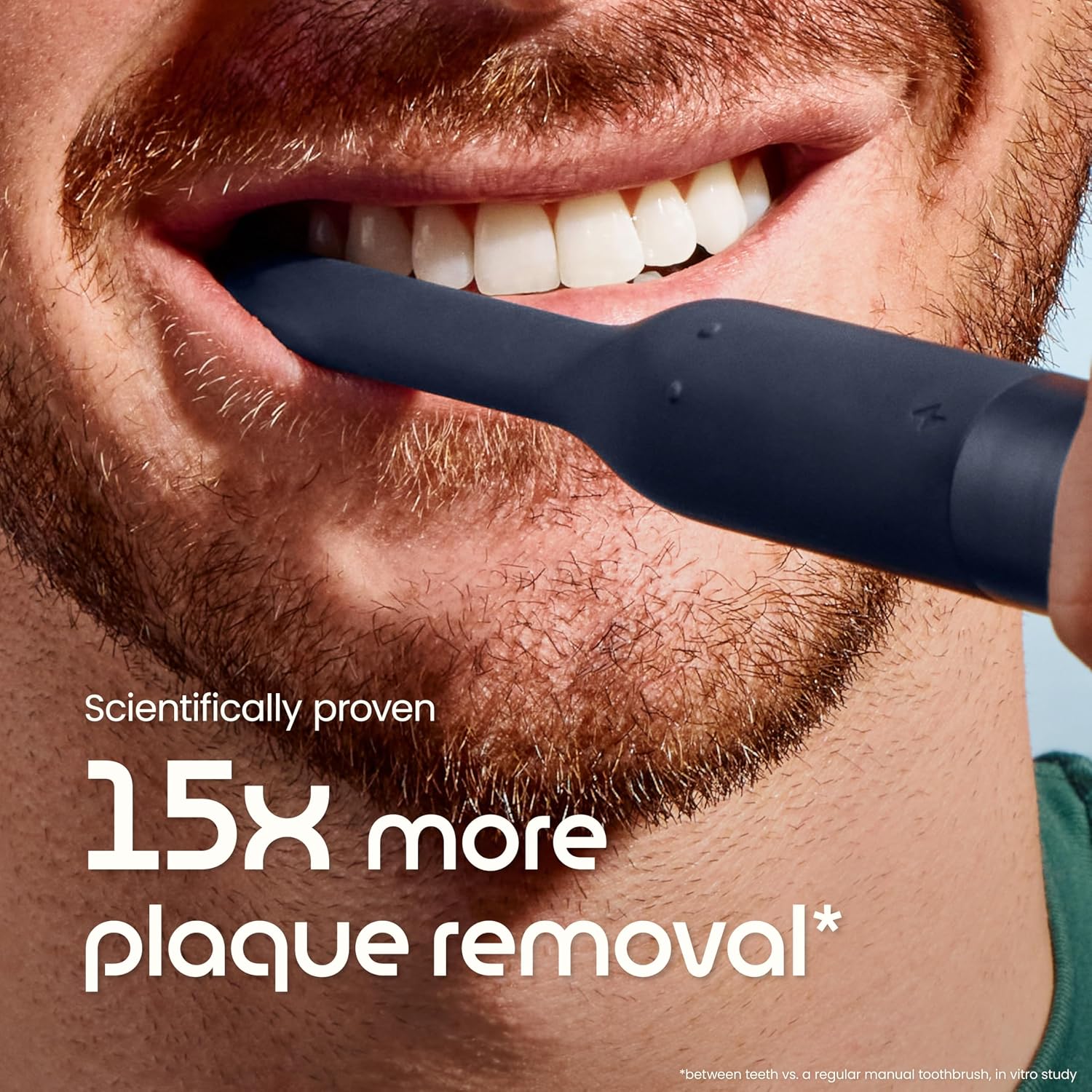
Image: A person demonstrating proper brushing technique with the Quip Ultra Lite toothbrush, emphasizing its effectiveness in plaque removal.
3. Official Product Video: Meet Quip Ultra Lite
Video: An official video from Quip introducing the Ultra Lite Sonic Electric Toothbrush, demonstrating its features and design.
Maintenance
1. Cleaning the Toothbrush
After each use, rinse the brush head thoroughly under running water. Wipe the handle with a damp cloth to keep it clean. The sleek silicone/plastic handle is designed to be easy to clean and resist gunk buildup.
2. Replacing the Brush Pod
For optimal oral hygiene, replace the brush pod every three months. To replace, firmly pull the old brush pod off the handle and click a new one into place. The EasyClick Brush Pod design minimizes waste.

Image: A step-by-step visual guide on how to replace the EasyClick Brush Pod, emphasizing the bristles-only refill design for reduced waste.
Troubleshooting
- Toothbrush stops during brushing: The built-in pressure sensor may have detected excessive pressure. Reduce the force applied to your teeth and gums. The toothbrush will resume operation once pressure is normalized.
- Toothbrush not turning on: Ensure the toothbrush is fully charged. Connect it to the charger and check if the indicator lights illuminate.
- Weak vibrations: This may indicate a low battery. Recharge the toothbrush. If the issue persists after charging, ensure the brush head is securely attached.
- Unusual noise: Check if the brush head is correctly attached. If the noise continues, contact customer support.
Specifications
| Model Number | 920-00346 |
| Product Dimensions | 9.88 x 3.78 x 2.68 inches; 12.63 ounces |
| Power Source | Battery Powered (1 AA battery included) |
| Battery Life | Up to 30 days on a single charge |
| Brushing Modes | 3 (Sensitive, Daily, Deep Clean) |
| Special Features | Brushing Timer, Extra Brush Head, Mirror Mount, Pressure Sensor, Rechargeable |
| Bristle Material | Nylon |
| Handle Material | Plastic, Silicone |
| Included Components | Charger, Extra Replacement Brush Head, Mirror Mount, Stand, Travel Case |
Warranty and Support
The Quip Ultra Lite Sonic Electric Toothbrush comes with a 2-Year Manufacturer Warranty from the date of purchase. For full details regarding warranty coverage or to make a warranty claim, please contact the manufacturer directly.
For additional support, product information, or to purchase replacement parts, please visit the official Quip website: getquip.com

Image: A graphic indicating the 2-year manufacturer warranty for the product, with a note to visit getquip.com for details.