
1. Overview
The Samsung Galaxy Tab A11 is a versatile tablet designed for entertainment, creativity, and productivity. Featuring an 8.7-inch TFT LCD display with a 90Hz refresh rate, it offers a smooth and clear visual experience. Equipped with a MediaTek Helio G99 processor, 8GB RAM, and 128GB of internal storage (expandable up to 2TB), the Tab A11 provides ample power and space for your applications and media. Enjoy rich audio with Dolby-engineered Dual Speakers and stay connected with Wi-Fi and LTE capabilities.
2. What's in the Box
Upon unboxing your Samsung Galaxy Tab A11, please ensure all the following items are present:
- Samsung Galaxy Tab A11 Device
- Data Cable (Type C-C)
- SIM Ejection Pin
- Quick Start Guide

Image: Contents of the Samsung Galaxy Tab A11 retail box.
3. Physical Features
The Galaxy Tab A11 features a modern, sleek, and refined design, available in classic Silver and Gray finishes. Its streamlined silhouette ensures comfortable handling and a premium feel.

Image: Samsung Galaxy Tab A11 in Silver.
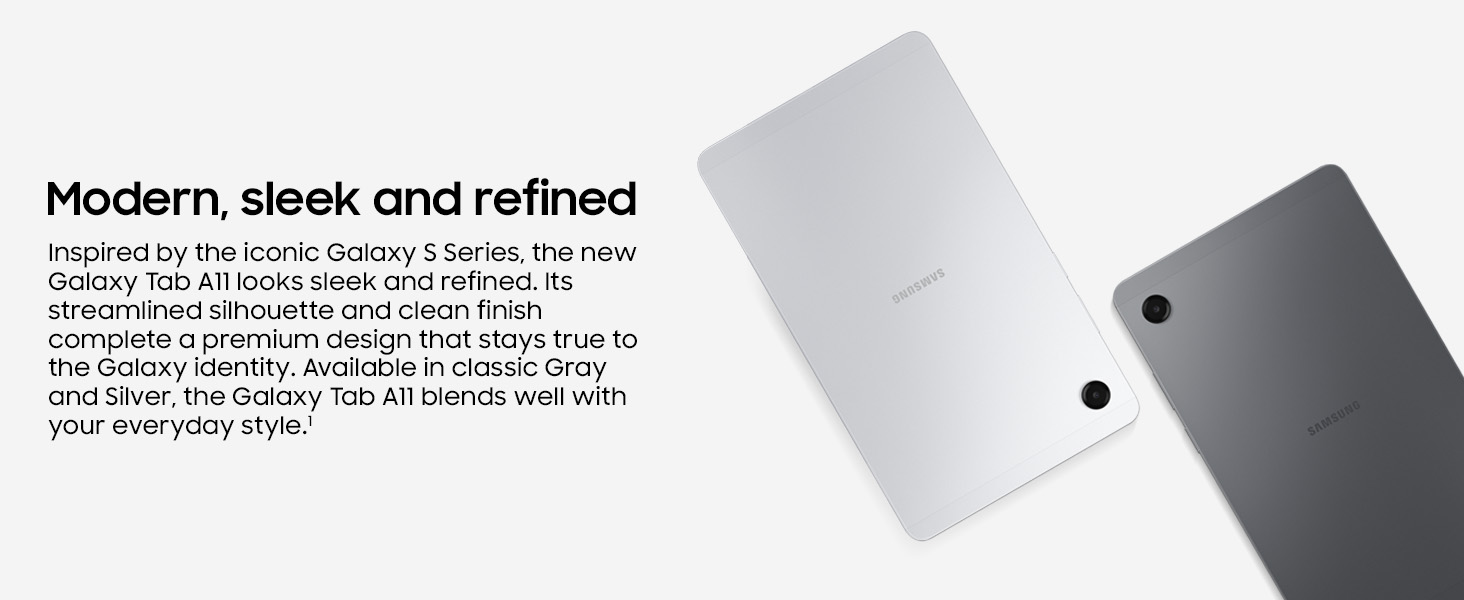
Image: Rear view of the Samsung Galaxy Tab A11 in Silver and Gray, showcasing its sleek design.
4. Setup
4.1 Initial Power On
- Press and hold the Power button located on the side of the tablet until the Samsung logo appears.
- Follow the on-screen prompts to select your language, connect to a Wi-Fi network, and set up your Google account.
- Complete the initial setup process to begin using your tablet.
4.2 Inserting a SIM Card (LTE Models)
If you have the Wi-Fi + LTE model, you can insert a Nano-SIM card for cellular data connectivity.
- Locate the SIM card tray on the side of the tablet.
- Insert the provided SIM ejection pin into the small hole on the tray to eject it.
- Place the Nano-SIM card into the tray with the gold contacts facing down.
- Gently push the tray back into the slot until it clicks into place.
5. Operating Instructions
5.1 Basic Navigation
- Touch: Tap an item to select it, open an app, or press a button.
- Touch and Hold: Press and hold an item to access additional options or move it.
- Swipe: Drag your finger across the screen to scroll through pages or content.
- Pinch: Use two fingers to zoom in or out on photos, maps, and web pages.
5.2 Power Management
- Power On/Off: Press and hold the Power button, then select Power off.
- Restart: Press and hold the Power button, then select Restart.
- Screen Lock: Briefly press the Power button to turn the screen off and lock the device.
6. Display and Visuals
The Galaxy Tab A11 features an 8.7-inch TFT LCD display with a resolution of 1340 x 800 pixels. The 90Hz refresh rate ensures smooth motion for an enhanced viewing experience, whether you're watching videos, playing games, or browsing content. The display is designed to remain bright and clear even under direct sunlight.

Image: The Samsung Galaxy Tab A11 display showcasing its 90Hz refresh rate for smooth visuals.

Image: Bright and clear display of the Galaxy Tab A11 with smooth motion.
7. Audio Experience
Immerse yourself in rich audio with the Galaxy Tab A11's Dolby-engineered Dual Speakers. These speakers deliver a multidimensional sound experience, perfect for enjoying your favorite playlists, movies, and games. The tablet also includes a 3.5mm audio jack for convenient use with wired headphones.

Image: Surround yourself with rich audio from the Galaxy Tab A11's Dolby Atmos speakers.
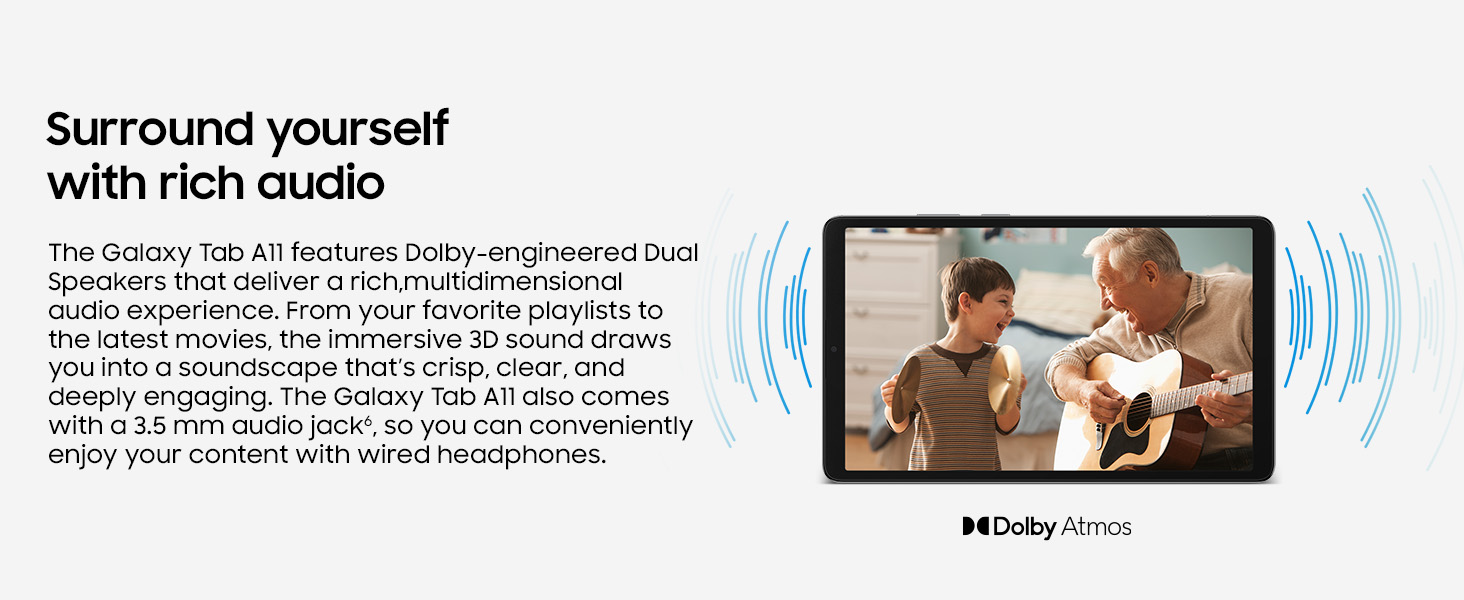
Image: The Galaxy Tab A11 features Dolby-engineered Dual Speakers for an immersive audio experience.
8. Camera
The Galaxy Tab A11 is equipped with a 5 MP front camera, ideal for sharper and clearer video calls, allowing you to stay connected with family and colleagues. The rear camera features an 8 MP sensor for capturing photos and videos.

Image: The 5 MP front camera ensures clearer face-to-face moments.
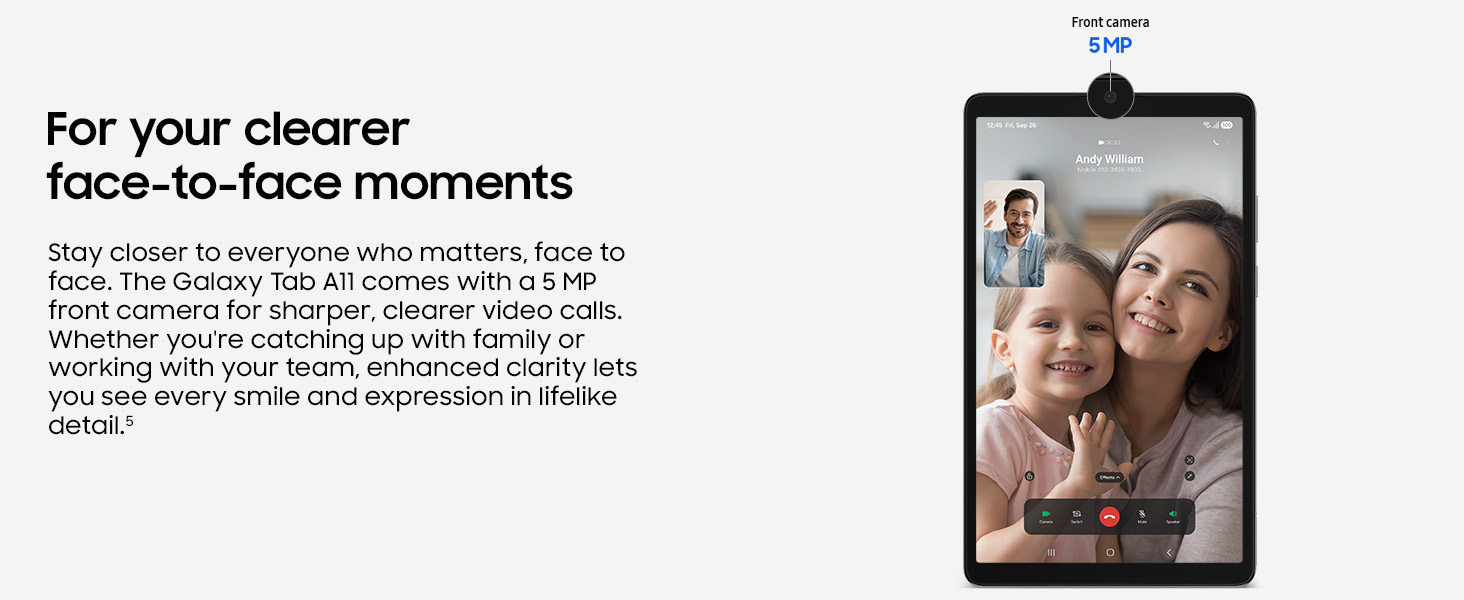
Image: Enhanced clarity and lifelike details for video calls with the 5 MP front camera.
9. Memory and Storage
The Galaxy Tab A11 offers ample memory and storage capacity to keep all your important files and applications. It comes with 8 GB of RAM for seamless multitasking and 128 GB of internal storage. If more space is needed, you can expand the storage up to 2 TB using a microSD card (sold separately).

Image: Store more of what you love with up to 128GB internal storage and 2TB expandable storage via microSD.
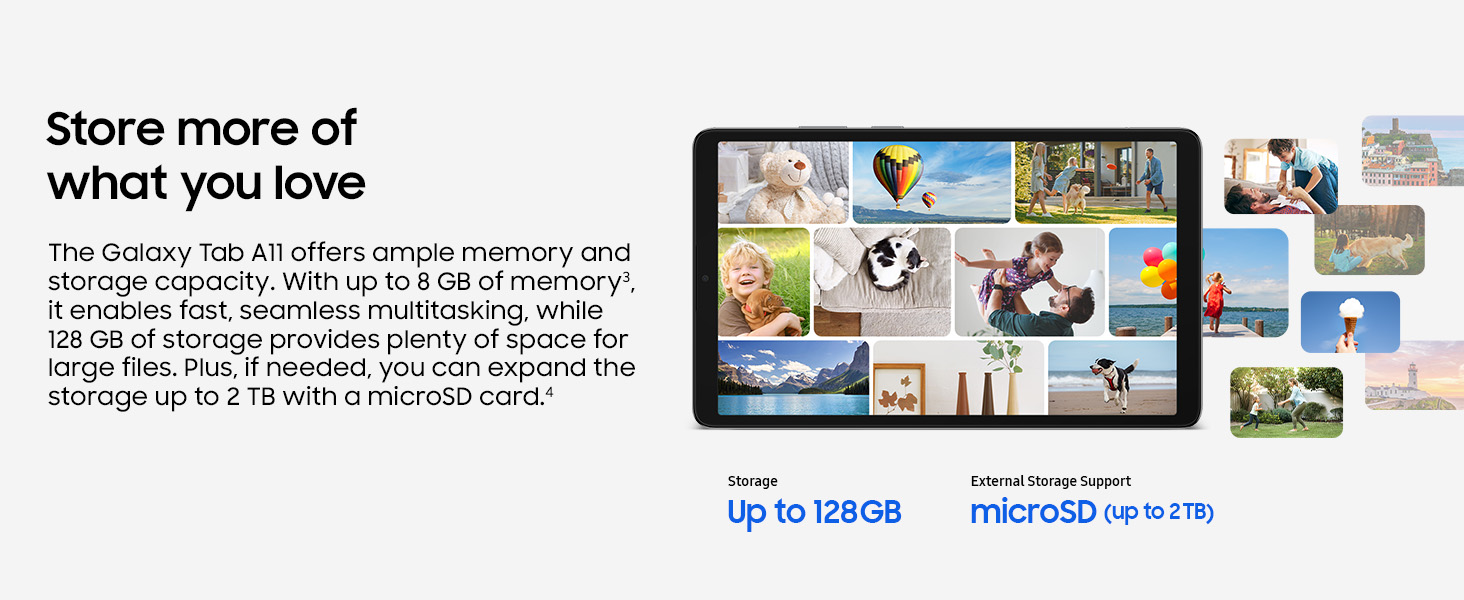
Image: Ample memory and storage capacity for all your needs.
10. Performance
The Galaxy Tab A11 is powered by a MediaTek Helio G99 processor with a speed of 2 GHz, ensuring smooth performance for everyday tasks and entertainment. It runs on Android 15, providing access to the latest features and security updates.
11. Battery
The tablet is equipped with a 5100 mAh Lithium Ion battery, providing reliable power for extended use throughout your day.
12. Connectivity
Stay connected with the following features:
- Wireless Technology: Wi-Fi (802.11g), Bluetooth, Cellular (LTE models)
- Hardware Interface: USB 2.0 (Type C-C)
- Sensors: Accelerometer, Geomagnetic Sensor, Light Sensor, Proximity Sensor
13. Troubleshooting
If you encounter issues with your Galaxy Tab A11, try the following basic troubleshooting steps:
- Restart the Device: A simple restart can often resolve minor software glitches.
- Check Connections: Ensure Wi-Fi, Bluetooth, or cellular connections are active and properly configured.
- Update Software: Go to Settings > Software update to check for and install any available updates.
- Clear Cache: If an app is misbehaving, try clearing its cache via Settings > Apps > [App Name] > Storage > Clear cache.
- Factory Reset (Last Resort): If problems persist, you may need to perform a factory reset. Warning: This will erase all data on your device. Back up important data before proceeding. Go to Settings > General management > Reset > Factory data reset.
14. Specifications
| Feature | Detail |
|---|---|
| Brand | Samsung |
| Model Name | Samsung Galaxy Tab A11 |
| Model Number | SM-X135G |
| Screen Size | 8.7 Inches (22.05 cm) |
| Display Type | TFT LCD |
| Display Resolution | 1340 x 800 Pixels |
| Refresh Rate | 90 Hz |
| Processor | MediaTek Helio G99 (2 GHz) |
| RAM | 8 GB |
| Internal Storage | 128 GB |
| Expandable Storage | Up to 2 TB (microSD) |
| Operating System | Android 15 |
| Rear Camera | 8 MP |
| Front Camera | 5 MP |
| Battery Capacity | 5100 mAh |
| Connectivity | Wi-Fi, Bluetooth, LTE |
| USB Port | USB 2.0 (Type C) |
| Audio Jack | 3.5 mm |
| Dimensions (L x W x T) | 21.1L x 12.5W x 0.8Th Centimeters |
| Weight | 333 Grams |
15. Warranty and Support
Your Samsung Galaxy Tab A11 comes with a standard manufacturer's warranty:
- Device Warranty: 1 Year from the date of purchase.
- In-Box Accessories Warranty: 6 Months from the date of purchase.
For further assistance, technical support, or warranty claims, please contact Samsung customer service:
- Importer Contact: Samsung India Electronics Pvt Ltd, 6th Floor, DLF Centre, Sansad Marg, New Delhi - 110001.
- Email: support.india@samsung.com
16. Product Videos
Samsung Galaxy Tab A11 Features Overview
Video: A seller-created video highlighting the key features and benefits of the Samsung Galaxy Tab A11, including its display, audio, and storage capabilities.
Samsung Galaxy Tab A11 Productivity and Entertainment
Video: Another seller-created video demonstrating how the Samsung Galaxy Tab A11 can be used for both work and entertainment, emphasizing its smooth performance and expandable storage.


