
1. Introduction
The Anweller C3-Blue Fingerprint Cable Lock is an advanced security device designed to protect your valuables with multiple unlocking methods. This manual provides detailed instructions for setting up, operating, and maintaining your smart lock to ensure optimal performance and security.
2. What's Included
- 1 x Anweller C3-Blue Cable Lock
- 1 x Mounting Bracket
- 1 x USB Charge Cable
- 1 x User Manual
3. Key Features
- Multiple Unlocking Methods: Unlock using your fingerprint, a mobile application via Bluetooth, or an Apple Watch.
- Fast Biometric Recognition: Advanced biometric technology allows for fingerprint unlocking within 0.2 seconds.
- App Management: Set up administrators and users, authorize remote unlocking, add or remove fingerprints, and view unlock records through the dedicated mobile application.
- Durable Construction: Features a 1/2-inch diameter flexible coiled steel cable with a PVC coating to prevent cutting, scratching, and rusting.
- High Security: Engineered with 55,000N shear strength and 3,360N pull strength for robust anti-theft protection.
- Weatherproof Design: IP67 rated for water and dust resistance, ensuring reliable operation in various weather conditions.
- Long Battery Life: Equipped with a 110mAh Lithium battery, providing up to 6 months of standby time or 2000 unlocks on a single charge.
- Versatile Application: Ideal for securing bicycles, scooters, motorcycles, lawnmowers, skateboards, sports equipment, snowboards, and skis.
- Convenient Mounting: Includes an upgraded mounting bracket for easy attachment to your bike frame.
4. Setup
4.1. Initial Charging
Before first use, fully charge the lock using the provided USB-C cable. The charging port is located under a protective cover on the lock unit. A full charge typically takes about 40 minutes.
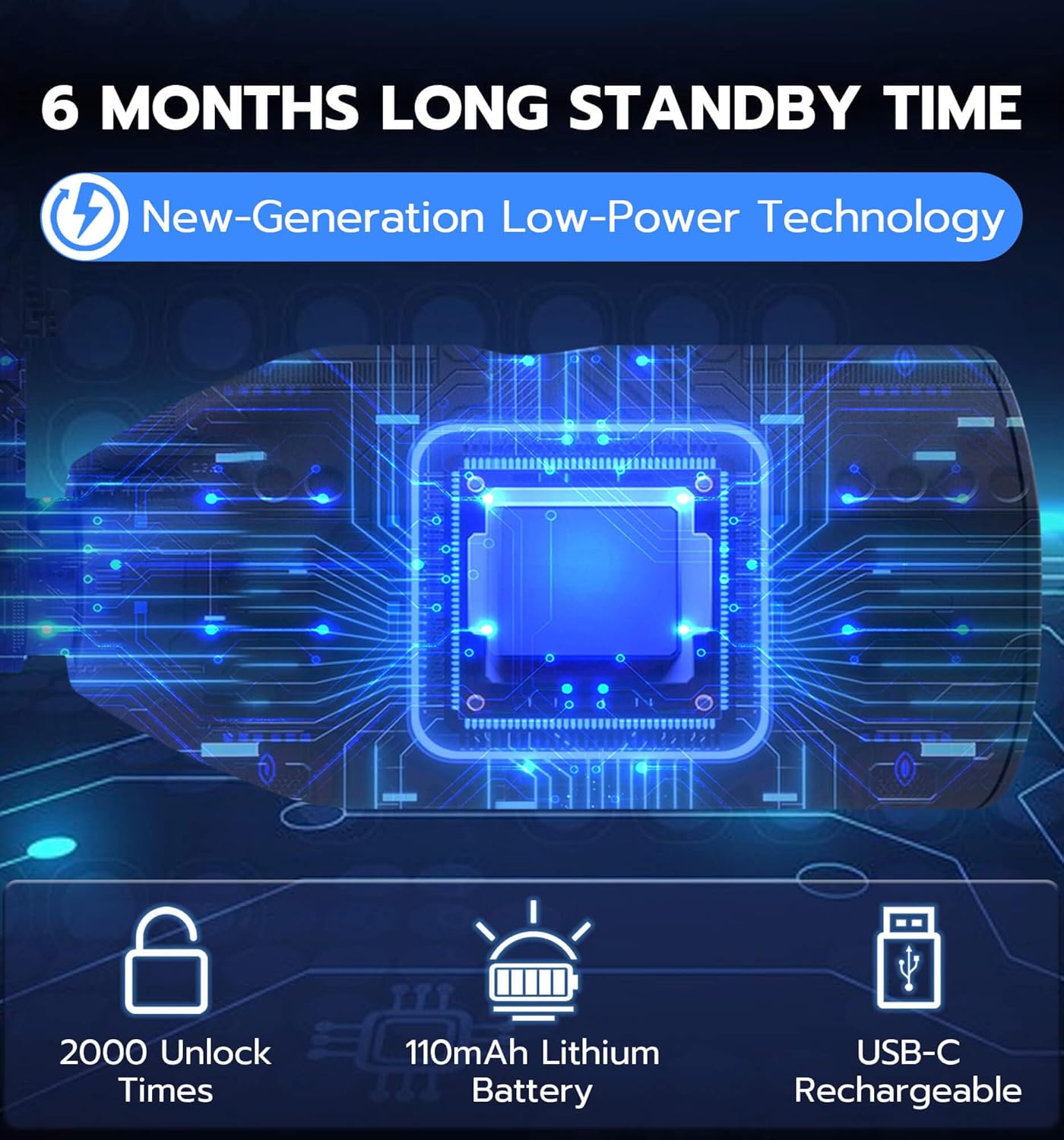
Image: The Anweller C3-Blue lock with its USB-C charging port exposed under a protective flap, indicating its long standby time and rechargeable battery.
4.2. App Installation and Pairing
- Scan the QR code in the included User Manual or search for the 'eSmartLock' app in your device's app store (iOS compatible).
- Download and install the application.
- Open the app and follow the on-screen instructions to create an account and pair your Anweller C3-Blue lock via Bluetooth. Ensure Bluetooth is enabled on your device.
Video: A demonstration of unlocking the Anweller C3-Blue lock using the mobile application. The video shows the app interface and the lock responding to the unlock command.
4.3. Fingerprint Registration
- Within the eSmartLock app, navigate to the fingerprint management section.
- Follow the prompts to register your fingerprint(s). You will typically need to place your finger on the sensor multiple times from different angles for accurate registration. The lock supports up to 20 unique fingerprints.

Image: A close-up of the Anweller C3-Blue's fingerprint sensor, illustrating its advanced 3D recognition capabilities and capacity for multiple registered fingerprints.
4.4. Mounting the Lock
The included mounting bracket allows for convenient storage of the lock on your bicycle frame. Attach the bracket to a suitable location on your bike using the provided screws. The lock can then be easily clipped into and removed from the bracket.

Image: The Anweller C3-Blue lock attached to a bicycle frame via its mounting bracket, demonstrating how it can be carried conveniently while riding.
5. Operating the Lock
5.1. Locking
To lock, simply insert the cable end into the main lock unit. The lock will automatically engage. Ensure the cable is securely wrapped around your item and a stationary object.
5.2. Unlocking with Fingerprint
Place a registered finger on the fingerprint sensor. The lock will unlock within 0.2 seconds if the fingerprint is recognized.
5.3. Unlocking with Mobile App / Apple Watch
Open the eSmartLock app on your smartphone or Apple Watch. Ensure your device is connected to the lock via Bluetooth. Tap the 'Unlock' button within the app to disengage the lock.

Image: Visual representation of the three convenient unlocking methods for the Anweller C3-Blue lock: fingerprint touch, control via a mobile app, and unlocking with an Apple Watch.
6. Maintenance
6.1. Charging
Monitor the battery level via the mobile app. Recharge the lock when the battery is low to ensure continuous operation. Always use the provided USB-C cable for charging.
6.2. Cleaning and Care
Wipe the lock and cable with a soft, damp cloth to remove dirt and debris. Ensure the fingerprint sensor and charging port are clean and dry. Avoid using harsh chemicals or abrasive materials that could damage the lock's finish or electronics. Keep the protective cover over the charging port when not in use to maintain IP67 waterproofing.

Image: The Anweller C3-Blue lock demonstrating its weatherproof capabilities, shown with a protective cover over the fingerprint sensor, suitable for use in sun, rain, and snow.
7. Troubleshooting
- Lock not responding: Ensure the battery is charged. If the battery is critically low, the lock may not respond. Recharge the device.
- Fingerprint not recognized: Ensure your finger is clean and dry. Try different angles or re-register your fingerprint if issues persist.
- App connection issues: Verify Bluetooth is enabled on your device and the lock is within range. Restart the app or re-pair the device if necessary.
- Lock does not engage: Ensure the cable end is fully inserted into the lock unit. Check for any obstructions.
8. Specifications
| Brand | Anweller |
| Model Name | C3-Blue |
| Lock Type | Biometric, Bluetooth, Electronic, Keyless |
| Unlocking Ways | Fingerprint, Mobile App, Apple Watch |
| Cable Length | 4.9 feet (59 inches) |
| Cable Diameter | 0.49 inches (1/2 inch) |
| Material | Alloy Steel (cable), Vinyl (finish) |
| Shear Strength | 55,000N |
| Pull Strength | 3,360N |
| Waterproof Rating | IP67 |
| Battery Type | 110mAh Lithium Ion (included) |
| Standby Time | Up to 6 months |
| Unlocks per Charge | Up to 2000 |
| Item Weight | 1.5 Pounds |
9. Warranty and Support
Anweller provides a 6-month free trial period and free lifetime technical support for the C3-Blue Fingerprint Cable Lock. For replacements or refunds within the first 6 months, please contact Anweller customer support. For any queries or technical assistance, please refer to the contact information provided in your product packaging or visit the official Anweller website.
