Introduction
This manual provides essential instructions for the safe and effective use of your T POWER 53V 54.6V Battery Charger. This AC/DC adapter is designed to provide reliable power for compatible electric scooters. Please read this manual thoroughly before use and retain it for future reference.
Important Safety Information
- Voltage Compatibility: This charger is specifically designed for 47V~48V lithium-ion battery packs only. Do not use with lead-acid batteries or scooters requiring different voltage specifications. Incorrect voltage can cause damage to the charger, battery, or scooter, and may pose a fire hazard.
- Connector Type: Ensure your scooter's charging port has a center pin connector that matches the charger's barrel connector. Mismatched connectors can lead to poor contact, overheating, or damage.
- Indoor Use Only: This charger is intended for indoor use in dry conditions. Do not expose to rain, moisture, or extreme temperatures.
- Ventilation: Ensure adequate ventilation around the charger during operation. Do not cover the charger or place it in an enclosed space.
- Damage Inspection: Before each use, inspect the charger, power cord, and connectors for any signs of damage. Do not use if any part is damaged.
- Children and Pets: Keep the charger out of reach of children and pets.
- Safety Certifications: T POWER Battery Chargers are UL, CE, and RoHS Certified for Safety. They are equipped with multiple safety protections including Over Voltage Protection (OVP), Over Current Protection (OCP), and Short-circuit Protection (SCP).
Package Contents
- 1 x T POWER AC Adapter
Setup
- Unpack the Charger: Carefully remove the AC adapter from its packaging.
- Inspect the Charger: Visually inspect the charger and its cables for any signs of physical damage. Do not proceed if damage is observed.
- Verify Scooter Compatibility: Confirm that your electric scooter's battery voltage is 47V-48V lithium-ion and that its charging port is a center pin barrel connector.
- Connect to Scooter: Plug the charger's DC output connector (the barrel connector) into the charging port of your electric scooter. Ensure a firm and secure connection.
- Connect to Power Outlet: Plug the AC input cord into a standard AC 100V-240V wall outlet.
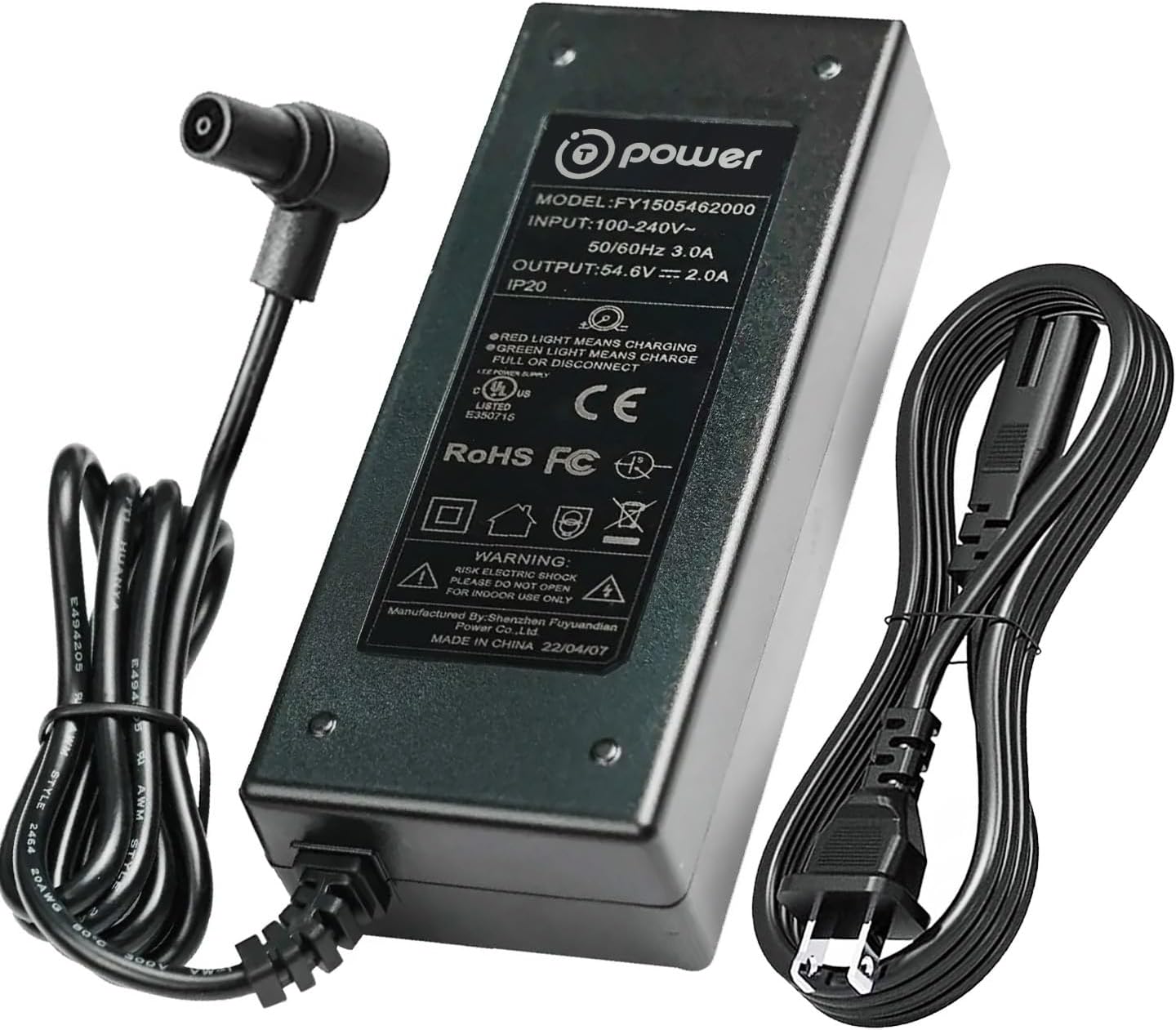
Image: The T POWER 53V 54.6V Battery Charger with its detachable power cord.
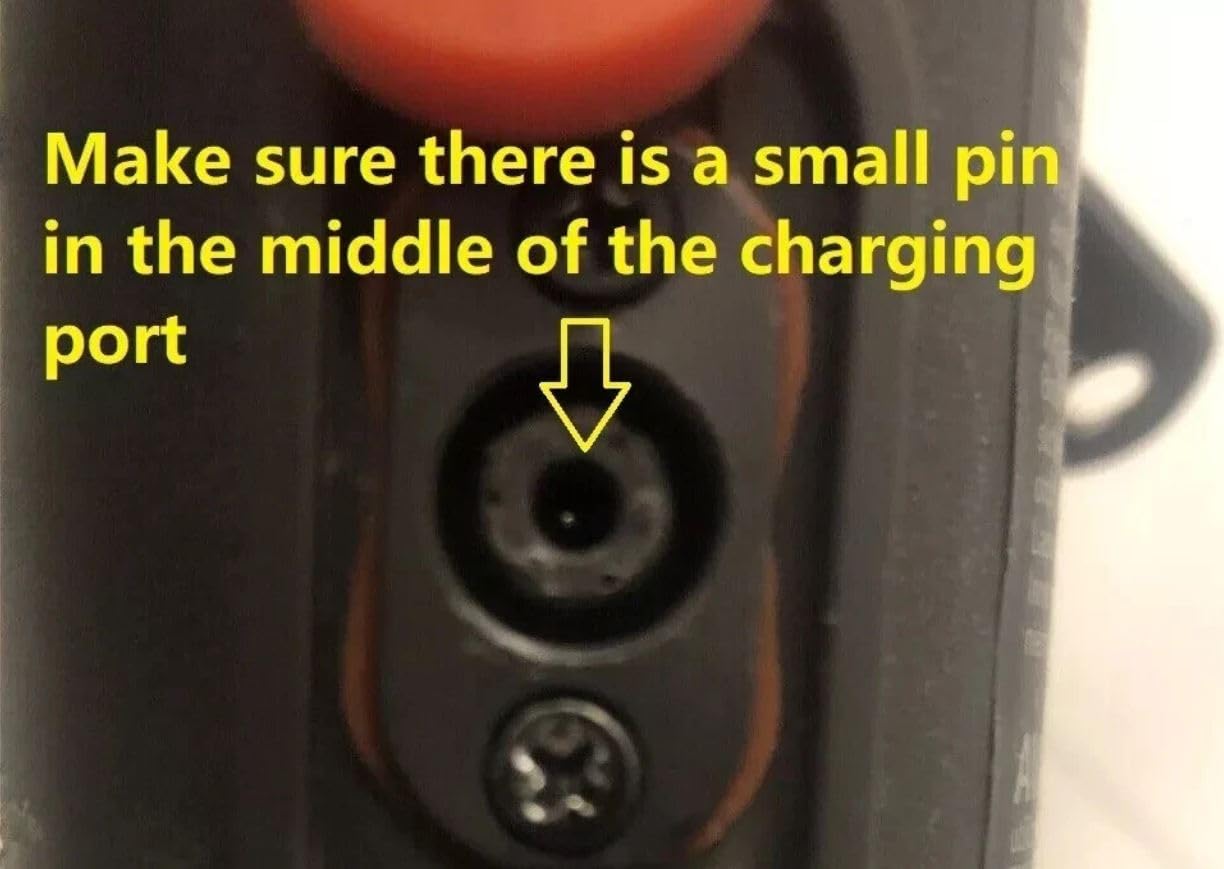
Image: A close-up view of a scooter's charging port, highlighting the essential center pin for compatibility.
Operating Instructions
- Initiating Charge: Once both the scooter and the wall outlet are connected, the charging process will begin automatically.
- LED Indicator: The charger features an LED indicator to show the charging status:
- Red Light: Indicates that the battery is currently charging.
- Green Light: Indicates that the battery is fully charged.
- Charging Duration: Charging time varies depending on the battery's capacity and its current charge level. Refer to your scooter's manual for typical charging times.
- Disconnecting: Once the green light appears, indicating a full charge, first unplug the charger from the wall outlet, then disconnect the charger from the scooter.
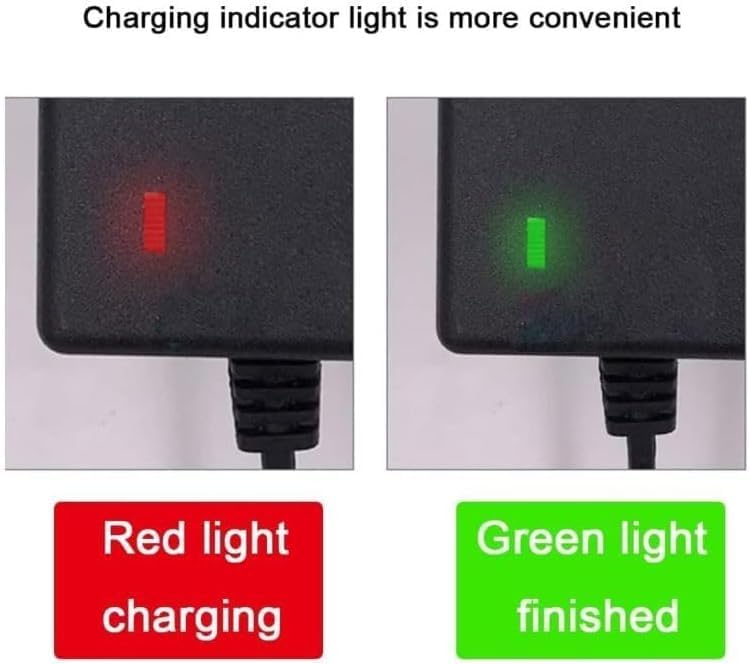
Image: The charger's LED indicator showing a red light for charging and a green light for a finished charge.
Maintenance
- Cleaning: Disconnect the charger from all power sources before cleaning. Use a dry, soft cloth to wipe the exterior. Do not use liquid cleaners or solvents.
- Storage: Store the charger in a cool, dry place away from direct sunlight and moisture when not in use.
- Cable Care: Avoid bending or crimping the power cord excessively. Do not place heavy objects on the cord.
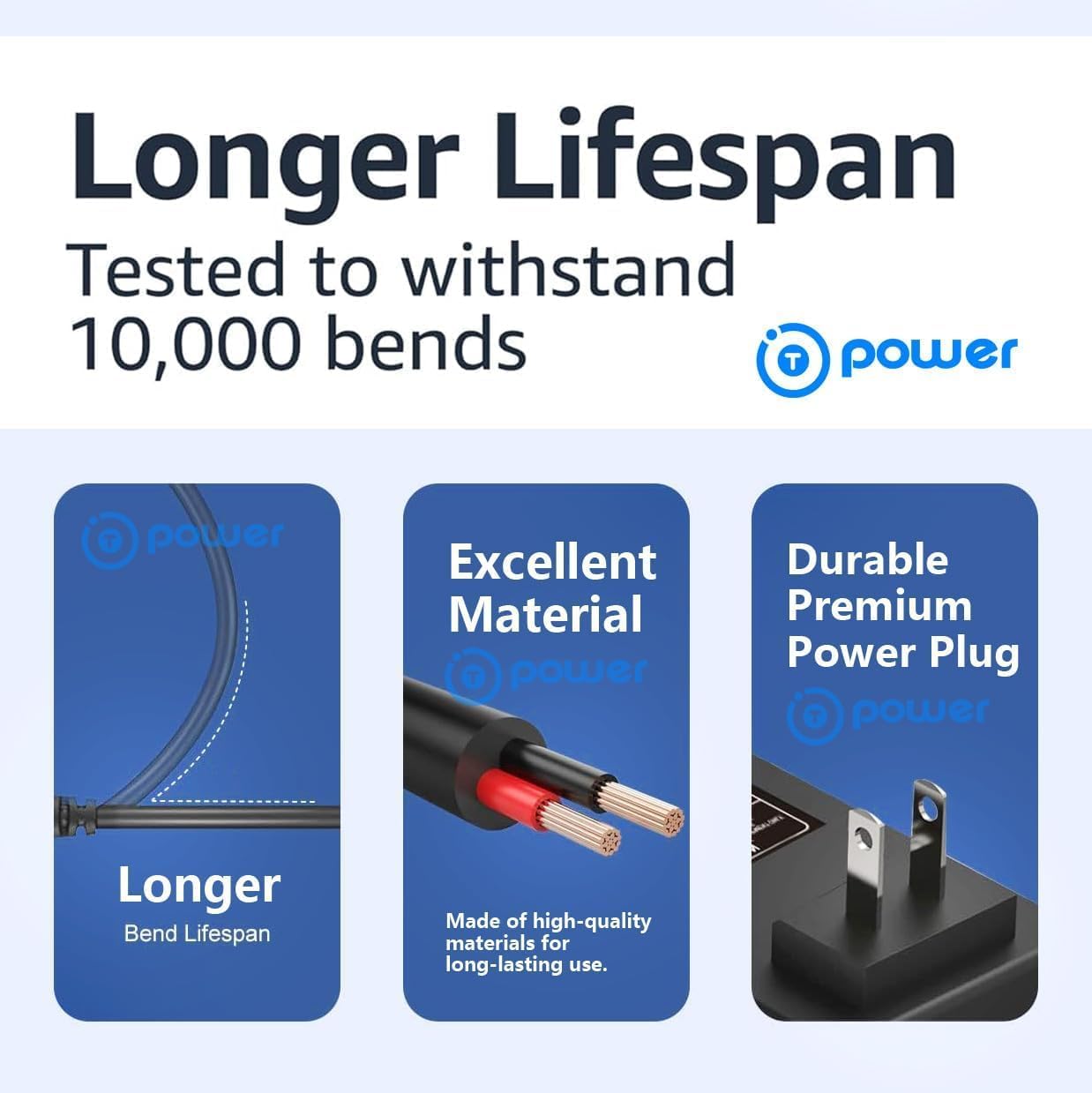
Image: Illustration of the charger's durable design, highlighting its bend lifespan, quality materials, and robust power plug.
Troubleshooting
- Charger Not Working / No LED Light:
- Ensure the charger is securely plugged into a working wall outlet.
- Check if the wall outlet itself is functional by plugging in another device.
- Verify that the DC connector is fully inserted into the scooter's charging port.
- Inspect the charger and cables for any visible damage. If damaged, discontinue use.
- Red Light Stays On / Battery Not Fully Charging:
- Ensure the scooter's battery is not severely depleted or damaged.
- Confirm that the charger's specifications (voltage, connector type) precisely match your scooter's requirements.
- Allow sufficient time for charging. Very large capacity batteries may take longer.
- Green Light On, But Scooter Not Powered:
- This indicates the charger has completed its cycle. The issue may be with the scooter's battery or internal components, not the charger. Consult your scooter's manual or manufacturer.
Specifications
| Input Voltage Range | AC 100V - 240V |
| Output Voltage | DC 53V ~ 54.6V |
| Output Current | 2.0 Amps |
| Wattage | 110 Watts |
| Connector Type | Barrel Connector, Center-Pin |
| Product Dimensions | 4.5 x 2 x 1.25 inches |
| Item Weight | 13 ounces |
| Special Feature | Fast Charging |
| Certifications | UL, CE, RoHS |
Compatible Scooter Models
This T POWER charger is compatible with the following electric scooter models, provided they use a 47V-48V lithium-ion battery pack and a center pin barrel charging port:
- NAVEE S65 / S65C Electric Scooter
- NAVEE N65i Electric Scooter
- NAVEE S40 / S60 Electric Scooter
- NAVEE ST3 / ST3 Pro Electric Scooter
- Xiaomi Scooter 4 Ultra
- Xiaomi Scooter 4 Pro 2nd Gen
- Xiaomi 5
- Xiaomi 5 Pro
- MI4 Ultra Pro 2nd Gen Scooter
Compatible Part Numbers: Adaptor Models: FY1505462000, TF-AC-546-20. Navee P/N: 8007-5300230, 8007-5360200, S126BP5300230U.

Image: A visual guide to various Xiaomi scooter charging port types, indicating which ones are compatible with this charger.
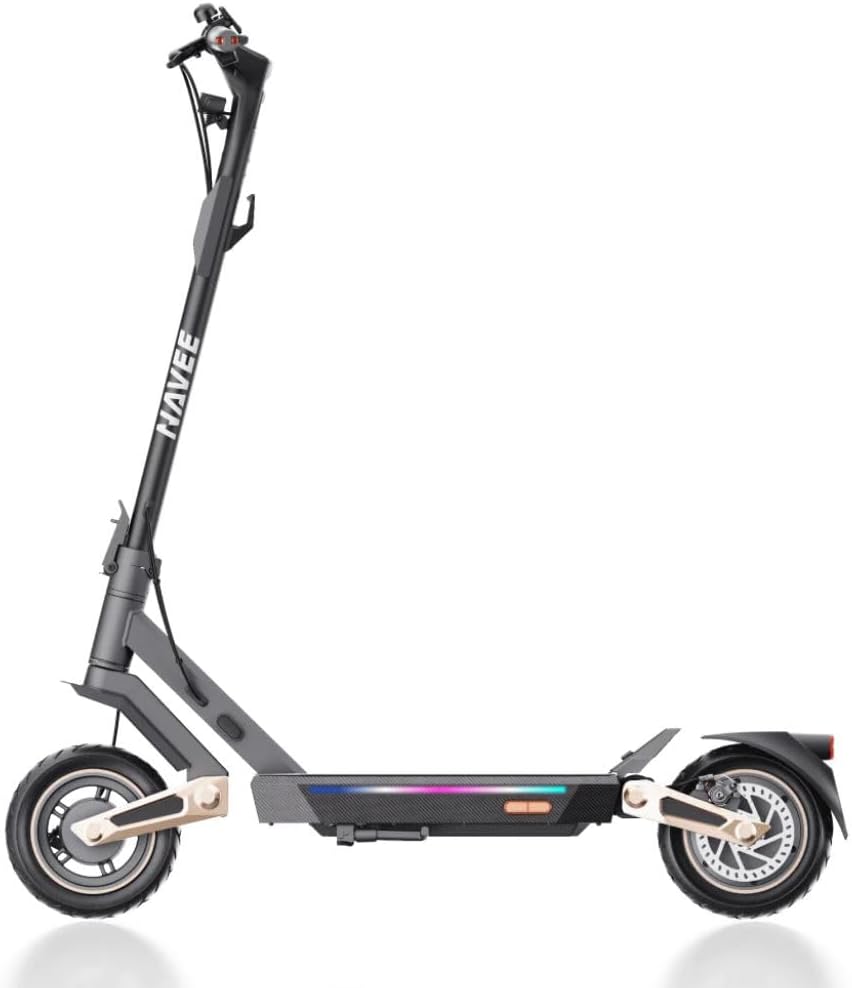
Image: A Navee S65 electric scooter, one of the compatible models for this charger.
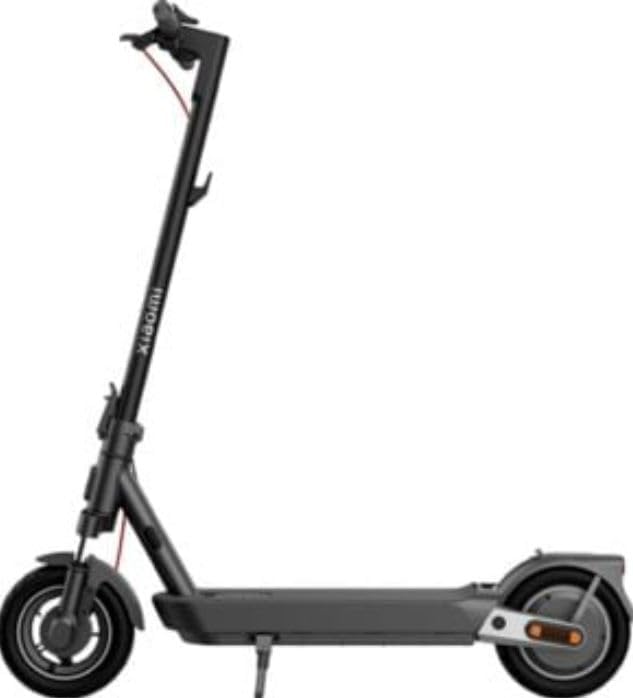
Image: A Xiaomi electric scooter, representing another compatible model.
Warranty and Support
For warranty information or technical support, please refer to the contact details provided with your purchase or visit the official T POWER website. Keep your purchase receipt as proof of purchase.


