
1. Introduction
This manual provides essential instructions for the safe and efficient operation, maintenance, and troubleshooting of your Silver Star ES-300L Industrial Gravity Feed Steam Iron. Designed for heavy-duty professional use in garment factories, boutiques, hotels, and tailoring units, this iron features an 1800W heating system and a 4.0L water tank for continuous, high-volume steam. Please read this manual thoroughly before first use and retain it for future reference.
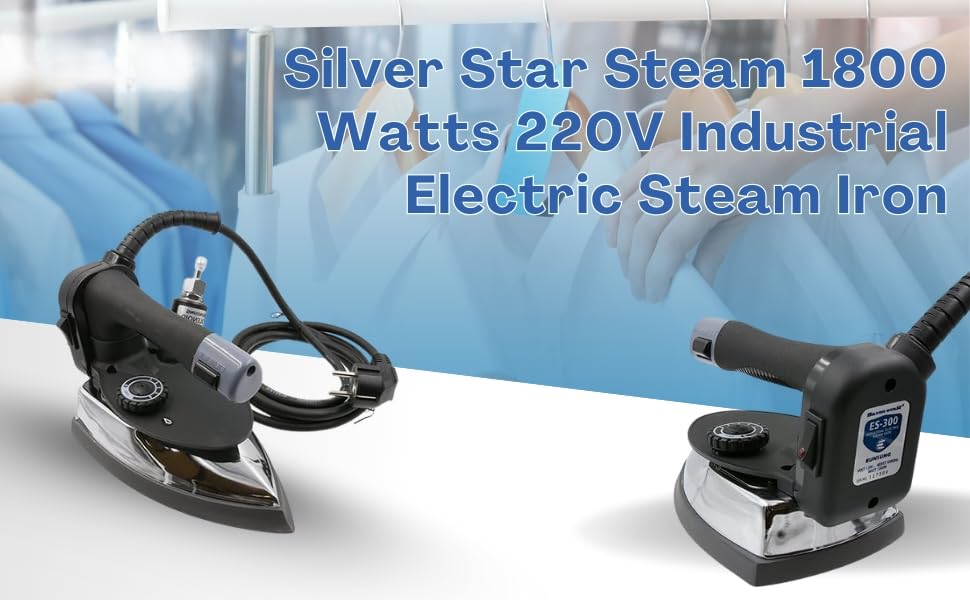
Figure 1: Silver Star ES-300L Industrial Electric Steam Iron.
2. Safety Instructions
WARNING: To reduce the risk of fire, electric shock, or injury, always follow these basic safety precautions.
- Read all instructions before using the iron.
- Use the iron only for its intended purpose as described in this manual.
- To protect against the risk of electric shock, do not immerse the iron in water or other liquids.
- Always turn the iron OFF before plugging or unplugging from the electrical outlet. Never pull on the cord to disconnect from the outlet; instead, grasp the plug and pull to disconnect.
- Do not allow the cord to touch hot surfaces. Let the iron cool completely before putting away. Loop cord loosely around the iron when storing.
- This iron is not intended for use by persons (including children) with reduced physical, sensory, or mental capabilities, or lack of experience and knowledge, unless they have been given supervision or instruction concerning use of the iron by a person responsible for their safety.
- Close supervision is necessary when any iron is used by or near children. Do not leave iron unattended while connected or on an ironing board.
- Burns can occur from touching hot metal parts, hot water, or steam. Use caution when you turn a steam iron upside down – there may be hot water in the reservoir.
- Do not operate the iron with a damaged cord or if the iron has been dropped or damaged. To avoid the risk of electric shock, do not disassemble the iron; take it to a qualified service person for examination and repair. Incorrect reassembly can cause a risk of electric shock when the iron is used.
- Use only distilled or demineralized water in the water tank to prevent mineral buildup and ensure optimal steam performance.
- Ensure the iron is placed on a stable, heat-resistant surface when not in use.
3. Components and Setup
3.1 Included Components
Your Silver Star ES-300L Industrial Gravity Feed Steam Iron package includes the following items:
- Steam Iron Unit
- Water Tank (4.0L capacity)
- Steam Hose/Pipe
- Metal Stand
- Teflon Shoe (complimentary)
3.2 Assembly Instructions
- Position the Water Tank: Place the 4.0L water tank on a stable surface above the level of your ironing board. This allows gravity to feed water to the iron.
- Connect the Steam Hose: Attach one end of the steam hose securely to the water tank outlet and the other end to the steam inlet on the iron unit. Ensure all connections are tight to prevent leaks.
- Place the Iron on its Stand: Position the iron on the provided metal stand when not in active use. This stand is designed to safely hold the hot iron.
- Attach Teflon Shoe (Optional): For delicate fabrics or to prevent shine, slide the Teflon shoe onto the soleplate of the iron. Ensure it fits snugly.
- Power Connection: Ensure the iron's power cord is easily accessible to a 220V electrical outlet.
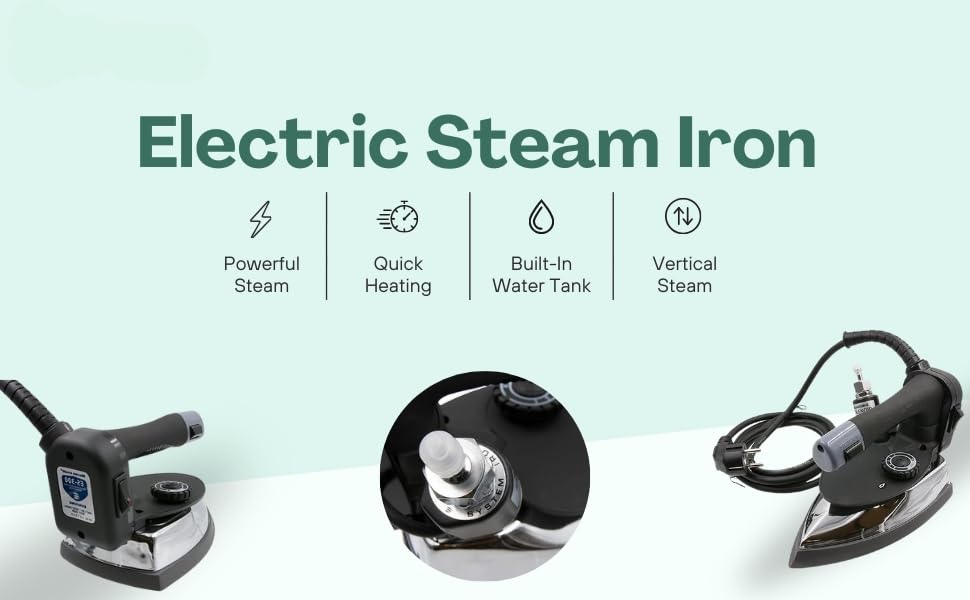
Figure 2: Key features of the ES-300L iron, including powerful steam and quick heating.
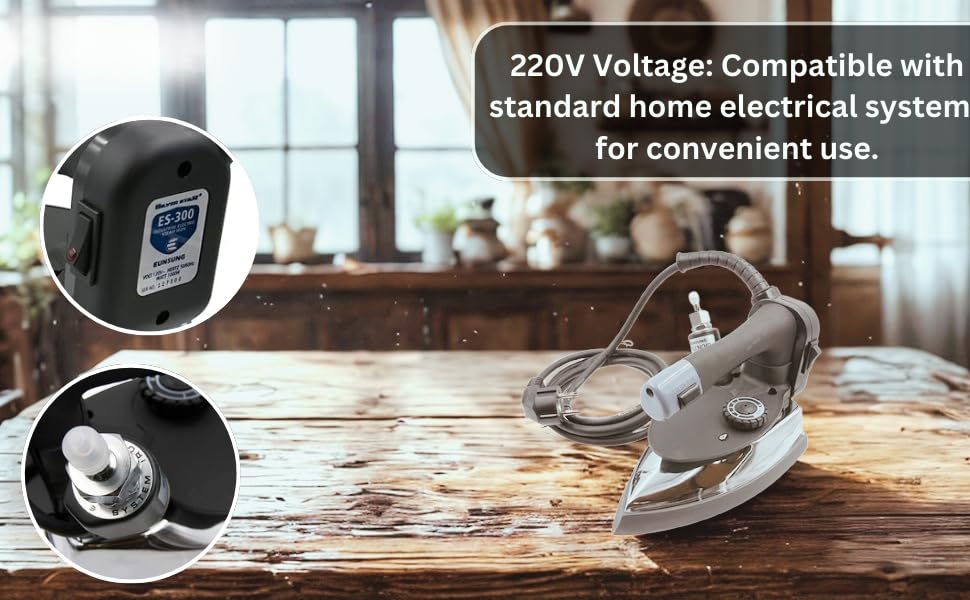
Figure 3: The iron's 220V compatibility and control dials.
4. Operation
4.1 Filling the Water Tank
- Ensure the iron is unplugged and cool.
- Open the cap on the 4.0L water tank.
- Fill the tank with distilled or demineralized water. Do not use tap water, as mineral deposits can clog the steam vents.
- Close the cap securely.
4.2 Powering On and Heating
- Plug the iron's power cord into a grounded 220V electrical outlet.
- Turn the iron's power switch to the 'ON' position.
- Adjust the temperature dial to the desired setting based on the fabric type. Refer to the fabric care labels for guidance.
- Allow the iron to heat up. The indicator light will turn off when the set temperature is reached, signaling it is ready for use. This 1800W iron provides quick heating.
4.3 Using the Gravity Steam System
The ES-300L utilizes a gravity feed system for consistent steam delivery.
- Once the iron is heated, press the steam button or lever to release steam.
- The gravity system ensures a continuous and even flow of steam for thorough ironing.
- For best results, iron with smooth, even strokes.
- The Teflon-coated soleplate ensures smooth gliding over various fabrics without sticking or scorching.

Figure 4: The Gravity Steam System provides consistent steam for effective ironing.

Figure 5: The iron's 1800 Watts of power ensures fast heat and strong steam.
5. Maintenance
5.1 Cleaning the Soleplate
- Ensure the iron is unplugged and completely cool.
- Wipe the soleplate with a soft, damp cloth. For stubborn stains, use a mild, non-abrasive cleaner specifically designed for iron soleplates.
- Never use abrasive pads, scourers, or harsh chemicals, as these can damage the Teflon coating.
5.2 Draining the Water Tank
- After each use, or before long periods of storage, drain any remaining water from the tank.
- Unscrew the cap and invert the tank over a sink until all water is removed.
- Allow the tank to air dry before storing.
5.3 Storage
- Ensure the iron is cool, dry, and unplugged.
- Store the iron upright on its metal stand in a safe, dry place, away from children.
- Do not wrap the power cord tightly around the iron; coil it loosely.
6. Troubleshooting
| Problem | Possible Cause | Solution |
|---|---|---|
| Iron does not heat up. | Not plugged in; power switch off; faulty outlet; temperature dial set too low. | Check power connection; ensure power switch is ON; test outlet with another appliance; adjust temperature dial to a higher setting. |
| No steam or insufficient steam. | Water tank empty; iron not hot enough; steam hose clogged; steam button not pressed. | Refill water tank; allow iron to reach operating temperature; check steam hose for kinks or blockages; ensure steam button is activated. |
| Water leaks from soleplate. | Iron not hot enough for steam; water tank overfilled; loose hose connection; mineral buildup. | Allow iron to fully heat before using steam; do not overfill water tank; tighten hose connections; perform descaling if mineral buildup is suspected. |
| Iron sticks to fabric. | Temperature too high for fabric; soleplate dirty; Teflon shoe not used. | Reduce temperature setting; clean soleplate; use the complimentary Teflon shoe for delicate fabrics. |
7. Specifications
| Feature | Detail |
|---|---|
| Brand | Silver Star (Manufacturer) |
| Model Name | ES-300L |
| Wattage | 1800 Watts |
| Voltage | 220 Volts |
| Water Tank Capacity | 4.0 Liters |
| Product Dimensions (L x W) | 30L x 17W Centimeters |
| Item Weight | 3.76 Kilograms |
| Base Material | Stainless Steel |
| Special Features | Commercial laundry ironing solution, Heavy-duty garment steam press, Industrial steam iron, Professional ironing machine, Teflon-coated soleplate |
| Included Components | Steam Iron Unit, Water Tank, Pipe, Metal Stand, Teflon Shoe |
8. Warranty and Support
This Silver Star ES-300L Industrial Gravity Feed Steam Iron is manufactured by Silver Star. For any product-related inquiries or support, please contact the packer, RydsPro Essentials.
- Manufacturer: Silver Star
- Packer Contact Information: RydsPro Essentials
As this product may be refurbished, warranty terms can vary. Please refer to your purchase documentation or contact your retailer directly for specific warranty details and service options.


