Introduction
Thank you for choosing the HOOBRO WH67WJ01 3-Drawer Mobile File Cabinet. This manual provides detailed instructions for assembly, operation, maintenance, and troubleshooting to ensure safe and efficient use of your new cabinet. Please read all instructions carefully before beginning assembly and retain this manual for future reference.
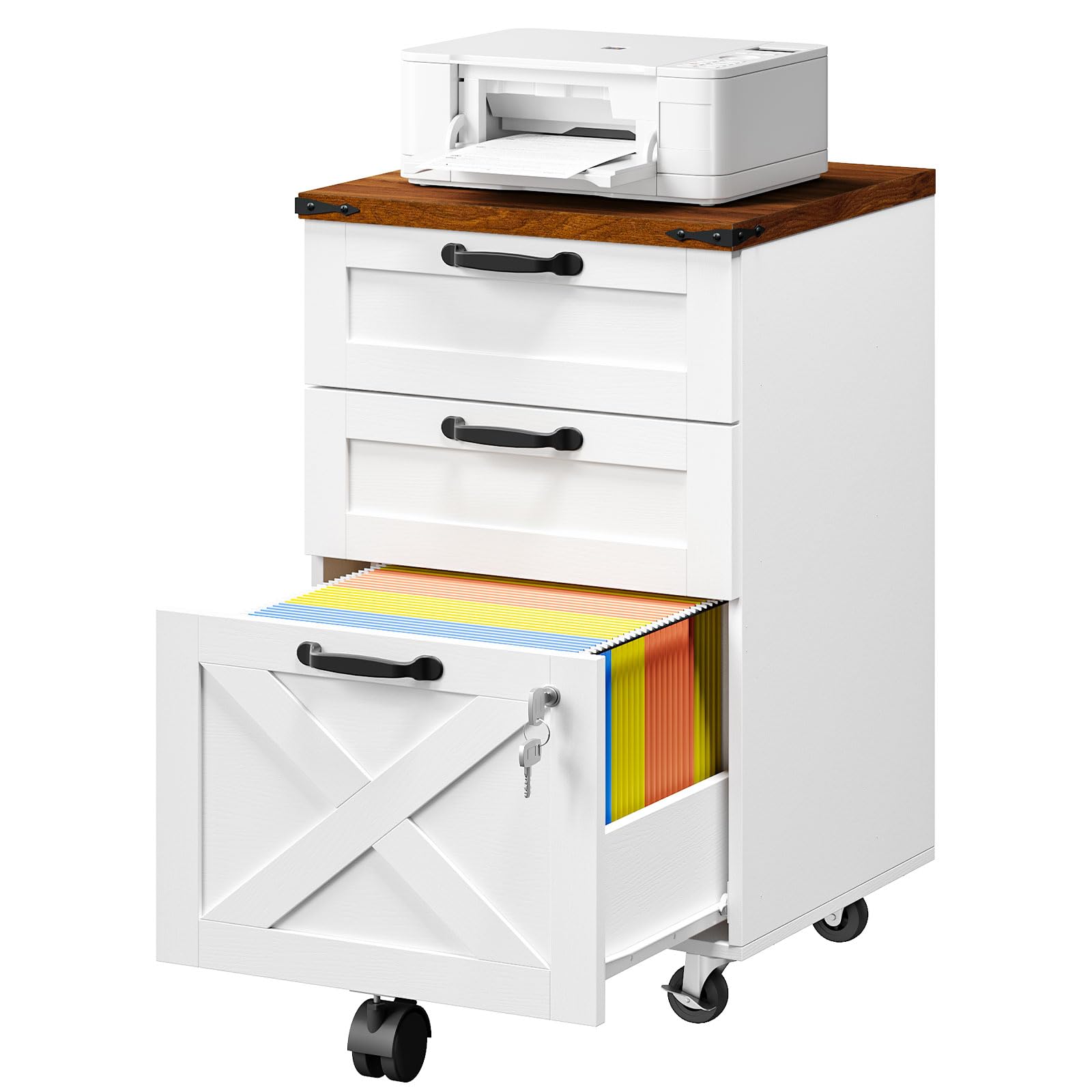
Image: The HOOBRO WH67WJ01 3-Drawer Mobile File Cabinet positioned under an office desk, showcasing its compact design and farmhouse aesthetic with white drawers and a walnut top.
Safety Information
- Always follow the assembly instructions carefully to prevent injury or damage to the product.
- Ensure all screws and fasteners are securely tightened before use. Periodically check and re-tighten as necessary.
- Install locking wheels diagonally to maximize stability and prevent unintended movement.
- Do not overload drawers. Distribute weight evenly to maintain stability.
- Keep small parts and packaging materials away from children and pets during assembly.
Package Contents
Verify that all components are present before beginning assembly. If any parts are missing or damaged, please contact customer support.
- 1 x HOOBRO WH67WJ01 File Cabinet on Wheels
- 1 x Accessory Kit (includes screws, tools, and other hardware)
- 1 x Instruction Manual
Setup and Assembly
Assembly of the HOOBRO WH67WJ01 file cabinet is designed to be straightforward. Follow the included step-by-step instructions provided in the accessory kit. Ensure you have adequate space and the necessary tools (usually included) before starting.
- Unpack Components: Carefully remove all parts from the packaging and lay them out on a clean, soft surface to prevent scratches.
- Identify Parts: Refer to the parts list in the accessory kit to identify each component.
- Assemble Frame: Follow the diagrams to connect the main frame pieces using the provided hardware.
- Install Drawer Slides: Attach the drawer slides to the cabinet frame and the drawer sides as indicated. Ensure they are correctly oriented for smooth operation.
- Assemble Drawers: Construct each drawer, ensuring all panels are securely fastened.
- Attach Handles: Secure the handles to the front of each drawer.
- Install Casters: Attach the five smooth-rolling casters to the bottom of the cabinet. Ensure the two lockable casters are installed diagonally for optimal stability when locked.
- Insert Drawers: Carefully slide the assembled drawers into their respective slots.
- Final Check: Verify that all connections are tight and the cabinet is stable.
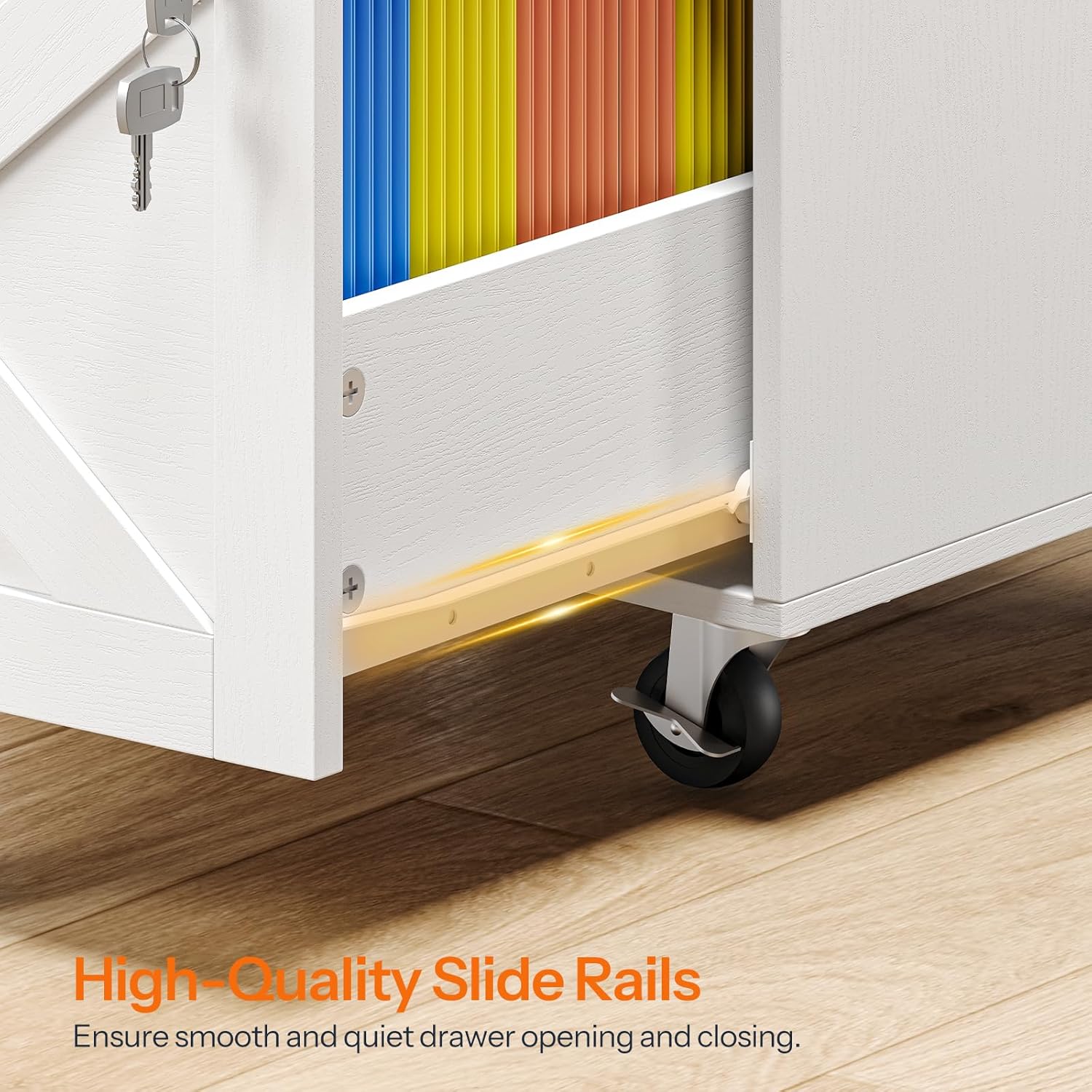
Image: A diagram illustrating the placement of five casters on the bottom of the cabinet, highlighting two lockable casters for flexible positioning and stability.
Operating Instructions
Drawer Functionality
The HOOBRO WH67WJ01 features three drawers designed for various storage needs:
- Top Two Drawers: These are standard storage drawers suitable for office supplies, small items, or documents.
- Bottom Drawer: This drawer is specifically designed for A4 and Letter-size hanging files. It includes an adjustable file rod for flexible organization.

Image: The HOOBRO file cabinet with its drawers open, demonstrating the top two drawers for general storage and the bottom drawer configured for hanging files.
Adjustable File Rods
The bottom drawer's file rod can be adjusted to accommodate both A4 and Letter-size documents. To adjust, simply slide the rod to the desired position within the designated slots.

Image: A close-up diagram illustrating how to adjust the file rods in the bottom drawer to fit either A4 or Letter-sized hanging files.
Lockable Drawer
The bottom drawer is equipped with a lock to secure your private files and valuable items. Insert the key into the lock and turn to secure or unlock the drawer. Keep the keys in a safe place.
Note: For enhanced security, ensure the top two drawers are closed when the bottom drawer is locked. Access to the bottom drawer contents may be possible if the second drawer is removed while the bottom drawer is locked.

Image: A detailed view of the lock mechanism and key on the bottom drawer, alongside an easy-pull handle on the top drawer.
Mobility
The cabinet is fitted with five smooth-rolling casters for easy movement. Two of these casters are lockable. To move the cabinet, unlock the casters. To keep the cabinet stationary, engage the locks on the two designated casters.
Maintenance
- Cleaning: Wipe the cabinet surfaces with a soft, damp cloth. Avoid using harsh chemicals or abrasive cleaners, which can damage the finish.
- Drawer Slides: The high-quality slide rails are designed for smooth operation. If a drawer becomes stiff, ensure it is not overloaded and check for any obstructions. Lubrication is generally not required.
- Hardware: Periodically check all screws and fasteners to ensure they remain tight. Re-tighten as needed to maintain structural integrity.
- Casters: Keep casters free of debris to ensure smooth rolling. If a caster becomes difficult to move, clean any accumulated dust or hair from the wheel mechanism.

Image: A close-up view of the high-quality slide rails on a drawer, designed for smooth and quiet operation.
Troubleshooting
| Problem | Possible Cause | Solution |
|---|---|---|
| Drawer does not close smoothly. | Overloaded drawer, obstruction in slide, loose hardware. | Reduce drawer contents. Check for and remove any obstructions. Ensure all screws on drawer slides are tight. |
| Bottom file drawer does not close with files inside. | File rod incorrectly positioned, oversized file folders. | Ensure the adjustable file rod is correctly set for A4 or Letter size. Verify that file folders are standard size and not protruding. |
| Cabinet is unstable or wobbles. | Loose hardware, casters not locked. | Check and tighten all assembly screws. Ensure the two lockable casters are engaged when the cabinet is stationary. |
| Casters do not roll freely. | Debris in wheels, casters locked. | Clean any hair or debris from the caster wheels. Ensure casters are unlocked for movement. |
Specifications

Image: A detailed diagram showing the dimensions of the HOOBRO WH67WJ01 file cabinet, including overall height, width, depth, and individual drawer measurements.
| Feature | Detail |
|---|---|
| Model Number | WH67WJ01 |
| Brand | HOOBRO |
| Product Dimensions | 15.7"D x 15.7"W x 26"H (40cm D x 40cm W x 66cm H) |
| Material | Engineered Wood, Metal |
| Color | White + Walnut |
| Number of Drawers | 3 |
| Lock Type | Key (for bottom drawer) |
| Mobility | 5 Casters (2 lockable) |
| Recommended Use | Files & Folders, Office Storage, Printer Stand |
| Assembly Required | Yes |
| Item Weight | 37 pounds (16.8 kg) |
Warranty and Support
For warranty information, missing parts, or technical support, please refer to the contact details provided with your purchase documentation or visit the official HOOBRO website. Please have your model number (WH67WJ01) and purchase date ready when contacting support.


