
1. Introduction
Welcome to the TECLAST T65 Android 16 Tablet user manual. This document provides essential information for setting up, operating, maintaining, and troubleshooting your new device. Please read this manual thoroughly to ensure optimal performance and longevity of your tablet.

Figure 1: TECLAST T65 Android 16 Tablet
2. What's in the Box
Upon opening your TECLAST T65 package, please verify that all the following items are included:
- T65 A16 Tablet
- User Manual
- Charging Cable
- Charger
- Warranty Card
3. Product Overview
The TECLAST T65 features a sleek design with a large 13.4-inch display and dual rear cameras. Its slim profile and lightweight construction make it suitable for various mobile scenarios.

Figure 2: Side view showing ports and buttons.
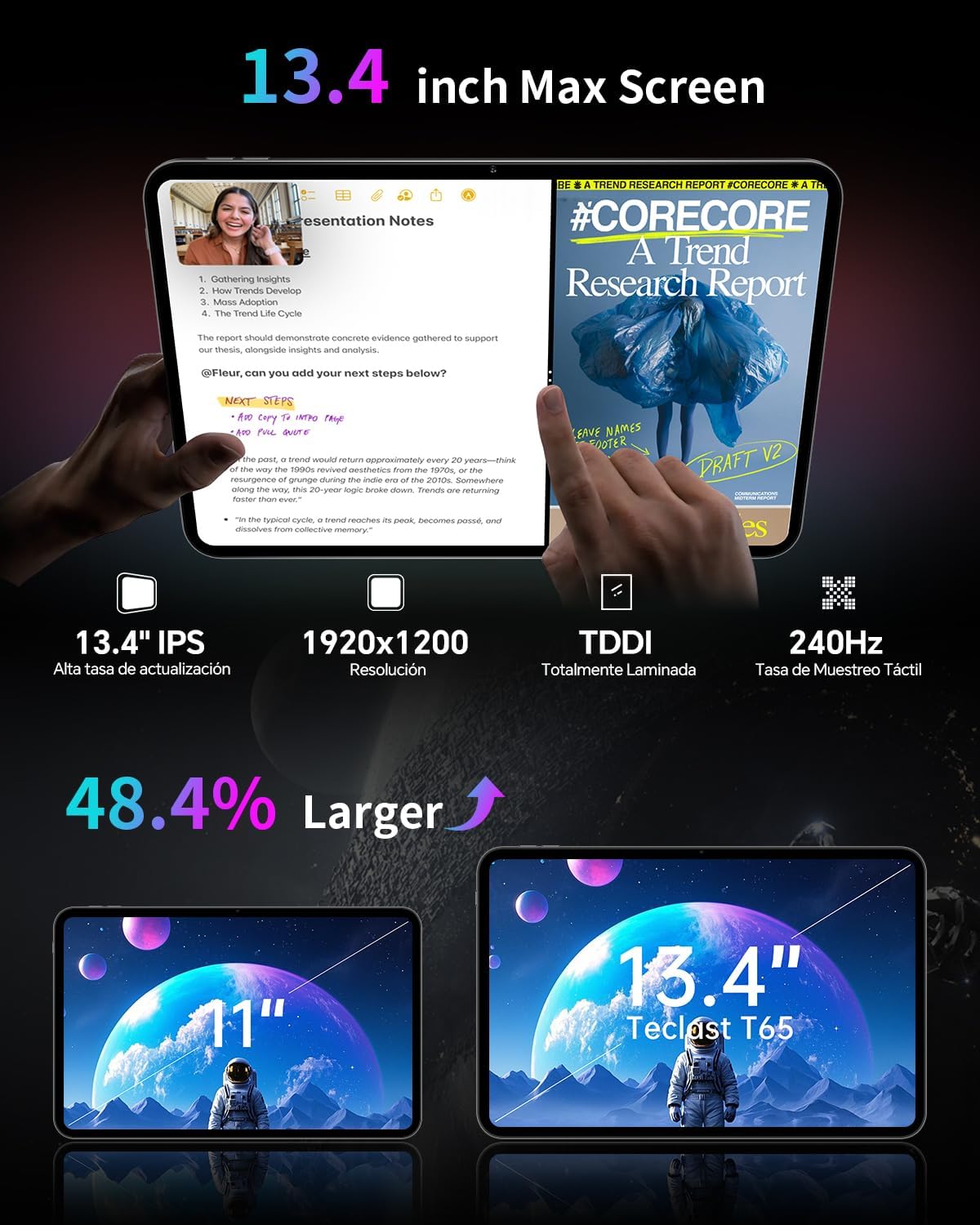
Figure 3: Back view highlighting the dual camera module.
4. Setup
4.1 Initial Power On
- Press and hold the Power button (usually located on the side) until the TECLAST logo appears on the screen.
- Follow the on-screen prompts to select your language, connect to a Wi-Fi network, and set up your Google account.
- Review and accept the terms and conditions to complete the initial setup.
4.2 Inserting SIM/MicroSD Card
The TECLAST T65 supports 4G LTE connectivity and expandable storage via a MicroSD card. Locate the SIM/MicroSD card tray on the side of the tablet. Use the provided ejector tool to open the tray and carefully insert your SIM card(s) and/or MicroSD card as indicated on the tray.

Figure 4: SIM and MicroSD card insertion.
5. Operating Your Tablet
5.1 Display Features
The T65 features a 13.4-inch IPS display with a 1920x1200 resolution and a 120Hz refresh rate. This high refresh rate ensures smooth animations and responsive touch interactions, enhancing your viewing experience for streaming and browsing.

Figure 5: 120Hz AdaptiveSync Display for smooth visuals.

Figure 6: Expanded viewing area of the 13.4-inch display.
5.2 Performance and Storage
The tablet is powered by a 2.2GHz Octa-Core Unisoc T7280 processor, providing efficient performance for both work and entertainment. It comes with 128GB of internal storage, expandable up to 1TB via a TF (MicroSD) card, and 20GB of RAM (8GB physical + 12GB virtual).

Figure 7: Octa-Core Processor for efficient operation.
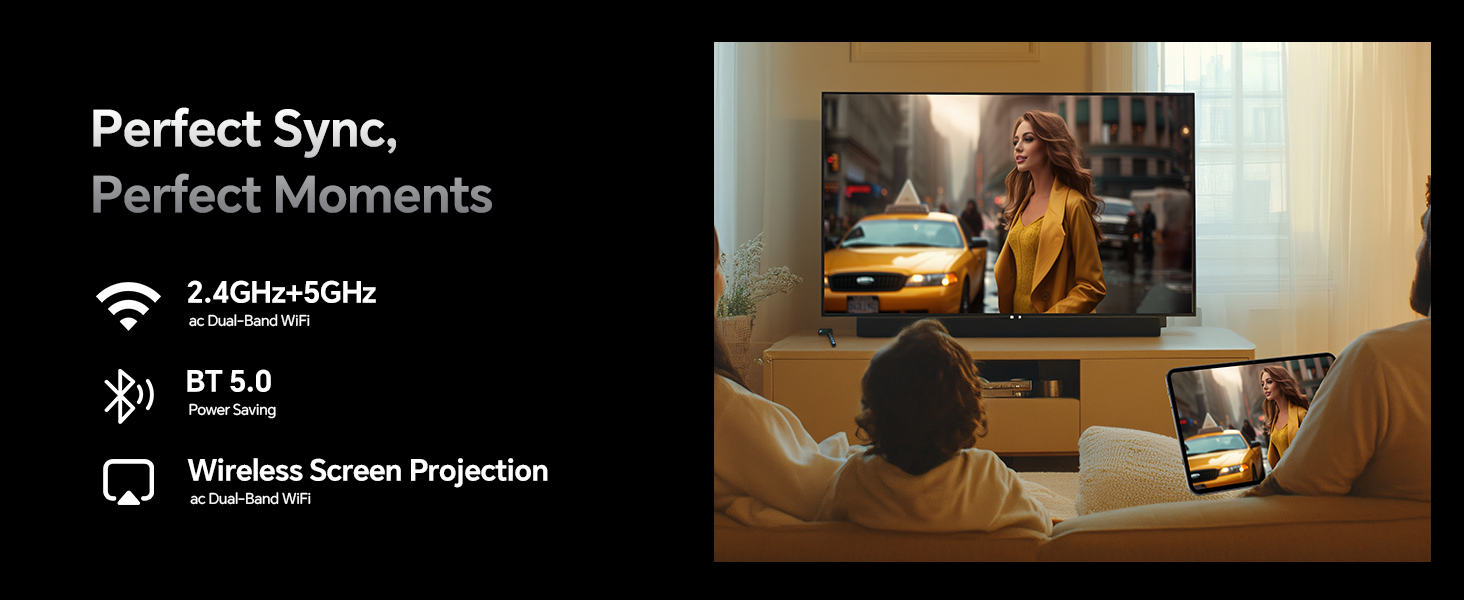
Figure 8: Storage and RAM capabilities.
5.3 Battery Life
Equipped with an 8000mAh battery, the T65 provides extended usage times. Expect approximately 7 hours for gaming, 8 hours for video playback, 10 hours for music, and 7 hours for web browsing on a single charge.

Figure 9: Extended battery performance.
5.4 Connectivity
The tablet supports dual-band Wi-Fi (2.4GHz+5GHz), 4G LTE (TDD+FDD), Bluetooth 5.0, and GPS for reliable navigation and communication. It also features a 3.5mm headphone jack for audio and USB-C for convenient charging.
5.5 Android 16 Features
The TECLAST T65 runs on Android 16, offering enhanced security with customizable rights management. New features include sidebars for quick app launch, floating balls for system control, gesture controls, and a global dark mode for personalized customization. Parental controls are built-in for a safe browsing environment.
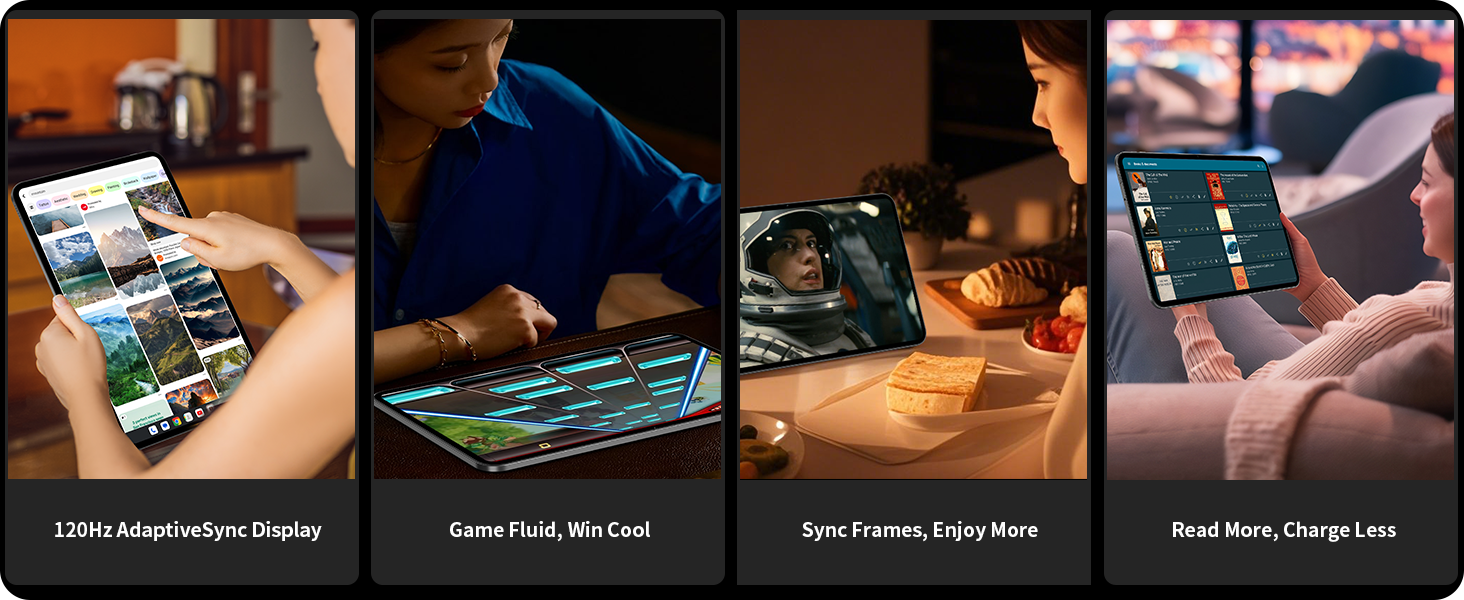
Figure 10: Key features of Android 16.

Figure 11: Navigation with Quick Sidebar and Assistive Control.
5.6 Eye Protection and Reading Modes
The tablet offers three reading modes: Reading Mode, Eye Protection Mode, and Dark Mode, designed to reduce eye strain during prolonged use.

Figure 12: Eye protection features.
6. Maintenance
6.1 Cleaning
To clean your tablet, use a soft, lint-free cloth. For stubborn smudges, lightly dampen the cloth with water or a screen-safe cleaning solution. Avoid using harsh chemicals or abrasive materials.
6.2 Software Updates
Regularly check for and install software updates to ensure your tablet has the latest features, security patches, and performance improvements. Navigate to Settings > System > System Update to check for available updates.
6.3 Battery Care
To prolong battery life, avoid exposing the tablet to extreme temperatures. It is recommended to keep the battery charge between 20% and 80% for optimal long-term health.
7. Troubleshooting
7.1 Tablet Not Powering On
- Ensure the battery is charged. Connect the tablet to the charger and wait a few minutes before attempting to power it on again.
- Press and hold the Power button for at least 10-15 seconds to perform a forced restart.
7.2 Wi-Fi Connectivity Issues
- Restart your Wi-Fi router and the tablet.
- Forget the network in Settings > Network & internet > Wi-Fi and reconnect.
- Ensure you are within range of the Wi-Fi signal.
7.3 Slow Performance
- Close unnecessary background applications.
- Clear cache data for frequently used apps in Settings > Apps > [App Name] > Storage & cache.
- Ensure sufficient storage space is available.
8. Specifications
| Feature | Detail |
|---|---|
| Brand | TECLAST |
| Model Name | T65 |
| Operating System | Android 16 |
| Screen Size | 13.4 Inches |
| Screen Resolution | 1920 x 1200 Pixels (IPS) |
| Refresh Rate | 120Hz |
| Processor | Unisoc T7280 Octa-Core (2.2 GHz) |
| RAM | 20 GB (8GB physical + 12GB virtual) |
| Flash Memory Size | 128 GB |
| Expandable Storage | Up to 1TB (MicroSD/TF card) |
| Wireless Type | 802.11a/b/g/n/ac (Dual-Band Wi-Fi) |
| Cellular Connectivity | 4G LTE (TDD+FDD) |
| Bluetooth | Bluetooth 5.0 |
| GPS | Beidou, GPS, GLONASS, GALILEO |
| Battery Capacity | 8000mAh |
| Item Weight | 2.94 pounds (approx. 1.33 kg) |
| Product Dimensions | 12 x 7.9 x 0.33 inches (approx. 30.5 x 20.1 x 0.84 cm) |
| Color | Gray |
9. Warranty and Support
Your TECLAST T65 tablet comes with a warranty. Please refer to the included Warranty Card for detailed terms and conditions, including coverage period and claim procedures.
For technical support, troubleshooting assistance, or further inquiries, please visit the official TECLAST website or contact their customer service. Contact information can typically be found on the Warranty Card or the brand's official online presence.
Online Resources:
- TECLAST Official Website: Visit the TECLAST Store on Amazon


