
1. Introduction
This manual provides comprehensive instructions for the safe and effective use of your Salter 489 Mechanical Bathroom Scales. These scales are designed for accurate body weight measurement, offering readings in both stones and kilograms. Key features include an easy-to-read magnified dial and a battery-free operation, ensuring convenience and reliability.
Key Features:
- Easy-to-read magnified lens for clear display.
- Measures precise weight in both stones and kilograms.
- No batteries required for operation.
- Equipped with an anti-slip mat for user safety.
- Durable powder-coated steel platform.
- Maximum weight capacity of 133 kg (21 stone).

Image: Salter 489 Mechanical Bathroom Scales positioned in a modern bathroom environment, ready for use.
2. Safety Information
- Always place the scales on a firm, flat, and level surface. Soft surfaces like carpet can significantly affect accuracy.
- Ensure the scale platform is dry before stepping on it to prevent slipping. Do not use the scales in excessively wet environments.
- Step onto the center of the platform to ensure stability and to obtain accurate readings.
- Avoid dropping or jumping on the scales, as this can damage the internal mechanism.
- Keep the scales out of reach of children to prevent misuse or injury.
- Do not attempt to disassemble or repair the scales yourself. Refer to qualified personnel for service.
3. Setup
- Unpacking: Carefully remove the scales from their packaging. Retain packaging for future storage or transport if needed.
- Placement: Position the scales on a hard, flat, and level surface. Ideal locations include tiled or wooden floors. Avoid placing on thick carpets, rugs, or uneven surfaces, as this will lead to inaccurate measurements.
- Initial Calibration (Zeroing): Before the first use, or if the scales have been moved, gently press down on the center of the platform with your foot to activate the internal mechanism. Allow the dial to return to its resting position. If the dial does not point precisely to the '0' mark, locate the small adjustment wheel (typically near the dial) and rotate it until the pointer aligns with zero.
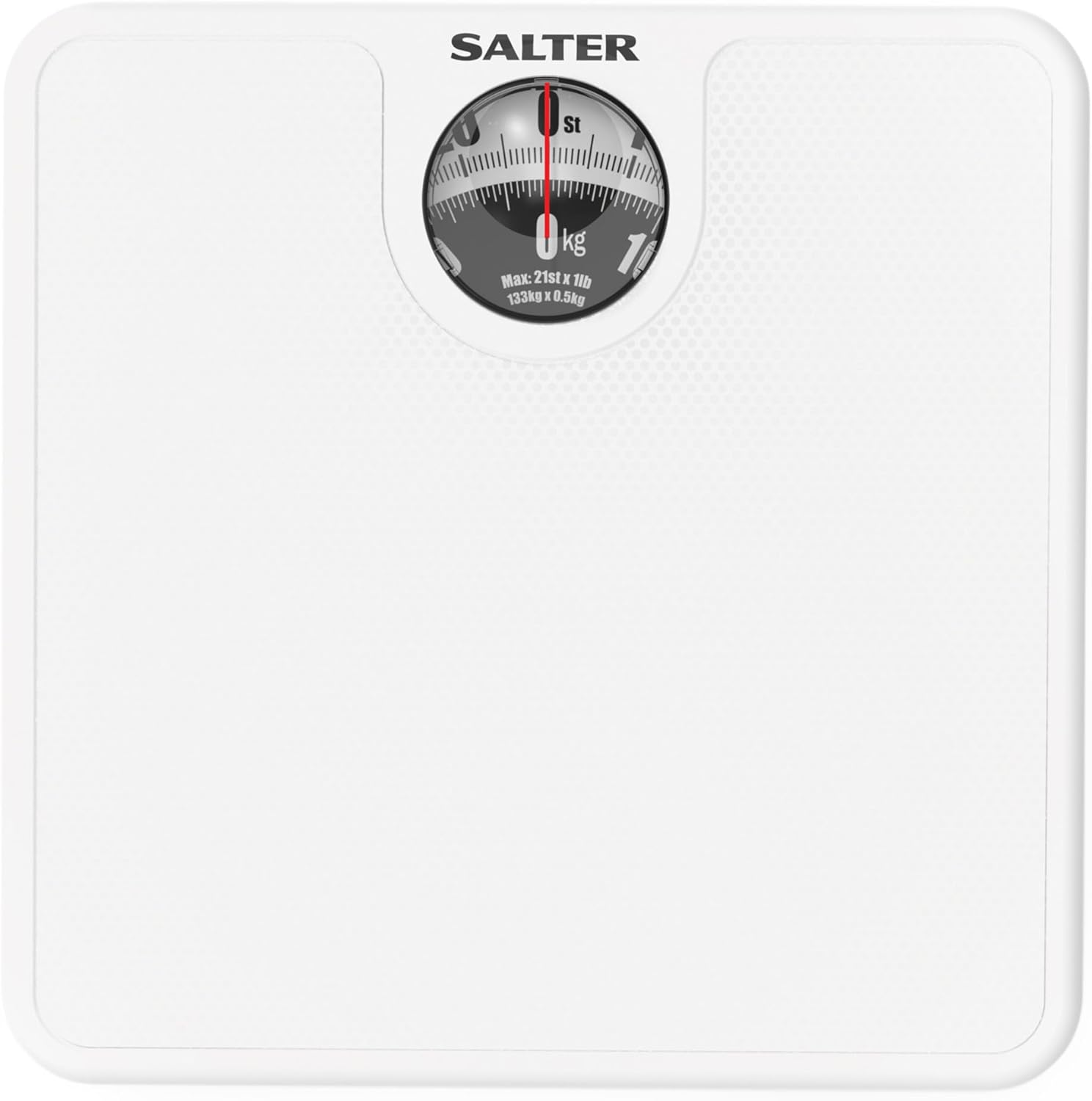
Image: A top-down view of the Salter 489 scales, highlighting the magnified dial and the textured, anti-slip platform surface.
4. Operating Instructions
- Prepare the Scales: Ensure the scales are placed on a hard, flat surface and that the dial pointer is set to the '0' mark. Adjust if necessary using the zero-adjustment wheel.
- Step On: Step onto the center of the scale platform with bare feet for optimal accuracy. Stand still and distribute your weight evenly across the platform.
- Read Your Weight: Observe the magnified dial. The inner ring typically displays weight in kilograms (kg), while the outer ring displays weight in stones and pounds (st lb). Read the measurement when the pointer has settled.
- Step Off: Once you have noted your weight, step off the scales. The dial pointer will return to zero.
For Consistent Readings:
- Weigh yourself at the same time each day.
- Preferably weigh yourself in the morning, before consuming food or drink.
- For best consistency, weigh yourself without clothes.
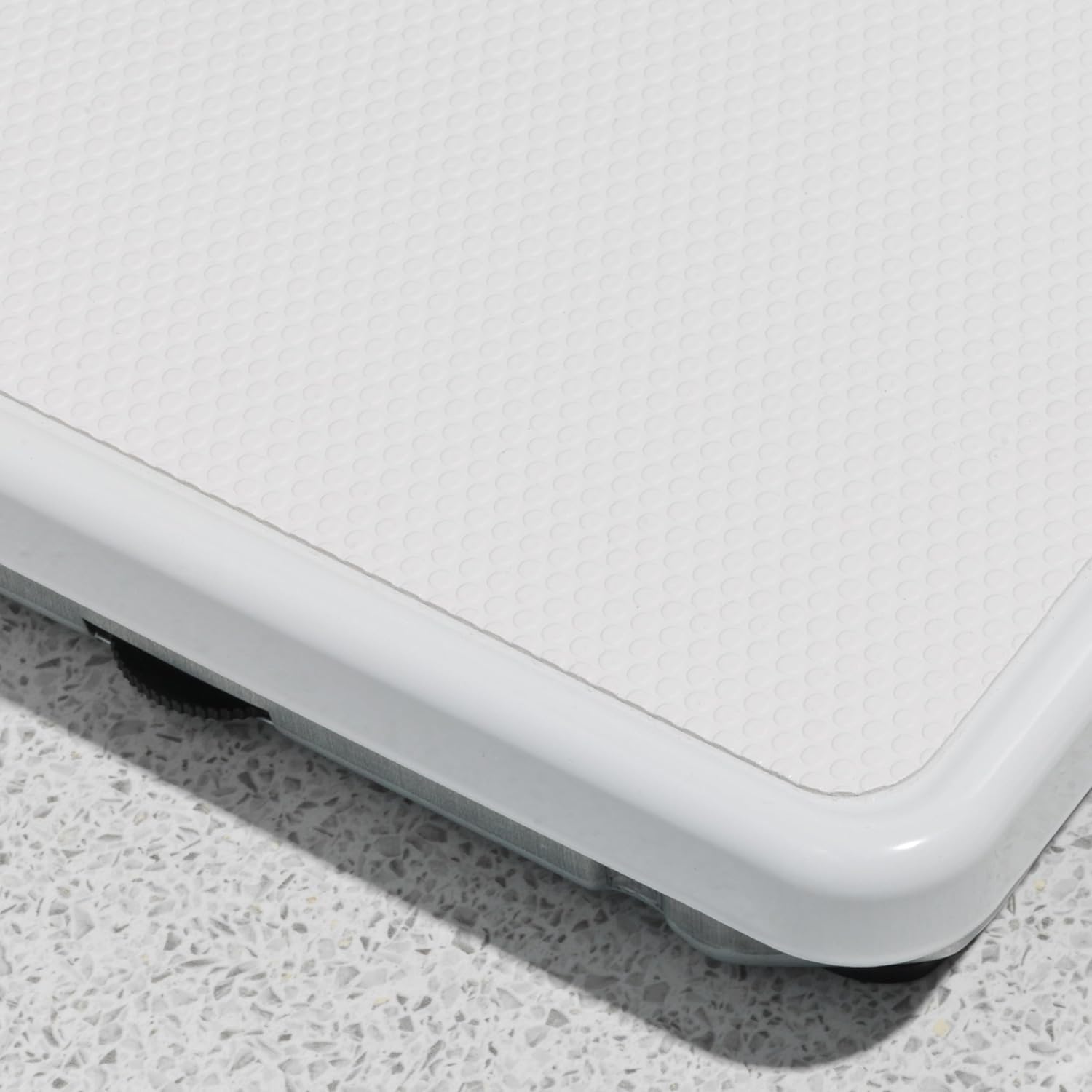
Image: A person's feet carefully stepping onto the Salter 489 scales, demonstrating proper usage for weighing.

Image: A detailed view of the magnified dial on the Salter 489 scales, showing the weight indicators for easy reading.
5. Maintenance
- Cleaning: To clean your scales, wipe the surface with a damp cloth. Do not use abrasive cleaning agents, chemical cleaners, or immerse the scales in water.
- Storage: Store the scales in a dry place at room temperature. Avoid exposure to extreme temperatures or high humidity, which can affect performance and longevity.
- Corrosion Resistance: The scales are designed with a corrosion-resistant base. However, to maintain this feature, avoid prolonged exposure to moisture or harsh chemicals.

Image: A side profile of the Salter 489 scales, illustrating the design of the base and platform.
6. Troubleshooting
- Inaccurate Readings:
- Ensure the scales are placed on a hard, flat, and level surface. Carpets or uneven flooring are common causes of inaccuracy.
- Verify that the dial is set to '0' before each use. Adjust with the zero-adjustment wheel if necessary.
- Confirm you are standing still and your weight is evenly distributed on the platform.
- Avoid frequently moving the scales. If moved, re-zero them before taking a measurement.
- Dial Not Returning to Zero:
- Gently tap the scale or press down on the platform to help reset the internal mechanism.
- If the issue persists, use the zero-adjustment wheel to manually bring the pointer back to '0'.
7. Specifications
| Feature | Detail |
|---|---|
| Model Number | 489 WHDR |
| Maximum Weight Capacity | 133 Kilograms (21 Stone) |
| Measurement Units | Stones, Kilograms |
| Display Type | Dial with Magnified Lens |
| Product Dimensions | 9.84 x 9.84 x 2.17 inches (25 x 25 x 5 cm) |
| Item Weight | 1.25 Kilograms (2.76 Pounds) |
| Material Type | Alloy Steel (platform) |
| Special Features | Magnifying Lens, Non-Slip Mat, Large Platform, No Batteries Required |
| Manufacturer | Ultimate Products Ltd. |
8. Warranty and Support
This Salter product is backed by a 15-year guarantee, covering defects in materials or workmanship under normal household use from the date of purchase. This guarantee does not cover damage caused by accident, misuse, abuse, commercial use, or unauthorized adjustment/repair.
For warranty claims, technical support, or further assistance, please refer to the contact information provided with your original purchase documentation or visit the official Salter website for customer service details.