
Introduction
The AGPTEK T09 is a versatile 5-inch MP3 player designed for portable entertainment. Running on Android 13 with an 8-core processor and 4GB RAM, it offers a smooth user experience for music, videos, and various applications. This manual provides essential information for setting up, operating, maintaining, and troubleshooting your device.
What's in the Box
- AGPTEK T09U MP3 Player
- Type-C Charging Cable
- Wired Headphones (3.5mm Plug)
- User Manual
- Screen Protector
- Protective Case (Transparent)

Image: Contents of the AGPTEK T09 packaging.
Setup
1. Charging the Device
Before first use, fully charge your AGPTEK T09. Connect the provided Type-C charging cable to the device and a compatible USB power adapter (not included). The device does not support C-to-C charging. A full charge typically takes 2-2.5 hours.
2. Power On/Off
- To Power On: Press and hold the power button on the side of the device until the screen lights up.
- To Power Off: Press and hold the power button, then select 'Power Off' from the options that appear on the screen.
3. Initial Configuration
Upon first power-on, follow the on-screen prompts to set up your Android 13 system, including language, Wi-Fi connection, and Google account setup (optional).
4. Transferring Files
You can transfer music, videos, and other files from your computer to the AGPTEK T09. Connect the device to your computer using the provided Type-C USB cable. The device will appear as a removable storage device. You can then drag and drop files into the appropriate folders.
Video: Instructions on how to transfer files from a PC to the MP3 player.
Operating Instructions
1. Touch Screen Navigation
The AGPTEK T09 features a responsive 5-inch HD touchscreen. Navigate through menus, open applications, and control media playback by tapping, swiping, and pinching gestures, similar to a smartphone.

Image: The 5-inch touch screen of the AGPTEK T09.
2. Using Applications
The device comes preloaded with popular applications such as Spotify, YouTube, and Kindle. You can access these from the home screen. Additional apps can be downloaded from the Google Play Store. Unused applications can also be uninstalled.
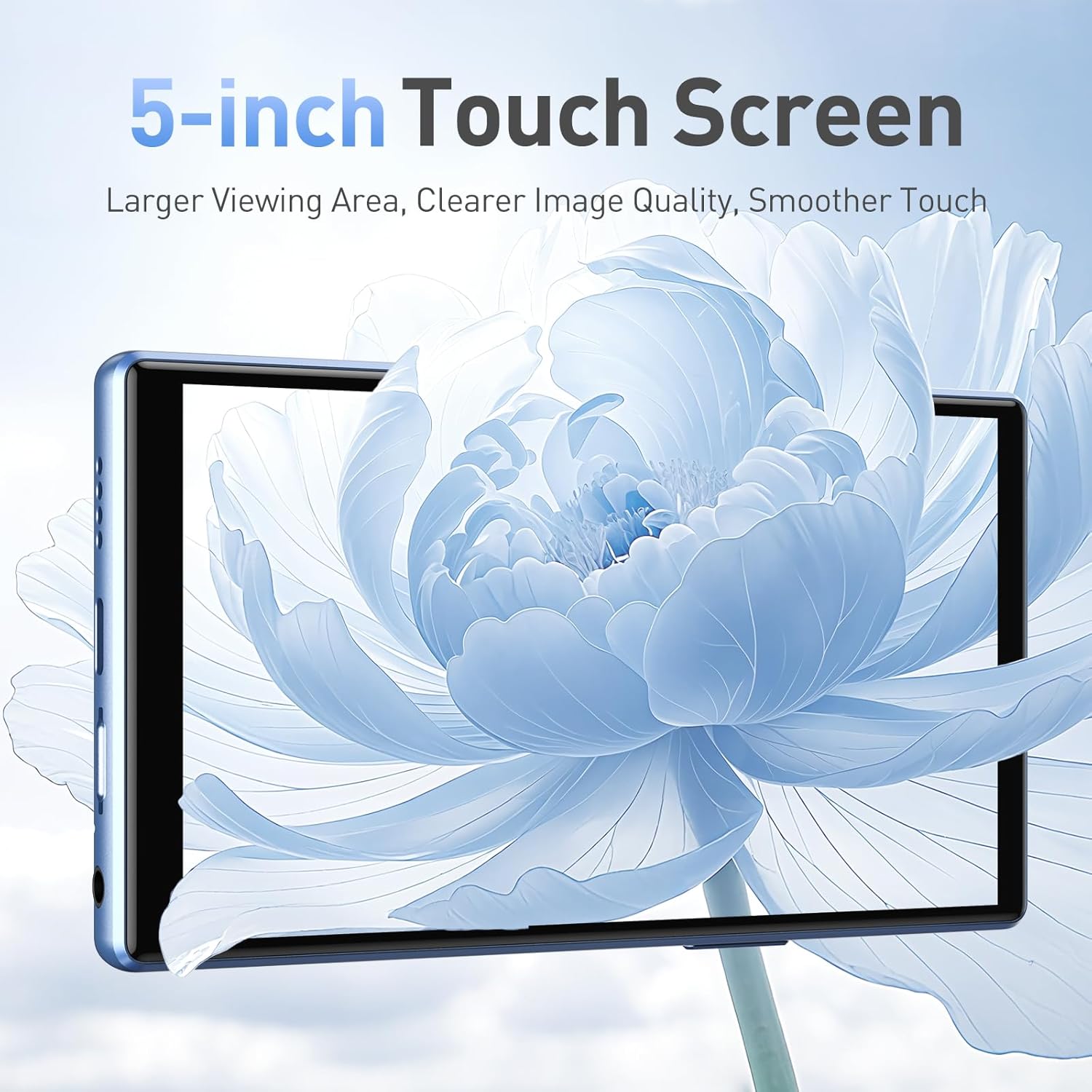
Image: Pre-installed applications on the AGPTEK T09.
3. Bluetooth Connectivity
The AGPTEK T09 supports Bluetooth 5.0 for connecting to wireless headphones, speakers, and other compatible devices. To pair a device, go to Settings > Connected devices > Bluetooth, turn Bluetooth on, and select your device from the list.

Image: Bluetooth 5.0 connectivity with headphones and speakers.
4. Wi-Fi Connectivity
Connect to dual-band Wi-Fi (2.4GHz & 5GHz) to access online streaming services, browse the internet, and download apps. Go to Settings > Network & internet > Wi-Fi, turn Wi-Fi on, and select your network.
5. Music and Video Playback
Enjoy high-fidelity audio with support for lossless formats. The device also supports smooth 1080P HD video playback on its 5-inch screen. Use the pre-installed music and video players or download your preferred media apps.

Image: Hi-Fi sound experience with the AGPTEK T09.
6. Parental Controls
The built-in parental controls allow you to manage device usage, providing peace of mind when children are using the device. Access these settings through the device's main settings menu.
Storage and Memory
The AGPTEK T09 comes with a generous 128GB of built-in storage, capable of holding thousands of songs or numerous videos. For additional storage, the device supports expandable memory up to 1TB via a TF (microSD) card (not included).

Image: 128GB real storage with up to 1TB expandable memory.
Battery Life and Charging
Equipped with a 3000mAh battery, the AGPTEK T09 provides extended playback times. You can expect up to 24 hours of continuous music playback. Actual battery life varies based on usage, file type, and volume levels.
- Local Music (Speaker): 20 hours
- Local Music (Headphones): 24 hours
- Online Music (Speaker): 18 hours
- Online Music (Headphones): 20 hours
- Local Video (Speaker): 4 hours
- Local Video (Headphones): 6 hours
Note: These figures are based on tests at maximum volume. Actual playback time may vary.

Image: Battery capacity and estimated playback times.
Maintenance
- Cleaning: Use a soft, dry cloth to clean the device. Avoid liquid cleaners or abrasive materials.
- Storage: Store the device in a cool, dry place away from direct sunlight and extreme temperatures.
- Protection: Use the provided protective case and screen protector to prevent scratches and damage.
- Battery Care: To prolong battery life, avoid fully discharging the battery frequently. Charge it regularly.
Troubleshooting
Device Freezing or Unresponsive
If your device becomes unresponsive or freezes, you can attempt a soft reset. Press and hold the power button for approximately 10-15 seconds until the device restarts. If the issue persists, refer to the video below for further guidance.
Video: Guide on how to resolve a frozen or unresponsive device.
Slow Charging
Ensure you are using the provided Type-C charging cable and a compatible USB power adapter. Some third-party cables or adapters may not provide optimal charging speeds. The device does not support C-to-C charging.
Incompatible Applications
Please note that certain applications, such as 1Password and Naver Map, are known to be incompatible with this device. If an app is not functioning correctly, it may be due to incompatibility.
MicroSD Card Not Detected
Ensure the microSD card is correctly inserted into the slot. Try reinserting it. If the issue persists, test the card with another device to confirm it is functional. The device supports cards up to 1TB.
Specifications
| Feature | Detail |
|---|---|
| Brand | AGPTEK |
| Model Name | T09U |
| Screen Size | 5 inches |
| Memory Storage Capacity | 128 GB (expandable up to 1TB) |
| Connectivity Technology | Bluetooth 5.0, Wi-Fi (2.4GHz & 5GHz) |
| Operating System | Android 13 |
| Processor | 8-core |
| RAM | 4GB |
| Battery Capacity | 3000mAh |
| Battery Average Life | Up to 24 hours (music playback) |
| Supported Audio Formats | MP3, AAC, FLAC, WAV, WMA, OGG, APE, MAV |
| Display Technology | LCD |
| Color | Blue |
Warranty and Support
Your AGPTEK T09 MP3 Player comes with a 1-Year Warranty from the date of purchase. AGPTEK is committed to providing excellent customer service, including:
- Lifetime Technical Support: Assistance with any technical issues you may encounter.
- 7x24 Online Service: Customer support available around the clock.
For warranty claims or technical assistance, please visit the official AGPTEK website or contact their customer service directly. Keep your purchase receipt as proof of purchase.

Image: AGPTEK customer service and warranty information.
