1. Introduction
Thank you for purchasing the aowoka S4-1 Portable Bluetooth Speaker. This speaker is designed to provide high-quality audio with robust features for various environments, including wet conditions. Please read this manual carefully before use to ensure proper operation and to maximize your listening experience.
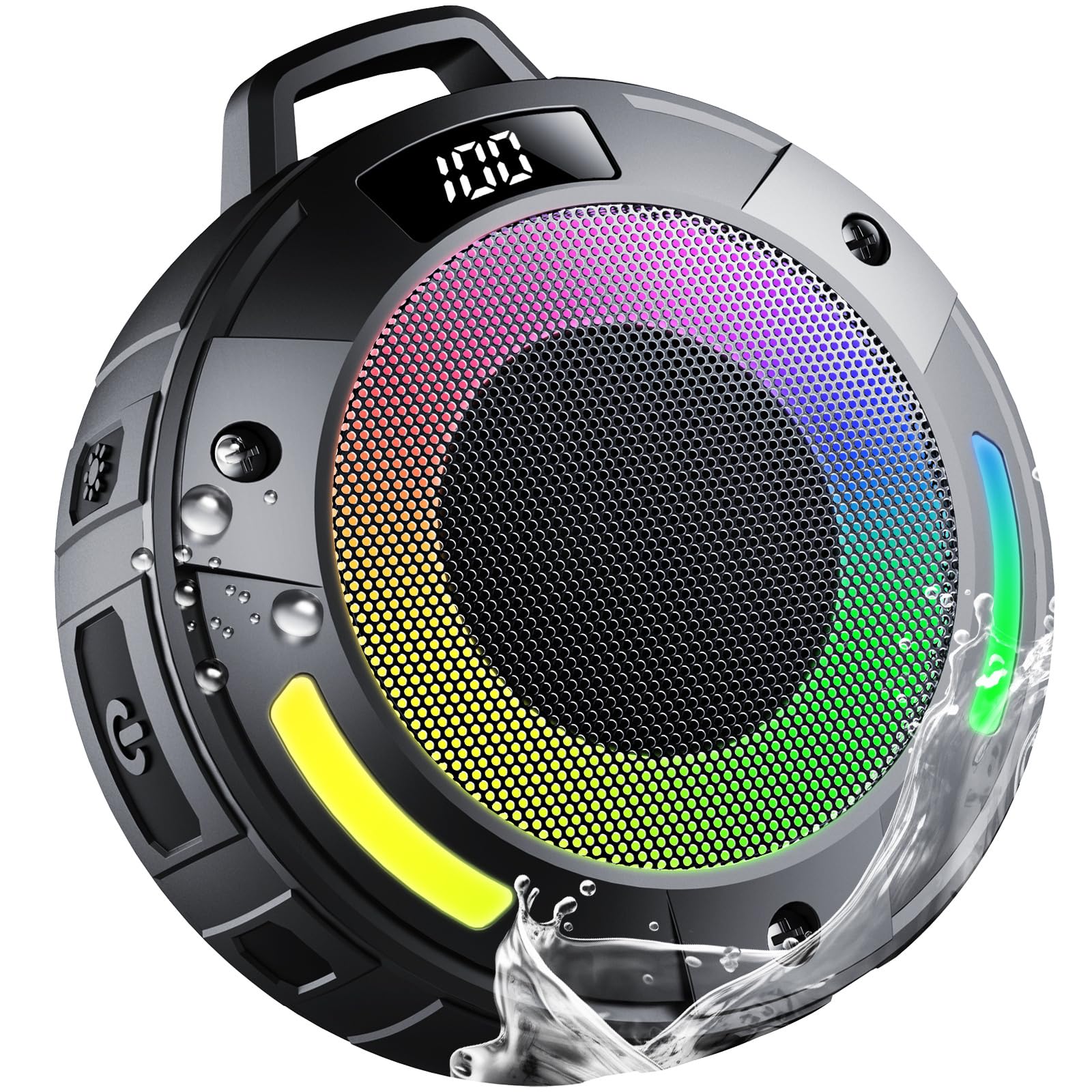
Image 1.1: The aowoka S4-1 Portable Bluetooth Speaker, showcasing its compact design.
2. Package Contents
Please check the package for the following items:
- 1 x aowoka S4-1 Portable Bluetooth Speaker
- 1 x Type-C Charging Cable
- 1 x Quick Start Guide
3. Product Features
The aowoka S4-1 speaker offers a range of features for enhanced usability and audio quality:
- Crystal-clear HD Audio & Powerful Bass: Equipped with advanced acoustic drivers, a high-power full-range driver, and a CD-grade metal bass cone for 360° immersive sound.
- IPX7 Waterproof Durability: Certified IPX7, resistant to rain, dust, snow, splashes, sand, and mud, and can withstand brief submersion.
- Long-lasting Battery Life: Features a 1000mAh battery providing up to 9 hours of playback.
- Built-in Microphone: Noise-canceling technology enables clear hands-free calls.
- RGB Light Show: Seven dazzling color lights and multiple ambient lighting effects that synchronize with music. Lights can be turned off.
- TWS Mode Support: Allows pairing two S4-1 speakers for true wireless stereo sound.
- Digital Display: Shows battery level when paused.
- Detachable Hook: For convenient portability and hanging.

Image 3.1: Overview of the speaker's main features including 360° sound, IPX7 waterproofing, and RGB lights.
4. Setup
4.1 Charging the Speaker
- Connect the provided Type-C charging cable to the charging port on the speaker.
- Connect the other end of the cable to a USB power adapter (not included) or a computer's USB port.
- The LED indicator will show charging status. A full charge typically takes approximately 2-3 hours.
4.2 Powering On/Off
- To Power On: Press and hold the Power button for 2 seconds. You will hear an audible prompt, and the LED lights will activate.
- To Power Off: Press and hold the Power button for 2 seconds. You will hear an audible prompt, and the LED lights will turn off.
4.3 Bluetooth Pairing
- Ensure the speaker is powered on and in Bluetooth pairing mode (the LED indicator will flash).
- On your device (smartphone, tablet, computer), enable Bluetooth and search for available devices.
- Select "aowoka S4-1" from the list of devices.
- Once paired, you will hear a confirmation sound, and the LED indicator will stop flashing.
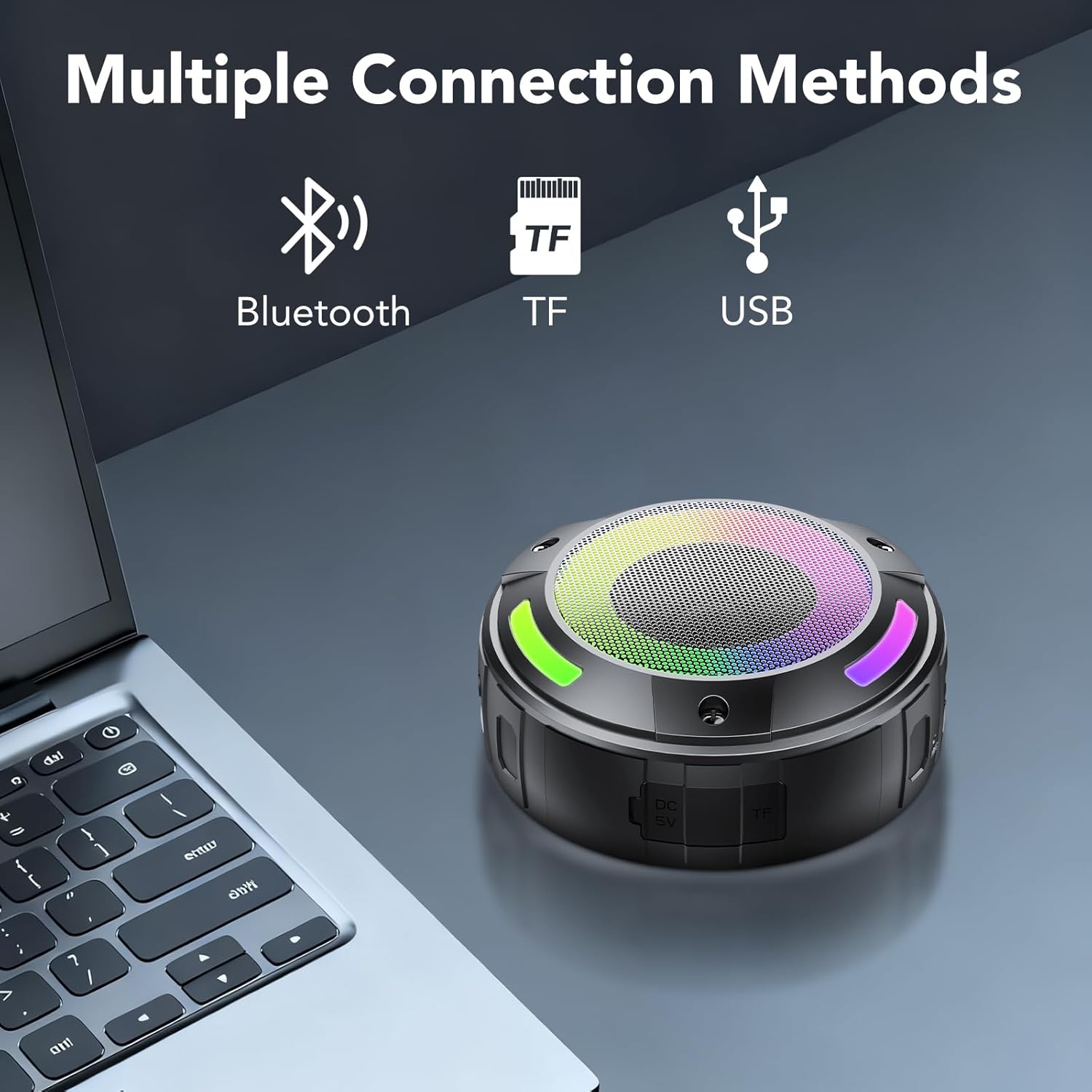
Image 4.1: The speaker demonstrating multiple connection methods, including Bluetooth, TF card, and USB.
5. Operating Instructions
5.1 Button Functions
The speaker features intuitive button controls for various functions:

Image 5.1: Detailed button control diagram for the speaker.
- Power Button:
- Press and hold for 2 seconds: Power On/Off.
- Mode Button (M):
- Press once: Switch between Bluetooth, TF Card, and USB modes.
- Press twice: Initiate TWS pairing (when two S4-1 speakers are present).
- Press and hold for 10 seconds: Reset the speaker.
- Play/Pause Button:
- Press once: Play/Pause music.
- Press once (during incoming call): Answer call.
- Press and hold for 2 seconds (during incoming call): Reject call.
- Press twice (during call): End call.
- Volume Down / Previous Track Button (-):
- Press once: Decrease volume.
- Press and hold for 2 seconds: Go to previous track.
- Volume Up / Next Track Button (+):
- Press once: Increase volume.
- Press and hold for 2 seconds: Go to next track.
- Light Mode Button:
- Press once: Cycle through different light modes.
- Press and hold for 3 seconds: Turn lights On/Off.
5.2 TWS (True Wireless Stereo) Pairing
To achieve a stereo sound experience, you can pair two aowoka S4-1 speakers:
- Ensure both speakers are powered on and not connected to any Bluetooth device.
- On one speaker (this will be the primary speaker), press the Mode button twice. It will enter TWS pairing mode.
- The primary speaker will automatically search for the secondary speaker. Once connected, you will hear a confirmation sound.
- Now, connect your device to the primary speaker via Bluetooth as described in Section 4.3. Both speakers will play audio in stereo.
5.3 Digital Display
The digital display on the speaker shows the battery level. Note that the battery level is only displayed when the speaker is paused or not actively playing music.

Image 5.2: The LED digital display indicating battery level.
6. Maintenance
6.1 Cleaning
- Wipe the speaker with a soft, damp cloth.
- Do not use abrasive cleaners, alcohol, or chemical solvents, as these may damage the surface.
- Ensure the charging port cover is securely closed before cleaning or exposing to water.
6.2 Storage
- Store the speaker in a cool, dry place away from direct sunlight and extreme temperatures.
- If storing for an extended period, charge the battery to approximately 50% every three months to prolong battery life.
6.3 Water Resistance
The speaker is IPX7 waterproof, meaning it can be submerged in up to 1 meter of water for 30 minutes. However, it is not designed for prolonged underwater use. Always ensure the charging port cover is tightly sealed before exposing the speaker to water.

Image 6.1: The speaker in a shower environment, highlighting its IPX7 waterproof rating.
7. Troubleshooting
| Problem | Possible Cause | Solution |
|---|---|---|
| Speaker won't turn on | Low battery; Power button not pressed long enough | Charge the speaker; Press and hold the Power button for 2 seconds. |
| Cannot pair with Bluetooth device | Speaker not in pairing mode; Device Bluetooth off; Speaker already connected to another device | Ensure speaker is in pairing mode (flashing LED); Enable Bluetooth on your device; Disconnect from other devices or reset speaker. |
| No sound | Volume too low; Device not connected; Incorrect mode selected | Increase speaker and device volume; Ensure successful Bluetooth connection; Press 'M' button to switch modes (Bluetooth, TF, USB). |
| Lights not working | Lights turned off | Press and hold the Light Mode button for 3 seconds to turn lights on. |
| TWS pairing failed | Speakers too far apart; One speaker already paired to a device | Ensure speakers are close to each other; Disconnect both speakers from any devices before initiating TWS pairing. |
8. Specifications
| Specification | Detail |
|---|---|
| Model Name | S4-1 |
| Brand | aowoka |
| Speaker Type | Portable Speaker |
| Connectivity Technology | Bluetooth |
| Speaker Maximum Output Power | 20 Watts |
| Product Dimensions | 2.86"D x 2.7"W x 3.95"H |
| Item Weight | 11.7 ounces |
| Waterproof Rating | IPX7 |
| Battery Capacity | 1000mAh |
| Playback Time | Up to 9 hours (with lights off) |
| Included Components | Microphone |
| Material | Plastic |
9. Warranty Information
Specific warranty details are not provided in the product information. Please refer to the retailer's return policy or contact the manufacturer directly for warranty claims and information.
10. Support
For further assistance or inquiries, please refer to the contact information provided with your purchase or visit the official aowoka website.


