
Introduction
This manual provides instructions for the assembly, safe use, and maintenance of your HOMCOM Dining Chairs Set of 2. These chairs feature a farmhouse-style cross-back design and a solid pine wood frame, suitable for dining rooms, kitchens, and other indoor spaces. Please read this manual thoroughly before assembly and retain it for future reference.

Image: HOMCOM Dining Chairs in a dining room setting.
Safety Information
- Read all instructions carefully before beginning assembly and before using the chairs.
- Do not exceed the maximum weight capacity of 264 lbs (120 kg) per chair.
- Ensure all screws and bolts are securely tightened before initial use and periodically check for tightness to maintain stability.
- Place chairs on a level, stable surface to prevent tipping.
- Avoid standing on the chairs. They are designed for seating only.
- Keep children away from the assembly area and ensure all small parts are out of their reach.
- Be cautious not to scratch floors with the chair's feet. Consider using additional floor protectors if needed.
Package Contents
Please verify that all components are present before beginning assembly. If any parts are missing or damaged, contact customer support.
- 2 x Chair Backrests (with cross-back design)
- 2 x Chair Seats
- 4 x Front Legs
- 4 x Rear Legs
- Connecting Bars/Stretchers (for leg support)
- Hardware Pack (screws, bolts, washers, Allen key)
- Instruction Manual (this document)
Setup and Assembly
Assembly is required for these dining chairs. Follow these general steps for proper construction:
- Unpack and Identify Parts: Carefully remove all components from the packaging. Lay them out on a clean, soft surface to prevent scratches. Compare all parts with the package contents list.
- Attach Legs to Seat: Secure the front and rear legs to the underside of the chair seat using the provided hardware. Do not fully tighten screws at this stage.
- Attach Connecting Bars: Install the connecting bars or stretchers between the legs to provide additional stability. Again, do not fully tighten.
- Attach Backrest: Connect the chair backrest to the seat and rear legs using the appropriate hardware.
- Final Tightening: Once all components are loosely assembled, place the chair on a level surface. Sit on the chair briefly to ensure all parts settle into place. Then, systematically tighten all screws and bolts evenly until secure. Do not overtighten.
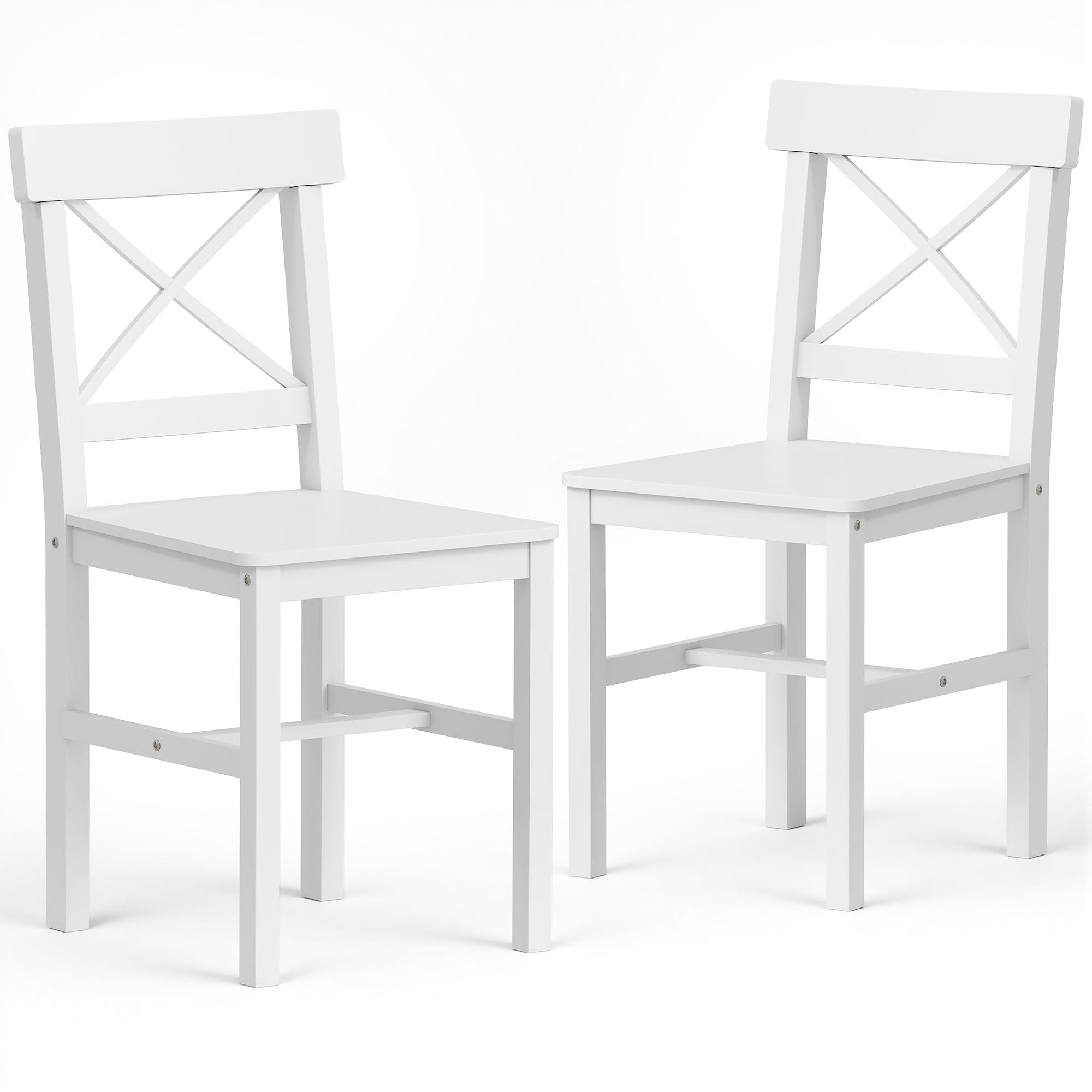
Image: Assembled HOMCOM Dining Chair.
Operating Instructions (Usage)
These HOMCOM dining chairs are designed for comfortable and functional seating in various indoor environments.
- Intended Use: The chairs are suitable for dining rooms, kitchens, study areas, and cafes.
- Comfort: The unique cross-back design is engineered to provide back support for comfortable seating.
- Space-Saving: The armless design allows the chairs to be neatly positioned under most dining tables or desks when not in use, optimizing space.
- Weight Limit: Adhere strictly to the maximum weight capacity of 264 lbs (120 kg) per chair.

Image: Chairs in use, providing comfortable seating.

Image: Detail of the cross-back design for back support.
Maintenance
Proper care and maintenance will extend the lifespan of your HOMCOM dining chairs.
- Cleaning: Wipe the chairs clean with a soft, damp cloth. Avoid using harsh chemicals, abrasive cleaners, or polishes that may damage the painted surface.
- Fastener Checks: Periodically inspect all screws and bolts. Re-tighten any loose fasteners to ensure the chairs remain stable and safe.
- Environmental Protection: Protect the chairs from direct sunlight, excessive heat, and extreme temperature changes, which can cause wood to warp or fade.
- Floor Protection: Ensure the non-slip foot pads are intact and in good condition to protect your floors from scratches. Replace worn pads as necessary.
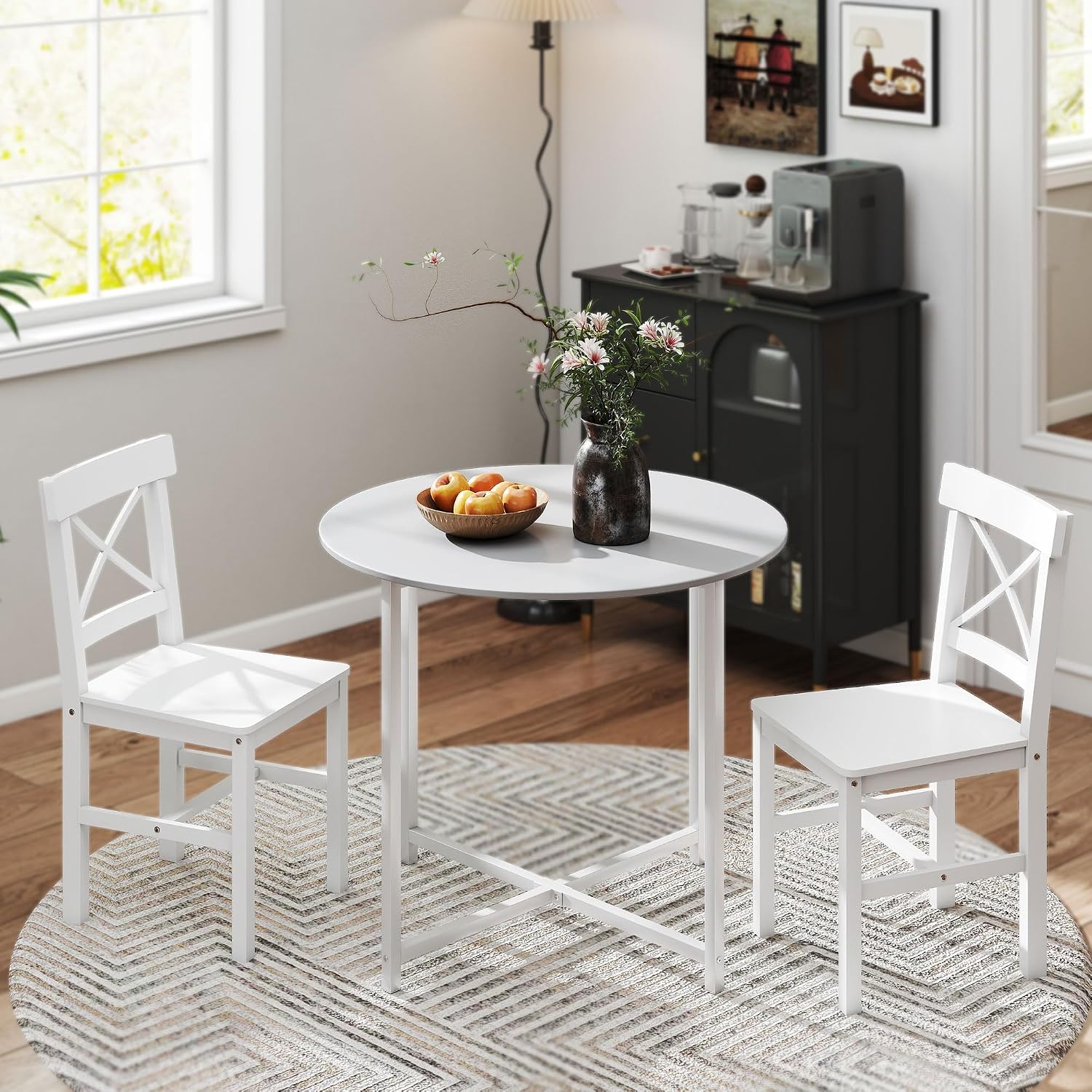
Image: Pine wood frame detail, emphasizing durability.
Troubleshooting
If you encounter issues with your dining chairs, refer to the following common problems and solutions:
Issue: Chair feels wobbly after assembly.
Solution: This often occurs if fasteners are not tightened evenly. Loosen all screws and bolts slightly. Place the chair on a flat surface and sit on it to allow the components to settle. Then, tighten all fasteners evenly and securely, ensuring not to overtighten.
Issue: Scratches appearing on the floor.
Solution: Verify that the non-slip foot pads on the bottom of each leg are correctly installed and are not worn out. Replace any damaged or missing pads to protect your flooring.
Issue: Difficulty aligning parts during assembly.
Solution: Ensure you are using the correct hardware for each connection as indicated in the assembly instructions. Do not force parts together. If a part seems misaligned, re-check the orientation and ensure no other parts are overtightened, which could prevent proper alignment.
Specifications
| Brand | HOMCOM |
| Model Number | 835-911V02WT |
| Color | White |
| Material | Pine Wood |
| Overall Dimensions (per chair) | 16.1" W x 18.5" D x 34.3" H (41 x 47 x 87 cm) |
| Seat Dimensions (per chair) | 16.1" W x 15.9" D x 17.7" H (41 x 40.5 x 45 cm) |
| Weight Capacity (per chair) | 264 lbs (120 kg) |
| Back Style | Cross Back |
| Assembly Required | Yes |
| Unit Count | 2 Chairs |
| Item Weight (Set of 2) | 15.4 Pounds |

Image: Product Dimensions Diagram.
Warranty and Support
For warranty claims, missing parts, or technical assistance, please contact HOMCOM customer support.
- Manufacturer Warranty: 90 Day Warranty Against Manufacturer Defects.
- Manufacturer Contact: Markham, Ontario, CA Tel. 1-416-792-6088
- Online Support: Visit the HOMCOM Official Store for more information and support resources.