Introduction
This manual provides essential information for the safe and efficient use of your OUKITEL G5 Rugged Smartphone. Please read it thoroughly before operating the device.
What's in the Box
Verify that all items are present in your product packaging:
- 1x OUKITEL G5 Rugged Smartphone
- 1 x G5 Mobile Phone Case
- 1 x Charger
- 1 x SIM Card Eject Tool
- 1 x User Manual
Video: Unboxing the OUKITEL G5 Rugged Phone, showing the phone and included accessories.
Setup
SIM Card and Storage Installation
The OUKITEL G5 supports dual SIM cards or one SIM card with a TF card for expanded storage. Use the provided SIM card eject tool to open the SIM tray.

Image: Close-up of the OUKITEL G5 SIM card tray, illustrating the flexible configuration for two Nano SIM cards or one Nano SIM card and one TF (microSD) card for storage expansion.
- Locate the SIM tray on the side of the device.
- Insert the SIM eject tool into the small hole next to the tray and press firmly until the tray pops out.
- Place your Nano SIM card(s) and/or TF card into the designated slots. Ensure they are correctly oriented.
- Carefully push the tray back into the device until it is flush with the side.
Initial Power On
- Press and hold the Power button (located on the side) until the OUKITEL logo appears on the screen.
- Follow the on-screen prompts to select your language, connect to Wi-Fi, and complete the initial setup process.
Operating the Device
Display and User Interface
The OUKITEL G5 features a 6.0-inch HD display with a resolution of 576*1152 pixels and a 60Hz refresh rate. The screen offers up to 450 nits brightness for clear visibility in various lighting conditions.

Image: The OUKITEL G5 displaying a vibrant image on its 6.0-inch HD screen, highlighting its resolution and brightness.
The device runs on Android 14, providing an optimized user experience with enhanced performance and security features.

Image: Graphical representation of the OUKITEL G5 operating system, emphasizing Android 14's benefits in performance, efficiency, privacy, and user experience.
Performance and Storage
Equipped with 16GB of RAM (4GB physical + 12GB expandable via software configuration) and 256GB of internal storage, the OUKITEL G5 ensures smooth multitasking and ample space for applications and media. Storage can be expanded up to 1TB using a TF card.

Image: Visual representation of the OUKITEL G5's memory specifications, including 4GB RAM (12GB extended) and 256GB ROM (1TB expandable).
Camera Features
The OUKITEL G5 features a 13MP main camera and a 5MP front camera. It includes various shooting modes such as Panorama, Portrait, and Beauty to enhance your photography experience.

Image: The OUKITEL G5's camera system, highlighting the 13MP rear camera and 5MP front camera, with example photos.

Image: The OUKITEL G5 demonstrating its Panorama shooting mode, capturing a wide landscape.
Battery and Charging
The device is powered by a 6300mAh battery, offering extended usage times:
- Up to 900 hours of standby time.
- Up to 45 hours of call time.
- Up to 8.5 hours of video playback.
The OUKITEL G5 also supports reverse OTG charging, allowing it to charge other compatible devices.

Image: The OUKITEL G5 showcasing its 6300mAh battery capacity and various usage durations, along with its reverse charging feature.
Connectivity and Navigation
The OUKITEL G5 supports 4G dual SIM functionality, Wi-Fi 5G, and Bluetooth 5.0. For navigation, it integrates GPS, GLONASS, Beidou, and Galileo systems for precise positioning.
NFC and Google Pay are supported for contactless payments and data transfer.

Image: The OUKITEL G5 highlighting its 3.5mm audio jack and multi-system GPS capabilities for accurate navigation.
Network Compatibility:
- GSM: B2/3/5/8
- WCDMA: B1/B2/B4/B5/B8
- FDD: B1/B2/B3/B4/B5/B7/B8/B12/B17/B18/B19/B20/B25/B26/B28A/B28B/B66
- TDD: B38/39/40/41
Note: Ensure LTE functionality is enabled. This phone supports T-Mobile but not AT&T SIM cards.
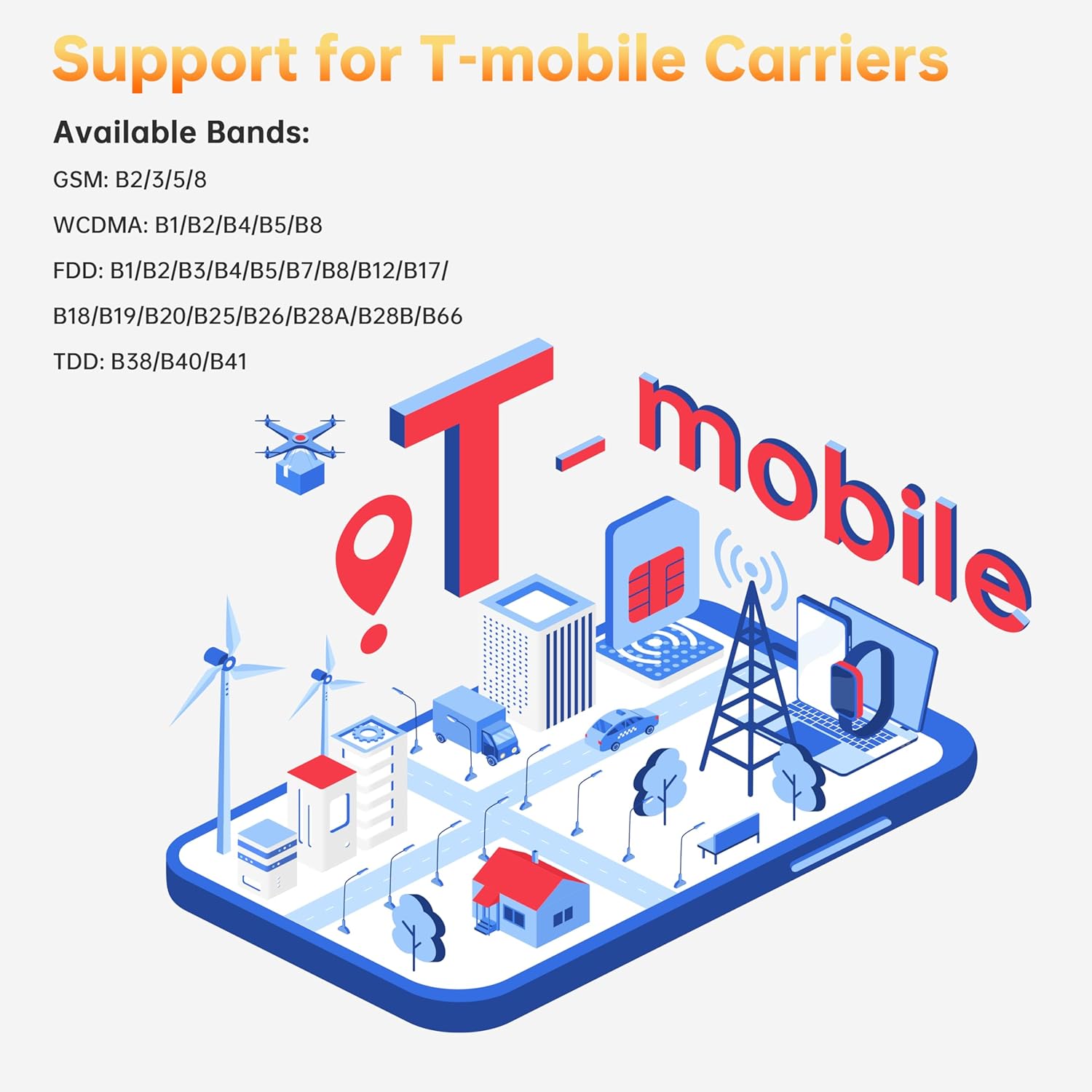
Image: Graphic illustrating the OUKITEL G5's compatibility with T-Mobile carriers and its supported frequency bands.
Security Features
Unlock your device securely using Face ID or the rear fingerprint recognition sensor.
Image: The OUKITEL G5 demonstrating Face ID recognition and its dual SIM card slots.
Camping Light Functionality
The OUKITEL G5 integrates a professional 900-lumen camping light system with three adjustable brightness levels (Full Light: 900LM, Half Light: 600LM, Quarter Light: 400LM) and an SOS flash mode. This feature is designed for outdoor activities, emergencies, and general illumination.

Image: The OUKITEL G5 showcasing its dual 900-lumen camping lights, with illustrations of SOS flash, super flash, and different brightness levels.
Video: A demonstration of the OUKITEL G5's camping light feature, showing its brightness and utility in various scenarios.
Custom Quick-Access Buttons
The device features customizable quick-access buttons that can be configured for various functions, such as starting recording, enabling the flashlight, taking screenshots, activating SOS mode, or launching game mode.

Image: The OUKITEL G5 highlighting its custom quick-access buttons and their potential functions like recording, flashlight, screenshot, SOS, and game mode.
Ruggedness and Durability
The OUKITEL G5 is engineered for demanding environments, certified with IP68/IP69K ratings for water and dust resistance, and meets MIL-STD-810H standards for shockproof durability.
- Waterproof: Withstands immersion in 1.5 meters of water for up to 30 minutes.
- Dustproof: Fully protected against dust ingress.
- Shockproof: Designed to endure multiple drop tests from various angles, corners, and edges.
- Temperature Resistance: Operates reliably in extreme temperatures ranging from -20°C to 55°C.

Image: The OUKITEL G5 illustrating its shockproof design, IP68 waterproof capability (submerged in water), and IP69K dustproof protection (covered in sand).
Video: A user performing various outdoor tests on the OUKITEL G5, demonstrating its ruggedness against drops and water exposure.
Maintenance
To ensure the longevity and optimal performance of your OUKITEL G5, follow these maintenance guidelines:
- Cleaning: Use a soft, damp cloth to clean the device. Avoid harsh chemicals or abrasive materials.
- Port Protection: Ensure all port covers (USB, headphone jack, SIM tray) are securely closed to maintain water and dust resistance.
- Temperature: Avoid exposing the device to temperatures outside its operating range (-20°C to 55°C) for prolonged periods.
- Charging: Use only the provided charger and cable to prevent damage to the battery and device.
Troubleshooting
If you encounter issues with your OUKITEL G5, refer to the following common solutions:
| Problem | Possible Solution |
|---|---|
| Device not turning on | Ensure the battery is charged. Connect to the charger for at least 15 minutes before attempting to power on again. |
| Poor network signal | Check SIM card installation. Move to an area with better network coverage. Restart the device. Verify network settings. |
| Touchscreen unresponsive | Restart the device. If the issue persists, perform a factory reset (backup data first). |
| Battery draining quickly | Close background applications. Reduce screen brightness. Disable unnecessary features like Wi-Fi, Bluetooth, or GPS when not in use. |
| Apps crashing or freezing | Clear app cache/data. Update the app to the latest version. Uninstall and reinstall the app. |
Specifications
| Feature | Detail |
|---|---|
| Model Name | OUKITEL G5 |
| Operating System | Android 14 |
| Screen Size | 6.0 Inches |
| Resolution | 576*1152 |
| Refresh Rate | 60 Hz |
| RAM Memory | 16 GB (4GB + 12GB Expansion) |
| Internal Storage | 256 GB (Expandable up to 1TB via TF card) |
| Battery Capacity | 6300 Milliamp Hours |
| Main Camera | 13 MP |
| Front Camera | 5 MP |
| Connectivity | Bluetooth 5.0, Wi-Fi 5G, 4G Dual SIM |
| Navigation | GPS, GLONASS, Beidou, Galileo |
| Rugged Certifications | IP68, IP69K, MIL-STD-810H |
| Special Features | 900-lumen Camping Light, Face ID, NFC, OTG, Fingerprint Recognition |
| Item Weight | 0.011 ounces (0.32 Grams) |
| Dimensions | 8.98 x 7.28 x 2.64 inches (Package) |
Warranty and Support
OUKITEL offers a 2-year free maintenance service for your device. For any inquiries or assistance, please contact OUKITEL Official Service. Our dedicated team is available 24/7 to provide expert support.
For more information, visit the OUKITEL Store.


