
1. Introduction
This manual provides instructions for the safe and effective operation of the ANCEL BA101 Plus Car Battery Tester and guidance for the ANCEL Protective Case. Please read this manual thoroughly before use and retain it for future reference.
2. Safety Information
Always wear appropriate eye protection when working with vehicle batteries. Batteries can produce explosive gases. Ensure adequate ventilation. Avoid sparks or flames near the battery. Do not touch battery acid. Keep the device dry and clean. Do not attempt to disassemble or modify the tester.
3. Product Overview
3.1 ANCEL BA101 Plus Car Battery Tester
The ANCEL BA101 Plus is a professional battery load tester designed to test 6V and 12V lead-acid batteries. It accurately measures Cold Cranking Amps (CCA), internal resistance, voltage, State of Health (SoH), and State of Charge (SoC). It also performs cranking and charging system analysis.
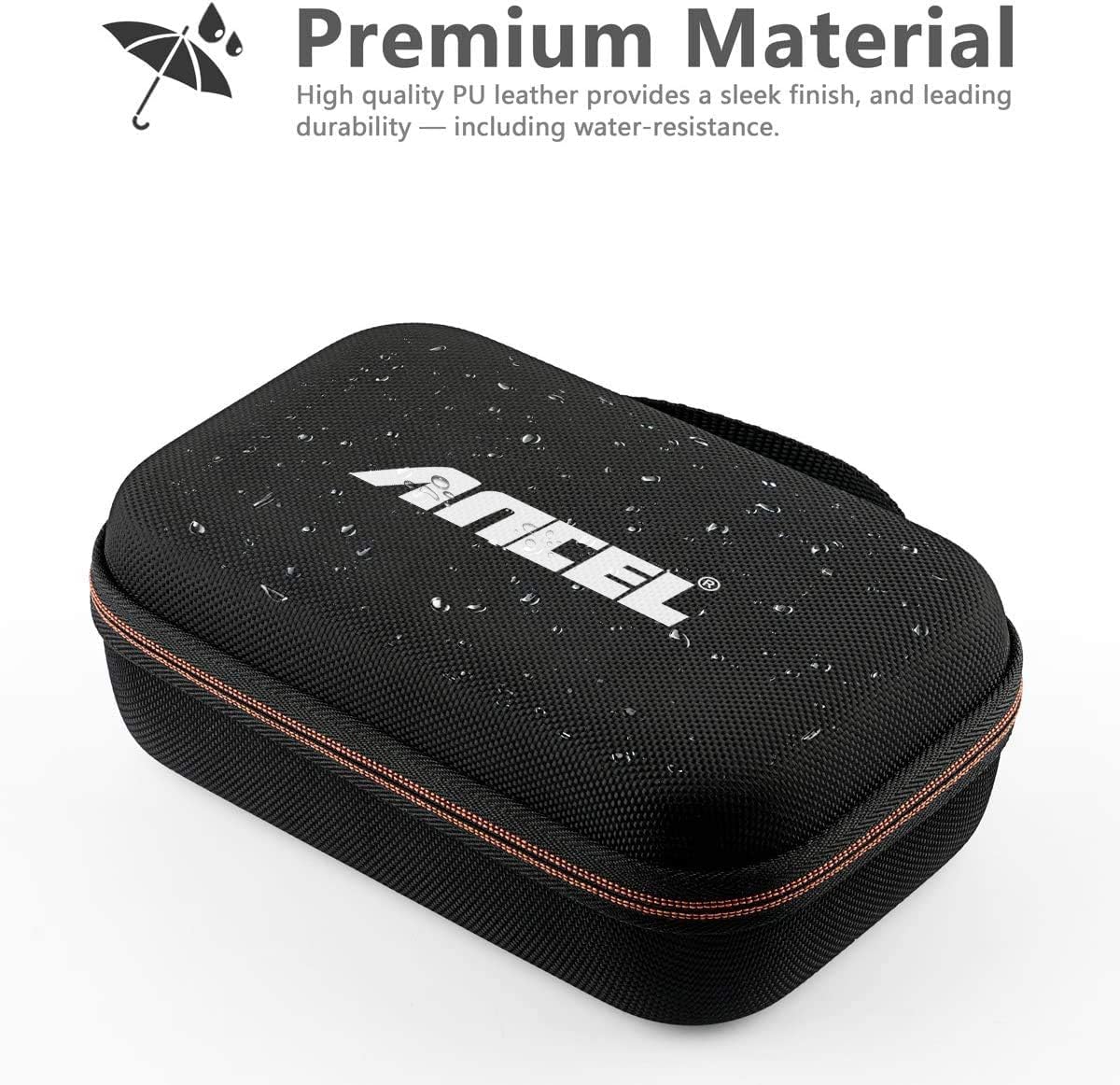
Image: The ANCEL BA101 Plus tester displayed alongside various 6V and 12V battery types, including AGM Flat Plate, AGM Spiral, EFB, GEL, and Flooded batteries, illustrating its broad compatibility.
Key Features:
- Supports 6V and 12V batteries (20-2000 CCA).
- Compatible with Regular Flooded, AGM Flat Plate, AGM Spiral, and Gel batteries.
- Tests cranking and charging systems.
- High accuracy for reliable results.
- Suitable for various vehicles including cars, motorcycles, trucks, RVs, ATVs, boats, and golf carts.
3.2 ANCEL Protective Case
This custom-fit protective case is designed to store and transport your ANCEL BA101 Plus battery tester and other compatible ANCEL diagnostic tools. It features a durable, water-resistant exterior and an interior pocket for cables and accessories.
Case Dimensions:
- Inner dimensions: 7.9 x 5.5 x 2.4 inches.
- Material: High-quality PU leather.
4. Setup and Connection (Battery Tester)
Follow these steps to connect the ANCEL BA101 Plus battery tester to a vehicle battery:
- Ensure the vehicle ignition is off and all accessories are disconnected.
- Clean the battery terminals to ensure a good connection.
- Connect the red clamp of the tester to the positive (+) terminal of the battery.
- Connect the black clamp of the tester to the negative (-) terminal of the battery.
- The tester will power on automatically.

Image: The ANCEL BA101 Plus battery tester with its red clamp connected to the positive terminal and black clamp to the negative terminal of a car battery.
5. Operating Instructions (Battery Tester)
5.1 Battery Test
This function tests the overall health of the battery.
- From the main menu, select "Battery Test".
- Select the battery type (e.g., Regular Flooded, AGM Flat Plate, AGM Spiral, Gel).
- Select the battery standard (e.g., CCA, JIS, EN, DIN, SAE).
- Input the rated CCA or AH value of the battery, typically found on the battery label.
- Confirm the battery temperature (above or below 0°C).
- The tester will display the results, including CCA, voltage, internal resistance, SoH, and SoC.

Image: The ANCEL BA101 Plus screen showing battery test results, including State of Health (SoH) at 96%, State of Charge (SoC) at 98%, measured CCA, voltage, standard, rated CCA, and resistance.
5.2 Cranking Test
This test evaluates the vehicle's starting system, including the starter motor.
- From the main menu, select "Cranking Test".
- Follow the on-screen prompts to start the vehicle.
- The tester will analyze the cranking voltage and duration.
- Results will indicate if the cranking system is normal or if issues are detected.
5.3 Charging Test
This test assesses the vehicle's charging system, including the alternator.
- From the main menu, select "Charging Test".
- Follow the on-screen prompts to run the engine at specified RPMs.
- The tester will measure unloaded voltage, loaded voltage, and ripple voltage.
- Results will indicate if the charging system is normal or if issues are detected.
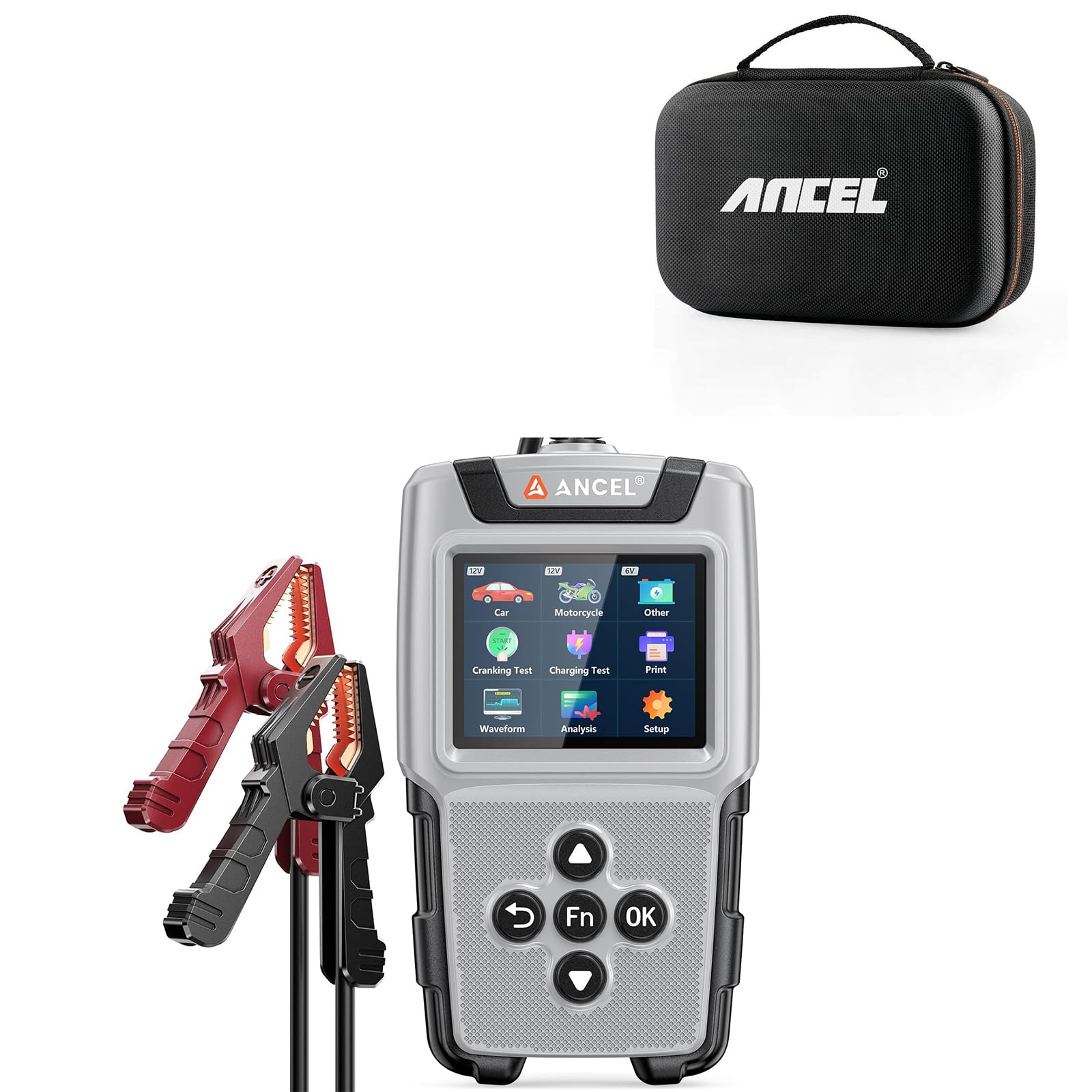
Image: The ANCEL BA101 Plus screen showing options for Car, Motorcycle, and Other battery tests, along with Cranking Test, Charging Test, and Print functions. Below, graphs illustrate a "NORMAL" cranking test result with duration and cranking voltage, and a "NORMAL" charging test result with unloaded, loaded, and ripple voltage readings.
5.4 Waveform Analysis
The tester can display real-time and historical voltage waveforms to visualize battery health over time.

Image: The ANCEL BA101 Plus screen showing two graphs: a "Real-time Curve" displaying current, voltage, and time, and a "Historical Record Curve" showing voltage over time with minimum and maximum values. Below the device, three battery icons are labeled "Bad", "Normal", and "Good" with corresponding colors.
6. Using the Protective Case
The ANCEL Protective Case is designed for safe storage and transport of your ANCEL BA101 Plus and its accessories.
- Open the zipper of the case.
- Place the ANCEL BA101 Plus tester into the main compartment.
- Utilize the interior mesh pocket to store cables, user manuals, or other small accessories.
- Close the zipper securely before transport.

Image: An open ANCEL protective case, showing the ANCEL BA101 Plus battery tester, a user manual, and cables neatly stored within its compartments and mesh pocket.

Image: A diagram illustrating the dimensions of the ANCEL protective case, showing a length of 7.9 inches, a width of 5.5 inches, and a depth of 2.8 inches.
7. Maintenance
7.1 Battery Tester Maintenance
- Keep the tester clean and dry. Use a soft, damp cloth to wipe the exterior.
- Do not use abrasive cleaners or solvents.
- Store the tester in its protective case when not in use to prevent damage.
- Avoid exposing the tester to extreme temperatures or direct sunlight for extended periods.
7.2 Protective Case Maintenance
- Wipe the exterior of the case with a soft, damp cloth.
- Avoid harsh chemicals that may damage the PU leather.
- Ensure the case is dry before storing the tester.
8. Troubleshooting
8.1 Battery Tester Issues
| Problem | Possible Cause | Solution |
|---|---|---|
| Tester does not power on. | Poor connection to battery terminals; battery completely discharged. | Ensure clamps are securely connected to clean battery terminals. Check battery voltage with a multimeter; if extremely low, charge battery first. |
| Inaccurate readings. | Incorrect battery type/standard/CCA input; loose connections; dirty terminals. | Verify battery information entered into the tester. Clean battery terminals and re-establish secure connections. |
| "Bad Cell, Replace" message. | Battery has one or more faulty cells. | The battery is likely beyond repair and requires replacement. |
9. Specifications
9.1 ANCEL BA101 Plus Car Battery Tester
- Voltage Range: 6V - 12V
- Test Range: 20 - 2000 CCA
- Battery Types: Regular Flooded, AGM Flat Plate, AGM Spiral, Gel
- Test Standards: CCA, JIS, EN, DIN, SAE, CA, BCI, MCA, IEC, GB
- Display: Backlit LCD
- Operating Temperature: 0°C to 50°C (32°F to 122°F)
- Storage Temperature: -20°C to 70°C ( -4°F to 158°F)
9.2 ANCEL Protective Case
- Inner Dimensions: 7.9 x 5.5 x 2.4 inches (20 x 14 x 6 cm)
- Material: High-quality PU Leather
- Compatibility: ANCEL BA101, BM300, BM300 PRO, BM200 PRO, AD310, AD410, AD530, VD500, VD700, HD601, BM500, FD500, BD310, FX2000, FX3000.
10. Warranty and Support
For warranty information and technical support, please refer to the official ANCEL website or contact ANCEL customer service directly. Keep your purchase receipt for warranty claims.
Official Website: www.anceltech.com


