
1. Introduction
Thank you for purchasing the ZMISHIBO 50W Ceiling Fan with Light. This modern ceiling fan combines efficient ventilation with adjustable lighting, designed for rooms with low ceilings. This manual provides detailed instructions for installation, operation, and maintenance to ensure safe and optimal performance of your device.

Image: General view of the ZMISHIBO 50W Ceiling Fan with Light, showcasing its compact and elegant design.
2. Safety Information
Please read all safety instructions carefully before installation and use. Retain this manual for future reference.
- Ensure the power supply is disconnected before installation or maintenance.
- Installation must be performed by a qualified electrician.
- Mount the fan securely to a ceiling joist or a suitable support structure capable of holding the fan's weight.
- Do not insert objects into the fan blades while the fan is operating.
- This appliance is for indoor use only.
- Keep children away from the fan during operation.
3. Package Contents
Verify that all components are present and undamaged:
- Ceiling Fan Unit with Integrated LED Strip
- Remote Control (2 AAA batteries included)
- Mounting Hardware (screws, anchors)
- Instruction Manual
4. Product Overview
The ZMISHIBO ceiling fan features a compact design with integrated LED lighting. Key components include the fan motor, LED light panel, and control module.

Image: Technical diagram illustrating the dimensions of the ceiling fan (50L x 50l x 16H cm).

Image: Detailed view of the product showing its dimensions: 49.5 cm diameter and 16 cm height.
5. Setup and Installation
The ZMISHIBO ceiling fan requires assembly and ceiling mounting. Follow these steps for a safe installation.
5.1 Pre-Installation
- Turn off power at the circuit breaker.
- Ensure the mounting location can support the fan's weight.
- Unpack all components and verify against the package contents list.
5.2 Mounting the Bracket
- Attach the mounting bracket to the ceiling junction box using the provided screws. Ensure it is firmly secured.

Image: Illustration of the easy installation process, showing the mounting bracket being attached to the ceiling.
5.3 Wiring
- Connect the fan's electrical wires to the household wiring according to local electrical codes. Match live, neutral, and ground wires.
- Ensure all connections are secure. Caution: Loose connections can cause electrical hazards.
5.4 Attaching the Fan Unit
- Carefully lift the fan unit and attach it to the mounting bracket. Secure it with the provided screws.
- Ensure the fan is stable and does not wobble.
6. Operating Instructions
Your ZMISHIBO ceiling fan can be controlled via the included remote control or a smartphone application.

Image: Remote control and smartphone application interface for controlling the fan and light functions.
6.1 Remote Control Operation
Insert the two AAA batteries into the remote control. The remote allows control over all fan and light functions.
- On/Off: Power the fan and light on or off.
- Fan Speed: Select from 6 fan speeds (1-6).
- Light Color Temperature: Adjust between 3000K (Warm), 4500K (Natural), and 6000K (Cool White). The fan remembers the last setting.
- Brightness Adjustment: Dim the light from 10% to 100%.
- Timer Function: Set a timer for automatic shutdown.
- Forward/Reverse Rotation: Switch between summer (downward airflow) and winter (upward airflow for heat circulation) modes.

Image: Visual representation of the three adjustable light color temperatures: 3000K (Warm), 4500K (Natural), and 6000K (Cool White).
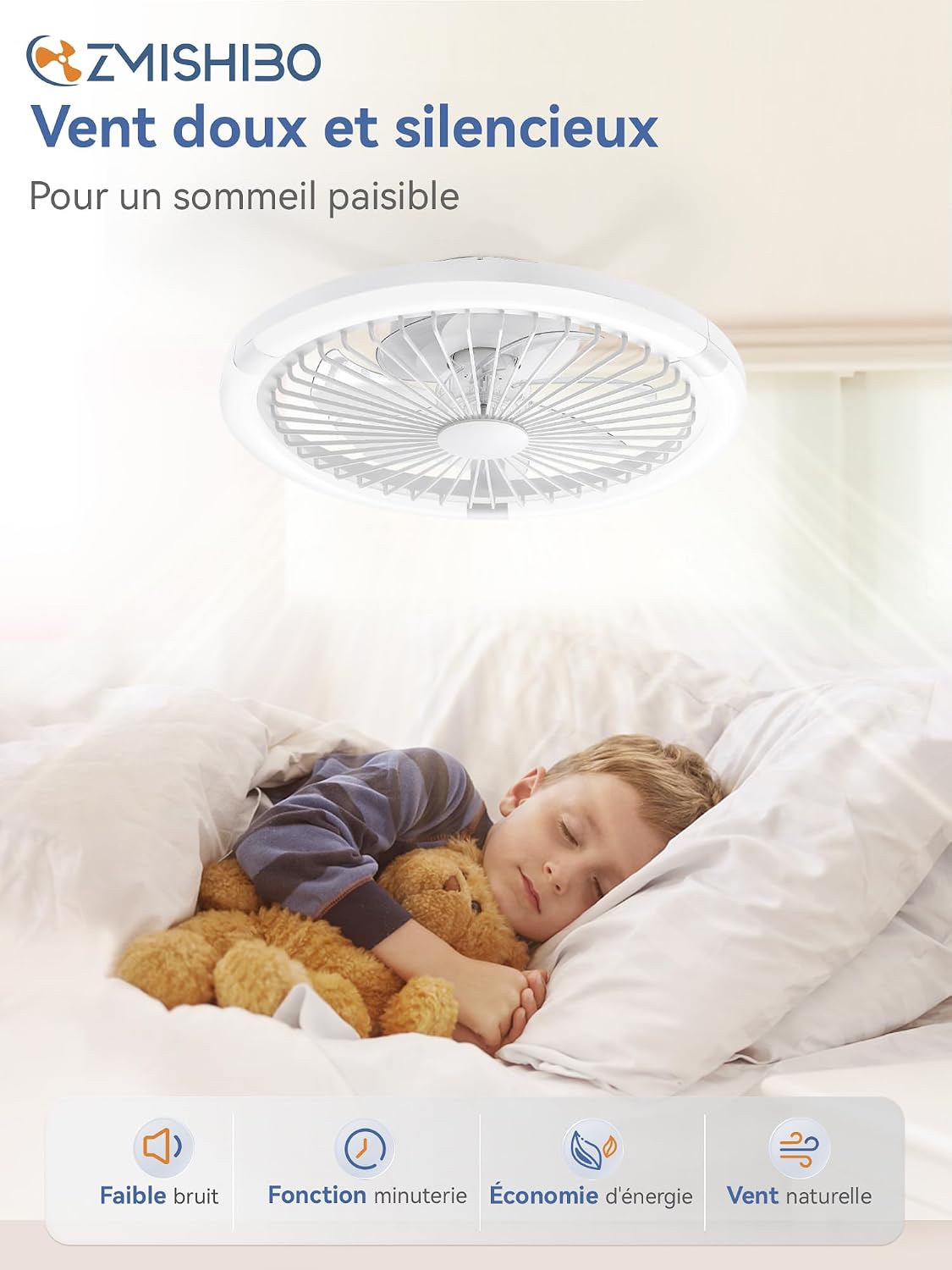
Image: Depiction of the two operational modes: "Fresh air flow in summer" (downward) and "Better circulation in winter" (upward).
6.2 Smartphone Application Control
Download the ZMISHIBO app from your device's app store. Follow the in-app instructions to pair your fan. Bluetooth connectivity is required for initial pairing.
- The app provides the same control functions as the remote control.
- Additional features may include scheduling and advanced settings.

Image: Example of a smart home interface for controlling the ceiling fan's light settings.
7. Maintenance
Regular maintenance ensures the longevity and optimal performance of your ceiling fan.
- Cleaning: Dust the fan and light fixture regularly with a soft, dry cloth. Do not use abrasive cleaners or solvents.
- Blade Cleaning: The fan blades are enclosed. Use a soft brush or vacuum cleaner with a brush attachment to clean the grille.
- Tightening Screws: Periodically check and tighten all screws on the mounting bracket and fan housing.
- Light Source: The LED light source is integrated and not user-replaceable. Contact customer support if the light fails.
Warning: Always disconnect power before cleaning or performing any maintenance.
8. Troubleshooting
Refer to this section for common issues and their solutions.
| Problem | Possible Cause | Solution |
|---|---|---|
| Fan does not turn on. | No power supply; Remote control batteries dead; Incorrect wiring. | Check circuit breaker; Replace remote batteries; Verify wiring connections. |
| Light does not turn on. | No power supply; Remote control batteries dead; Integrated LED failure. | Check circuit breaker; Replace remote batteries; Contact customer support for LED failure. |
| Fan makes excessive noise. | Loose mounting screws; Obstruction in fan blades; Unbalanced fan. | Tighten all mounting screws; Check for obstructions; Ensure fan is mounted level. |
| Remote control not working. | Dead batteries; Remote not paired; Obstruction between remote and fan. | Replace batteries; Re-pair remote (refer to pairing instructions); Ensure clear line of sight. |
| App control not working. | Bluetooth off; App not paired; Wi-Fi connectivity issues. | Ensure Bluetooth is on; Re-pair app with fan; Check Wi-Fi connection. |
9. Specifications
| Feature | Detail |
|---|---|
| Model Number | ZMCF031 |
| Brand | ZMISHIBO |
| Dimensions (L x W x H) | 50 x 50 x 16 cm |
| Material | Plastic |
| Power Source | Corded Electric |
| Fan Wattage | 20 W (DC Motor) |
| Light Wattage | 30 W (LED) |
| Total Wattage | 50 Watts |
| Light Color Temperature | 3000K (Warm), 4500K (Natural), 6000K (Cool White) |
| Brightness Adjustment | 10% - 100% Dimmable |
| Fan Speeds | 6 Speeds |
| Control Method | Remote Control, Smartphone Application (Wi-Fi/Bluetooth) |
| Connectivity Protocol | Wi-Fi |
| Luminous Efficacy | 1000 lm (Max) |
| Energy Label | D |
| Assembly Required | Yes |
| Indoor/Outdoor Use | Indoor |
10. Warranty and Support
For warranty information or technical support, please contact ZMISHIBO customer service. Refer to your purchase documentation for specific warranty terms.
- Return Policy: 30 days (refund/replacement) as per Amazon.fr policy.
- Manufacturer: ZMISHIBO
- Seller: ZMISHIBOUK (Fulfilled by Amazon)
You can visit the ZMISHIBO Store on Amazon for more information or to contact support.


