
1. Product Overview
The Dpofirs AM50pro Aromatherapy Diffuser is a versatile device designed for automatic fragrance release in various small spaces such as offices, bedrooms, and small meeting rooms. Its compact design allows for both desktop placement and wall-mounted installation, saving space. The diffuser features turbocharged direct spray and accurate atomization for efficient and wide fragrance diffusion.
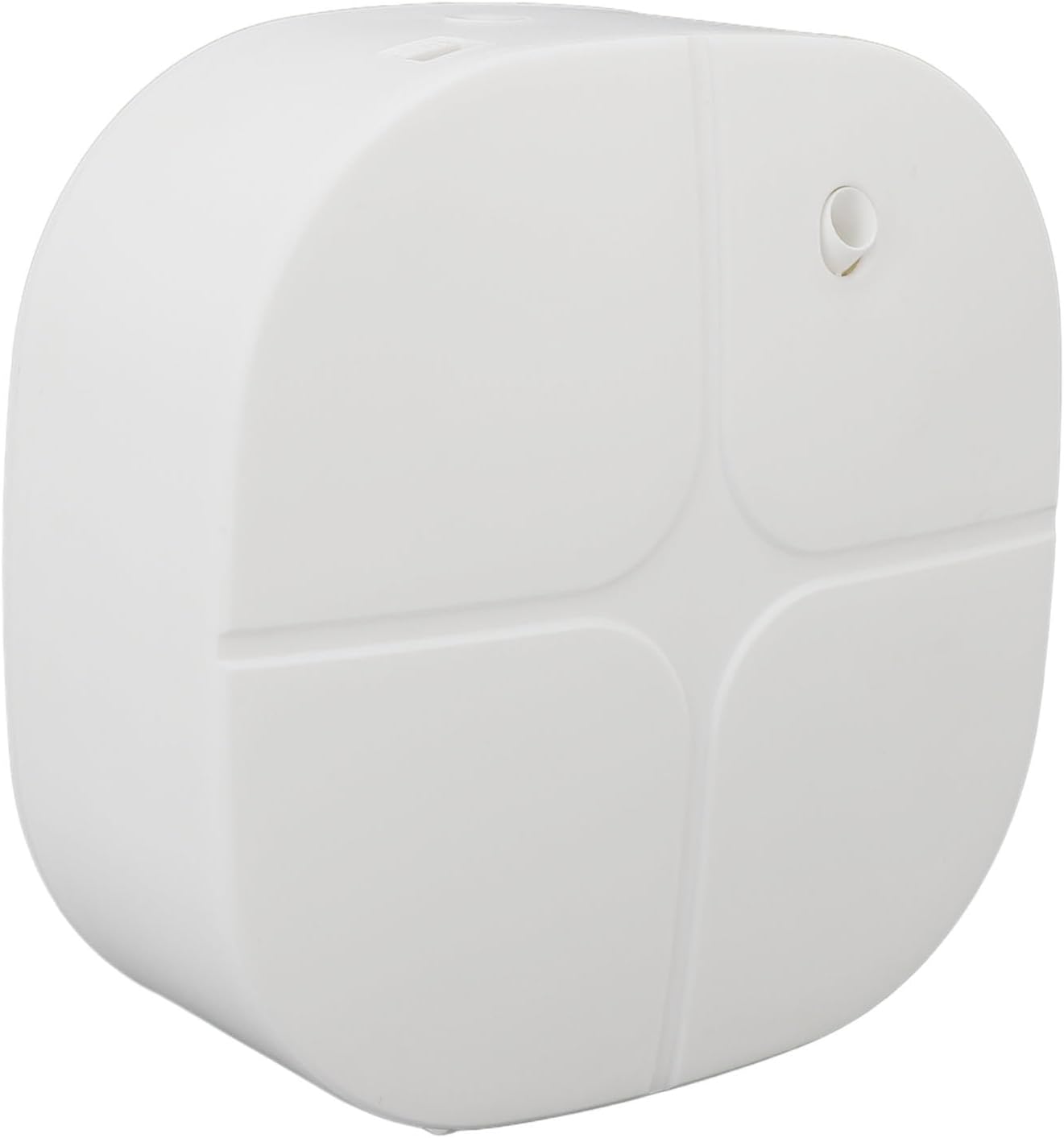
Image: Front view of the Dpofirs AM50pro Aromatherapy Diffuser.
2. Safety Information
- Use pure essential oils only. Do not dilute with water.
- To prevent oil leakage, do not tilt or shake the bottle, and avoid turning it upside down during use.
- Ensure the device is placed on a stable, level surface if not wall-mounted.
- Keep out of reach of children and pets.
- When using batteries, ensure to use Alkaline AA batteries.
3. Package Contents
Please check the package for the following items:
- 1 x Aromatherapy Machine (AM50pro)
- 1 x User Manual
- 1 x Essential Oil Bottle (100ml capacity)
- 4 x Screws
- 2 x Plastic Expansion Tubes
- 1 x USB Cable
- 1 x Self-Adhesive Wall Mount

Image: All components included in the package.
4. Setup Instructions
4.1. Filling the Essential Oil Bottle
- Open the diffuser cover to access the essential oil bottle compartment.
- Carefully pour your desired pure essential oil into the provided 100ml bottle.
- Twist the cap clockwise onto the essential oil bottle until secure.
- Place the filled bottle back into its compartment and close the plastic lid.

Image: Inside view of the diffuser with the essential oil bottle.
4.2. Powering the Device
The AM50pro can be powered via USB or with batteries.
USB Power:
- Connect the provided USB cable to the USB port on the diffuser.
- Plug the other end of the USB cable into a compatible 5V USB power adapter (not included) or a USB port on a computer.
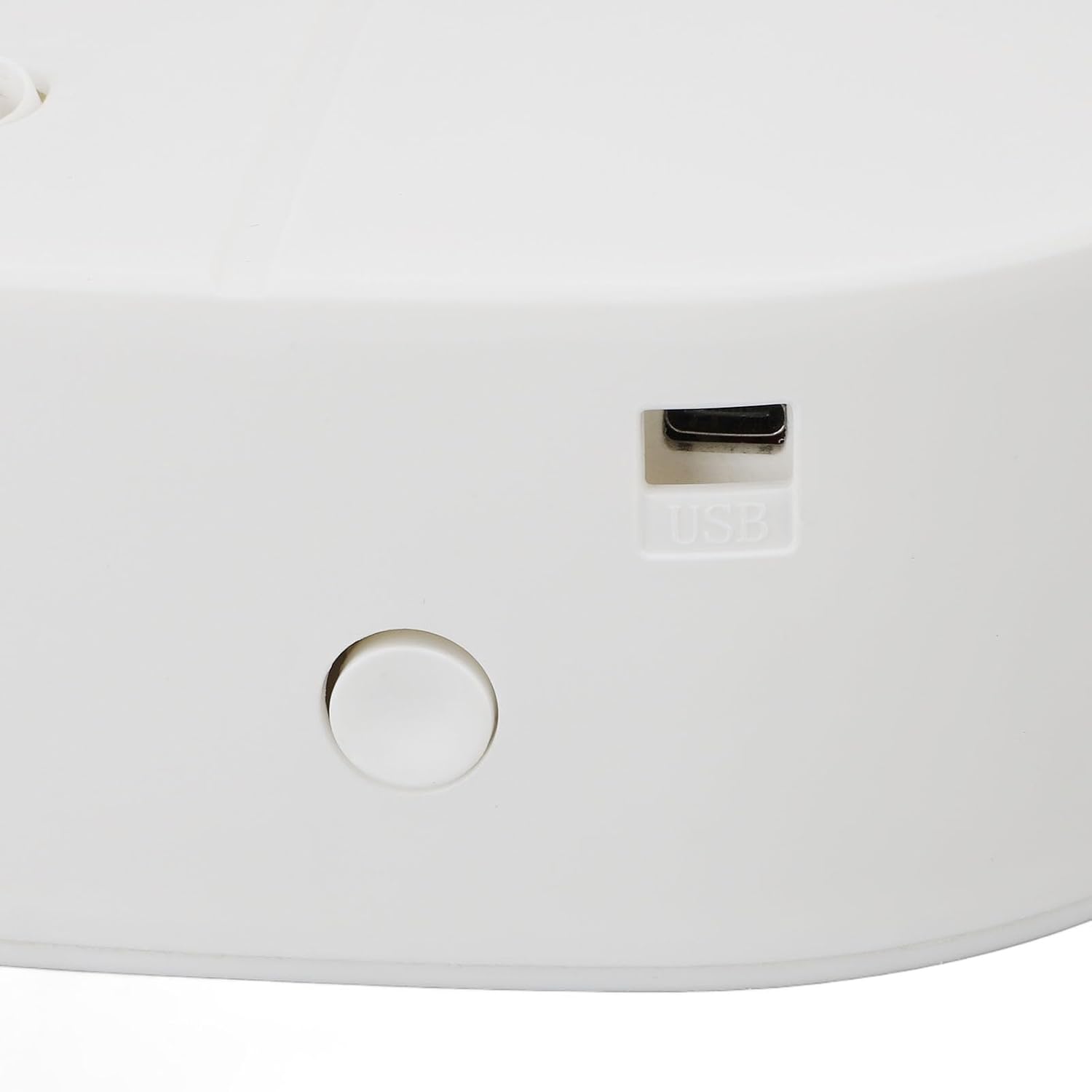
Image: Close-up of the USB power port.
Battery Power:
- Open the battery compartment cover.
- Insert 6 AA alkaline batteries (not included) into the compartment, ensuring correct polarity (+/-).
- Close the battery compartment cover securely.

Image: Battery compartment with alkaline battery warning.
4.3. Placement Options
The diffuser can be used as a desktop unit or wall-mounted.
Desktop Placement:
Simply place the diffuser on a flat, stable surface in your desired location.
Wall Mounting:
- Choose a suitable wall location, ensuring it is within reach of a power source if using USB.
- Use the provided self-adhesive wall mount or screws and plastic expansion tubes to securely attach the diffuser to the wall.
5. Operating Instructions
The AM50pro features automatic fragrance release with timed diffusion intervals. Specific controls for setting these intervals are typically located near the digital display on the device.
- Power On: Once connected to power (USB or batteries), the device should power on automatically or by pressing the main power button (if present). The digital display will illuminate.
- Setting Diffusion Intervals: Use the control buttons (usually labeled 'M', '+', '-') near the digital display to set the desired operating mode and diffusion intervals. Refer to the on-screen indicators for current settings.
- Automatic Operation: The diffuser will release fragrance according to the programmed intervals, providing consistent scent in your environment.
- Power Off: To turn off the device, press and hold the power button or disconnect the power source.
Note: Detailed programming instructions for specific modes and interval settings are typically found on the device's digital interface or accompanying quick start guide.
6. Maintenance
6.1. Refilling Essential Oil
When the essential oil level is low, follow the steps in Section 4.1 to refill the bottle with pure essential oil.
6.2. Cleaning the Diffuser
Regular cleaning helps maintain optimal performance and extends the lifespan of your diffuser.
- Ensure the device is powered off and unplugged before cleaning.
- Remove the essential oil bottle.
- Wipe the exterior of the diffuser with a soft, damp cloth. Do not use abrasive cleaners or immerse the unit in water.
- For the essential oil bottle, you can rinse it with a small amount of rubbing alcohol to remove residue, then air dry thoroughly before refilling.
- Ensure all parts are completely dry before reassembling and powering on the device.
7. Troubleshooting
| Problem | Possible Cause | Solution |
|---|---|---|
| No mist or weak scent |
|
|
| Device does not power on |
|
|
| Oil leakage |
|
|
8. Specifications
| Feature | Detail |
|---|---|
| Model | AM50pro |
| Power Supply | USB DC5V or 6 x AA Batteries (not included) |
| Placement Options | Desktop / Wall Mounted |
| Maximum Coverage Area | 100 m³ |
| Oil Consumption | 1.6ml/Hr |
| Oil Capacity | 100ml |
| Size (Approx.) | 150 x 150 x 62mm / 5.91 x 5.91 x 2.44in |
| Material | PP |
| Noise Level | ≤38dB |
9. Warranty and Support
No specific warranty or support information was provided with this product. Please refer to your retailer or the manufacturer's official website for details regarding warranty coverage and customer support.