
Introduction
The Paladone Astro Bot Icon Light is a decorative light designed to illuminate your space with a soft glow. This officially licensed product features the character Astro Bot, standing approximately 12cm (4.7 inches) tall. It is suitable for placement on shelves, bedside tables, or any area where a subtle light is desired.
This manual provides instructions for the safe and proper setup, operation, and maintenance of your Astro Bot Icon Light.
Setup
Follow these steps to set up your Astro Bot Icon Light:
- Unpack the Light: Carefully remove the Astro Bot Icon Light from its packaging. Ensure all components are present.
- Battery Installation: The light requires 2x AAA batteries (not included). Locate the battery compartment on the underside of the light. Open the compartment, insert the batteries according to the polarity indicators (+/-), and securely close the cover.
- Placement: Place the Astro Bot Icon Light on a stable, flat surface indoors.
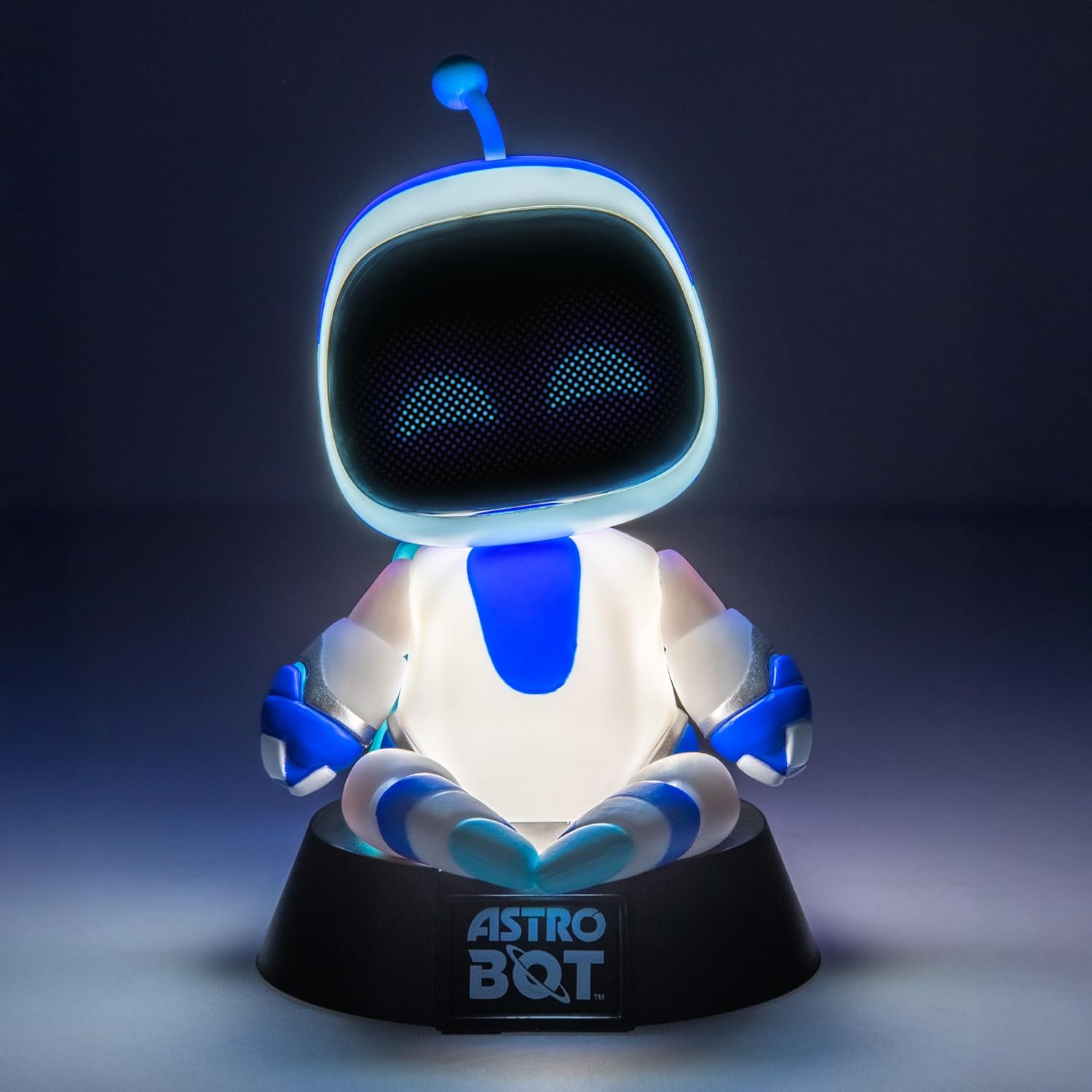
Image: Rear view of the Astro Bot Icon Light, highlighting the battery compartment for AAA battery installation.
Operating Instructions
To operate your Astro Bot Icon Light:
- Power On/Off: Locate the push-button switch, typically on the base or rear of the unit. Press the button once to turn the light on. Press it again to turn the light off.
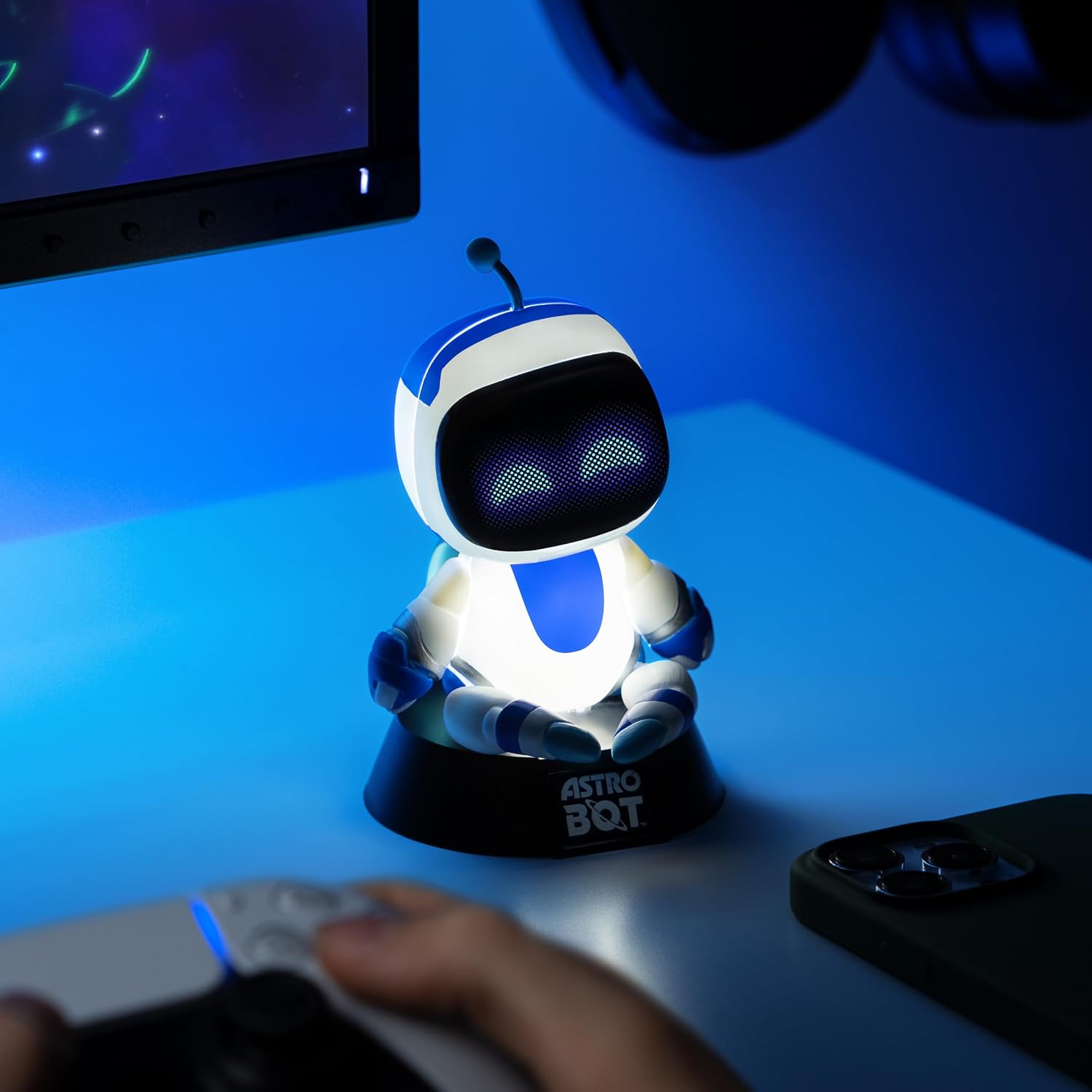
Image: The Astro Bot Icon Light glowing brightly on a desk, demonstrating its operational state.
Maintenance
To ensure the longevity and proper functioning of your Astro Bot Icon Light:
- Cleaning: Wipe the light with a soft, dry cloth. Do not use abrasive cleaners or immerse the unit in water.
- Battery Replacement: If the light dims or stops working, replace the AAA batteries with new ones. Always replace both batteries at the same time.
- Storage: If storing the light for an extended period, remove the batteries to prevent leakage.
Troubleshooting
If you encounter issues with your Astro Bot Icon Light, refer to the following:
- Light does not turn on:
- Ensure batteries are inserted correctly with the correct polarity.
- Replace old batteries with new ones.
- Check that the battery compartment cover is securely closed.
- Light is dim:
- Replace the batteries with new ones.
Specifications
| Feature | Detail |
|---|---|
| Brand | Paladone |
| Model Number | 14356 |
| Product Dimensions (D x W x H) | 3.54"D x 4.13"W x 5.32"H |
| Item Weight | 0.13 kg |
| Material Type | Plastic |
| Light Source Type | LED |
| Power Source | AAA Batteries (2x required, not included) |
| Switch Type | Push Button |
| Indoor/Outdoor Usage | Indoor |
| Color | Multicolor |
| GTIN | 05056577751697 |
Warranty
The manufacturer warranty description states: No warranty.
Please retain your purchase receipt for any potential returns or inquiries with the retailer.
Support
For further assistance or product information, please visit the official Paladone store or contact your retailer.
Paladone Store: Paladone Official Store on Amazon
