
Introduction
Thank you for choosing the CUIFATI 7W 5V ETFE Monocrystalline Portable Solar Panel Charger. This device is designed to provide a portable and efficient power source for your electronic devices using solar energy. Please read this manual carefully before using the product to ensure proper operation and longevity.
Safety Information
- Do not expose the solar panel to extreme temperatures or direct flame.
- Avoid dropping or subjecting the panel to strong impacts.
- Keep the solar panel dry. Do not immerse it in water or other liquids.
- Do not attempt to disassemble or modify the solar panel. This may void the warranty and cause damage.
- Keep out of reach of children.
- Ensure proper ventilation when charging to prevent overheating.
Package Contents
Verify that all items are present in your package:
- 1 x CUIFATI 7W 5V ETFE Monocrystalline Portable Solar Panel Charger
Product Overview
The CUIFATI solar panel is designed for portability and durability, featuring ETFE technology for high temperature resistance. It includes a USB output for direct device charging.
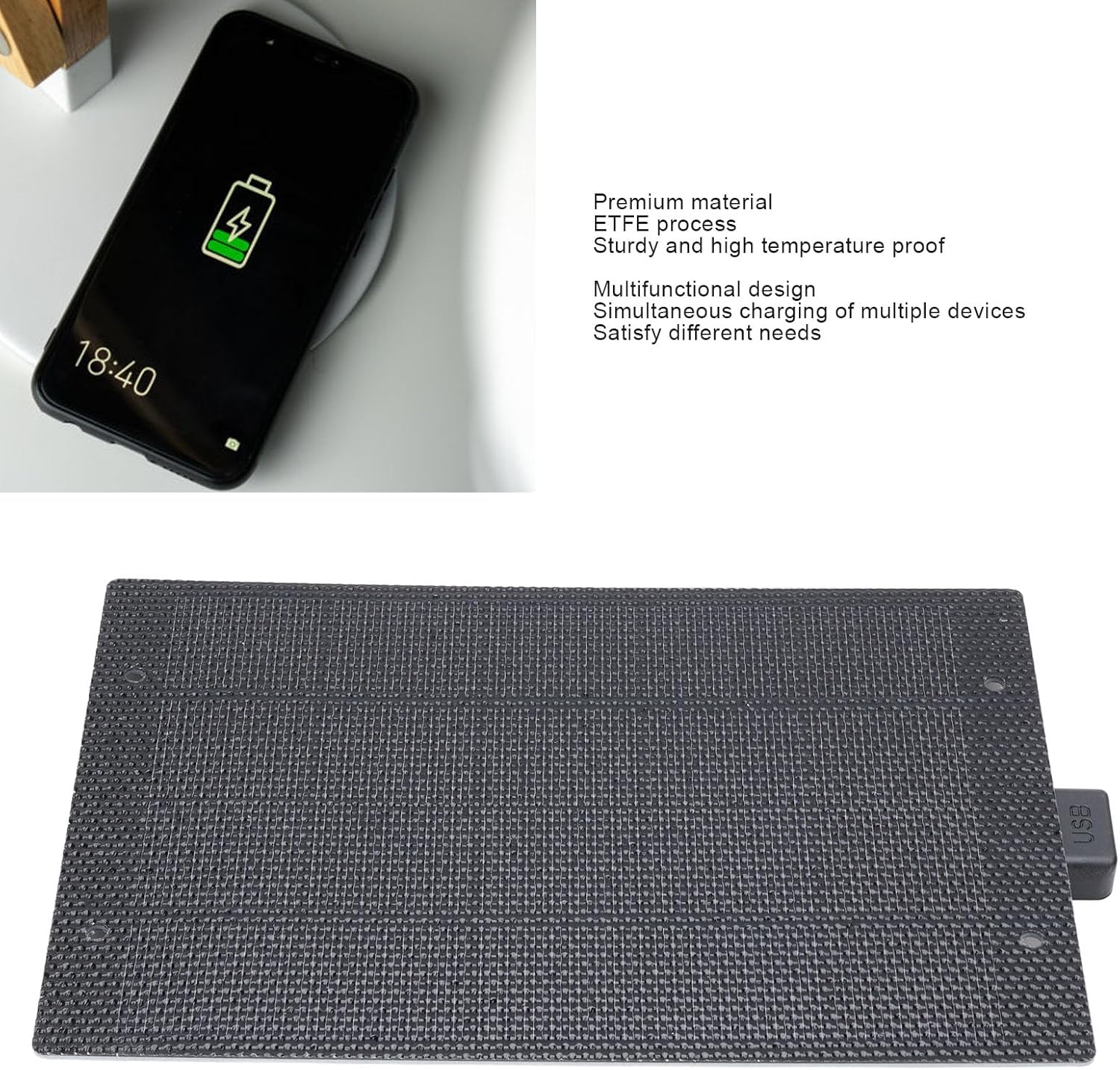
Image: Front view of the CUIFATI 7W 5V ETFE Monocrystalline Portable Solar Panel. This image shows the textured surface of the solar panel.
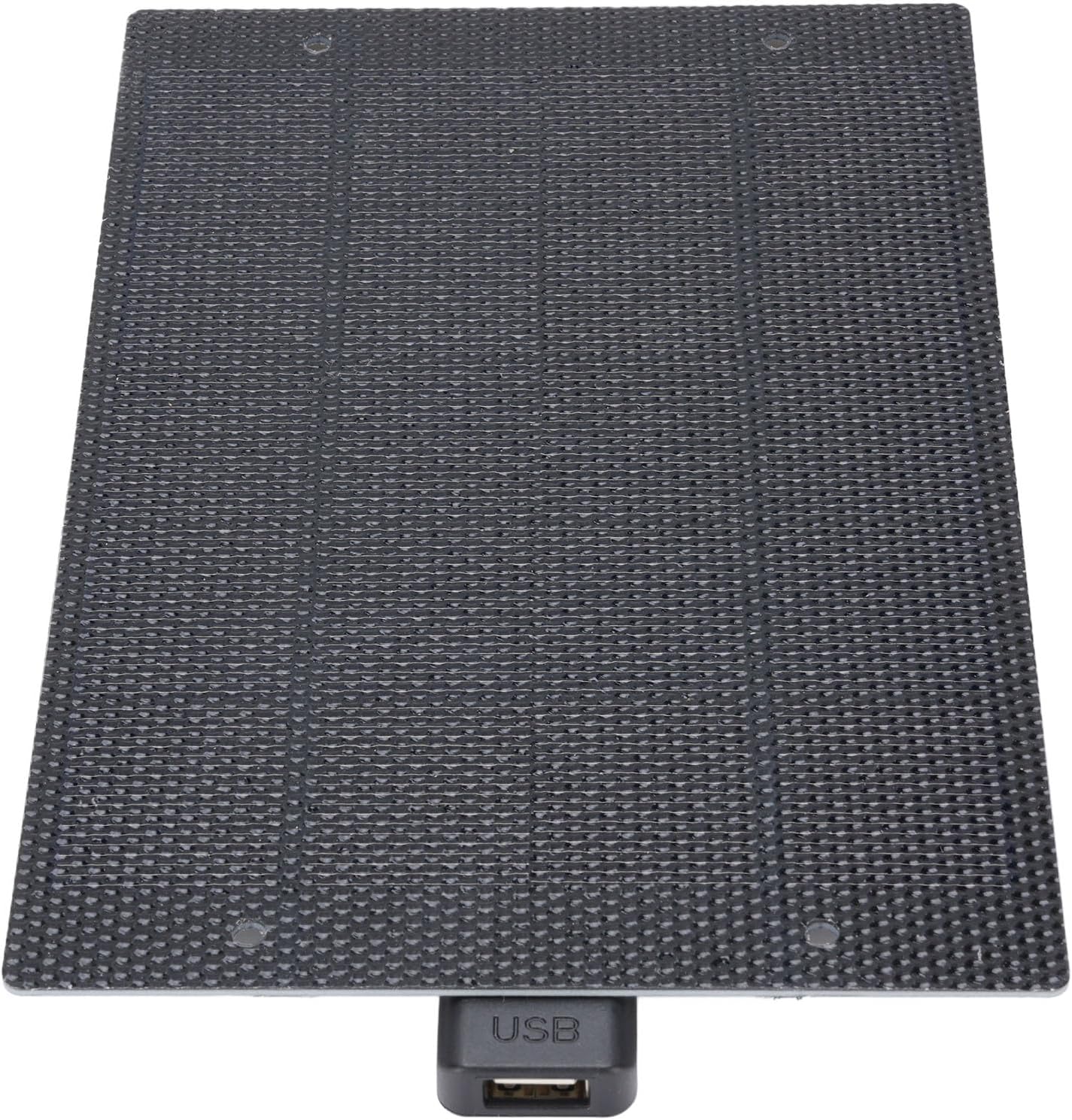
Image: Close-up view of the CUIFATI solar panel showing the integrated USB output port.
Setup
- Unpack the Solar Panel: Carefully remove the solar panel from its packaging.
- Choose a Location: Select a location with direct sunlight. The more direct the sunlight, the more efficient the charging will be. Avoid shaded areas.
- Position the Panel: Place the solar panel facing the sun. For optimal performance, ensure the panel is angled directly towards the sun's rays.
Operating Instructions
To charge your electronic devices using the CUIFATI solar panel:
- Connect Your Device: Plug your device's USB charging cable into the USB output port of the solar panel.
- Place in Sunlight: Ensure the solar panel is exposed to direct sunlight. Charging will begin automatically.
- Monitor Charging: Observe your device's charging indicator to confirm it is receiving power. Charging speed may vary depending on sunlight intensity.
- Optimal Conditions: For best results, use the solar panel on clear, sunny days. Cloudy conditions will reduce charging efficiency.

Image: The CUIFATI solar panel connected via USB cable to a smartphone, demonstrating the charging process.
Maintenance
- Cleaning: Regularly wipe the surface of the solar panel with a soft, damp cloth to remove dust and dirt. A clean surface ensures maximum sunlight absorption.
- Storage: When not in use, store the solar panel in a cool, dry place away from direct sunlight and extreme temperatures.
- Inspection: Periodically inspect the panel and its USB port for any signs of damage or wear.
Troubleshooting
| Problem | Possible Cause | Solution |
|---|---|---|
| Device not charging. | Insufficient sunlight. | Move the solar panel to a location with direct, unobstructed sunlight. |
| Device not charging. | Panel surface is dirty. | Clean the solar panel surface with a soft, damp cloth. |
| Device not charging. | Faulty USB cable or device. | Try using a different USB cable or test with another device to isolate the issue. |
| Slow charging speed. | Partial shading or cloudy weather. | Ensure the panel is in full sunlight. Charging speed is dependent on solar intensity. |
Specifications
| Feature | Detail |
|---|---|
| Item Type | Solar Panel Charger |
| Material | Monocrystalline, ETFE Technology |
| Power Output | 7W |
| Voltage Output | 5V |
| Connector Type | USB 2.0 |
| Model Name | CUIFATIy72e0gx3sn |
| Dimensions | Approximately 198mm x 133mm (7.79in x 5.23in) |

Image: Diagram showing the dimensions of the CUIFATI solar panel, approximately 198mm by 133mm.
Warranty and Support
For warranty information or technical support, please refer to the documentation provided with your purchase or contact Cuifati customer service. Keep your proof of purchase for warranty claims.
Manufacturer: CUIFATI
Brand: Cuifati