
Product Overview
The KAYOTOM M12 4G LTE Push-to-Talk over Cellular (POC) Walkie Talkie provides unlimited range communication wherever cellular signal is available. Designed for business, security, construction, and outdoor use, this device offers crystal-clear audio and robust features without monthly subscription fees. It comes with a pre-installed lifetime free SIM card, ensuring seamless global communication.
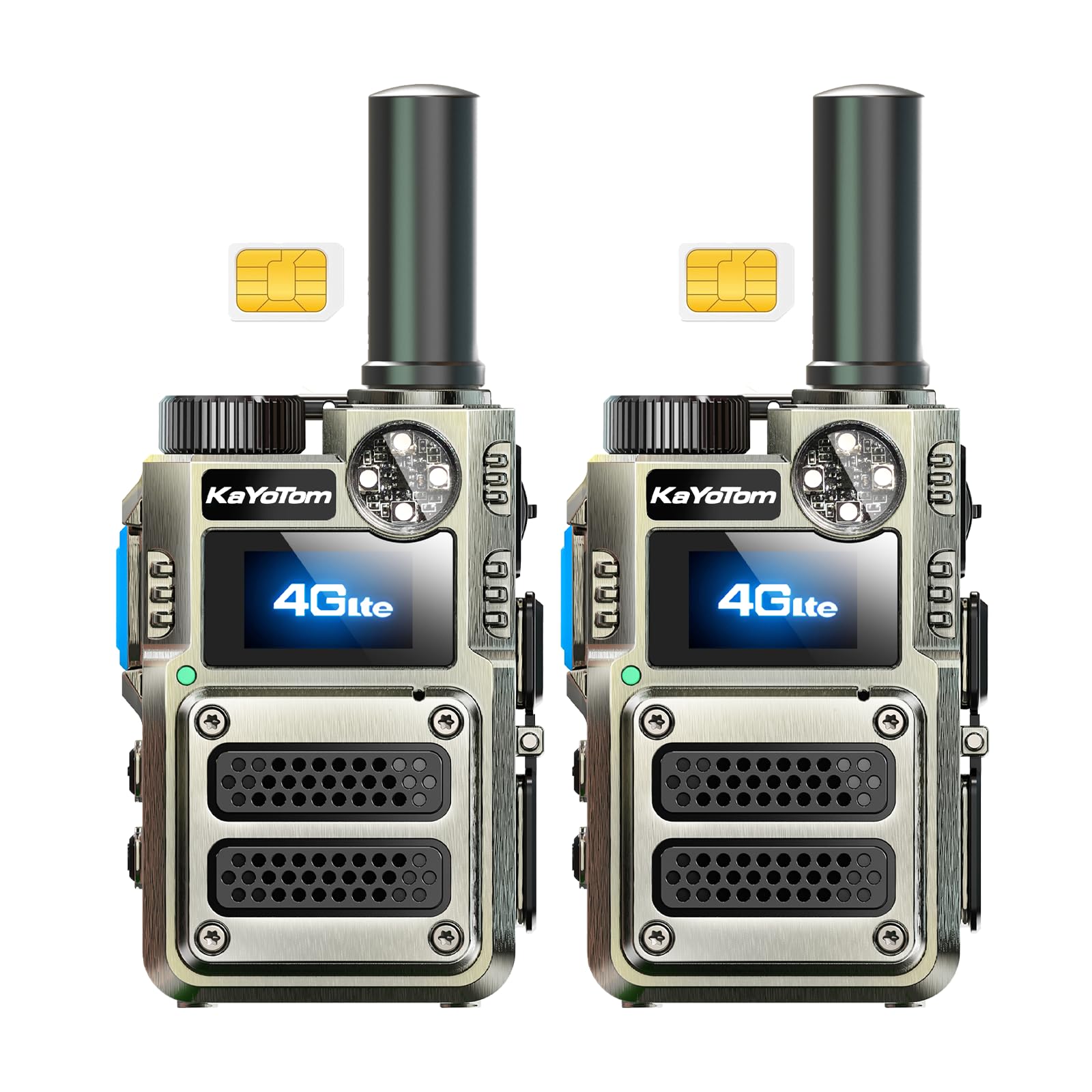
Image: Front view of the KAYOTOM M12 4G LTE POC Walkie Talkie.
What's in the Box
- Antenna
- Belt Clip
- User Manual
- Lanyard
- Battery

Image: Diagram illustrating all components included in the KAYOTOM M12 package.
Setup Instructions
- Install Battery and SIM Card:
Carefully remove the battery cover on the back of the walkie talkie. Insert the pre-installed lifetime free SIM card into the designated slot. Ensure the battery is correctly aligned and securely placed. Reattach the battery cover.

Image: Close-up view of the back of the walkie talkie showing the battery compartment and SIM card slot.
- Attach Belt Clip and Lanyard:
Secure the belt clip to the back of the device using the provided screws. Attach the lanyard to the designated loop for convenient carrying.
- Charge the Device:
Connect the provided USB-C charging cable to the charging port on the device (or directly to the battery if removed). Plug the other end into the charging brick and then into a power outlet. Allow the device to fully charge before first use. The charging port is located on the side of the device.
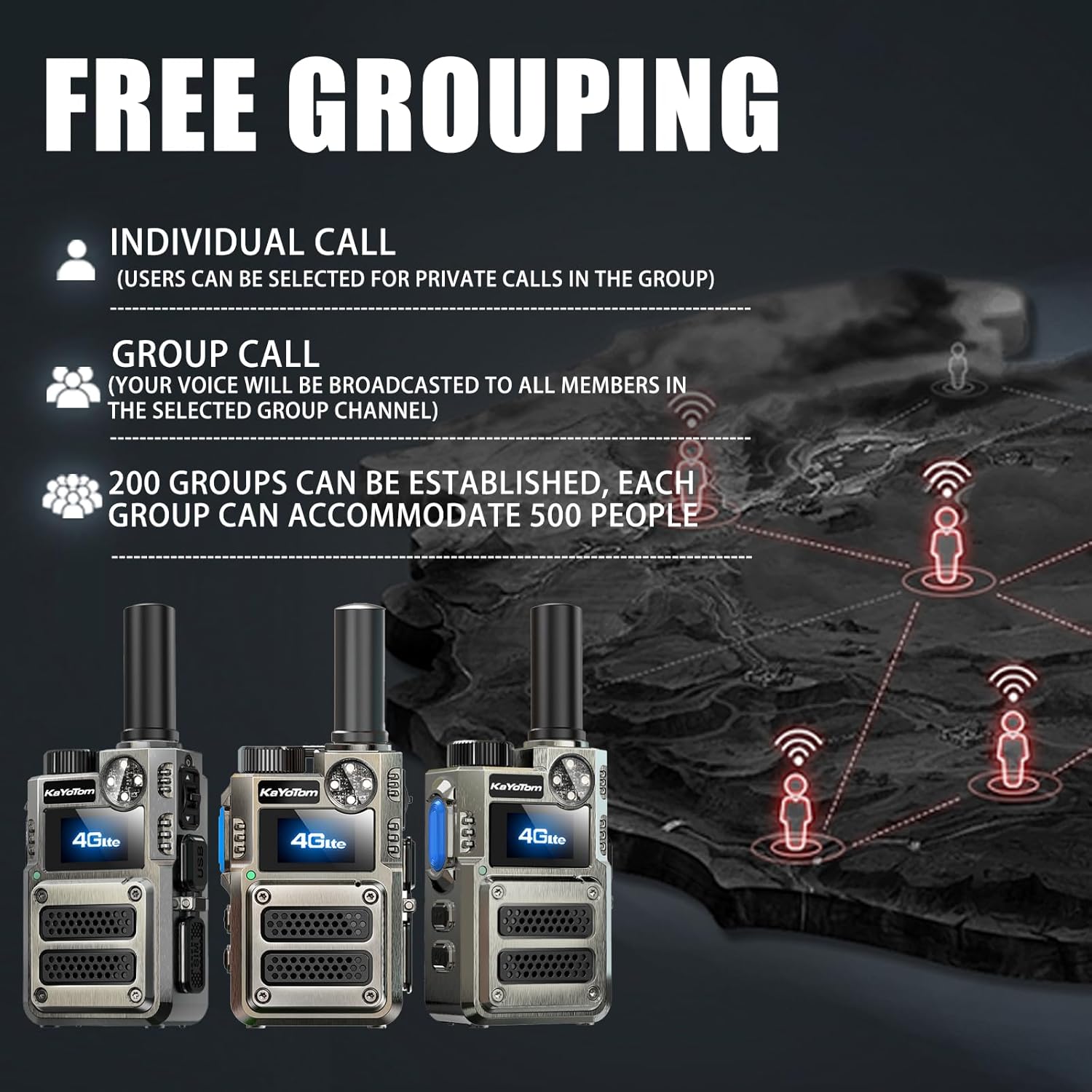
Image: Side view of the walkie talkie highlighting the USB-C charging port.
- Power On:
Rotate the knob switch located at the top of the device clockwise to power it on. The screen will illuminate, and the device will connect to the 4G LTE network. This process may take a few moments.
Video: Demonstrates powering on the walkie talkie and navigating its menu. (Source: Flower walkie-talkie)
Operating Instructions
- Push-to-Talk (PTT) Communication:
Once connected to the network, press and hold the large blue PTT button on the side of the device to transmit your voice. Release the button to listen. Ensure a brief pause before speaking after pressing the PTT button to avoid cutting off the beginning of your message.
Image: Side view of the walkie talkie showing the prominent PTT button.
- Group and Individual Calls:
The device supports both group and individual calls. Use the menu navigation buttons (up/down arrows) to select between different groups or individual members. Your voice will be broadcasted to all members in the selected group channel. For private conversations, select a specific member from your contact list.

Image: Illustration of the 4G LTE intercom supporting single call and group broadcast calls.
- Volume Control and Menu Navigation:
Use the up/down arrow buttons to adjust the volume. These buttons also allow you to navigate through the device's menu options. The clear, menu-driven interface makes it easy to access settings and features.
- Flashlight Function:
The device features a multi-mode glare flashlight (UV/Infrared) with a strobe warning function. Refer to the user manual for specific button combinations to activate and cycle through the flashlight modes.

Image: Multi-function device with white LED, red laser, and purple UV light.
Key Features
- Lifetime Free Service: Enjoy nationwide communication without any monthly fees or hidden costs, thanks to the pre-installed lifetime free SIM card.
- Unlimited Range with 4G LTE POC: Break traditional radio limits. Leverage advanced 4G LTE Push-to-Talk over Cellular (POC) technology for seamless communication across vast distances, wherever cellular signal is available.
- Durable Design: Built with a rugged metal casing, this walkie talkie is resistant to drops and pressure, making it suitable for demanding environments.
- Advanced Noise-Canceling: Experience crystal-clear communication with an advanced noise-canceling speaker that filters out background noise and wind interference.
- Private Earpiece Communication: For discretion or loud settings, plug in the included privacy earpiece for focused conversations.
- Intelligent Group Management: Easily organize your team's communication by pairing radios into intelligent groups. New members can be seamlessly added to existing groups, or different group names can be created for separate channels.
- Multi-mode Flashlight: Features a multi-mode glare flashlight (UV/Infrared) with a strobe warning function for enhanced visibility and safety.

Image: Ultra-sturdy zinc alloy walkie-talkie resistant to drops and pressure.
Specifications
| Brand | KAYOTOM |
| Model Number | M12 |
| Color | Black |
| Number of Channels | 200 |
| Special Features | Battery Saver Mode, Digital Display, Integrated Flashlight, Long Range, Noise Reduction |
| Talking Range Maximum | 100000 Mile |
| Voltage | 4.2 Volts (DC) |
| Water Resistance Level | Not Water Resistant |
| Product Dimensions | 1.22"D x 2.08"W x 2.83"H |
| Number of Batteries | 2 D batteries required. |
| Item Weight | 0.7 Kilograms |
| Compatible Devices | Earpiece |
| Connectivity Protocol | LTE |
| Manufacturer | Kayotom |
Maintenance
- Cleaning: Use a soft, damp cloth to clean the exterior of the device. Avoid using harsh chemicals or abrasive cleaners.
- Battery Care: To prolong battery life, avoid fully discharging the battery frequently. Charge the device regularly, even if not in active use. Store in a cool, dry place.
- Storage: When storing the walkie talkie for extended periods, ensure it is fully charged and powered off.
Troubleshooting
- No Network Connection: Ensure you are within an area with 4G LTE cellular coverage. Check if the SIM card is properly inserted. Restart the device.
- Poor Audio Quality: Verify that the volume is adjusted correctly. Ensure the microphone is not obstructed. Move to an area with better cellular signal.
- Battery Not Charging: Check if the charging cable and adapter are securely connected. Ensure the power outlet is functional. Try charging the battery directly if possible.
- Cannot Communicate with Group/Member: Verify that all devices are powered on and connected to the 4G LTE network. Ensure all devices are assigned to the correct group or that the correct individual member is selected.
Warranty
The KAYOTOM M12 Walkie Talkie comes with a 1-year warranty from the date of purchase. Please retain your proof of purchase for warranty claims. The warranty covers manufacturing defects but does not cover damage caused by misuse, accidents, or unauthorized modifications.
Support
For further assistance, technical support, or warranty inquiries, please refer to the contact information provided in your user manual or visit the official KAYOTOM website. Our customer service team is dedicated to ensuring your satisfaction and providing prompt support for any issues you may encounter.


